I just uploaded my virtual ride, by syncing it from Garmin Connect
Nice Virtual Ride! - Intervals.icu
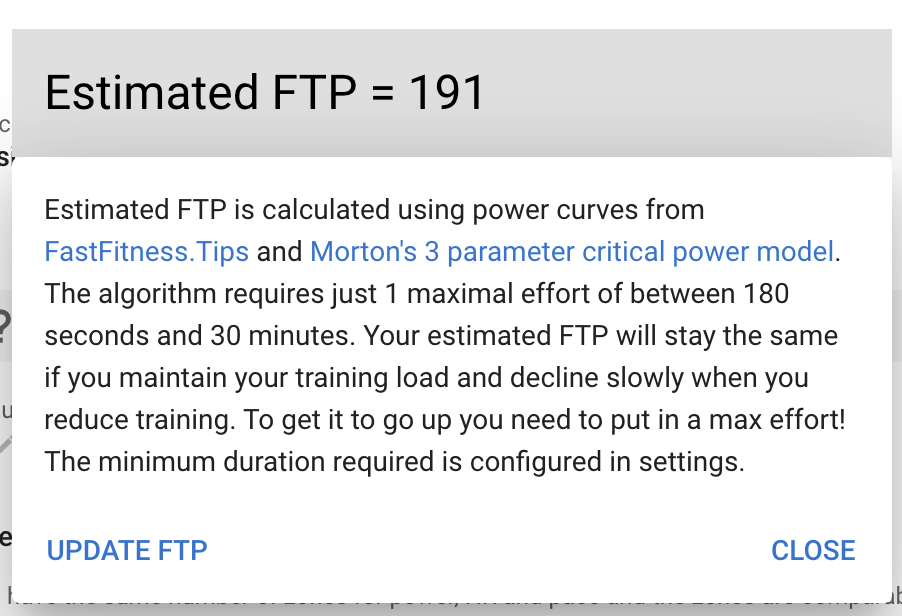
Your estimated FTP has increased by 26w to 191w!
I can see eFTP value
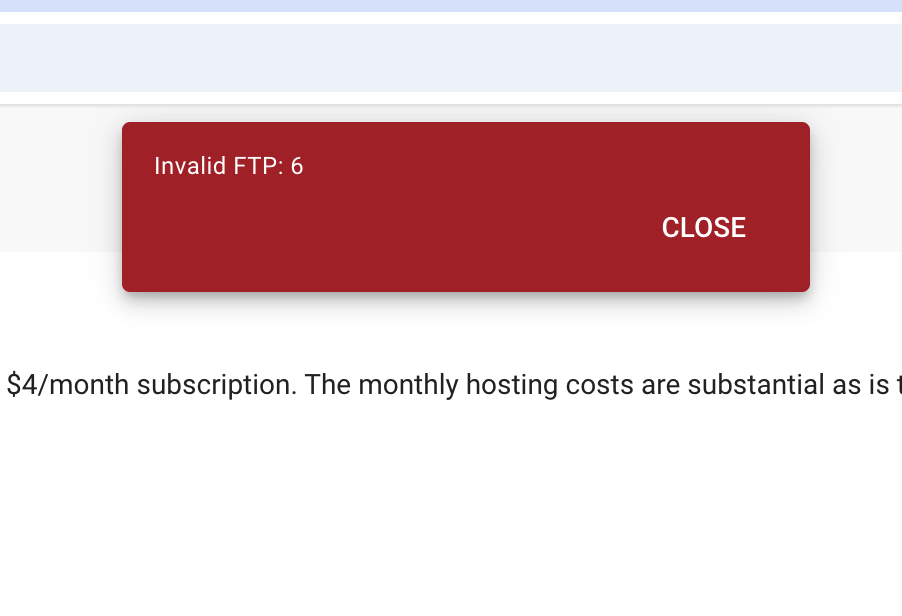
When I’m clicking “Update FTP” button, I’m getting an error:
eva
17 December 2025 13:51
2
I can’t reproduce this bug. What browser are you using?
I’mm using Chrome Version 143.0.7499.41 (Official Build) (arm64)
If I menually set my FTP to the same value of 191, when I’m clicking “Update FTP” I’m getting 200 response from the server and the value were sent are:
eva
18 December 2025 12:21
6
I logged in as you and its working. If you can reproduce this bug, can you provide the exact steps and values you have in every ftp field
Yes, I can. I will try to send steps to reproduce it later today
eva
22 December 2025 06:14
8
This is now fixed! Thanks for reporting