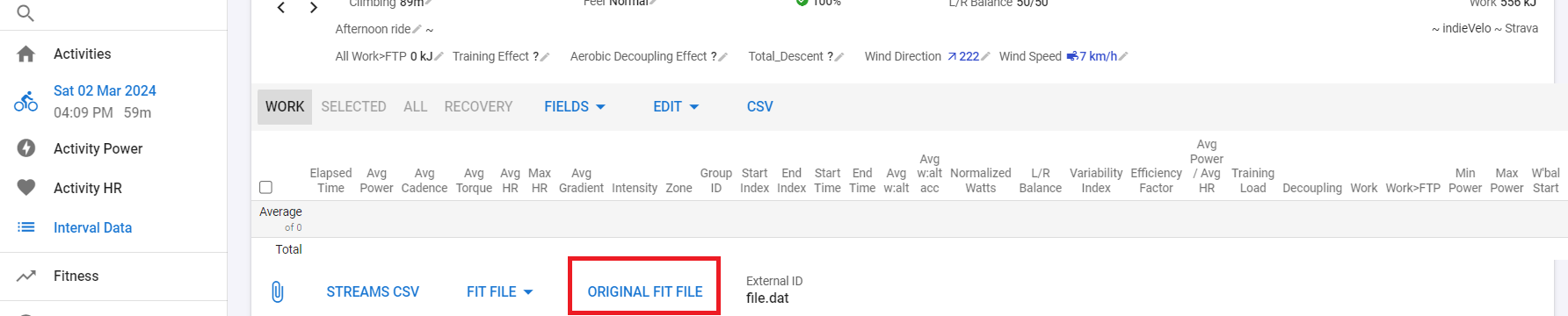
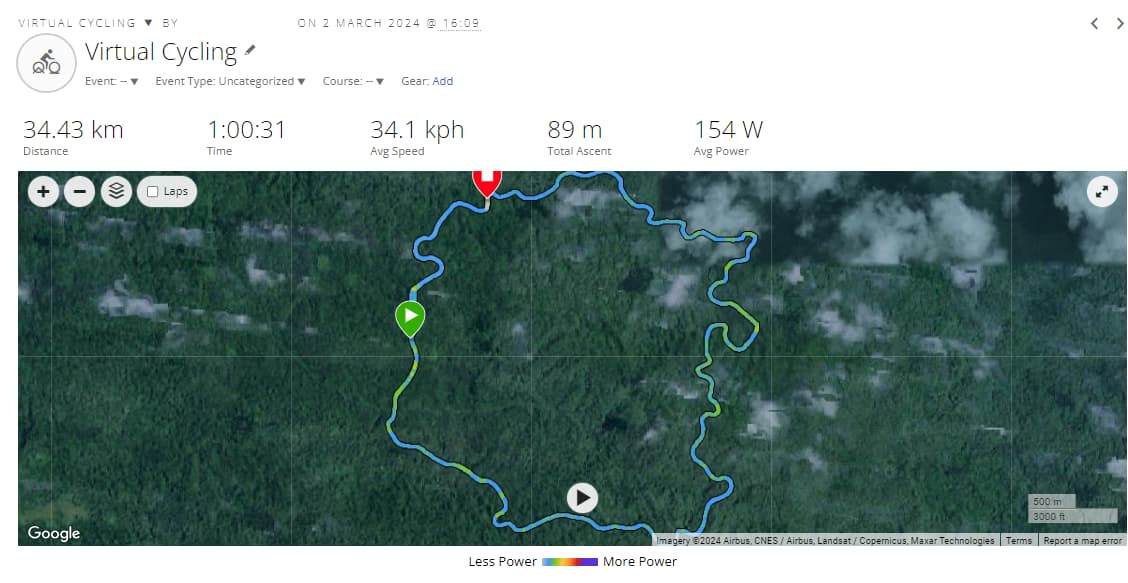
So, I did a workout on Indievelo and it syncs to Intervals. I have downloaded the Fit File from Intervals and want to upload that to Garmin Connect. But Garmin connect says there is an error.
Has anybody had success with getting a fit file from Intervals to Garmin this way? Any tricks?
Did you download the original fit file?
No, I had missed that option - that file works, thanks!
1 Like
Hello, I completed a run and got a new PB, as I saved it my Garmin Epix pro crashed. I plugged my watch into my laptop and managed to get my fit file from there, but it won’t load into Garmin, doesn’t give me any errors, just does nothing but yet it loaded into Strava with no problems. I have tried repairing the fit file which hasn’t worked. I called Garmin and they said there is a current issue when using Pace Pro. The file can’t be that corrupt if it loads into Strava. Can anyone help?
Hello, I have an issue where my watch paused during my run. I started again as soon as I realised. But now it looks like I’ve teleported and distance isn’t correct etc. I’ve run pretty much the same route before, other than the end being different so I tried using the map from that but I can’t seem to fix it. I’ve uploaded the file from today which I want correcting and the one from 18th May so you can see the route of which part has gone wrong. Can anyone fix this for me please before I lose my marbles 
https://drive.google.com/drive/folders/1lwqeLdF5ncWpXWgKK-U7OC_FggfYTs0J
How do you want that fixed???
You can edit the distance in Intervals with the pencil icon next to distance, but that’s about it. Missing data for speed, HR, Power, Cadence can’t be made up.
If the other file is similar enough for all data points, you can load it in Fitfiletools.com and change the date. Then upload that copy with different date in Intervals and you will have the exact same run on both dates.
I wanted to capture as much data from today’s run and cut the missing data from the other run, so only a small amount will be the last runs data
Good luck with that…
You will need very advanced techniques to do that. If it were that simple, Zwift would be crowded by humanly impossible performances.
I opened both and they aren’t wildly different, so I suggest you just use a copy of the complete one as I explained. Then your time/distance/load will be acceptably correct. Just stop using Pause on your device, it only causes problems. Only use it for longer breaks.
I didn’t pause it on purpose 
I’ve managed to do what I was aiming to do thanks for your help