shouldn’t I be able to manually enter values in custom computed fields?
I seem to remember it being possible until not long ago.
now, when I click the little pencil button I get the dialog box to enter a value, but clicking ‘ok’ does not save it.
Agree, these should be changeable.
@david Seems to be a bug, you can’t change custom activity fields anymore
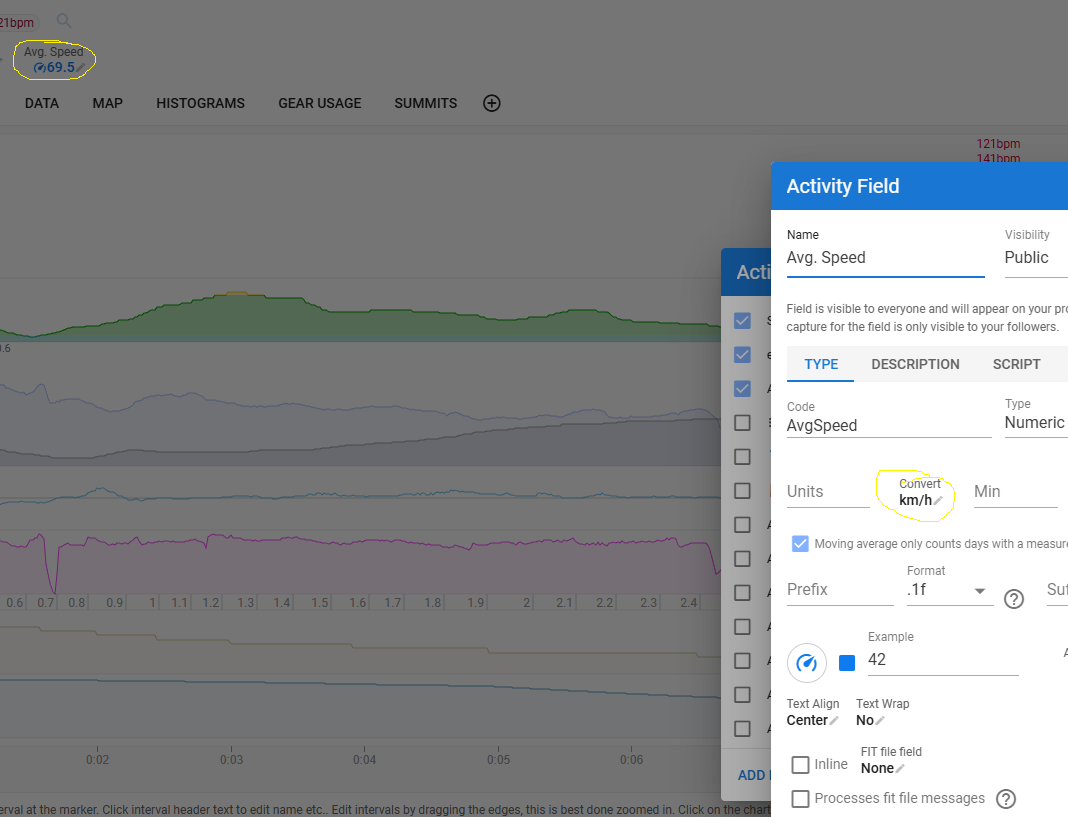
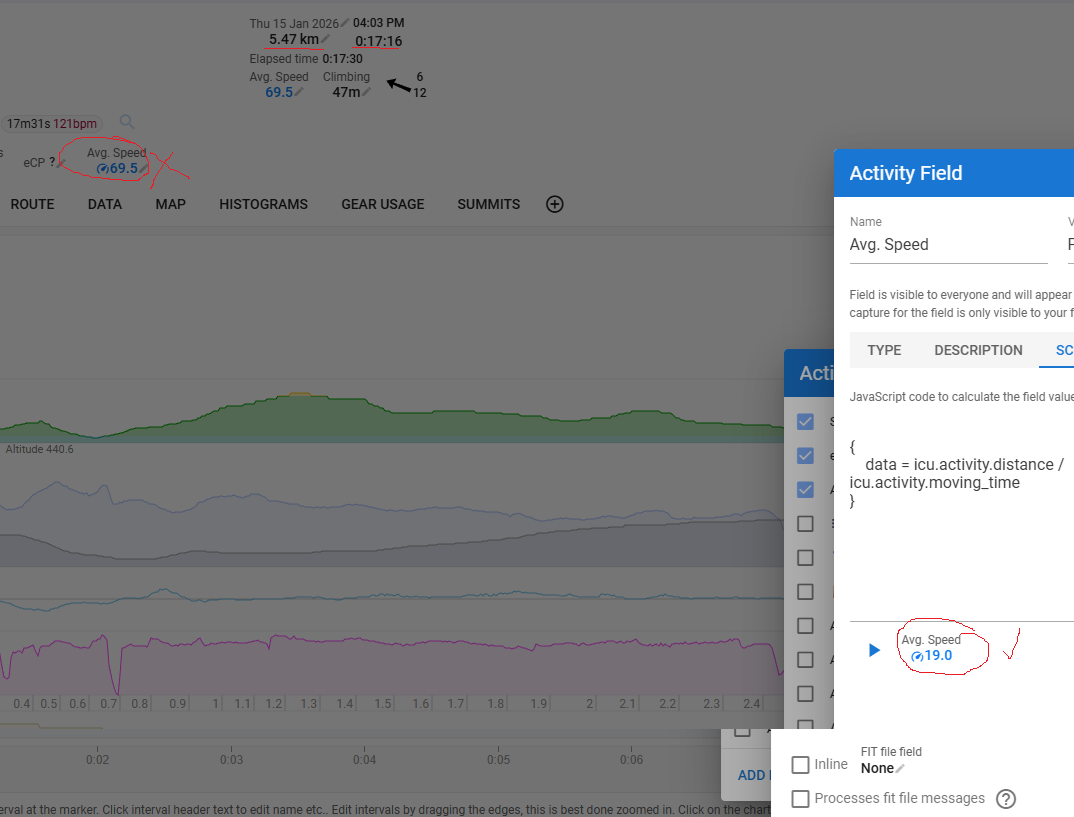
If the field is calculated during analysis (e.g. with a custom script) then whatever value you capture is overwritten by the script. If the field does not have a script e.g, “Borg RPE” then the captured value is kept.
I created a custom activity field with conversion set to km/h and script:
{
  activity.average_speed
}
And it worked correctly. So maybe something specific to that field? The value needs to be meters/second. Can you point me at one of your activities with the field showing the error, then I can have a look.
I see. If I empty the script, then I can enter values.
But for custom fields with scripts, I can’t overwrite after analysing the calculated value. Even if the script is empty like:
{}, then I can’t overwrite it. I think that was different in the past, so that you could even overwrite it after analysis. And from an UX point of view. the pencil doesn’t make sense in this case, if I am not able to change it.
This doesn’t work:
data = icu.activity.distance / icu.activity.moving_time
You can look at any activity, but for example:
i117902877
The field “Test Field” can’t changed (script is empty), and the “New Avg Speed” shows 60 km/h instead of 16 (it is correct inside of the modal if you run it with play button)
On Virtual Rides like
i118141712
The “New Avg Speed” value shows 17km/h instead of 36 km/h. That’s really strange …
I’ve used the “wrong” distance field. It must be:
data = icu.activity.icu_distance / icu.activity.moving_time
Sorry I didn’t spot that. The fact that there are 2 distance fields is an artefact of how Intervals.icu originally integrated with Strava. We should make sure they always how the same value.
If the field has a script (i.e. is calculated using custom Javascript code), then it is no longer editable. The reason for this was re-analysing the activity (which happens frequently) overwrites the manually captured value.
If the field does not have a script then it should still be editable.
Ok, I understand.
But this behaviour changed very recently then?
Recently you could still open the modal view to edit the value, but it didn’t update the value after clicking ok.
If you look at the first post it’s not editable anymore since at least October.
Hi @david ,
After my Zwift rides, I have to manually provide several Garmin data (Training Effect, Ae effect, An effect, Recovery time and Vo2Max as well as load).
Sadly, I see no inputs for Recovery time and Vo2Max - others work as usual.
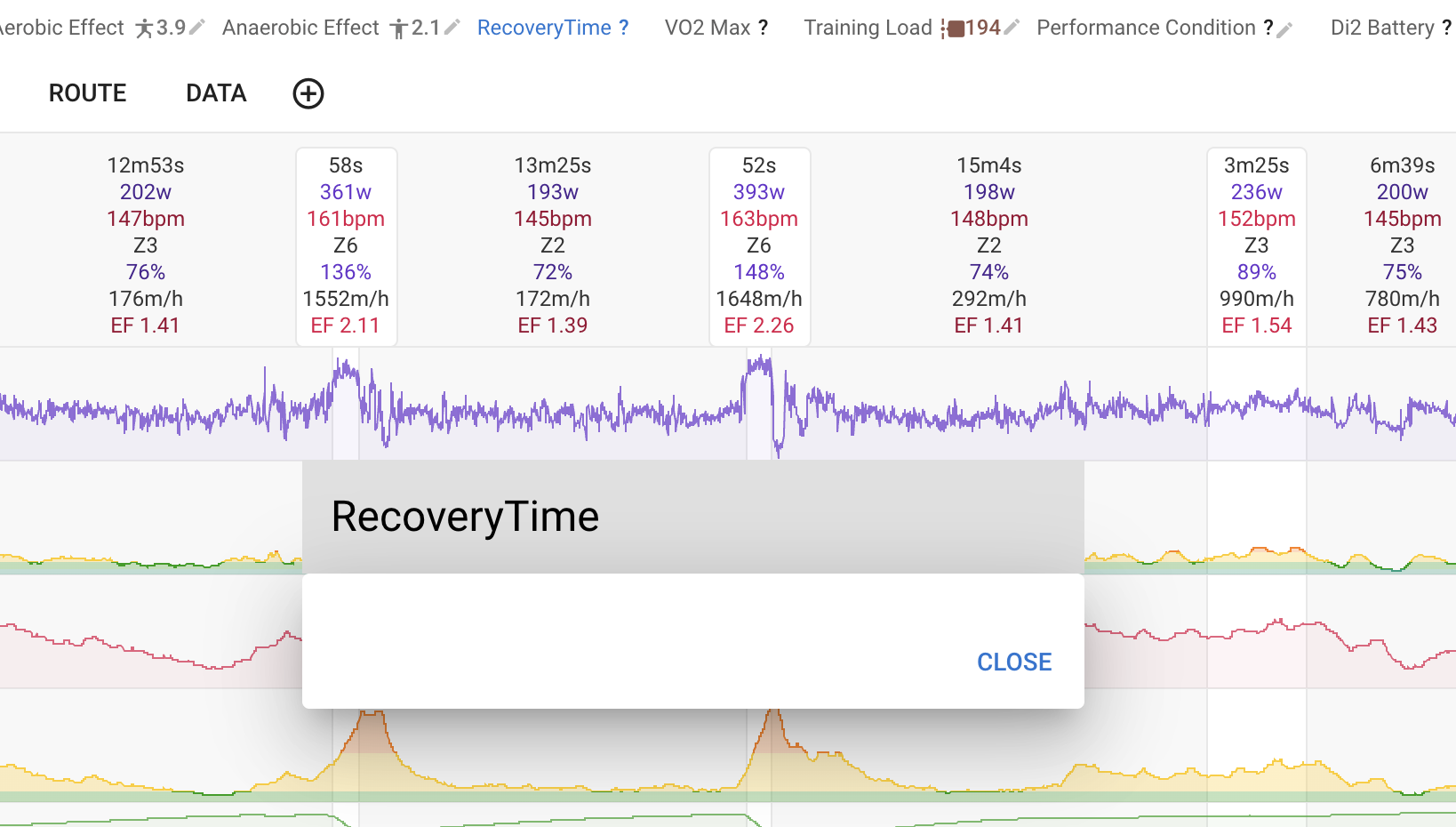
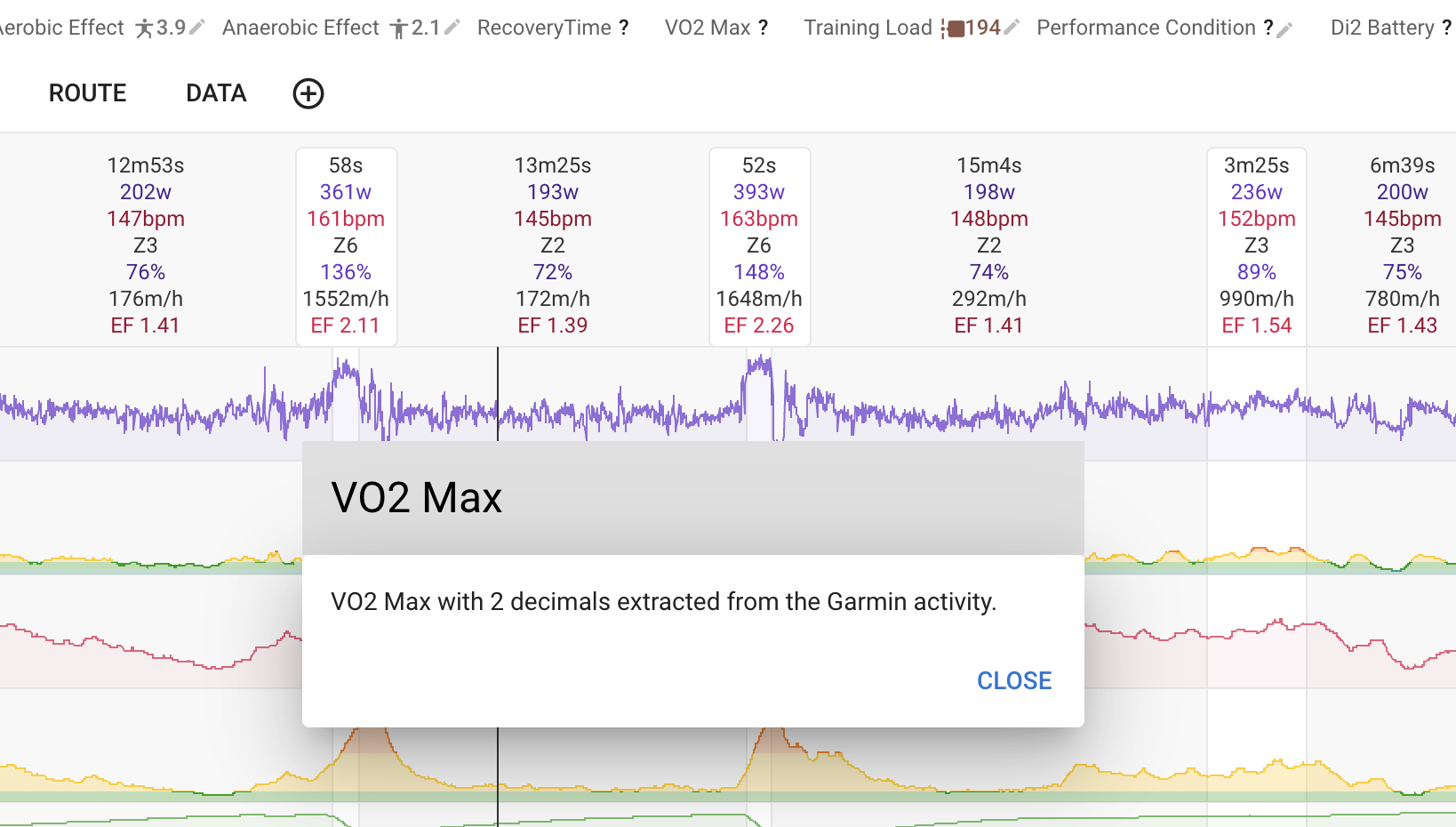
I use Intervals.icu and I’ve already cleared application data (Chrome) - just in case 
Thanks for your help.
Custom fields with scripts can’t be changed (anymore). Is there a script in this field(s)?
Yeah, that might be a reason. What caused this change?
Moved this topic to the one that has some more info, you should find your answer above.
As I understand david correctly, there were too much problems after reanalyzing - this would “overwrite” your manual value again.
Before the app would let you edit those but any change to the activity that triggers re-analysis (e.g. editing an interval) would wipe out your manually captured value. So better to make them not editable.