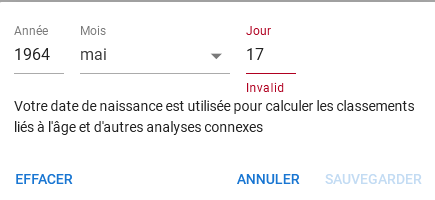
Hello everyone, I can’t enter a birthday… does anyone else have the same problem?
yes, same , says the number is invalid
Yeah, came here to mention exactly this. I can enter YEAR and MONTH, but DAY is always invalid.
Same here - cannot enter the day
@david Cleared the date, and indeed can’t enter a day, it’s always invalid.
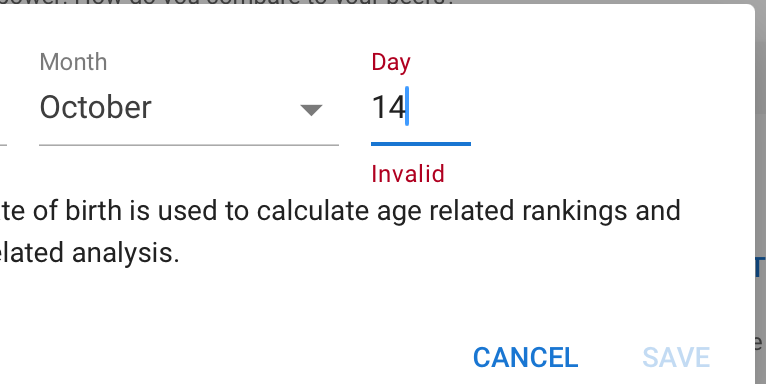
Looks like the month is the problem, if there is a number, the day can be entered.
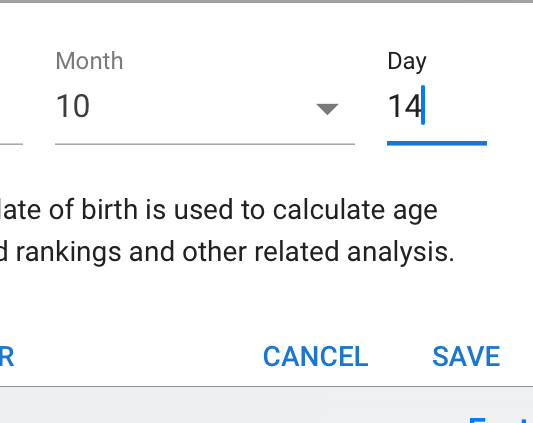
+1 – same here
Interesting, I am unable to enter a numerical value for MONTH. I can only enter a string from the dropdown selection. I can enter the DAY before selecting a MONTH, but as soon as I select a MONTH the DAY becomes invalid.
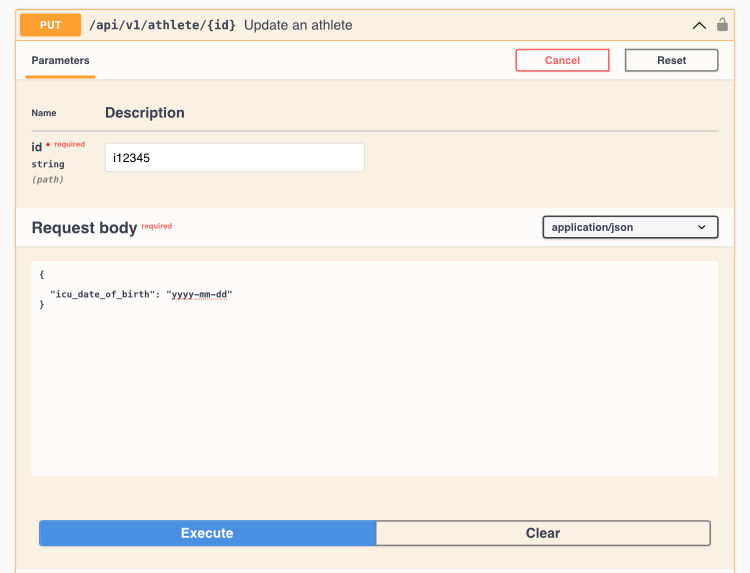
Thank You! This worked for me.
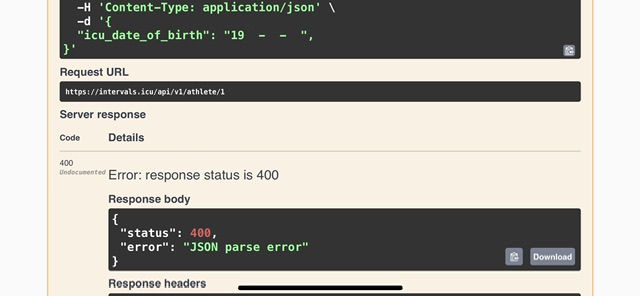
You’re welcome.
The comma must be removed. Forget to remove it from the screenshot.
Bingo!
Thanks  it now works.
Where can I find my ID?
You can find your ID and generate an API key in the ‘Settings’ menu accessible from the left side vertical toolbar
after I execute the birthday, it says another errors. first resting heart invalid, weight invalid, invalid welness option, … So it is still not working
Clear all the other data and only have the line for the date.
Yes same can not enter a day via the dashboard
on new created account, empty data
Thanks! worked for me …eventually. As a non-savvy api user i had to figure out a few things. Sharing here to hopefully make it smoother for others:
- Find your id near the bottom of the settings page of interval.icu under the developer tools heading
- Next to the ID from point 1 there is a button to generate an API key. Generate the key
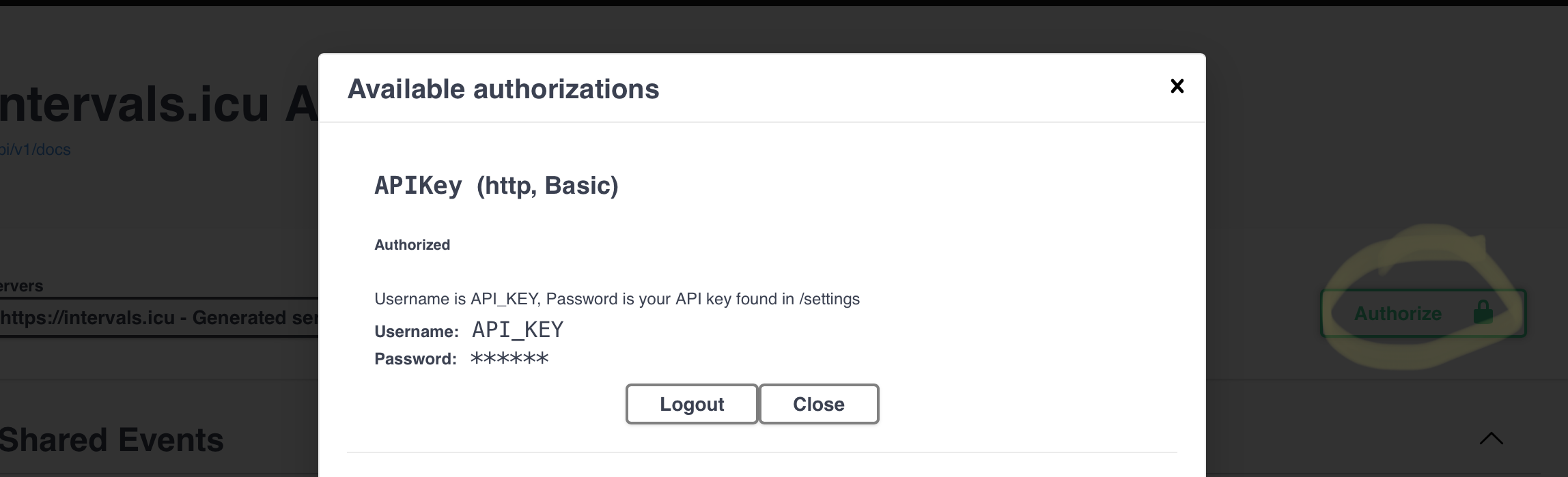
- You will need to authorize Swagger to access your account. Do this by going to the top of the Swagger page and clicking on authorize. Enter API_KEY as your username and then enter the actual alpha-numeric api key generated in the previous step in the password field.
- Then click the ‘try it out’ button. clear out all the fields except the date of birth. Enter date of birth in yyyy-mm-dd format. also, enter your ID in the indicated field.
- Click execute. if it doesn’t work you’ll get an error of some sort. if it does, you won’t get an error but just a log with the server response that’s a little murky. Go back to your intervals.icu settings page, click refresh and your birthdate should now show.
I was not successful on Suterday but today it worked! Thanks for your support, guys!