I just opened Intervals and noticed all my Sleep Scores are now showing multiple digits beyond the decimal point, anyone else seeing this? My Sleep Score is uploaded from Dropbox and is recorded in HRV4 Training. Screenshot attached.
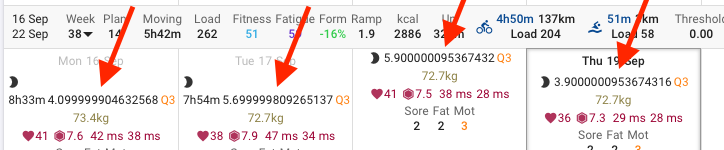
I saw that, refreshed, and it reverted to normal.
Thanks Gerald, I tried the refresh, it didn’t solve it for me, also cleared the browser cache and refreshed again no luck, tried this with Safari and Chrome.
it was doing it for all wellness data yesterday, now only sleep score
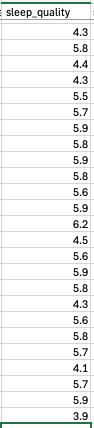
I also just checked the HRV4 Training file in DropBox, the Sleep Quality is value is not showing the multiple digits there, so something happening during upload and/or display.
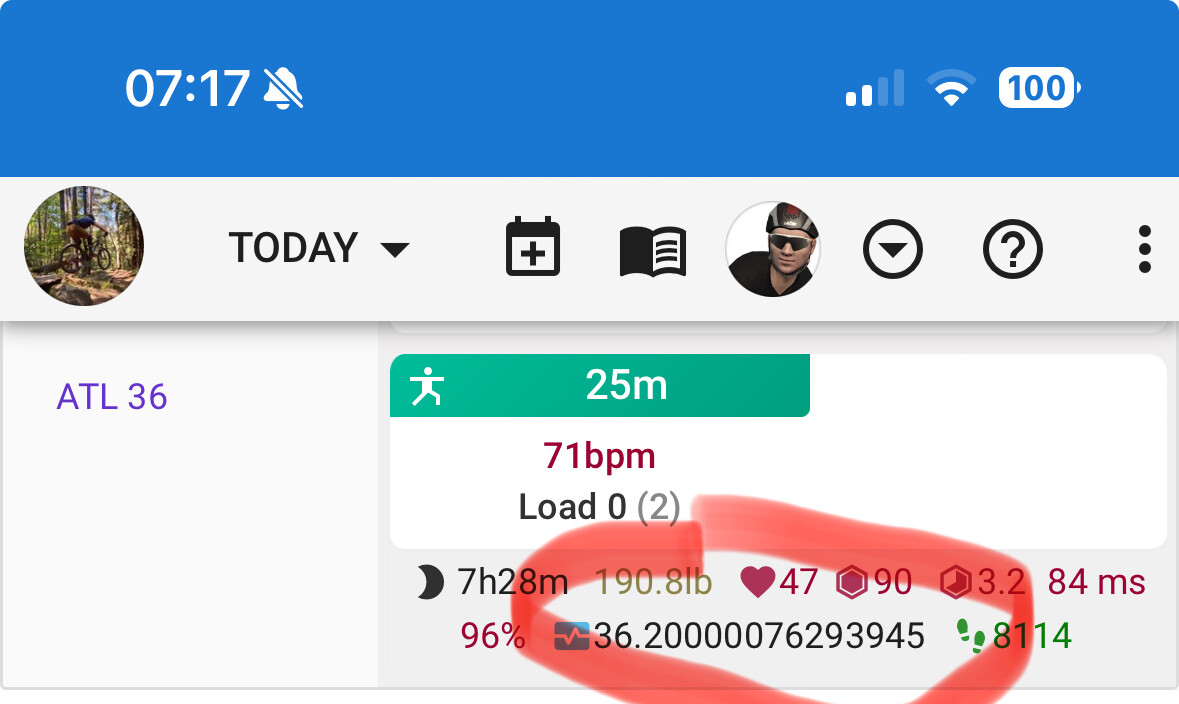
Your post was moved here, because it’s happened on different data fields.
These decimal issues with wellness data should be fixed now. Tx for the reports. If you do spot any check you are on at least version 2024-09-20 04:52:25 at the bottom of the settings page. If you are not then reload and check if the problem persists.
Thanks David, all good for me now!

Hey @david , I’m seeing 7d moving average not rounding properly on the Fitness page on a custom wellness field. Recreated some of the wellness fields so I could have a 0-10 scale but seeing this

This should be fixed now. It now uses the number format setting on the custom field even if it is a select and the number doesn’t match the options.
You need to delete the steps plot and re-add it.