I can’t get the workout builder to work for me. Doesn’t matter if I type in the text myself or use the “Add Step”. That is - I click on the day in the Calendar and select Run.
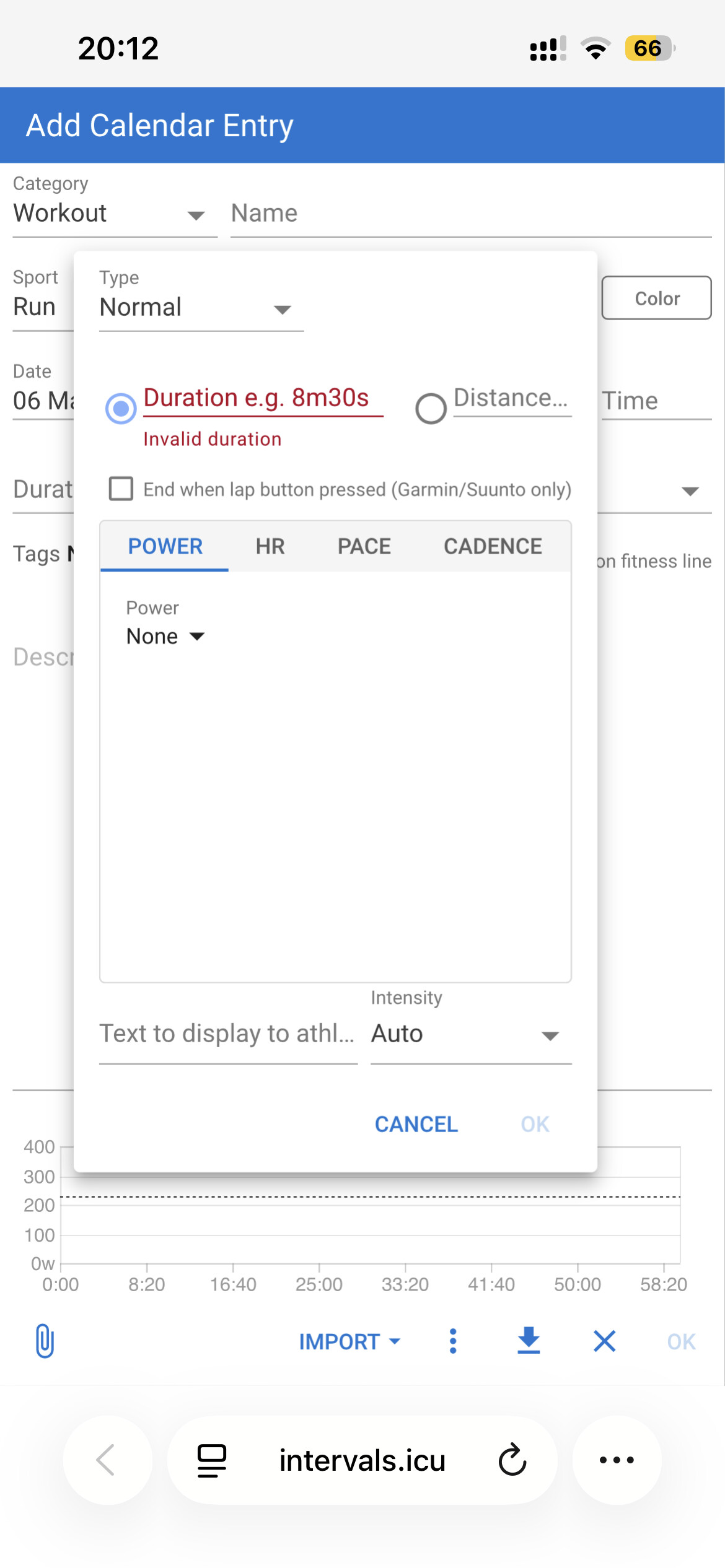
This one was done using Add Step
Warmup
20min ramp Z1 HR
35min Z2 HR
6x
20sec 4:00/km Pace
20sec 6:00/km Pace
Cooldown
5min ramp 6:00/km Pace
Nothing shows up on the graph and Duration is blank. And btw, I selected warmup and not “ramp”
I have tried this format as well (which Claude AI suggests)
Time indicators are ‘m’ and not ‘min’, ‘s’ and not ‘sec’
You can’t mix HR and Pace targets
For cooldown you specify a ramp with only one Pace target. Ramp needs zone or 2 Pace units example 6:00 - 8:00
Not sure he’s joking I think he’s asking for help It took me some time to get used to the syntax and I would have loved a noob tutorial with examples, videos, etc. easily accessible from the app. When you have the “Add Workout” window, what would be the cost of adding a Help or ? icon that would help people with the right syntax? And I see he has used AI to get some help and even though had issues, which I also experienced so I fully understand his perspective.
I have had he same issue as you - so no worries!! (m for minutes instead for meter is still very contrary to intuition for me as an engineer)!
I (as well) expected to have an “beginner friedly” add step button - but you have to get all the special syntax for the units right.
A help button for the units or a syntax warning would help a lot here.
I don’t mind helping people, I love it. Its been my daytime job for over 35 years and I still find it very satisfying. That’s also the reason why I spend a lot of time on this forum. But I hate it when people are trying to set me up on the wrong foot. The first line of the OP’s workout has ‘min’ iso of ‘m’ as a duration indicator. Are you trying to convince me that the ‘Add step’ button did this?
The first post in this thread explains it all in a 5m read. Don’t like reading? No problem, use the Add step button which acts better then a Help button because it is an interactive module with all possibilities that you can try out for yourself, seeing the result immediately. Explore, play with it and you will learn the syntax in less then half an hour. And it will be much faster then trying one or the other hallucinating AI models.
Fully agree on that, but it is what it is and now too late to change that.
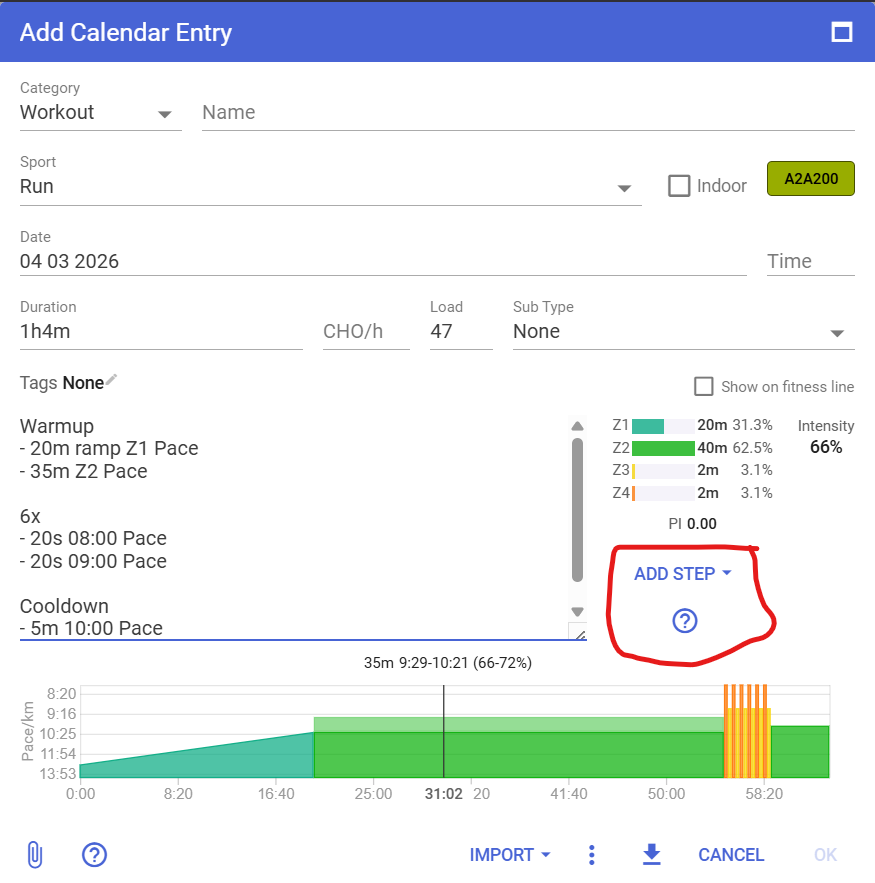
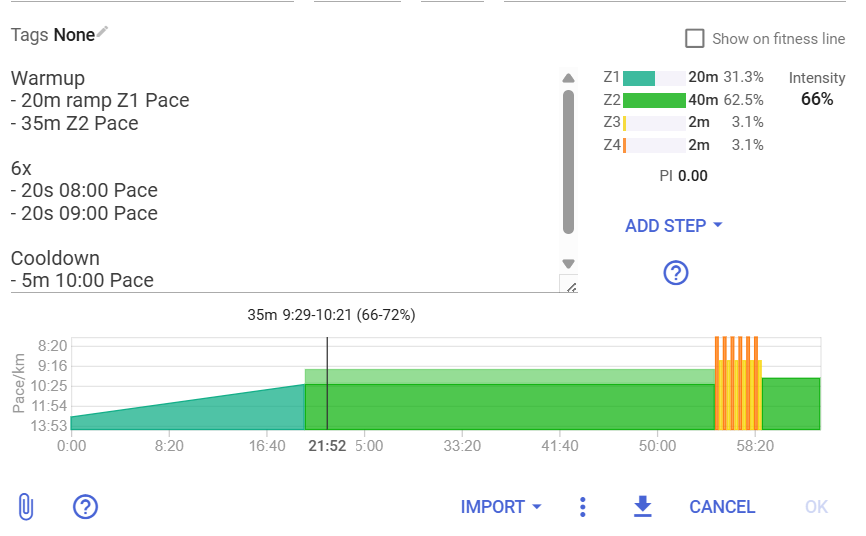
If someone still did not spot the Add Step button (that does miracles in case of doubt), it’s here
And the Help button with a link to the first post in this thread is also there.
The one thing that isn’t clear and can use some more work is the mixing of different target types. Intervals can’t, at this moment, construct a workout with a mix of Power/HR/Pace targets. You either use only one, or you define all different targets for all steps. Else you will not have a graph or it will be incomplete. There are multiple devices supporting the mixed targets, but the implementation in Intervals isn’t. And I understand that this can cause doubts or unexpected behavior.
I suggest you all have a play with that Add Step button and explore what it can do for you.
Case closed for me.
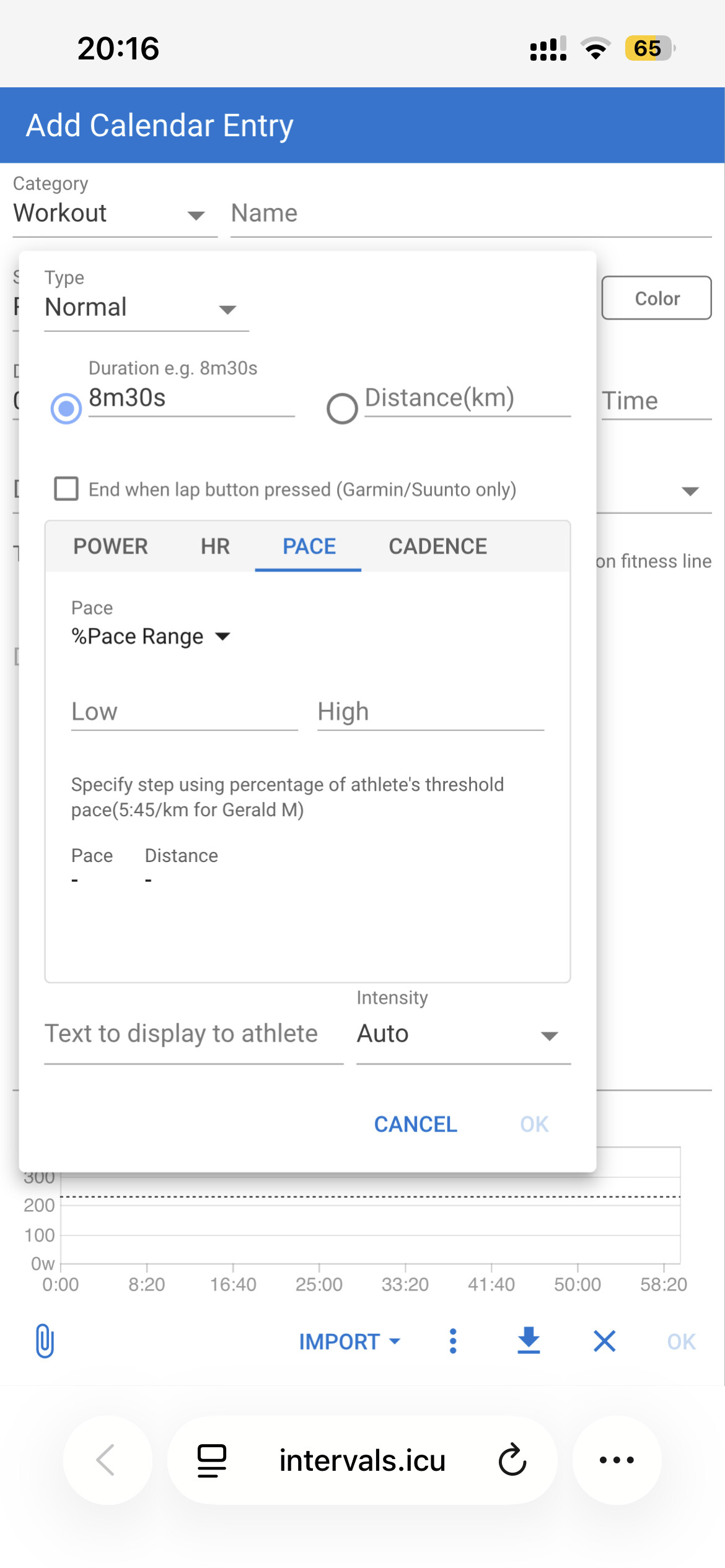
Then, if selecting HR, or Pace, as examples, it then shows further options, eg. pace or pace range. When selecting the range, it also gives examples below.
I do apologize sincerely. I DID use the Add Step button but somehow thought that it was okay to use “min” as minutes. To my defense, the Add Step button does accept input in an invalid format.
Again, I’m very sorry for wasting your time.
 It took me some time to get used to the syntax and I would have loved a noob tutorial with examples, videos, etc. easily accessible from the app. When you have the “Add Workout” window, what would be the cost of adding a Help or ? icon that would help people with the right syntax? And I see he has used AI to get some help and even though had issues, which I also experienced so I fully understand his perspective.