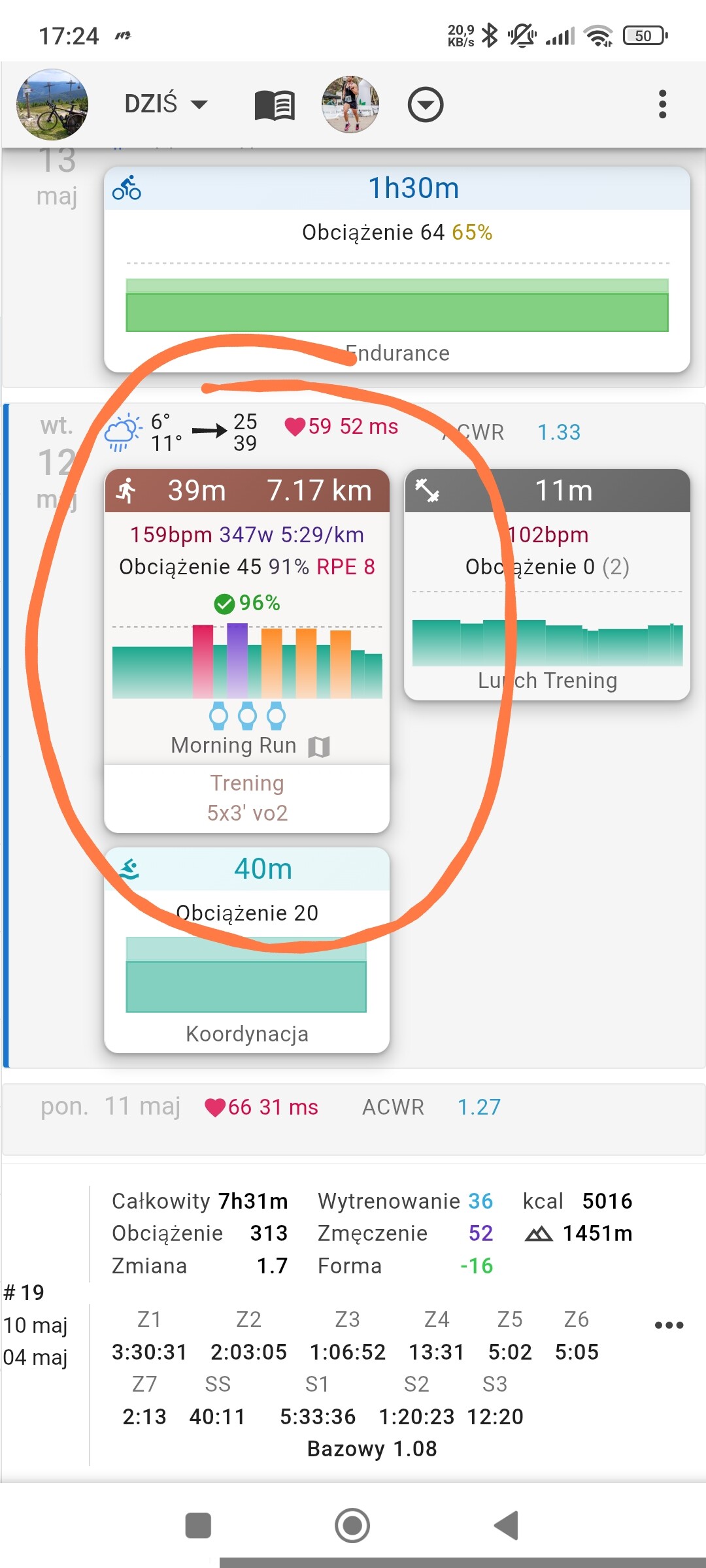
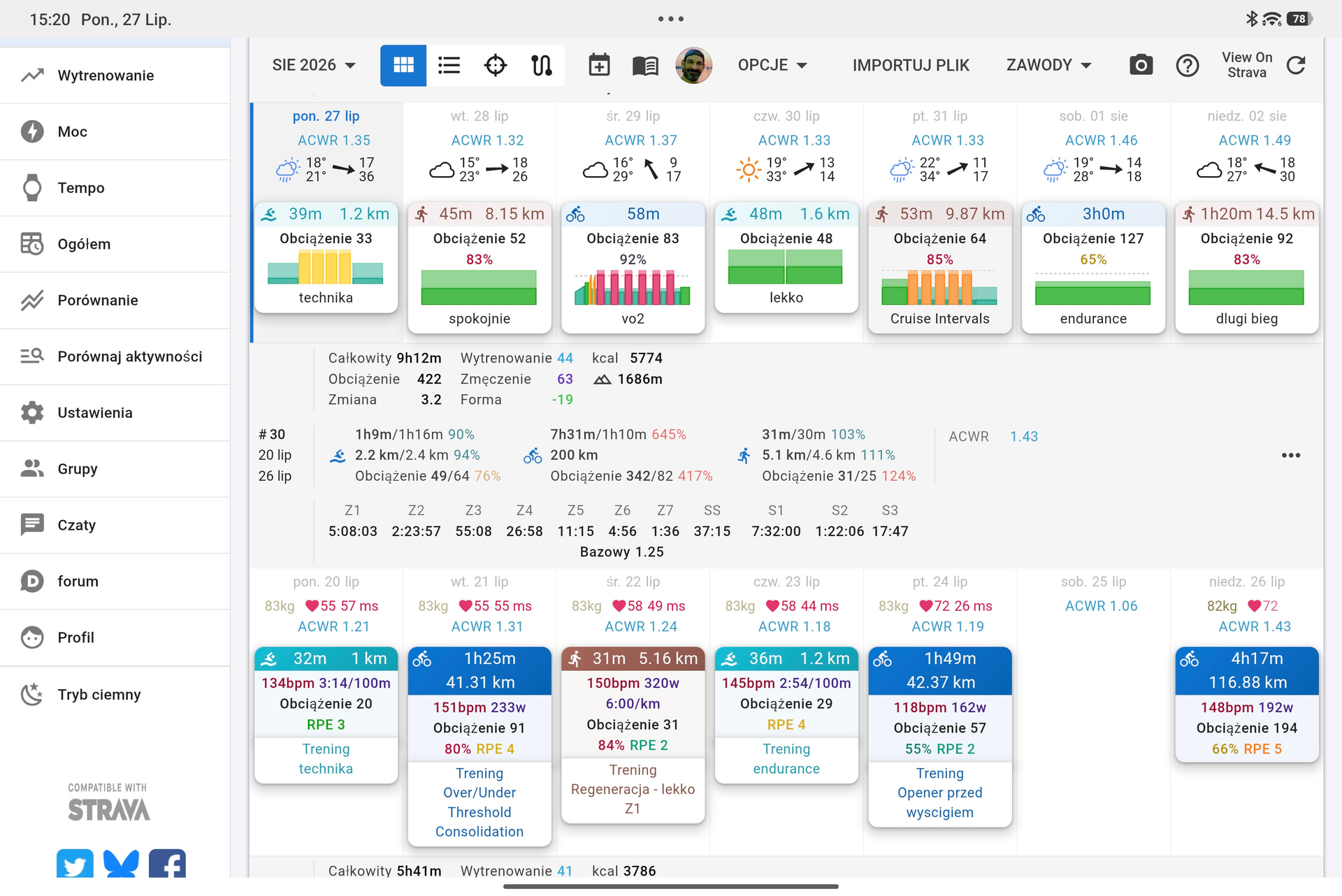
Workout chart disappeared from calendar on my tablet. It is visible on my mobile phone, but not on tablet (landscape).
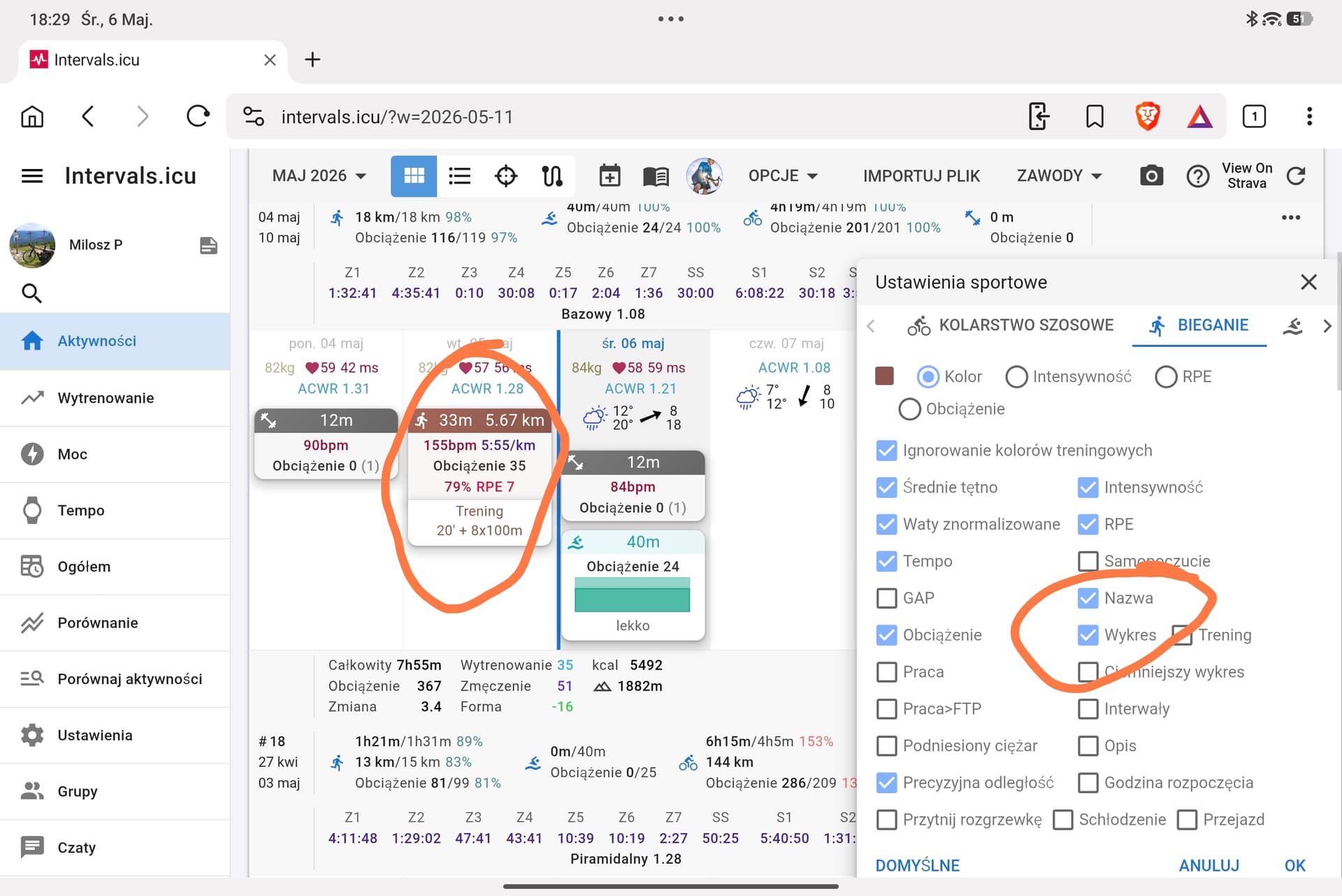
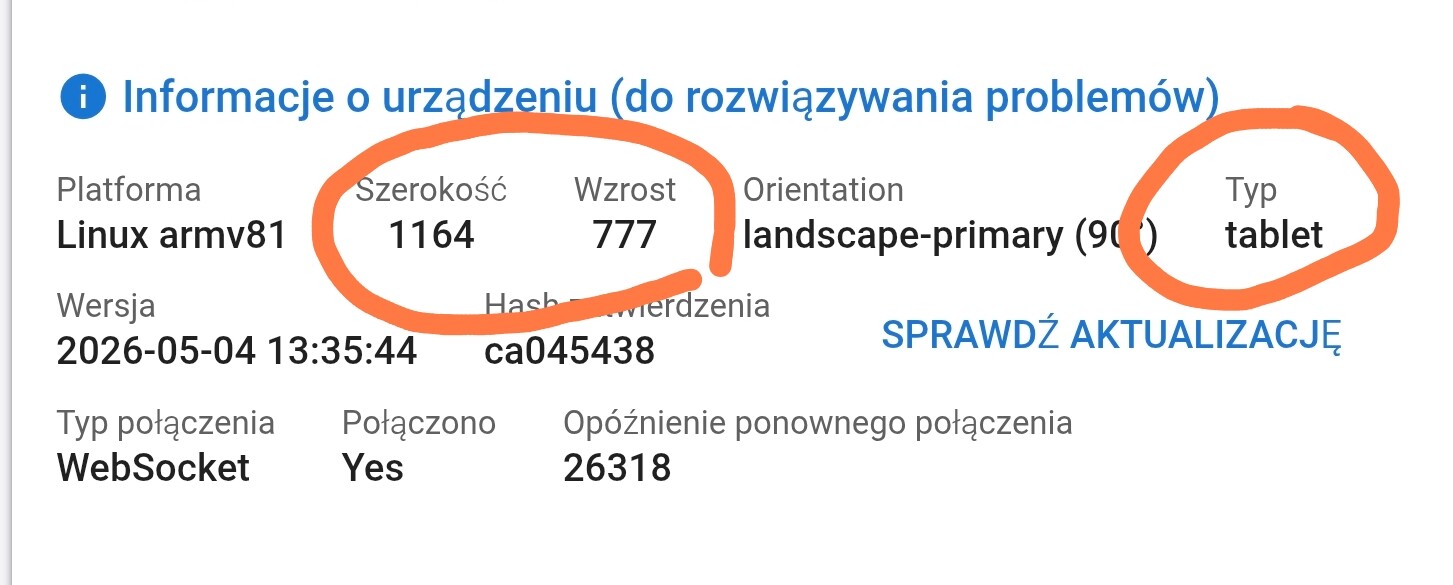
I believe this is a side effect of improving device detection in a recent update. I think your tablet was being identified as desktop before and is now being detected as a tablet. Try going into your calendar settings on your tablet and re-enabling the workout chart.
I did it, no effect.
I can see the training structure but not the workout that was done.
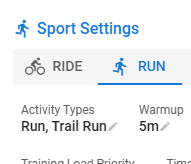
Yes, 100% ride/run/swim
And you have your zone settings all set up for Running? And in the activitiy the pace / hr streams are available?
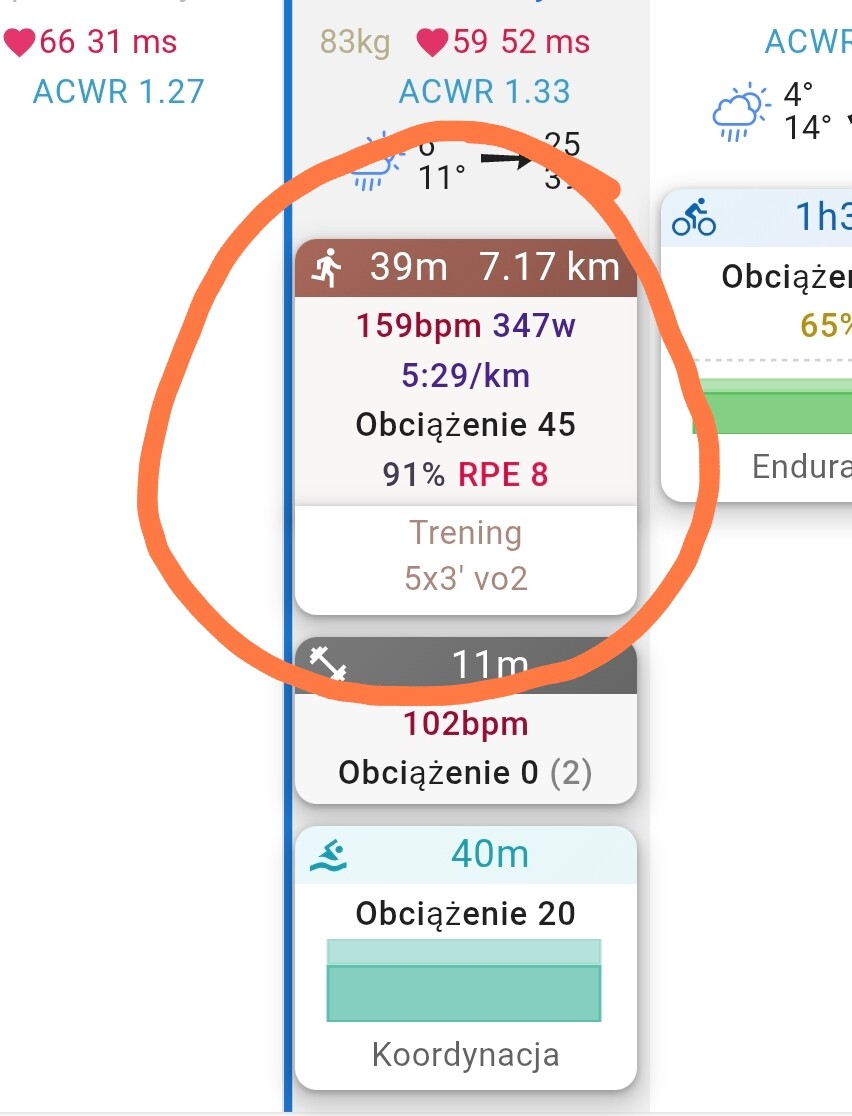
Strange. I’d try to clear cache and maybe disable and enable the option again.
If that doesn’t help I think @ryandev should have another look
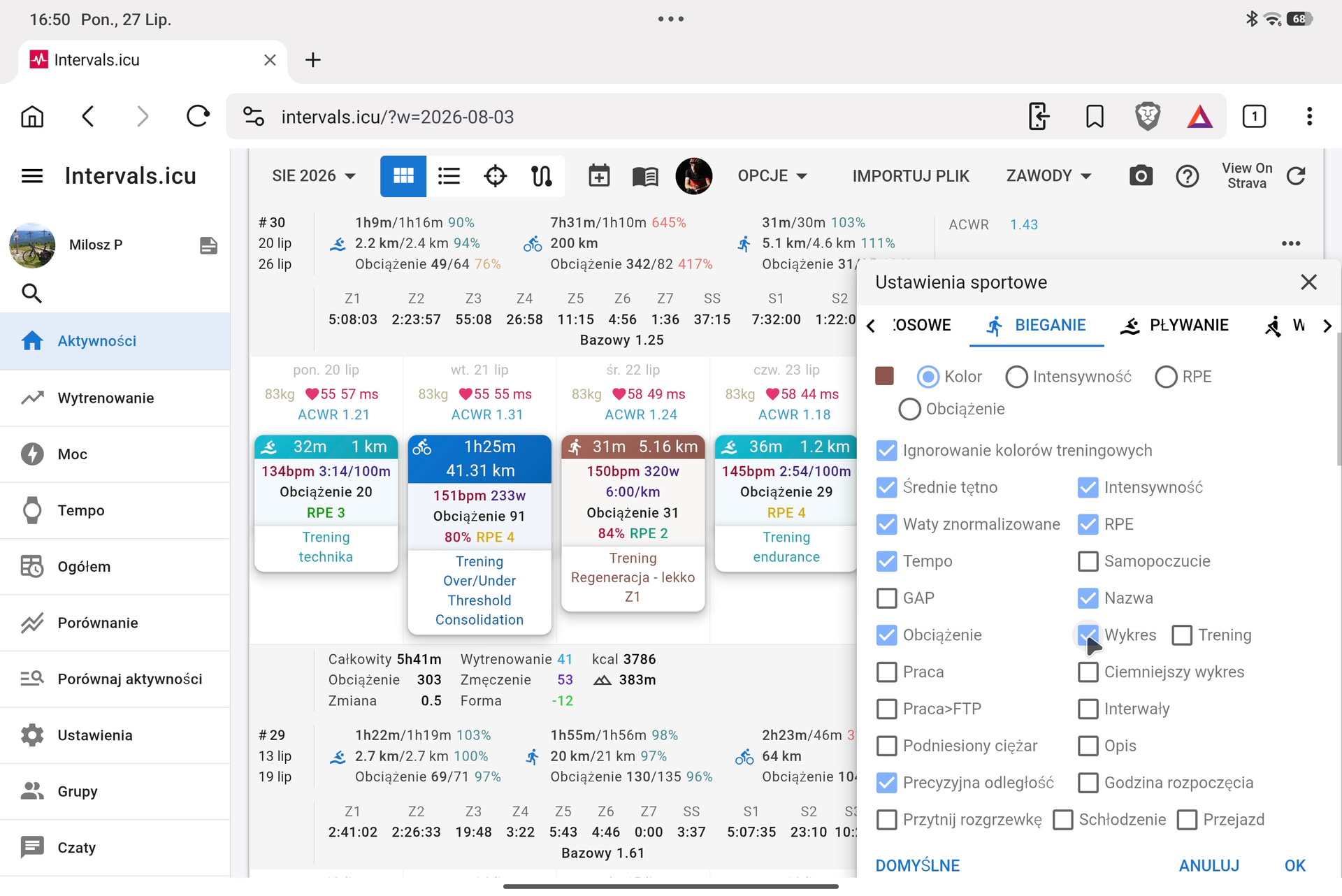
Just out of curiosity… do you have the option to show the workout chart enabled on tablet? The settings are saved separately for tablet and mobile.
Option-> Edit Layout-> click on a gear symbol on a activity-> switch tab to Running and disable and re enable the setting


On tablet you have the “Minimal” box ticked in Options:
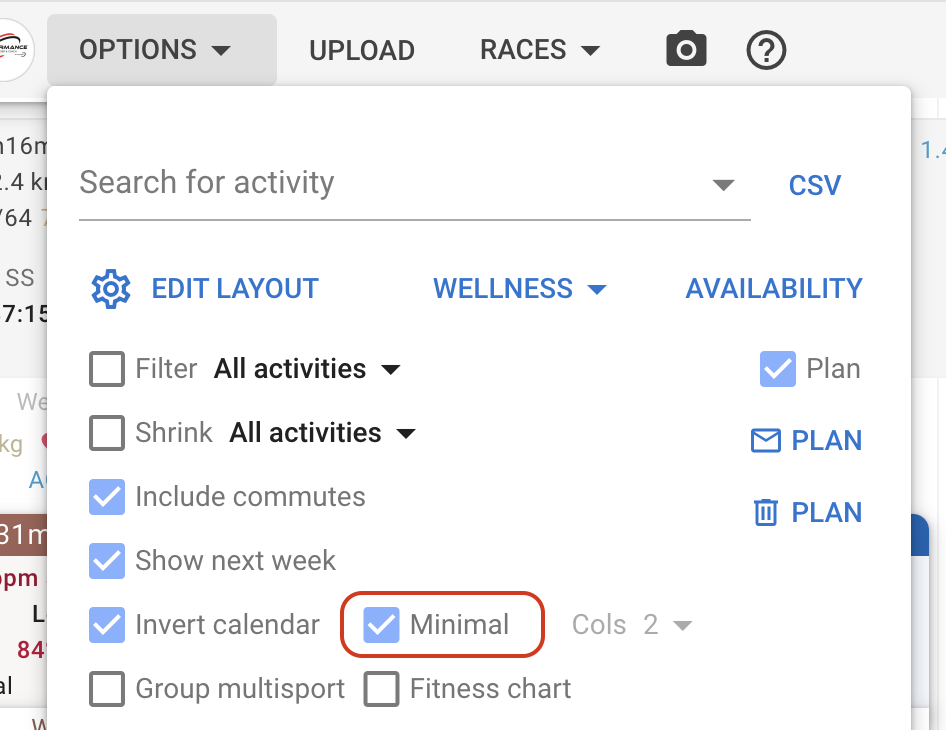
This overrides the display settings for the sport and hides a lot of stuff, including the activity skyline chart.
This isn’t obvious and I am not quite sure what to do about it. We could get rid of “Minimal” and just use the display settings for the sport. These are shared by all devices so then we would loose the ability to quickly select a compact view on a tablet.
now it works, thank you.