In the JavaScript coding console/editor the available options/commands changed: No option to Select All or to Paste.
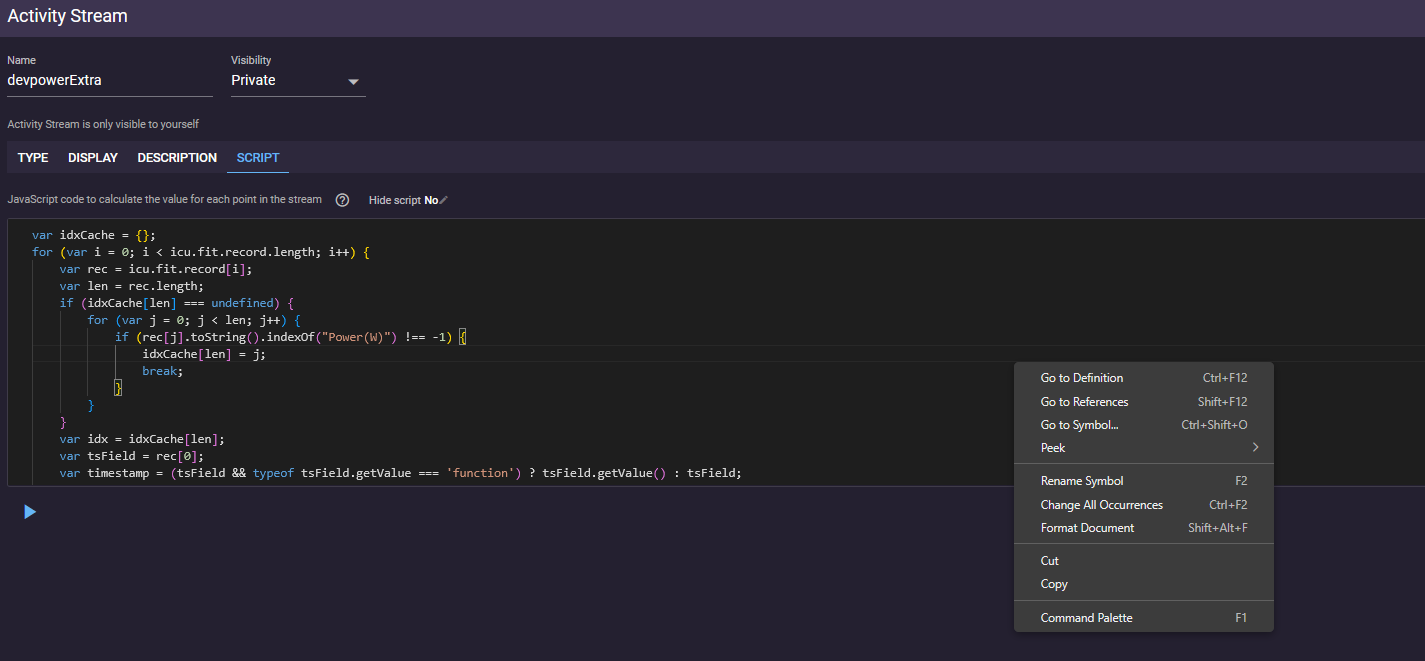
Agree. It feels a bit like a regression. The editor is on mobile /tablet less usable as before. I like the style, but it doesn’t copy / paste easily from an editor to the script field… sometimes it copies sometimes not, don’t know what’s the cause.
@ryandev
1 Like
We made a switch to Monaco as it aligns more with our codebase, ill look at adding back the copy paste and select all 
3 Likes
I’ve been updating some of my custom activity charts, to accommodate the dark mode, and it works fine. It is on a desktop (Win11).
I’m not a programmer/coder, so I don’t know if it’s working optimal or not. I’m using select all to delete and replace (paste) with the new (full script). Paste, undo, highlight to select, all works fine.
With a keyboard is easy using keyboard shortcuts. In a mobile without one, not so.
Just checking in, I deployed a fix for this yesterday are you all still having problems? @R2Tom @pepe
3 Likes
Just perfect now.
@ryandev Still having some issues, menu is not fully visible on tablet
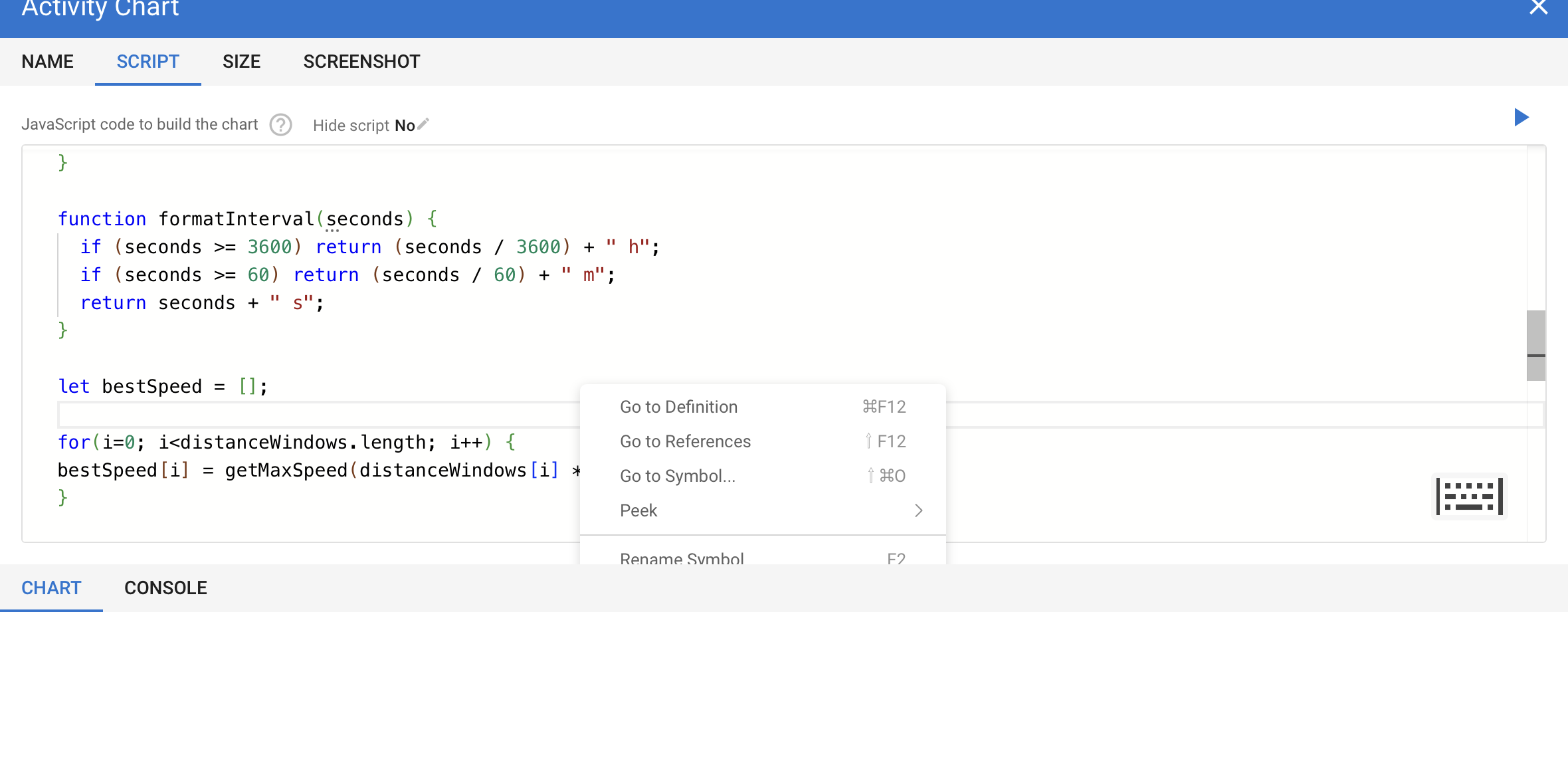
I‘ve using a Tablet (iPad) with keyboard and I always have to click outside of the editor and afterwards inside of the editor again, and then I can copy with Cmd + C - without clicking outside, it doesn‘t copy with Cmd + C.