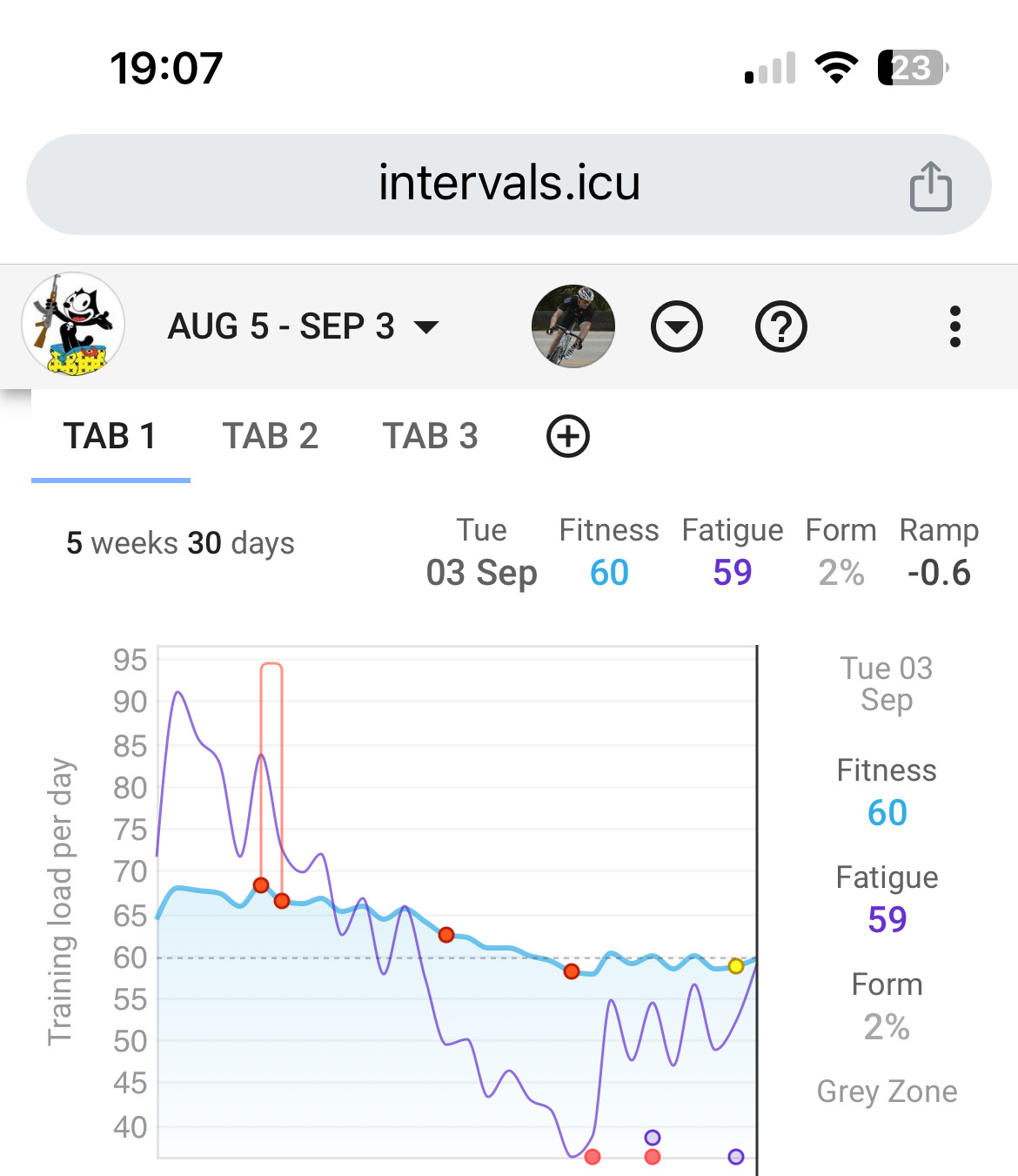
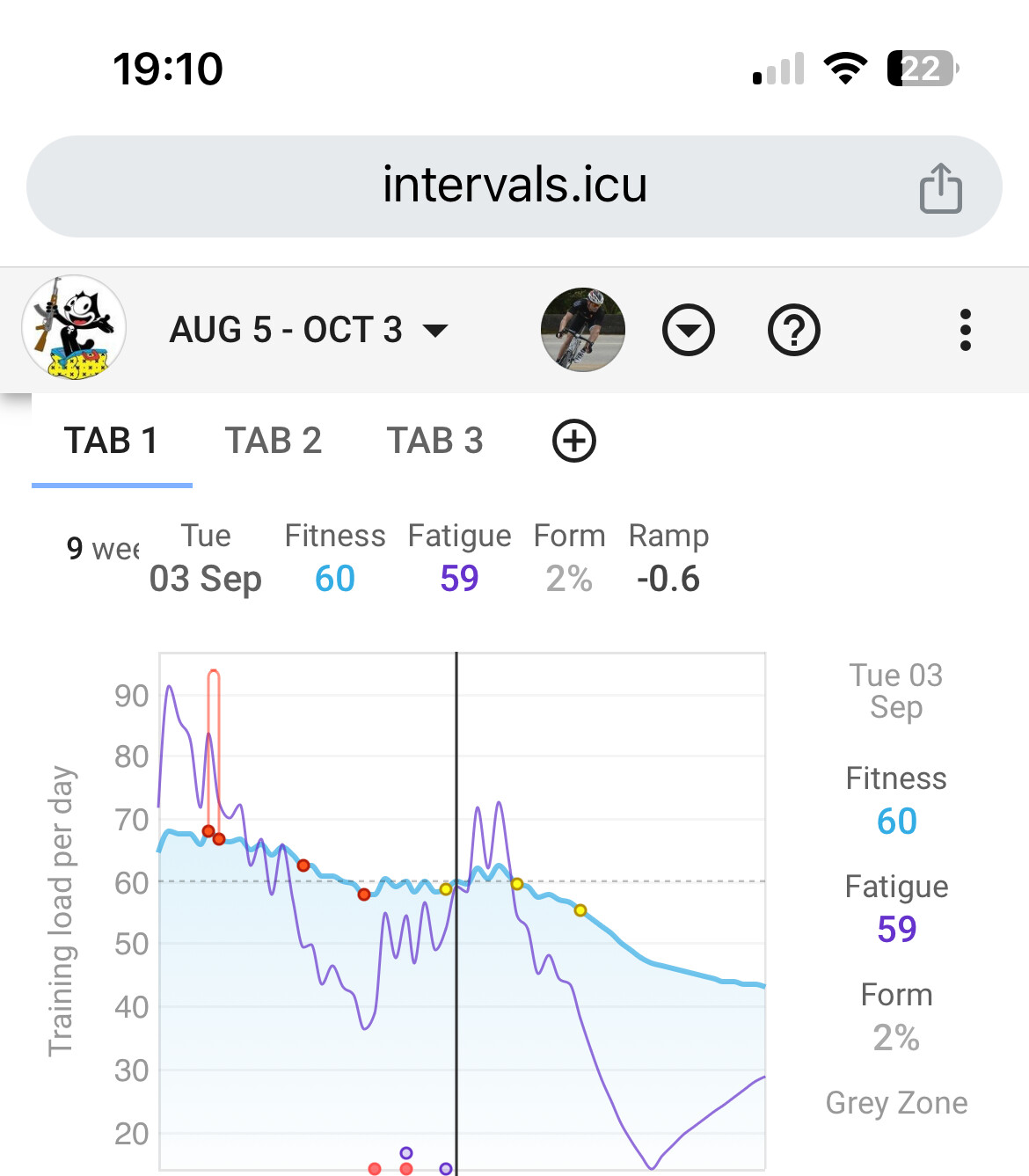
Hi,
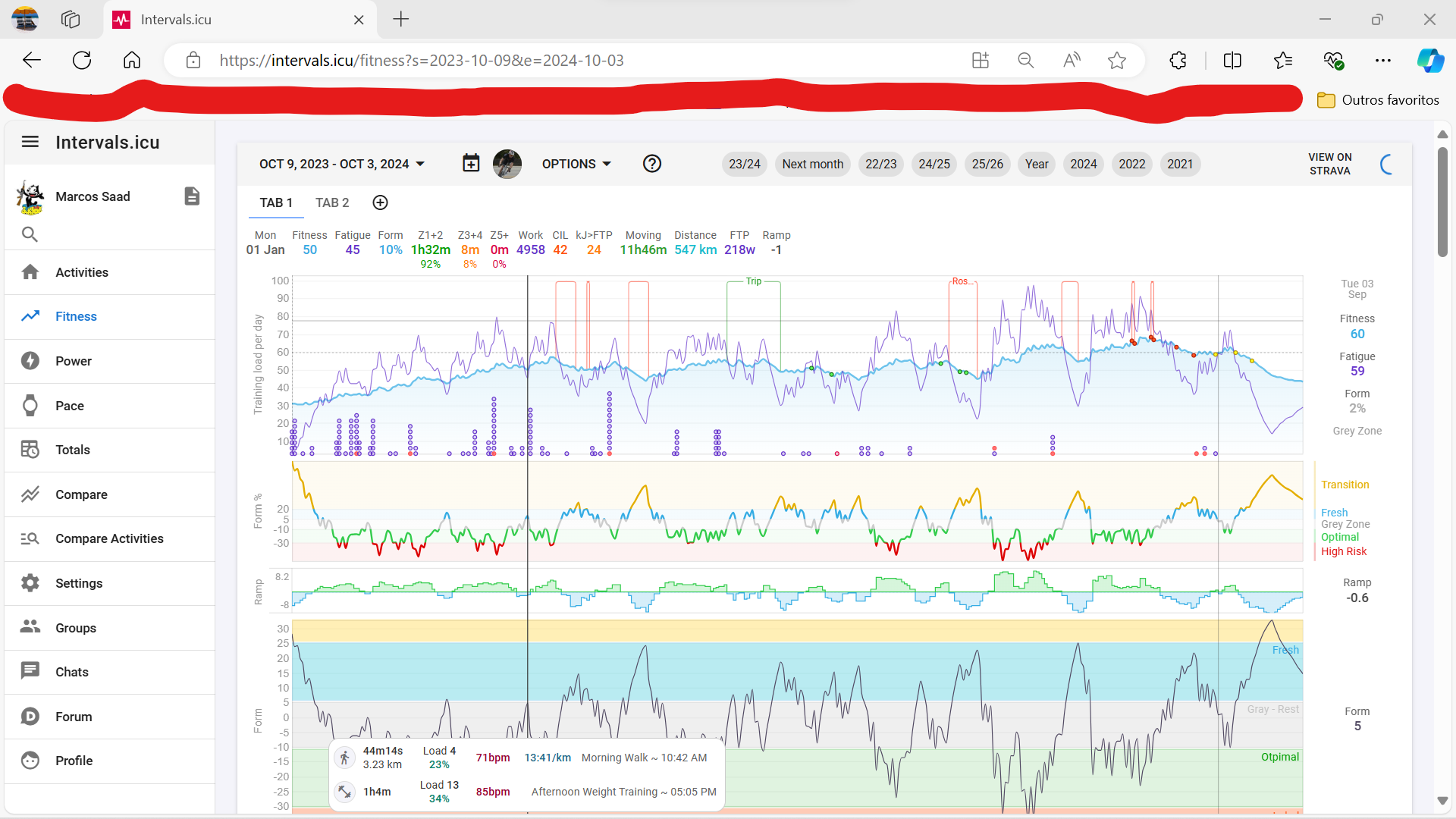
It works my iOS but not on the desktop.
Tks,
Hi,
It works my iOS but not on the desktop.
Tks,
I just tested that on desktop and it worked fine for me on /fitness page. Please try reload the app and see if it works.
I did some more poking around and found a bug with next month on the activity list view that I have fixed.
October 3, 2024 is next month. Looks correct to me.
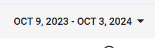
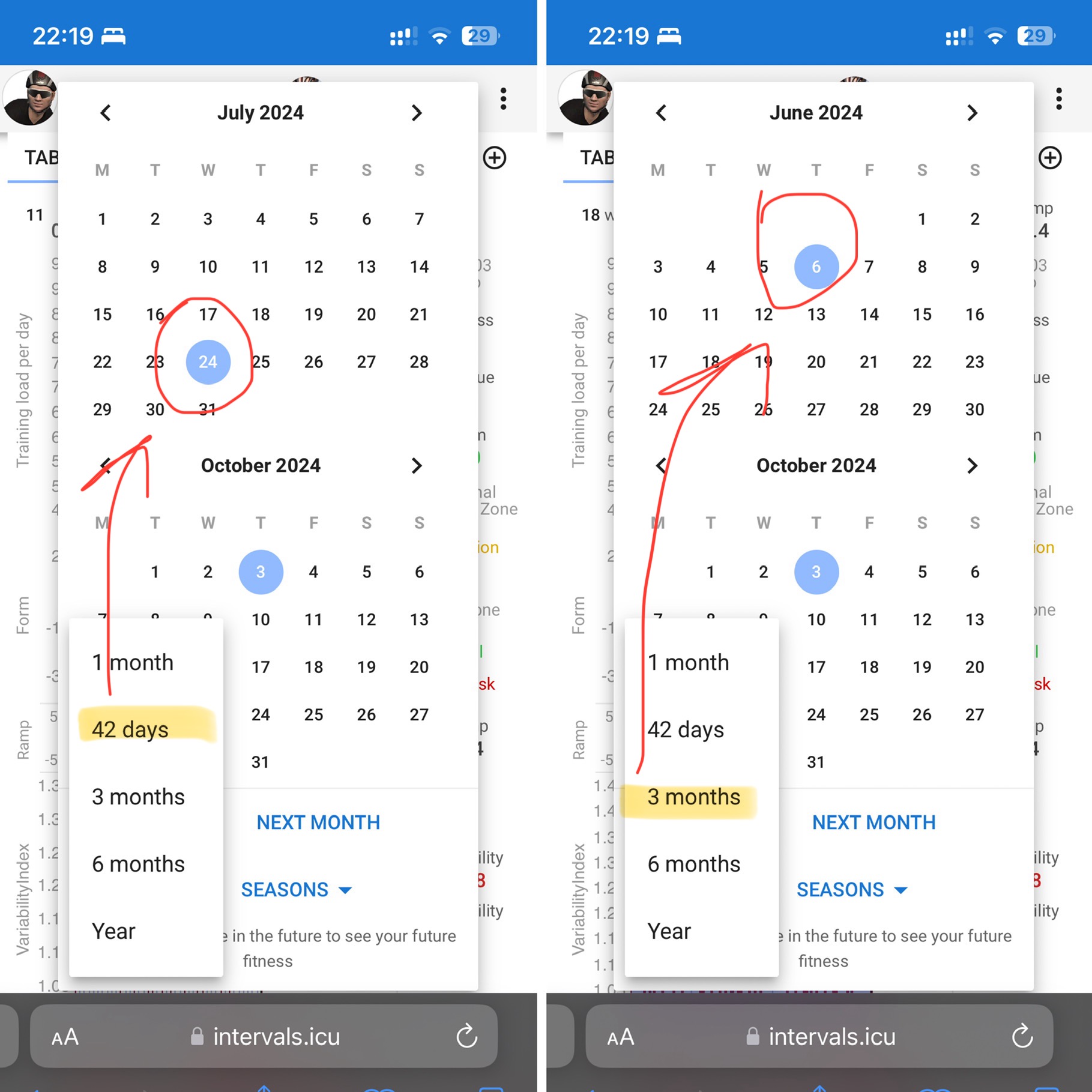
If I go to Ranges, then click 6 months it will give me the last 6 months, ending today. If I then click next month, it keeps the last 6 months and adds next month. Same if so change to 42 days, it’s the previous 6 weeks ending today. Click on next month and it it shows last 42 days and the next month.
It has always been like that. You first select a Range, be it by the predefined ranges or a manually set start date, then you click Next Month to extend the chosen range with one month. The goal is to see one month in the future of the chosen range.
Well, in terms of “short cuts” maybe including a new one “middle” would be great:
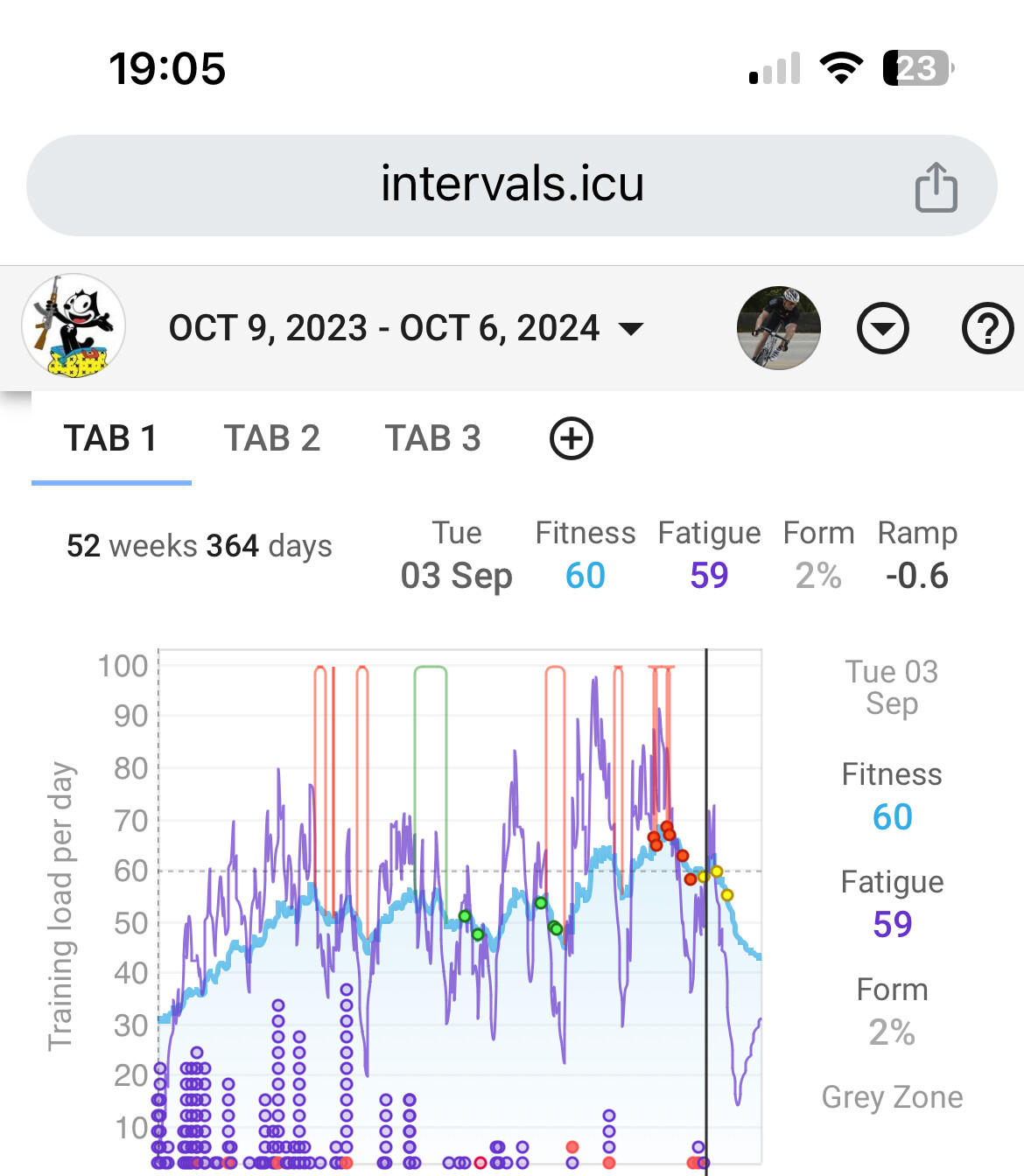
If I choose my season I get:
Then I choose 1 month I get 30 days till today.
Then I choose “Next month” I get what I would like : the middle .
Because of tapering …
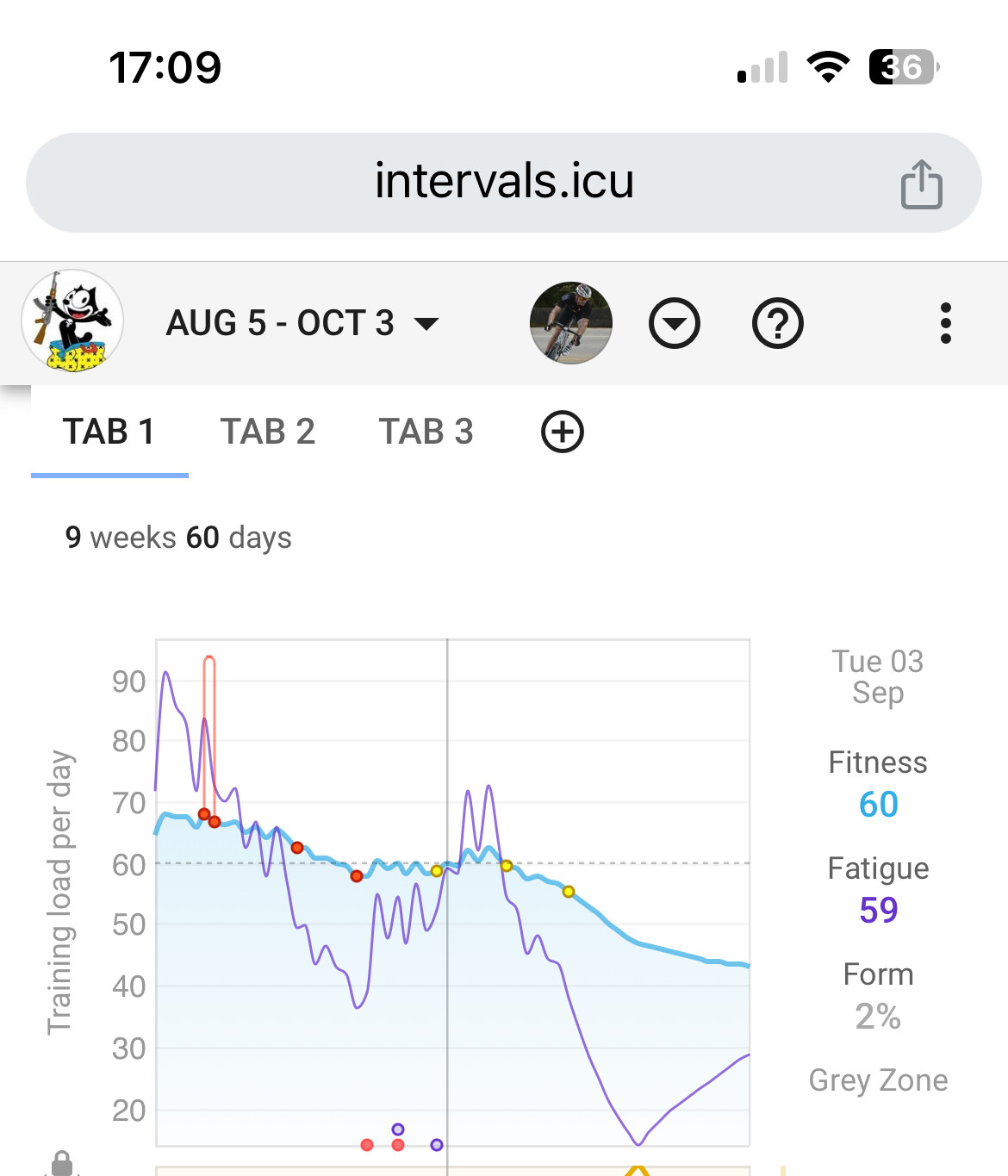
Yes, and tomorrow it will be Aug6 till Oct4 because both ‘month’ and ‘next month’ are referred to the actual day.
If you don’t change your date ranges, from now on you will always get one month back and one month forth.
And the shortcuts adapt to the ones you last used.