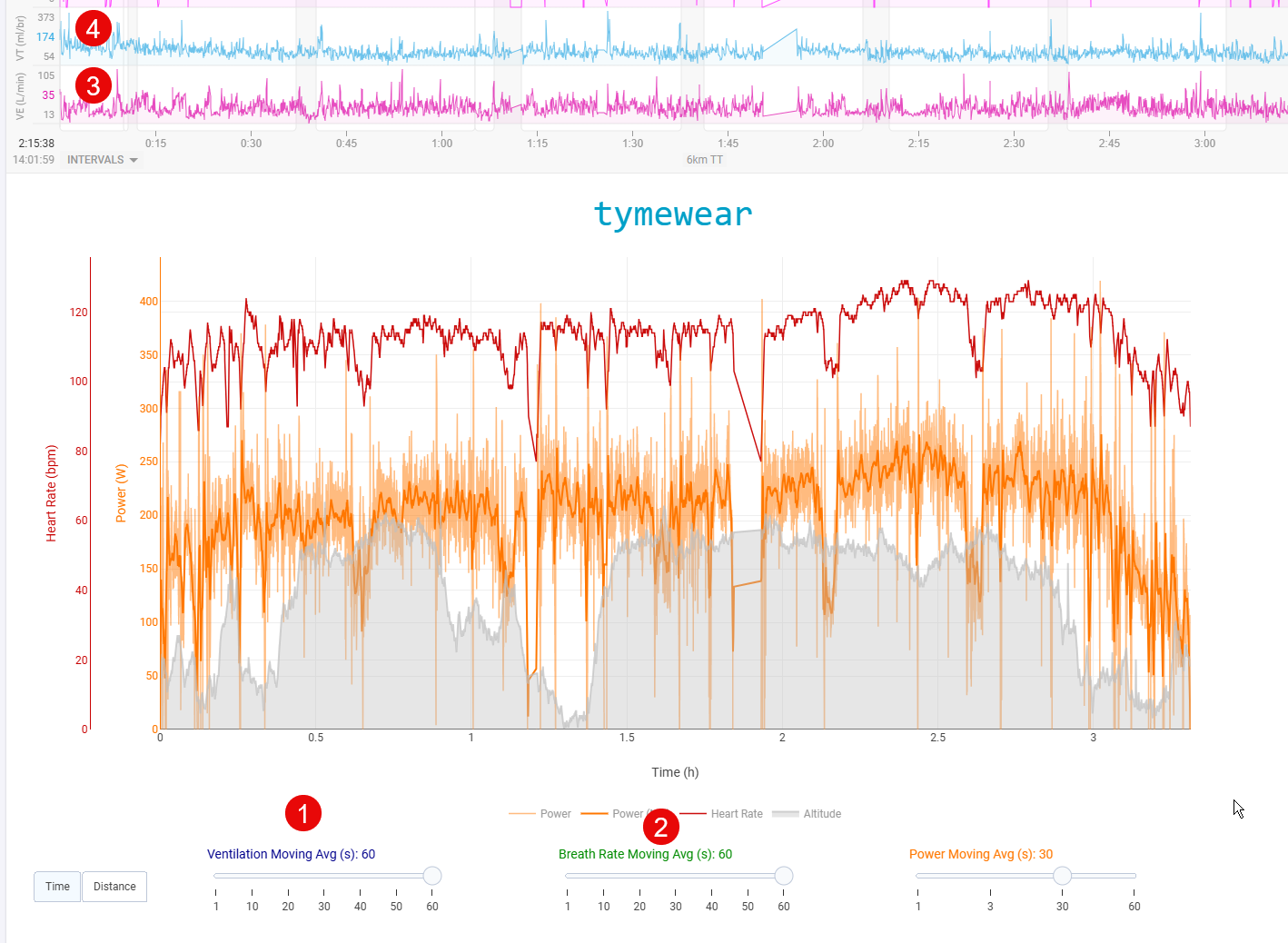
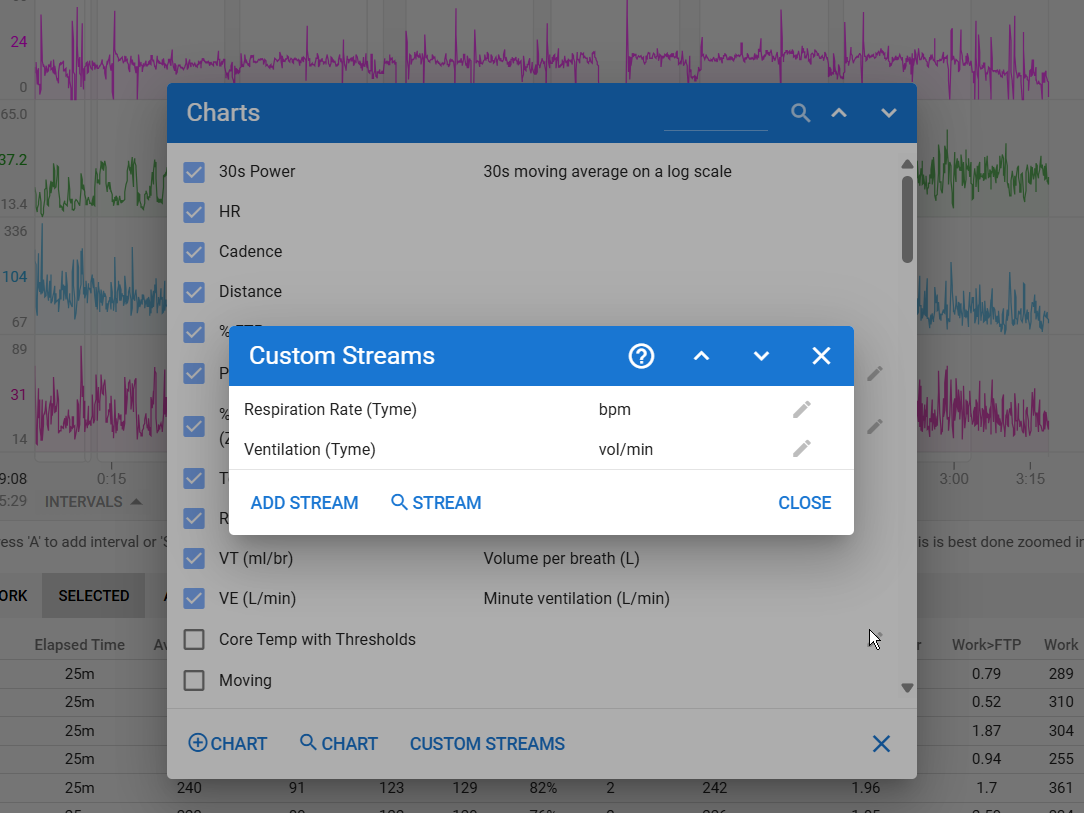
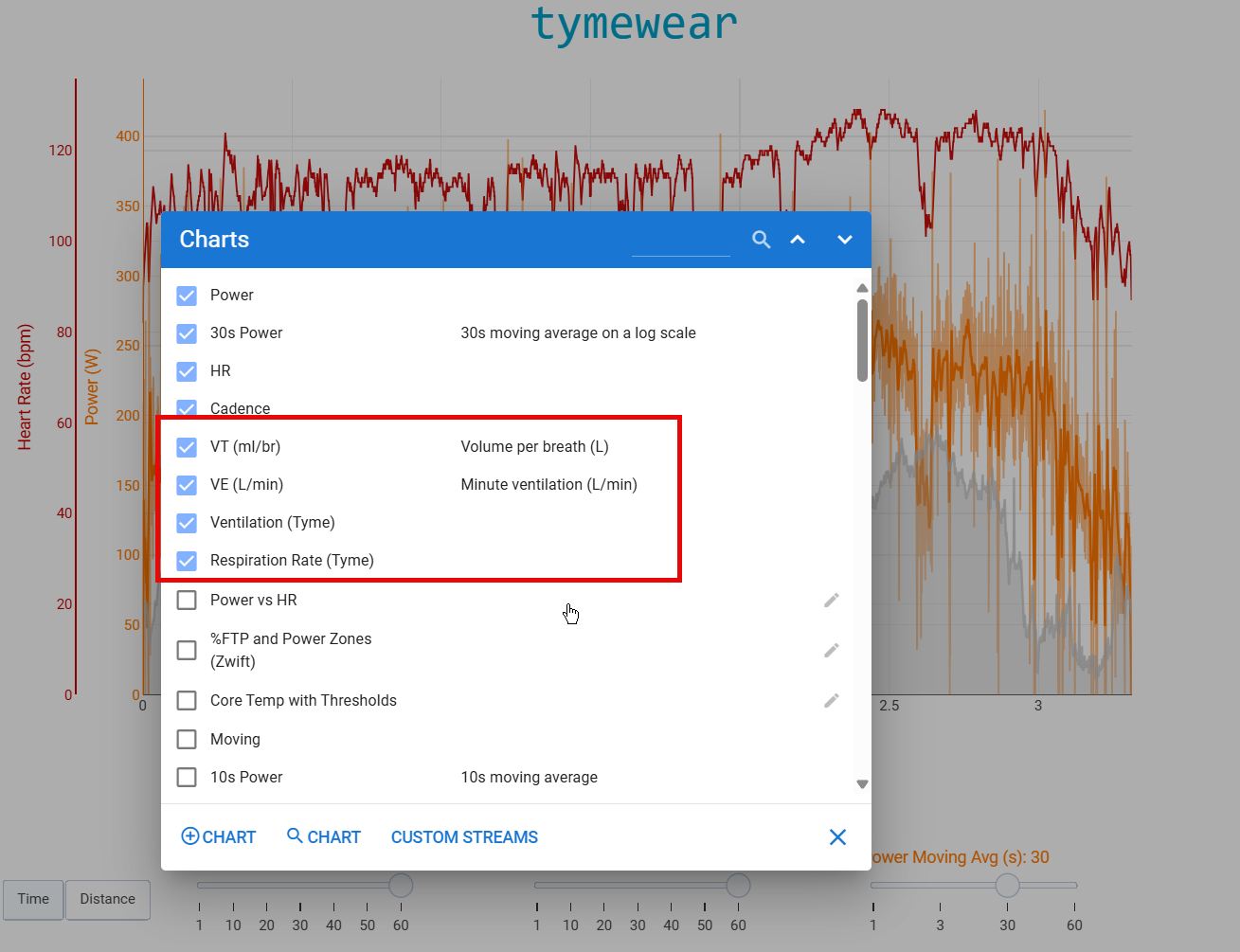
I’ve just started using Tymewear and have been trying to get some data “activated” on Intervals, but I can’t seem to get it to work. I’ve tried searching the forum and it seems like there’s something about enabling some Custom Streams, but I can’t really figure it out — maybe one of you can help me get (1) and (2) activated.
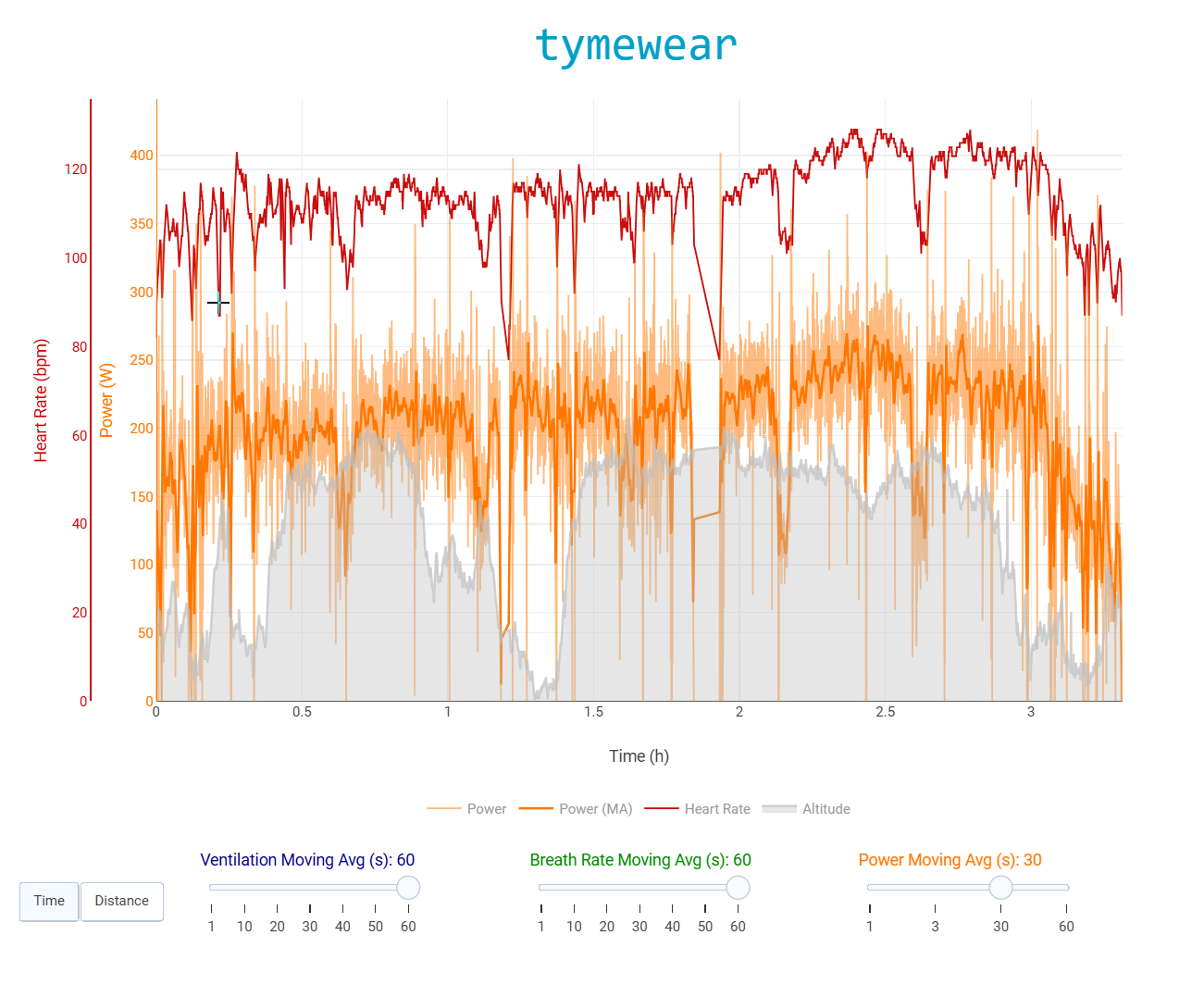
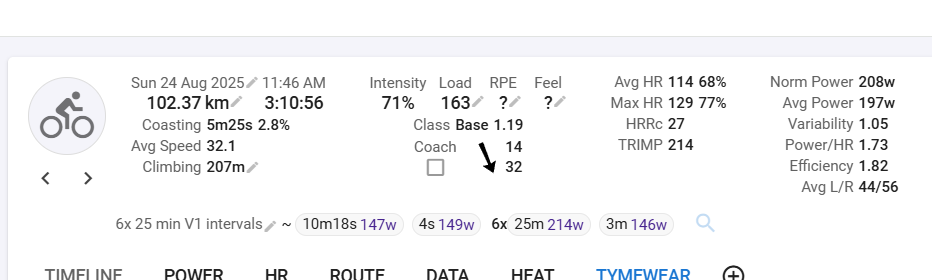
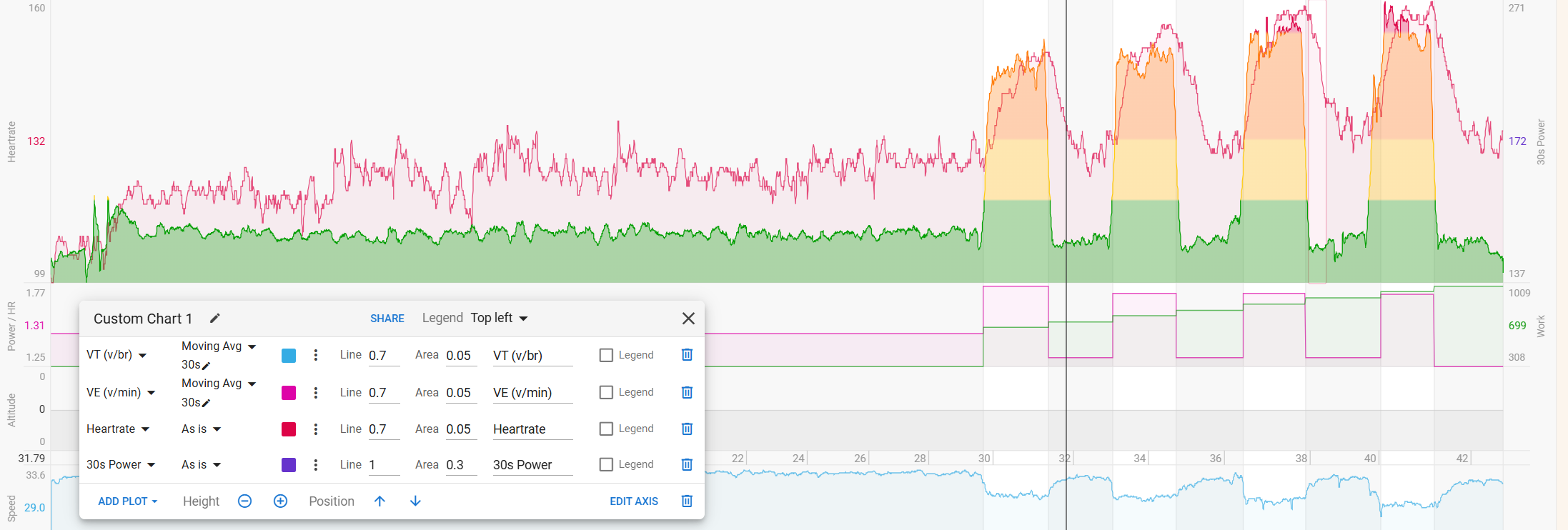
As you can see from (3) and (4), I do have data coming from my Tymewear.
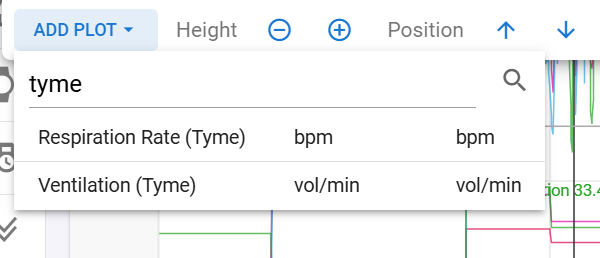
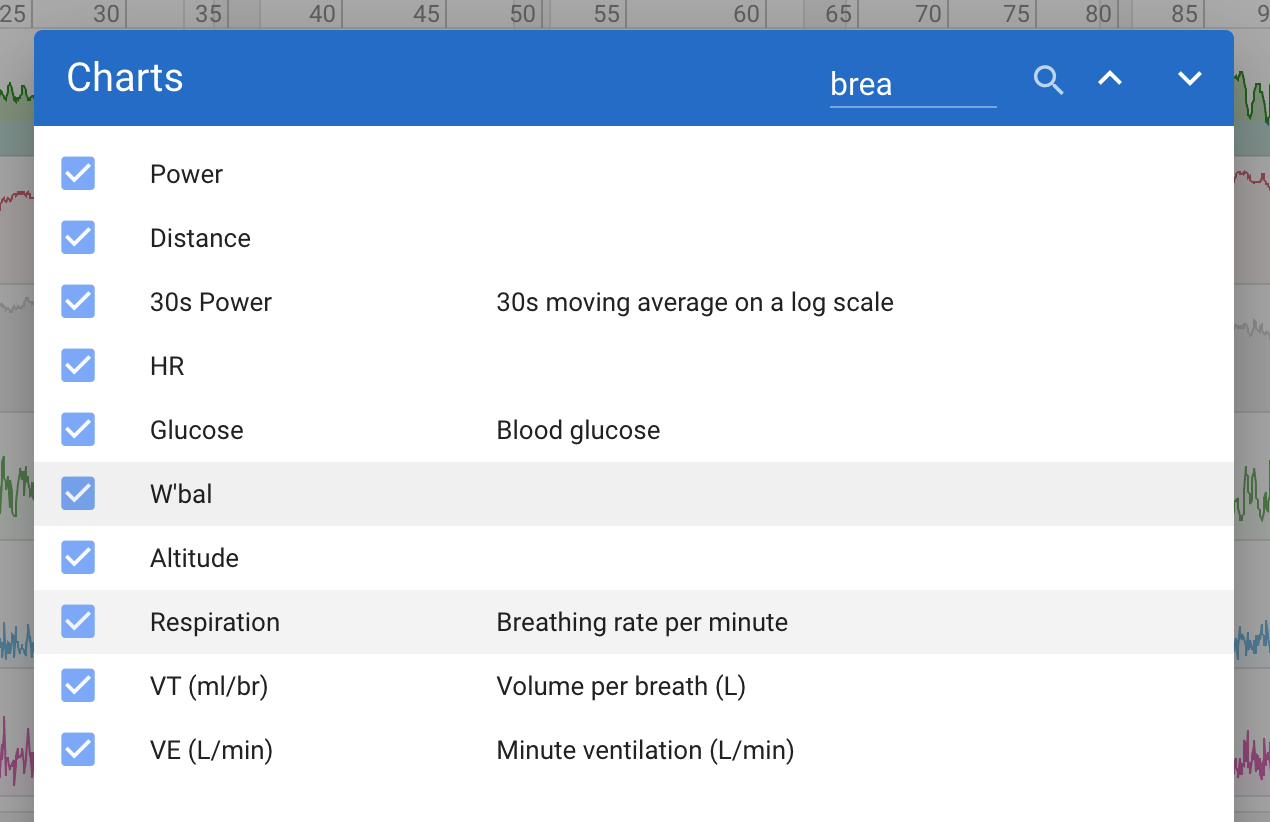
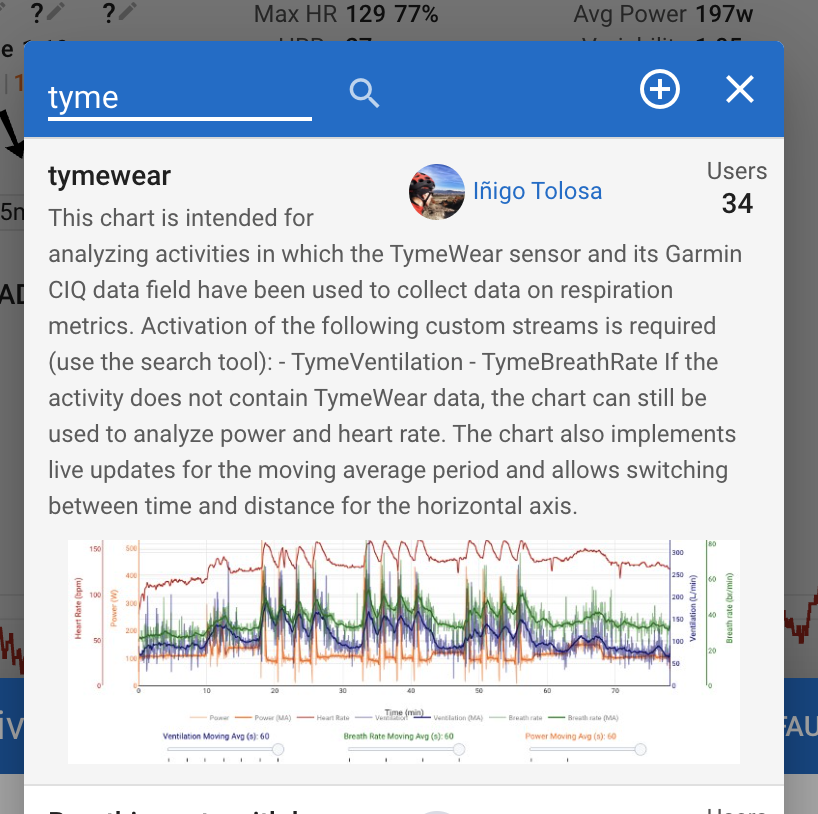
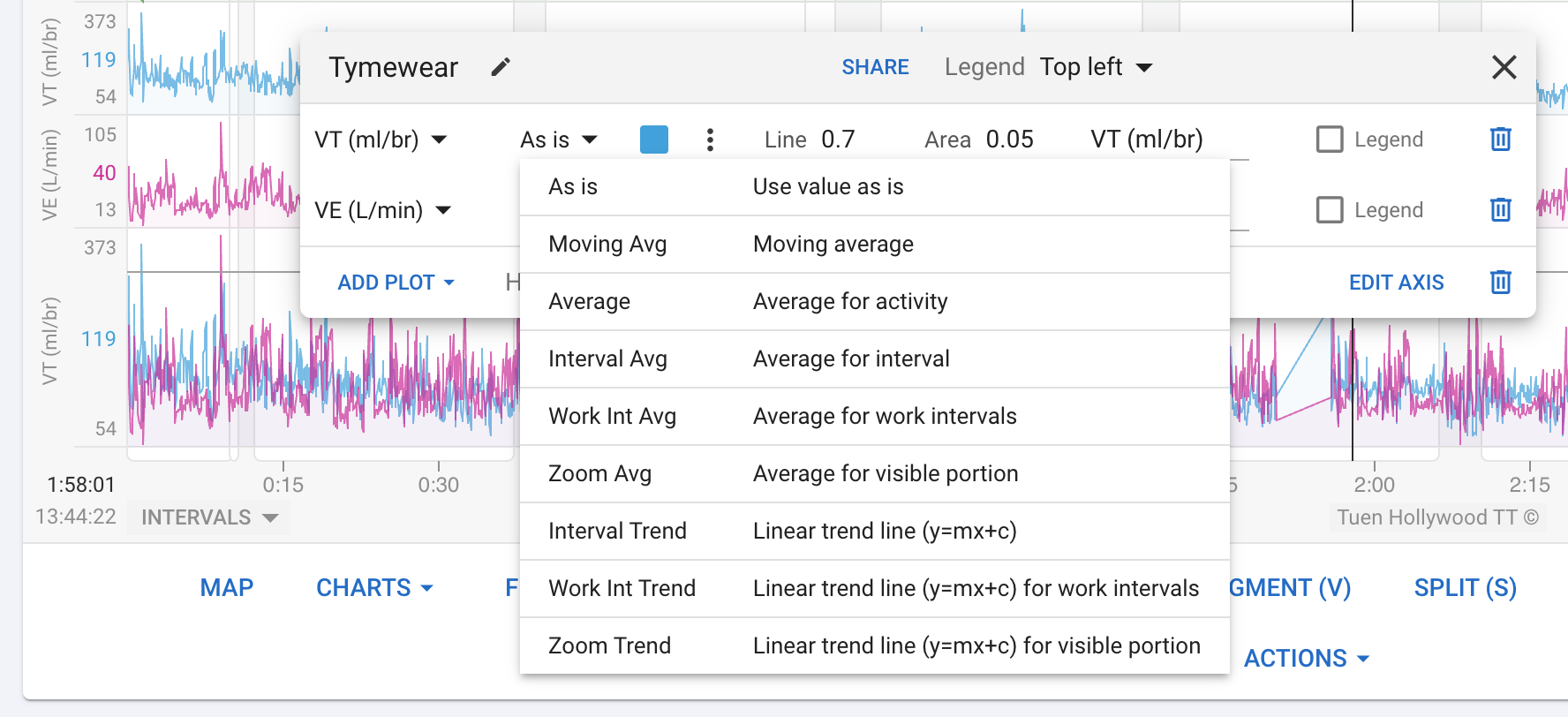
The VE data that you have a t the top (3) should be the same as Ventilation (1). If you want to double check that, search the plots for tyme, and you will see that you get Ventialtion and Respiration Rate. Otherwise, if you simply search for “Respiration”, that will also get you breath rate.
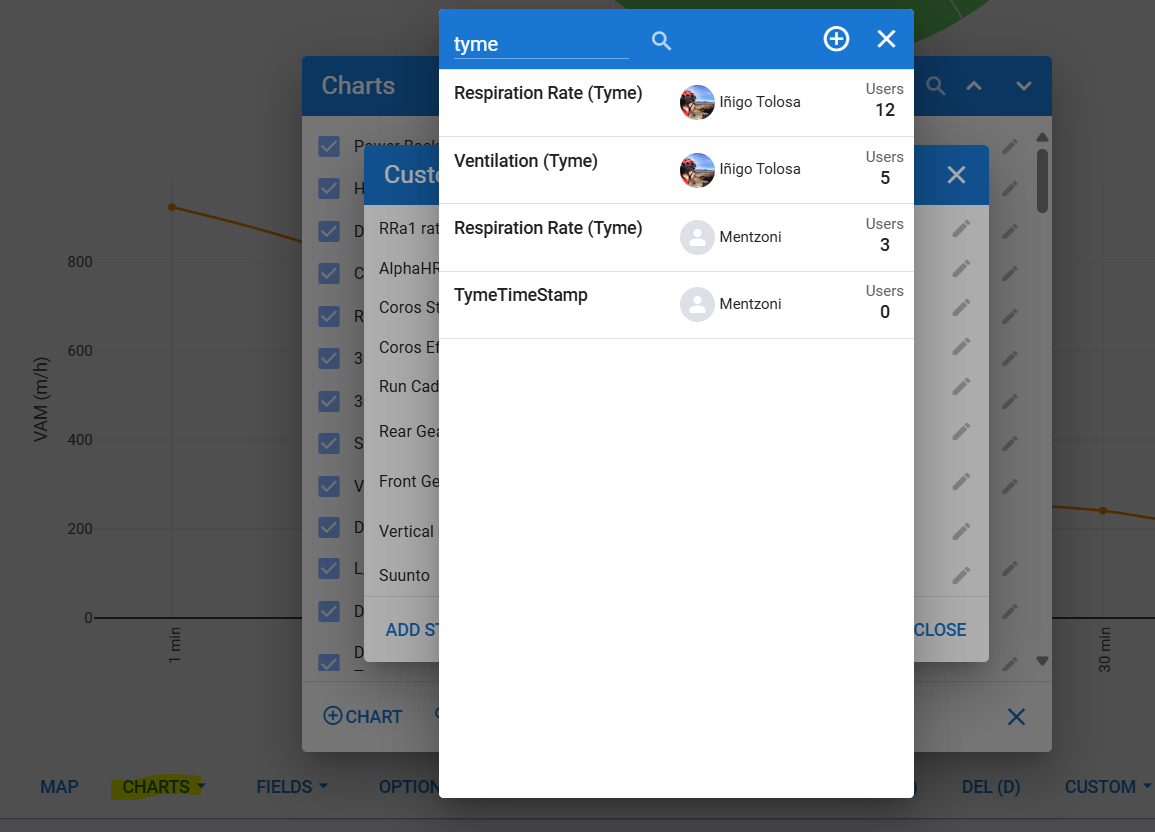
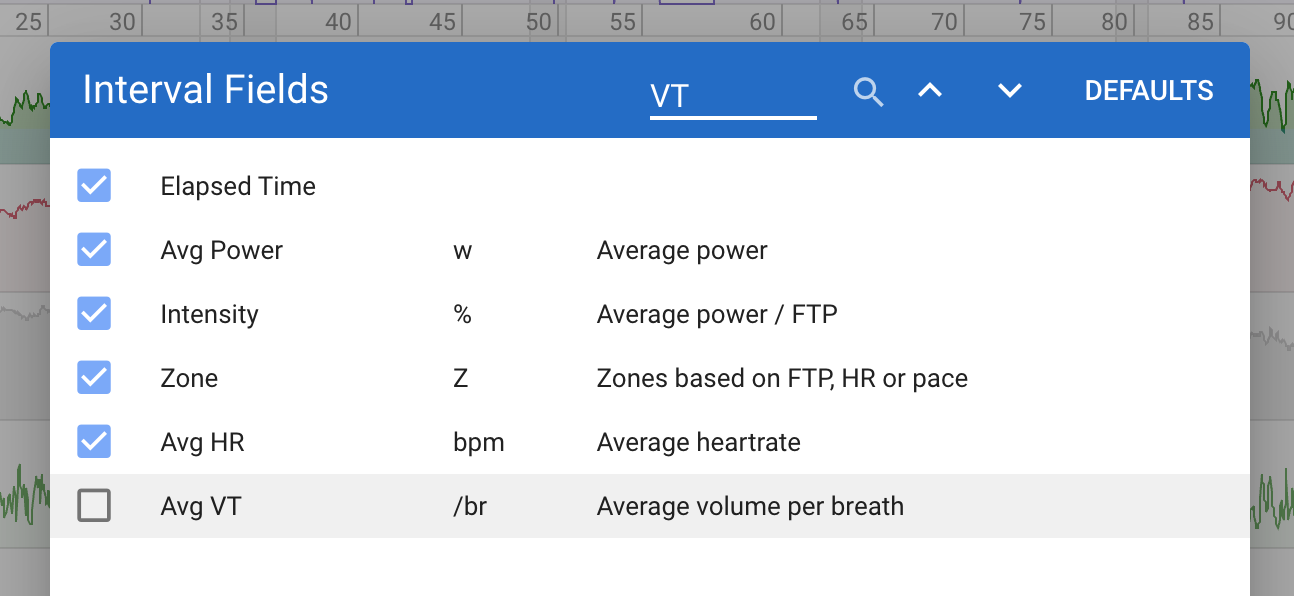
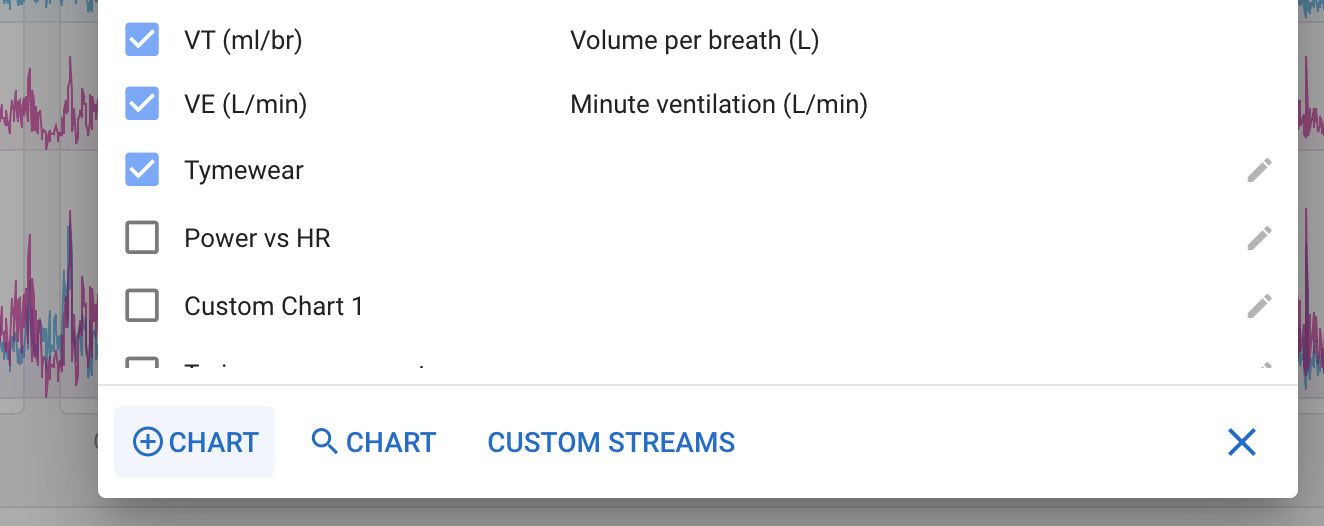
You do not need to add custom streams for these anymore, they are built in. Search for VT, VE and respiration in the normal (not custom) charts dialog:
I just received my Tymewear strap, performed the initial threshold test using the Tymewear app to control my Wahoo Kikr Core in erg mode, exported the FIT file from the Tymewear app, and uploaded it to intervals. Following the instructions above, I can see HR, VT, and VE for this activity, but power is not shown. Cadence is shown, but it’s wrong (constant value of 208). On the advice of Tymewear customer support, I downloaded Golden Cheetah and imported the FIt file into GC. I can see in GC that there is a stream called tyme_power, which appears to contain the correct power numbers. Is there some way to associate this field with power in intervals? (There’s also a field called tyme_bike_cadence, which appears to show the actual cadence divided by two. And there are a variety of other data fields with tyme_ prepended.)
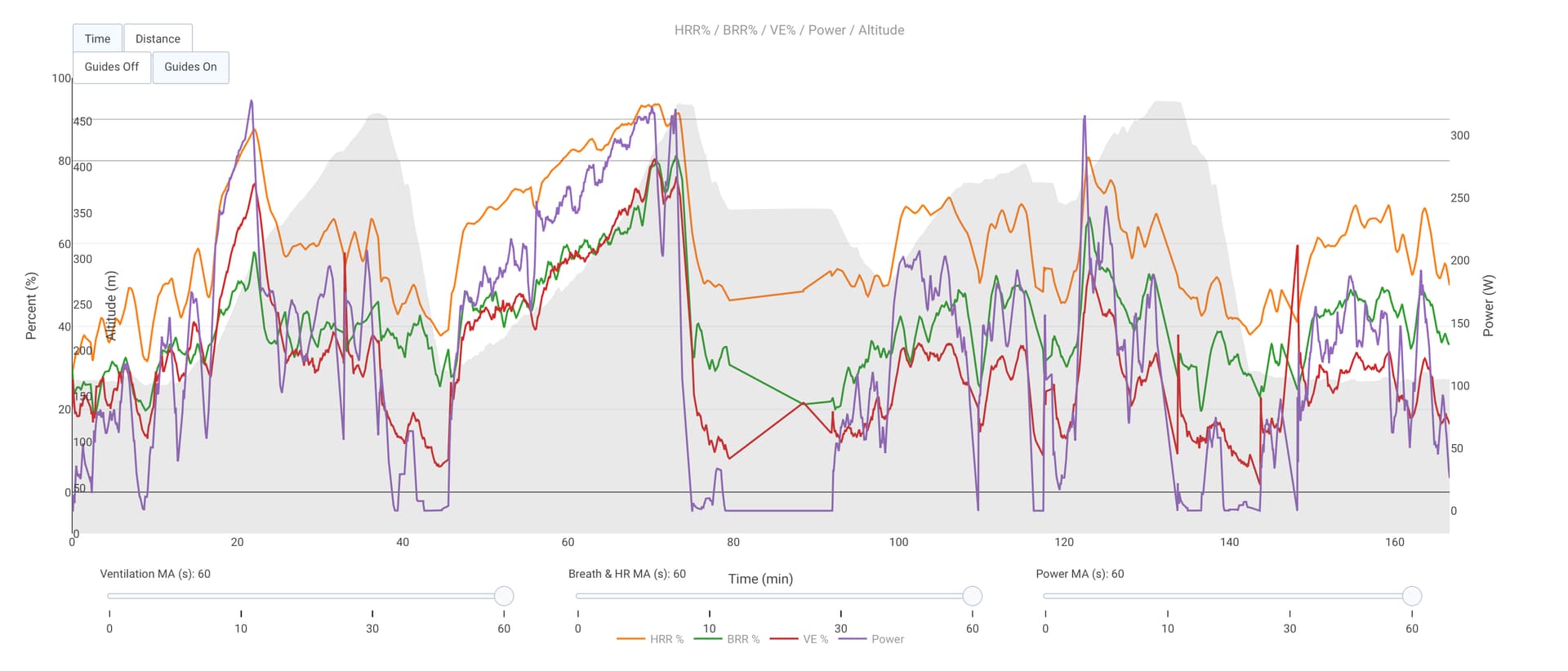
Hi, I just received the tymewear few days ago, and created a script similar to the one discussed here earlier. If you want give it a try, the script is also publicly available, so you can tweak it by yourself. It displays relative numbers - HRR and BRR - so in the source, you have to setup your values for Max HR and max BR (probably there is a way how to get those from user profile, I didn’t bother yet ).

 ).
).