I introduced a bug at 07h00 (GMT+2) on the 10th of September that caused some Garmin files to be discarded. This was fixed around 16h30. If you are missing Garmin activities performed during this time you need to download them from Garmin connect and upload manually.
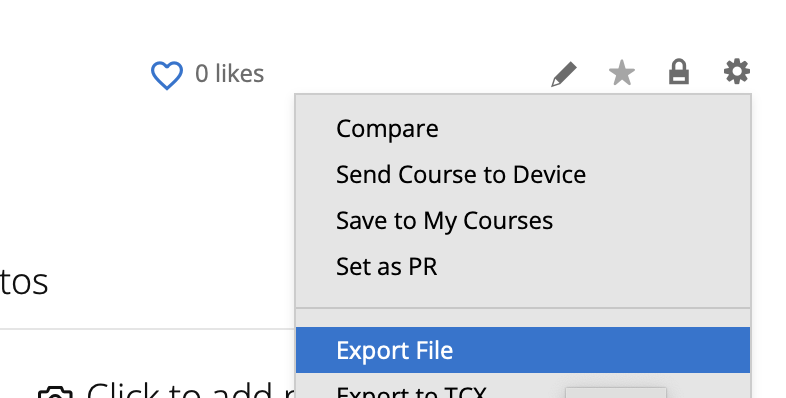
You can download the original file from Garmin Connect using the cog icon on the activity detail page:
Then use the “Upload” button on the calendar page to upload:

Unfortunately I can’t retrieve the missed files automatically. Garmin restricts historical searches.
Sorry for the inconvenience 
