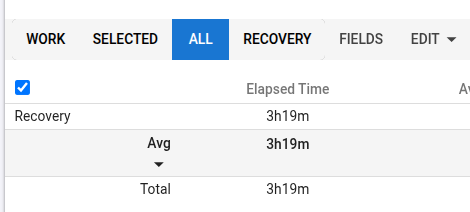
I noticed that laps from at least one of my athletes (@VALDIR_GOMES) are no longer appearing in Intervals (generated using the lap button on a Garmin 530). The activities do not contain any laps.
There are a few curious details:
a) his settings are exactly the same as the ones I use successfully with myself and other athletes;
b) this started happening from a specific date in April;
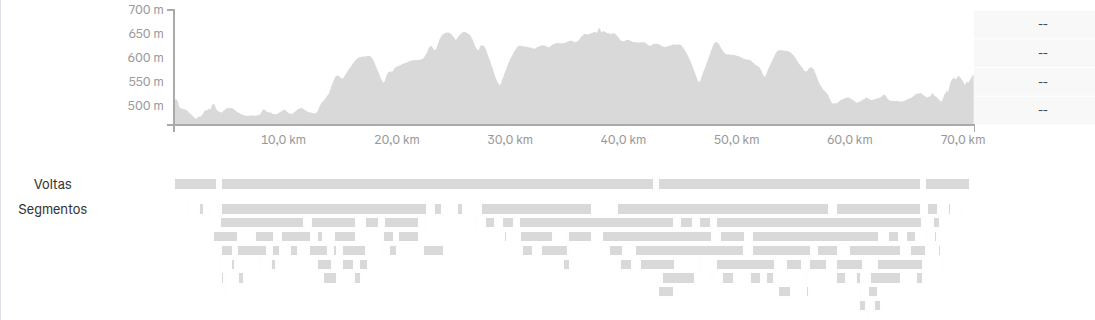
c) the laps do appear correctly in both Garmin Connect and Strava (see image below).
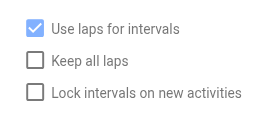
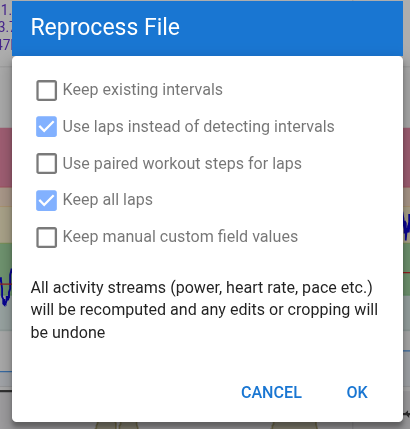
Reprocessing the file (imported through the Garmin Connect sync) does not solve the issue, regardless of which settings I use.
Any ideas or suspicions about what might be happening?
If it is only the Strava one, maybe the user activated the Privacy circle in Strava around that time.
If it is the Garmin one, download ‘Original Fit’ from the data tab and check if the lap events are in there by using FitFileViewer.
Hi @MedTechCD once again thanks for helping.
The file comes directly from the Garmin Connect sync. In fact, Strava is not even linked to his Intervals account:
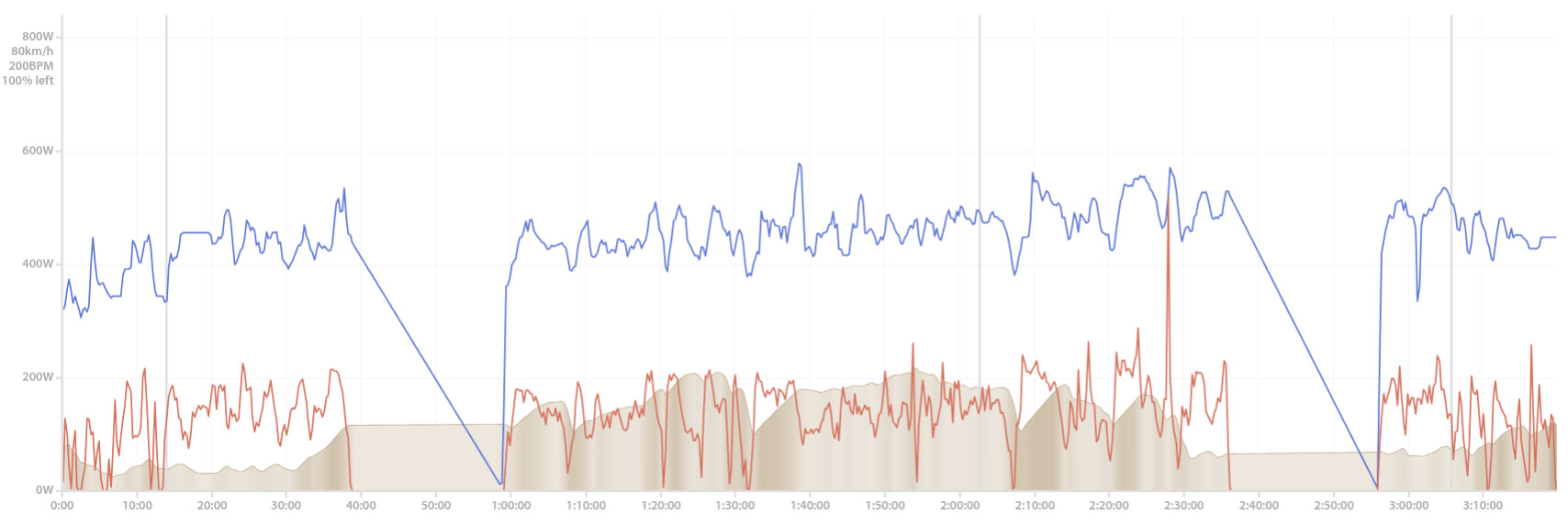
I downloaded the file following your instructions and uploaded it to another platform (Cycling Analytics). The laps appear correctly there.
So this does indeed seem to be something happening on the Intervals side.
Laps are visible on Cycling Analytics (vertical lines):
Additional observation: he reported that this started from April 21 onward. The previous activity had been a circuit race, during which he used a different Garmin profile specifically configured for racing, where he had some type of auto laps enabled (although I don’t remember whether it was auto lap by location or by time/distance).
However, he mentioned that even in that activity some laps were already missing, and every activity since then has stopped showing laps entirely.
There was no workout being executed on his Garmin during the activity, and I honestly have no idea what could explain this case. However, just to be safe, I’ve already changed his default setting to “keep all laps”.
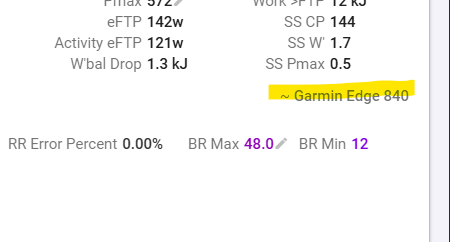
Maybe this is some kind of bug or mismatch between what is written in the FIT file and the way Intervals interprets it?