Warmup
-Press Lap 15m 67-75% Pace

Intervals 10x
- 3m 97-102% Pace
- 60s 60-75% Pace

Cooldown
-Press Lap 15m 67-75% Pace
Under the intervals on the timeline tab, in “Work” every step of the workout is included, even the warmup, cool down and recovery. Is there any way I can get intervals to automatically detect just the 3m steps as work and the rest as recovery?
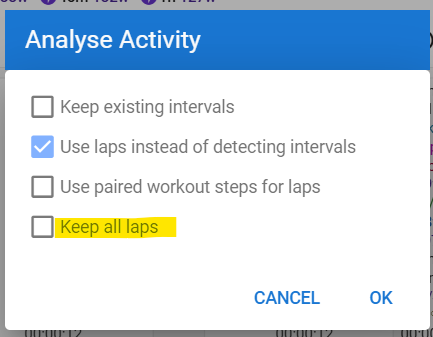
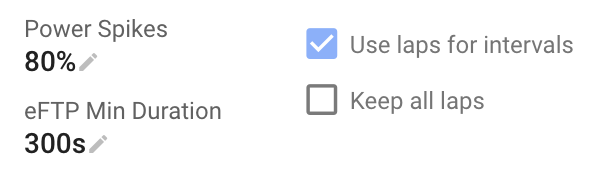
So using “Keep all laps” actually throws my intervals off a fair bit (one of the 3m changes to a 2m32s) however ticking “Use laps instead of detecting intervals” and “Use paired workout steps for laps” seems to solve the issue although it does add 1s onto each lap. It does match up with the average lap paces in Garmin Connect though.
Do I need to do this every time after an activity or is there a way to set a default?
Hey @MedTechCD I’ve run into a (slightly different) lap issue again and I’m really unsure what’s happened.
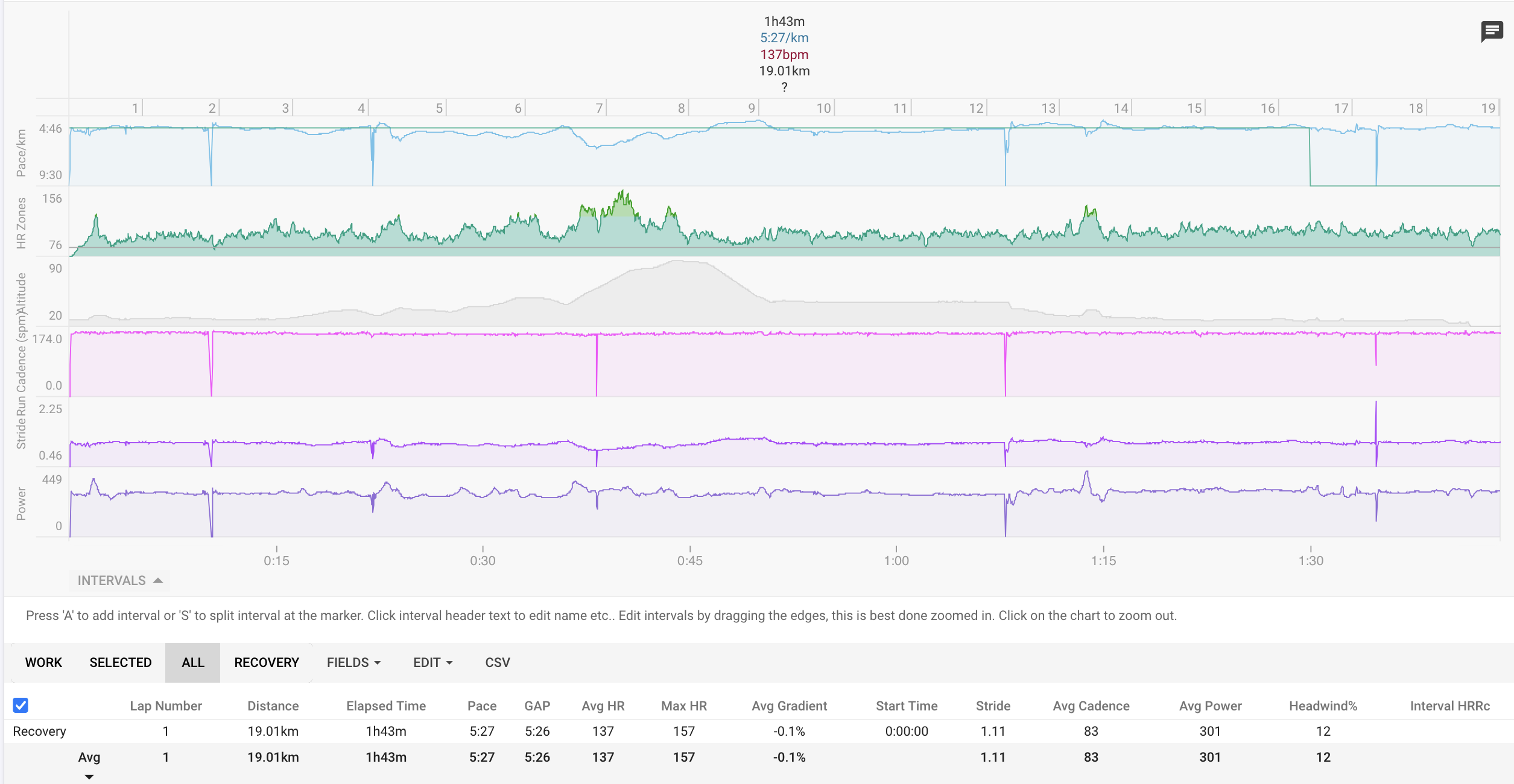
Since Sunday my runs have started importing as just one big lap. I haven’t changed any of my settings so not sure what could have happened and the laps are there on Garmin and Runalyze and I checked the Fit file and they show in there at 1km increments.
I have managed to add the laps by re-analyzing with just “Use laps instead of detecing intervals” and then pressing “Use laps” but I’d obviously like the runs to import with the laps from the Fit file
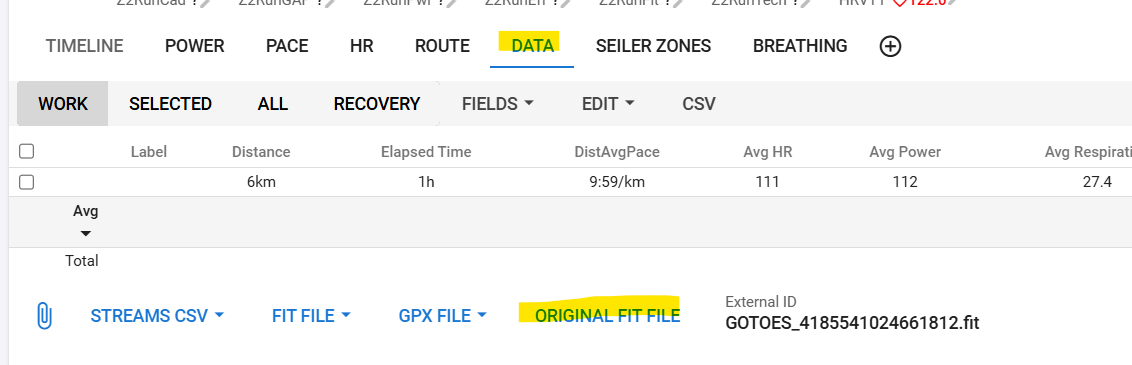
Can you pm me the file that got to Intervals? NOT the download from Garmin, because that could be different. Go to the Data tab and click ‘Original FIT file’. Upload it somewhere and send me a message with the download-link. I will check it out tomorrow.
Strange. You actually don’t have any interval detected.
Everything is considered ‘Recovery’.
I can’t think of anything causing that behaviour. Did you change anything last Saturday/Sunday? Like adding custom fields or similar? Anything that might be interfering?
No, not that I can think of as I had a race on Sunday and so wouldn’t have changed anything before that. It occured in my warmup that I did using my normal Easy run profile on my Garmin too.
I’ll have a play around with today’s run removing some of my custom fields and reprocess the original file and see if I can troubleshoot it
This has done it although I thought I had tried that combination before I did also delete the most recent custom field I added at the same time. Either way, thank you!
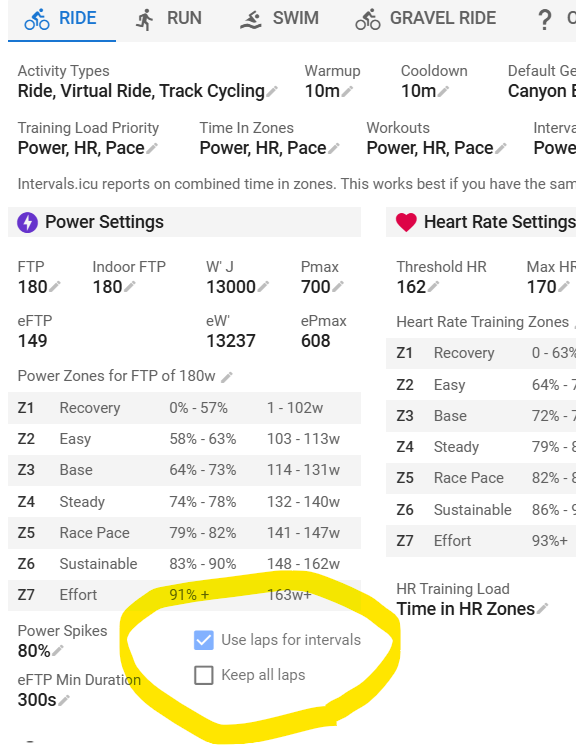
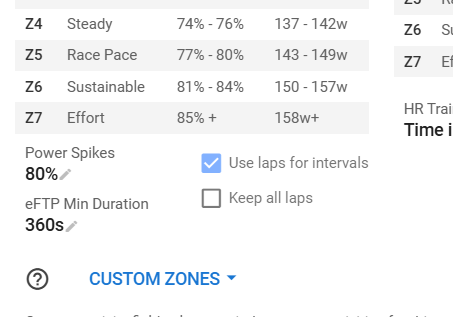
I’ll change my defaults to tick both boxes now and check what happens tomorrow…
Apologies, it’s me again. The above solutions have worked but not for every workout. Here are the issues I’m facing:
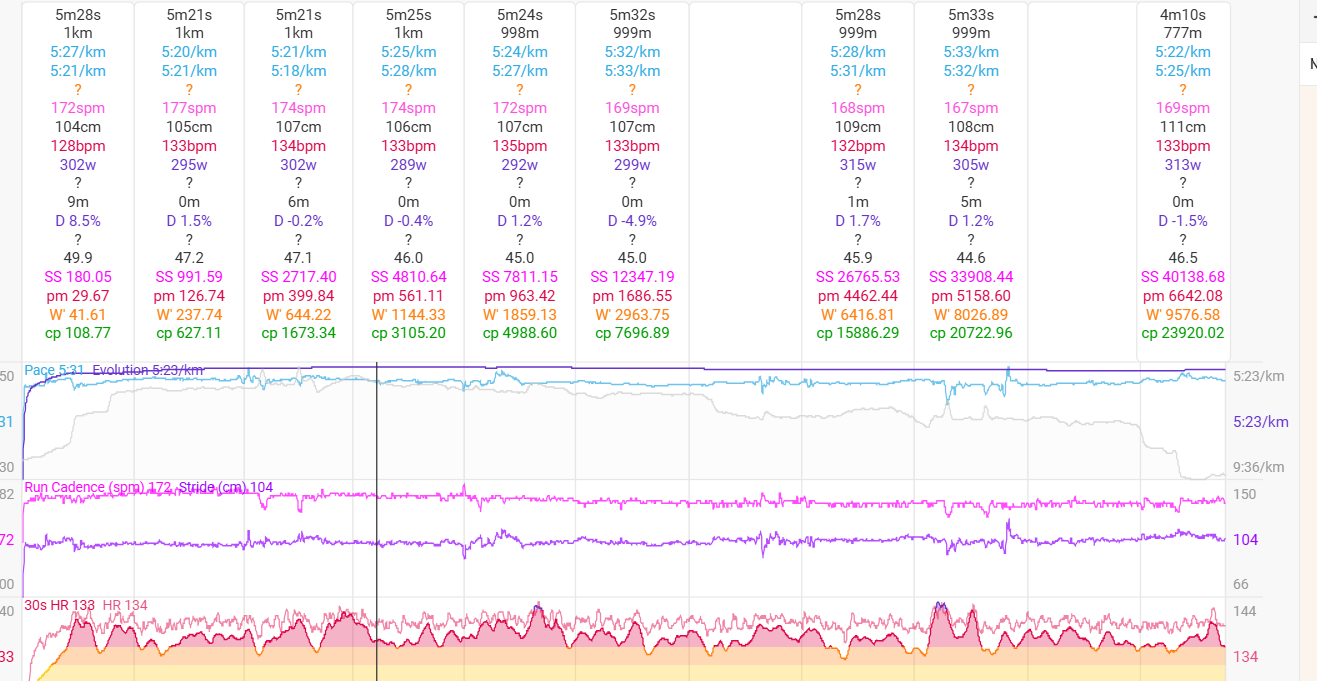
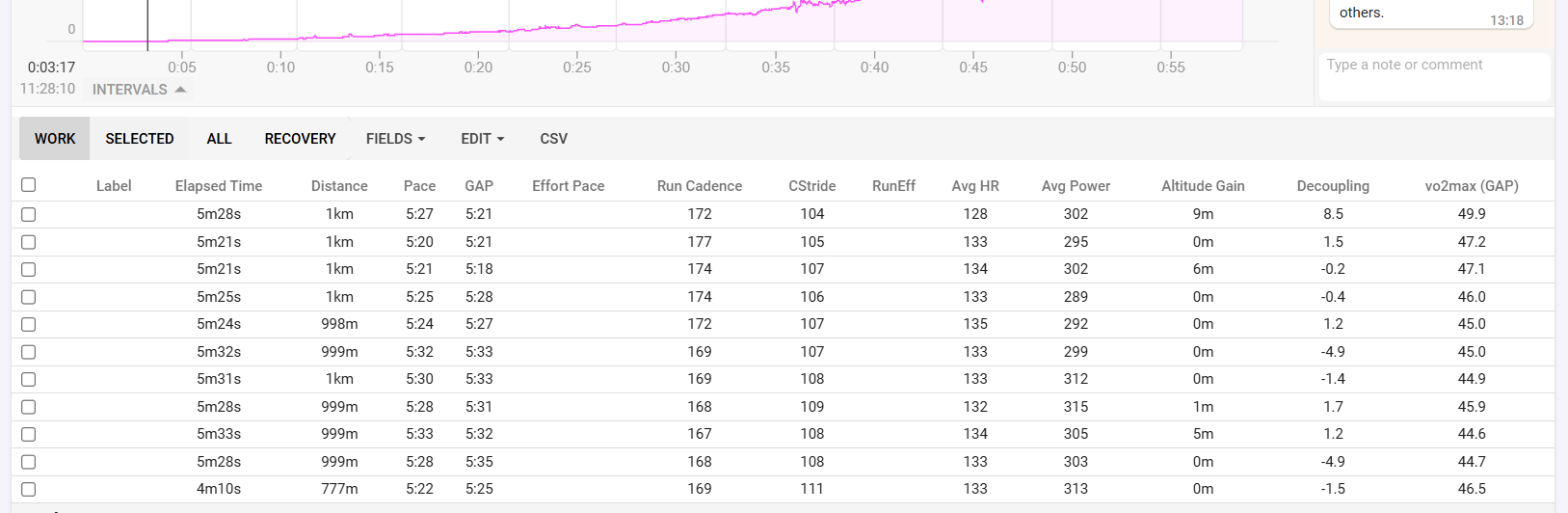
On an easy run/run with no planned interval sections in (I just start my watch on a regular run program on my Garmin) the following happens when pressing “Reprocess Original File”
With both “Use laps instead of detecting intervals” and “Keep All Laps” I get the desired result with 1km laps.
With only “Use laps instead of detecting intervals” I get one big lap (un-desired result).
However, I get my desired result for interval workouts with planned steps during the workout the other way round:
With both “Use laps instead of detecting intervals” and “Keep All Laps” I get all the intervals however they all fall under “Work” (including recoveries)
With only “Use laps instead of detecting intervals” I get all the intervals and I get the desired result of just my work intervals falling under “Work”
I’m not really sure how to solve for this and also no idea why this started occurring as it wasn’t an issue I had previously.
This is somewhat a strange behaviour and there might be a better solution.
The rest is unavoidable. If you check ‘Keep all Laps’, Intervals considers every Lap event as the start of an Interval. If you don’t check it, Intervals will try to determine if it is a Work or Rest interval by comparing intensity/zone, and mark the highest as Work, the lowest as Rest.
The problem is that there are a multitude of workouts where the sequence of intervals is not straightforward Work/Rest/Work… One of them being Over-Unders for example where you do an Interval just above FTP followed by one just under FTP. You don’t want the interval just below FTP to be marked as rest!
So you will need to do some basic manual editing. Depending on your habits, I would set ‘Keep All Laps’ checked and for higher intensity interval workouts, simply hover your mouse over the rest intervals and press D to change it to a Rest interval. That is if your higher intensity workouts are something like x * y min and where x isn’t a big number.
If on the other hand, you regularly do something like 30-20’s, I would toggle the default behaviour to get those correct. For your easy workouts then, click the header of the one big interval and choose Split, to quickly split it as you want (per km, per min…)
Both those actions are very little manual work in my opinion, and of little annoyance.
Thanks for the info! I actually find it easier to leave “Keep All laps” unchecked therefore all my work/rest intervals on interval sessions do import correctly. This means that on my easy runs that are importing as one big interval I can just “Re-analyze” and in that pop up check “Keep All laps” and it sorts it out on those runs.
I agree, it isn’t a lot of manual work it’s just odd that it’s changed as it was all working correctly up until a couple weeks ago. It would be nice to not have to do it but it’s something I can cope with! Thanks again
 I did also delete the most recent custom field I added at the same time. Either way, thank you!