New Update: yesterday’s data now fills in properly
I just pushed an update for a small but annoying issue. I noticed this after not logging in to the app two day in a row, and saw sync was funny – also, some support feedback too, thanks! Before, yesterday’s record only got partially refreshed on new syncs (just steps + nutrition). So if a sync got missed or ran before Apple Health finished crunching overnight numbers, yesterday’s sleep, HRV, resting HR, etc. would stay stuck with whatever was there, later syncs weren’t going back to fix it.
Now every sync re-pulls the full set of metrics for both today and yesterday, so anything missing gets backfilled automatically for the previous day.
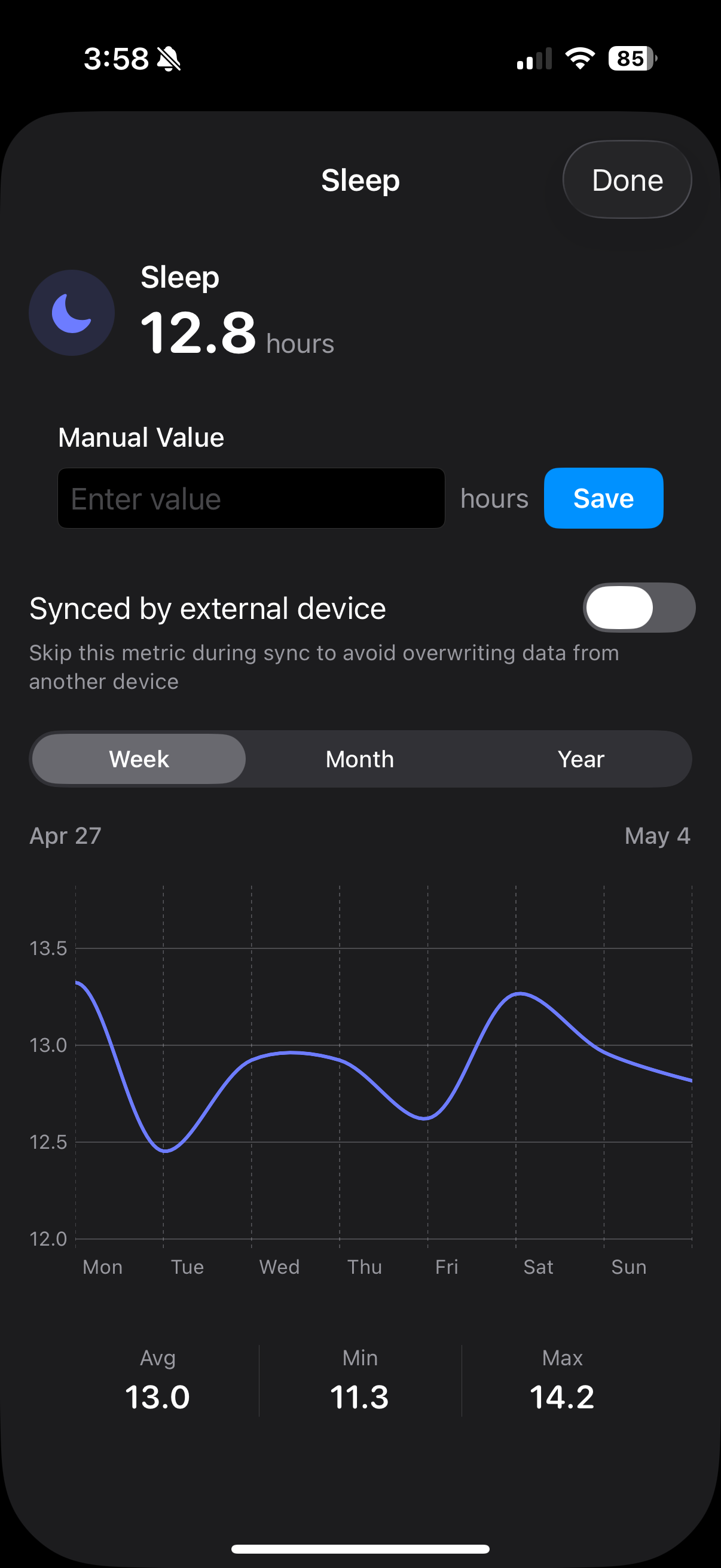
Everything seems to be coming across ok except for my sleep time is doubled for some reason?
@Dustin_Hoffmeister Haha, looks like you get as little sleep as I do! I had this issue before when I was running another sleep tracker on my watch/phone. I never figured out how to stop the double counting - I ended up removing the sleep tracking app. I don’t know, that might or might not be the source of the issue you’re having now. I had another issue with double counting steps that had to do with watch and phone data crossing up. A good LLM should give you the fix, sorry don’t want to don’t the long explanation here. If it still persists let me know and I’ll dive in further to see if it’s an app issue.