No, the time it takes to load isn’t new; just the refresh causing it to fully restart.
Fixed, tx.
I will see what I can do about getting the old site up.
Fixed, tx. It now respects the “Precise distance” setting in Options → Colors on the calendar like before.
Ok thats good to hear. The refresh issues are hopefully fixed now. But you do need to on the new version so there will be one last round (hopefully!) of badly timed refreshes.
1 Like
I’m seeing the same thing on my (aging) laptop (8th gen i7) but deactivating the map on the timeline page significantly improves the speed. The creation of Custom Activity charts, especially on longer activities (over 3-4 hours) is even then still slower then before. Creating and editing intervals is also slower then before but a lot faster with the map deactivated.
Calling up the map with the map button is much slower then before and also zooming and refreshing the map tiles takes way longer. When the map is displayed, navigating in the charts and selections/intervals is difficult.
To me it looks like the map is taking up more resources in the new version.
3 Likes
The edit workout and calendar event dialogs are much more compact now. Doesn’t look that great when there are field errors but they shouldn’t have to scroll for many people.
We are looking at these performance issues. Tx for the detailed info.
1 Like
Wow you have a lot of charts on the activity timeline page! We fixed a bug that was triggering a spurious interval update when the settings toolbar for a custom trace chart was opened. Also fixed a few other things and the performance is a lot better now (on my fast MBP with CPU on 4x slowdown). The map did make a difference but not massively.
According to Chrome dev tools performance tab, most of the time is being spent “Layerize” which is doing opacity and transitions and so on using the GPU. This reduces if there are less timeline charts. So if the performance is still bad try moving some charts to other tabs.
The way I edit intervals using A + S + D has become really slow and strange. Sometimes the view randomly zooms out by itself, and there are occasional bugs. Everything feels more choppy and less smooth, and it now takes me much more time to create intervals and analyze specific race segments — even when the map isn’t loaded. Even with less charts
2 Likes
It’s brutal. I am not paying so much attention to the details  Or so old I forget them let’s say… but yes we had some vuetify as well. But we did some creative solution of running view 2x and 3x at the same time so just slowly replacing it as we work on things.
Actually, when I zoom in a lot, it seems a little bit faster. I’m not sure if this detail helps you fix the issue, but I thought it might be worth mentioning.
Fair point. I’ve never given it much thought because it just worked.
For some of those charts on the Timeline tab, it would actually make more sense to put them on the Power or HR tab. I will reorganize that a bit in the next coming days.
Thx for the tip!
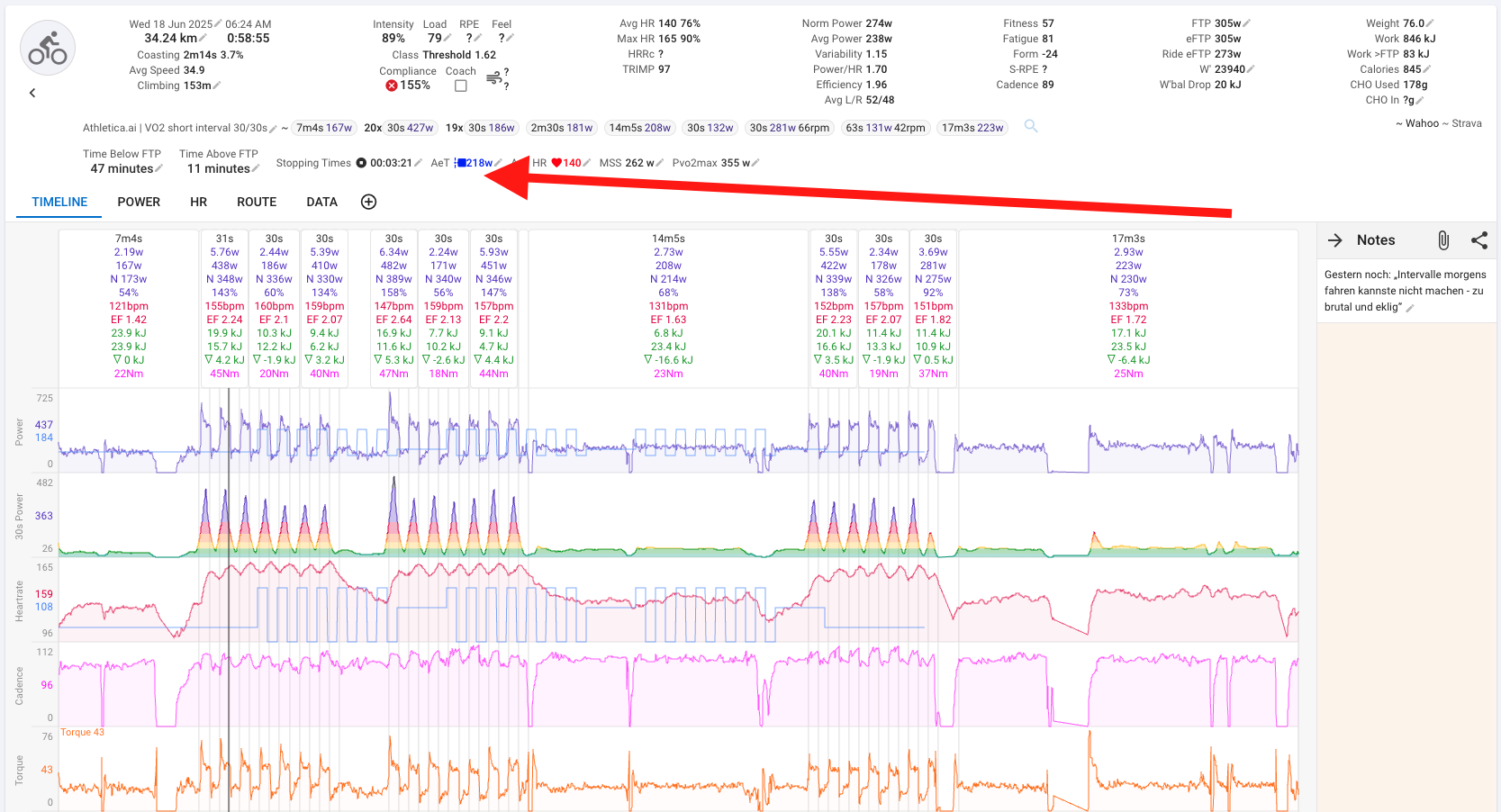
Unfortunately all the icons changed with the update. That was outside of our control. You need to edit that custom activity field and choose a different icon.
The /compare and /fitness pages should be much faster now. The server now sends back bigger batches of activities reducing processing time in the web app. We are working on more performance improvements.
5 Likes
Wow! That is an incredible difference. Thank you so much for that, and all the other fixes/updates.
3 Likes
Activity tabs are also a lot faster, factor 10 at least😎
2 Likes
Huge difference - seconds versus a minute.
Thank you!
2 Likes
Tx everyone. We have deployed another update (2025-06-18 15:51:23) that should speed up the /fitness page some more.
Tx. There are still some issues there that we are working on.
4 Likes
Soon we’re gone be flying to Mars thanks to this site. 
1 Like
Wow. Much faster than before.
2 Likes
Just deployed a good speedup to the activity timeline page. One more to go on that page but that will have to wait until tomorrow.
1 Like
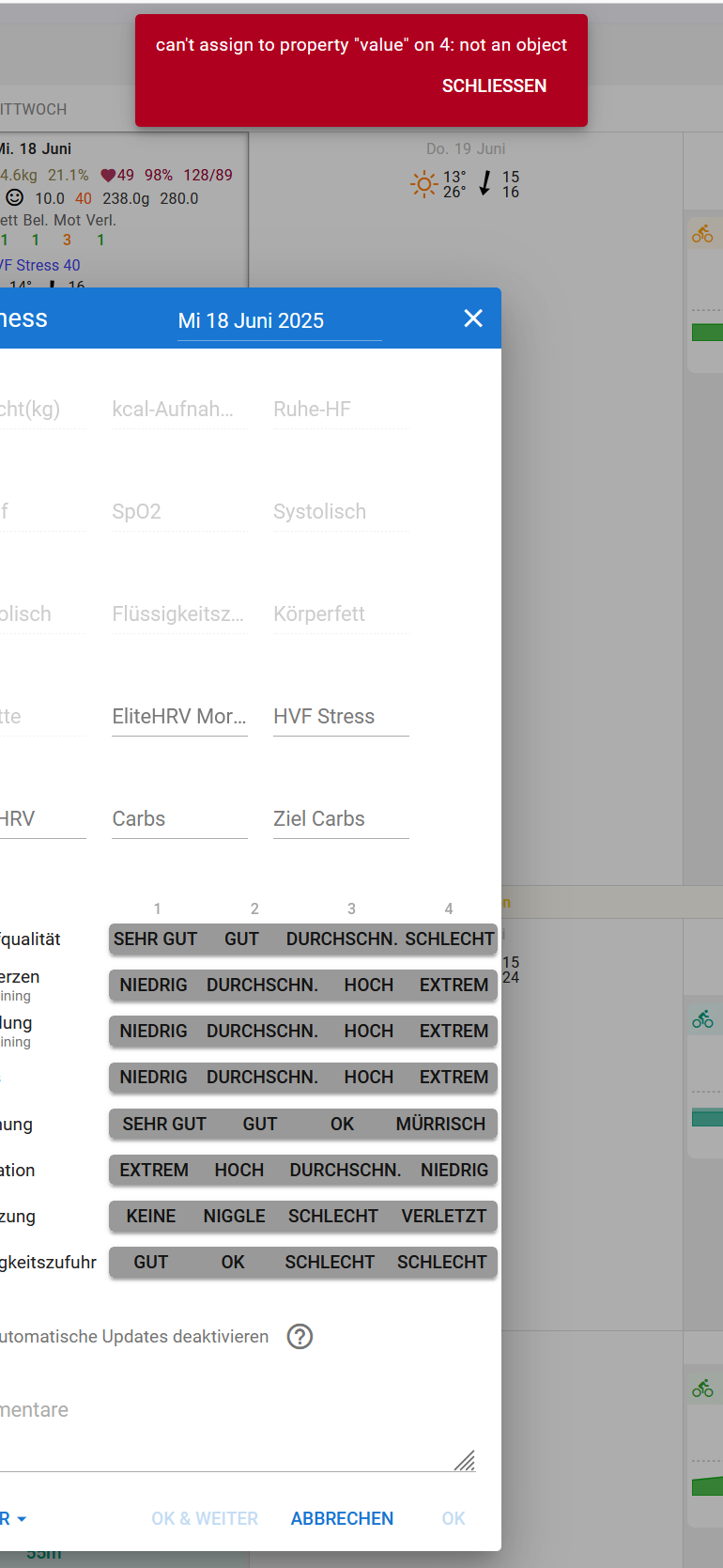
I’m currently getting the above error message when entering wellness data. After refreshing the page, I can enter data again. I don’t know if it’s related to the update — I didn’t get the message yesterday.
I as well.