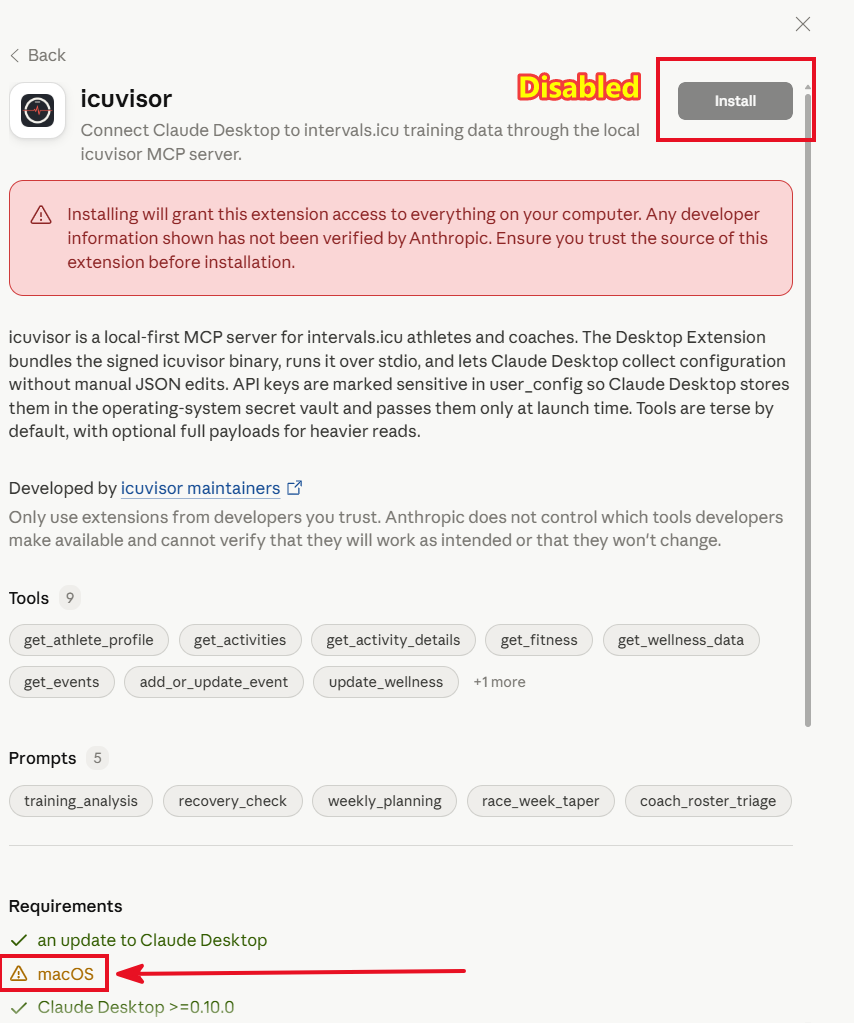
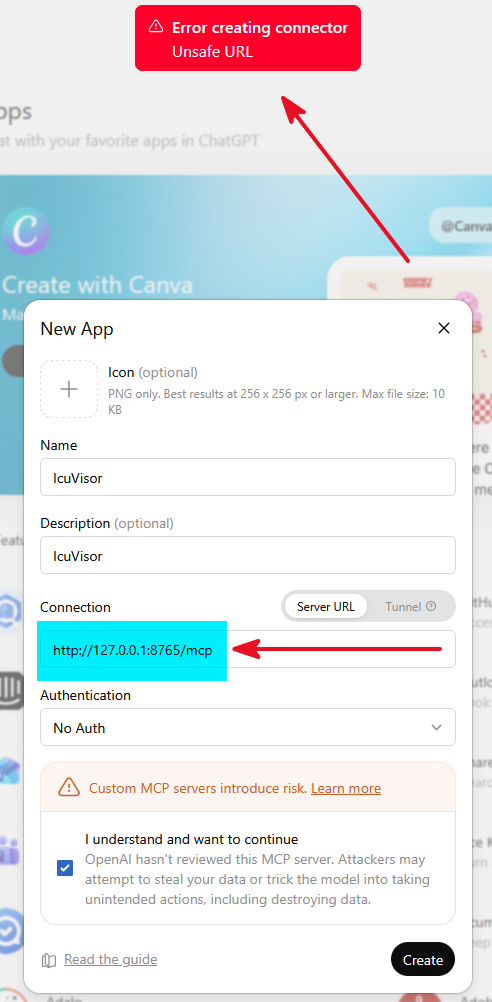
icuvisor is an open-source, MIT-licensed MCP server that connects intervals.icu to Claude, ChatGPT, Pi, Cursor, and other MCP-compatible clients. The repo is hosted on Github, and end-user docs / installers live at https://icuvisor.app.
What’s different from other MCP servers
The goal is to make this usable by athletes who don’t want to install Python tooling, edit JSON config by hand, or hand their API key to a hosted service. Concretely:
-
Single signed Go binary. Install via
.dmg/.msi/.deb/ Homebrew / Scoop / Winget. Nouv, nopip, nohatchlingerrors. The first-launch flow asks for an API key, detects your athlete ID and timezone, and writes the MCP config for your chosen client(s) automatically. -
API key lives in the OS keychain (macOS Keychain, Windows Credential Manager, libsecret) — not in a
.envfile that ends up in dotfile backups or repos. -
Terse-by-default responses. Every read tool returns the smallest useful payload; heavy fields (streams, raw samples) require an explicit
include_full: true. Nulls are stripped (wellness rows with N/A device fields shrink dramatically). The target is fitting a full year of overview data inside a single free-tier Claude conversation without running out of context. -
Scale labels embedded in the response itself —
feelis 1–5,sleepQualityis 1–4,sleepScoreis 0–100. These are in_meta.scaleson every row, because some MCP clients don’t pass the tool description back to the model at inference time and the LLM would otherwise compare numbers on incompatible scales. -
Sleep dual-scale handling.
sleepQuality(athlete-entered 1–4) andsleepScore(device-imported 0–100) are surfaced as distinct fields with provenance, never collapsed into a single ambiguous “sleep rating.” -
Wellness provenance + freshness. Bridged fields like
readinesscarry a_meta.provenanceper field (polar | garmin | oura | …) and a_meta.stale: trueflag when the bridge hasn’t refreshed in 24h (the Polar-bridge-only-refreshes-when-you-open-the-website problem). -
Strava-imported activities are detected and returned as a structured
unavailable: { reason: "strava_tos" }with a workaround, instead of emptyN/Afields the model might hallucinate over. -
Unit and timezone normalization. Distances render in the athlete’s
preferred_units(miles or km) with the unit name in the field key, so no LLM unit drift. All times are in the athlete’s configured timezone. -
Delete safety is not LLM-controllable.
delete_event,delete_events_by_date_range,delete_workout, etc. are gated by anICUVISOR_DELETE_MODEenv var read at startup (none/safe/full). Forbidden tools aren’t registered with the MCP server at all — the model can’t see them, can’t be talked into them, and can’t invent aconfirm: trueflag. A per-call confirmation argument controlled by the model is not a credible safety guard. -
Coach mode with per-athlete tool ACLs. Paste a coach-scoped API key, list athletes, and grant each athlete a specific tool subset (e.g. read-only for a prospective client, full read+write for an active one). The
athlete_idargument selects who the call targets; it is never a credential. The coach key never leaves the local binary. -
Workout DSL round-trip. intervals.icu emits structured
workout_docon reads but silently ignores it on writes — uploads need to be re-encoded into the description-string DSL. icuvisor owns that serializer so you pass structured steps and never see the asymmetry. Lossy fields are surfaced as a_meta.lossy_fieldswarning rather than dropped silently. -
Free-text descriptions are written through verbatim. Athlete/coach notes in
descriptionare not silently normalized into structured blocks on edit. -
MCP Resources for long-form schemas. The workout-syntax DSL, event categories, custom-item content schemas, and the live athlete profile ship as Resources rather than inline tool descriptions, so the per-session tool-description budget stays small.
-
Toolset tiers. Defaults to a curated
coresubset (around 17 tools) covering the daily-use path; the full surface is one env var (ICUVISOR_TOOLSET=full) away. Smaller catalog → fewer tool-selection mistakes on smaller models. -
MCP Prompts (training analysis, recovery check, weekly planning, race-week taper, coach roster triage) for clients that surface prompts.
What it doesn’t do (yet)
-
No Strava / TrainingPeaks direct ingestion — connect your device directly to intervals.icu (or add another MCP server alongside).
-
No hosted relay yet. Everything runs on your machine; your API key and data never leave it.
-
The analyzer family (
analyze_trend,compute_zone_time, etc.) is planned for v0.6 — for now the LLM does the math from the read tools.
Status
Beta. Check the roadmap and the PRD, which explains the design choices above in more detail.
I’d love feedback, especially on the installation process and documentation, tool catalog, the response shapes, and anything that feels wrong against how you actually use intervals.icu. Issues and PRs on Github welcome.
Also thanks to the intervals.icu community and other MCP connector authors; a lot of the design decisions here are direct responses to problems people raised on other posts and projects.