We have been working closely with the Huawei team to support Huawei watches and other devices. Look for the HUAWEI Health box in /settings/connections:
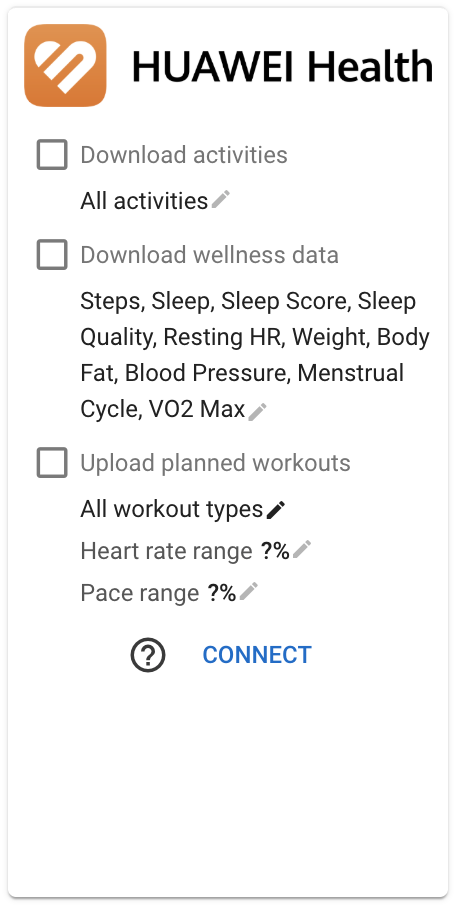
You can download completed activities (rides, runs etc.) and wellness data (steps, sleep, resting HR, weight, body fat, blood pressure, menstrual cycle and VO2 max).
You can upload your next planned workout (runs, walks and hikes only, others are skipped).
Just tick one of the checkboxes or the connect button to start the authorisation process.
Link Health Service Kit
Please note that you also need to make sure that the HUAWEI Health Service Kit is linked in the Huawei app. Open the Huawei app, click “Me” on the bottom menu and scroll down until “3rd Party Services” is visible:

Click “3rd Party Services” and make sure “Health Service Kit” is linked:
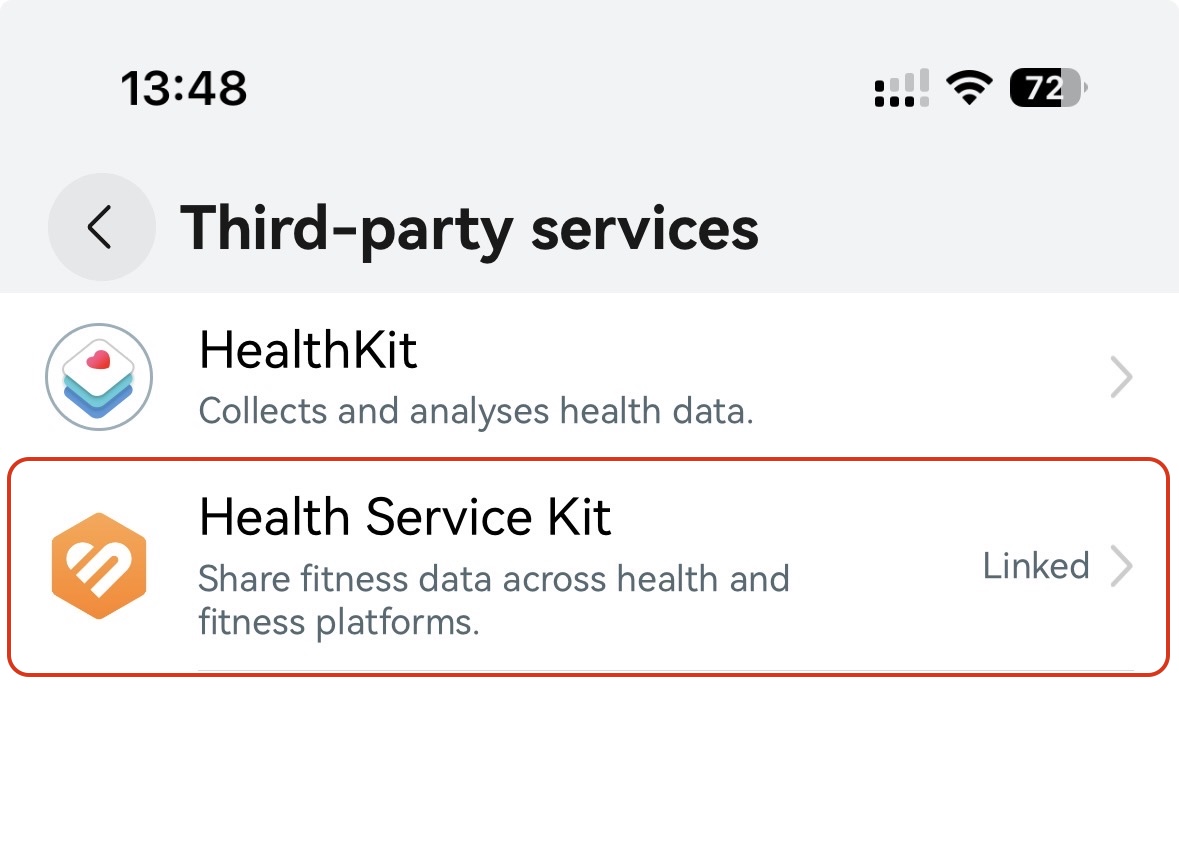
This will upload your HUAWEI Health data to the Huawei cloud and from there to connected services like Intervals.icu.
Completed Activities
Activities are delivered via webhooks and should show up within seconds of upload. A poll for activities in the last 7 days is done the first time you visit Intervals.icu each day. You can fetch more using the “Download Old Data” button.
Note that Huawei devices only record heart rate and other fields every 5 seconds. GPS data is second by second.
Note that the “Original Fit File” download button on the activity data page downloads a fit file generated by Intervals.icu. The Huawei API does not support fit file export.
Wellness Data
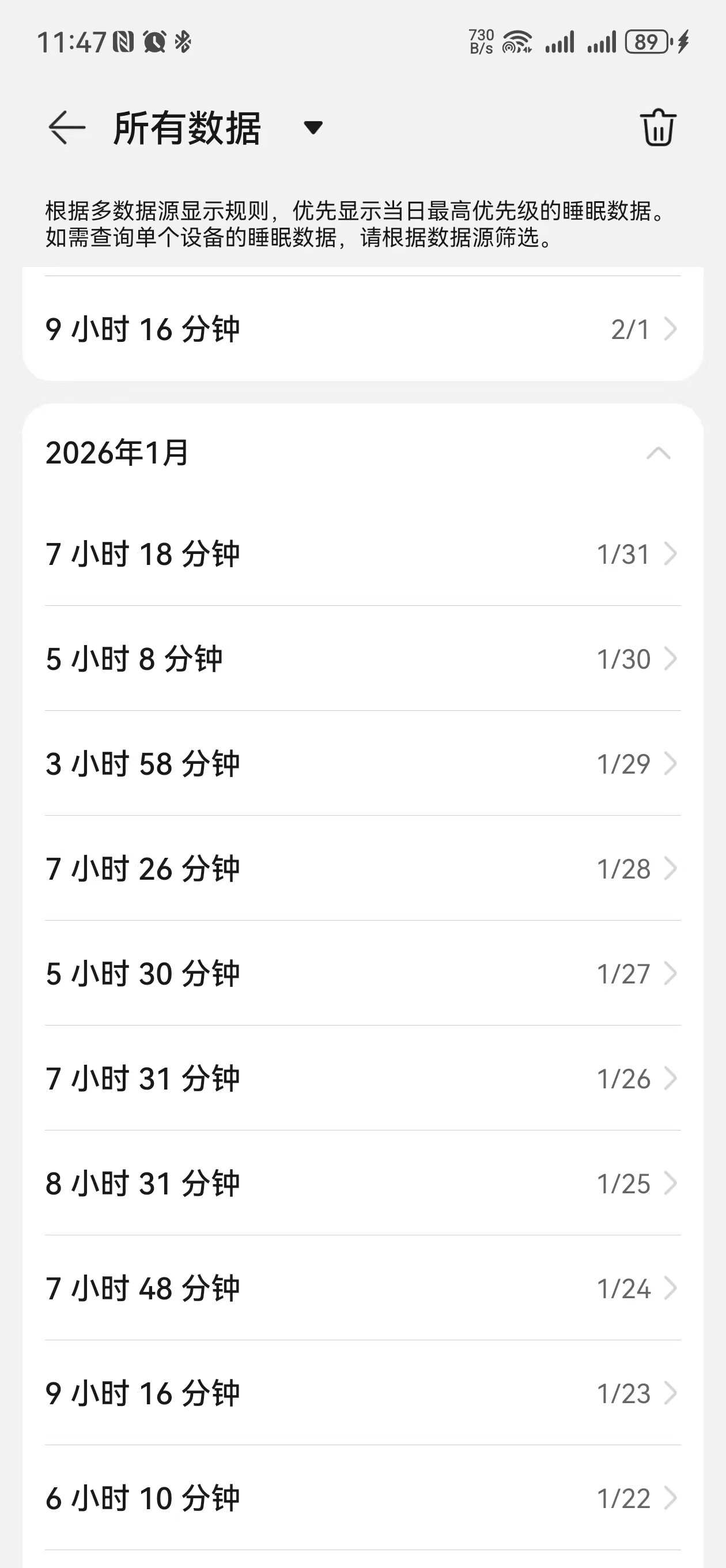
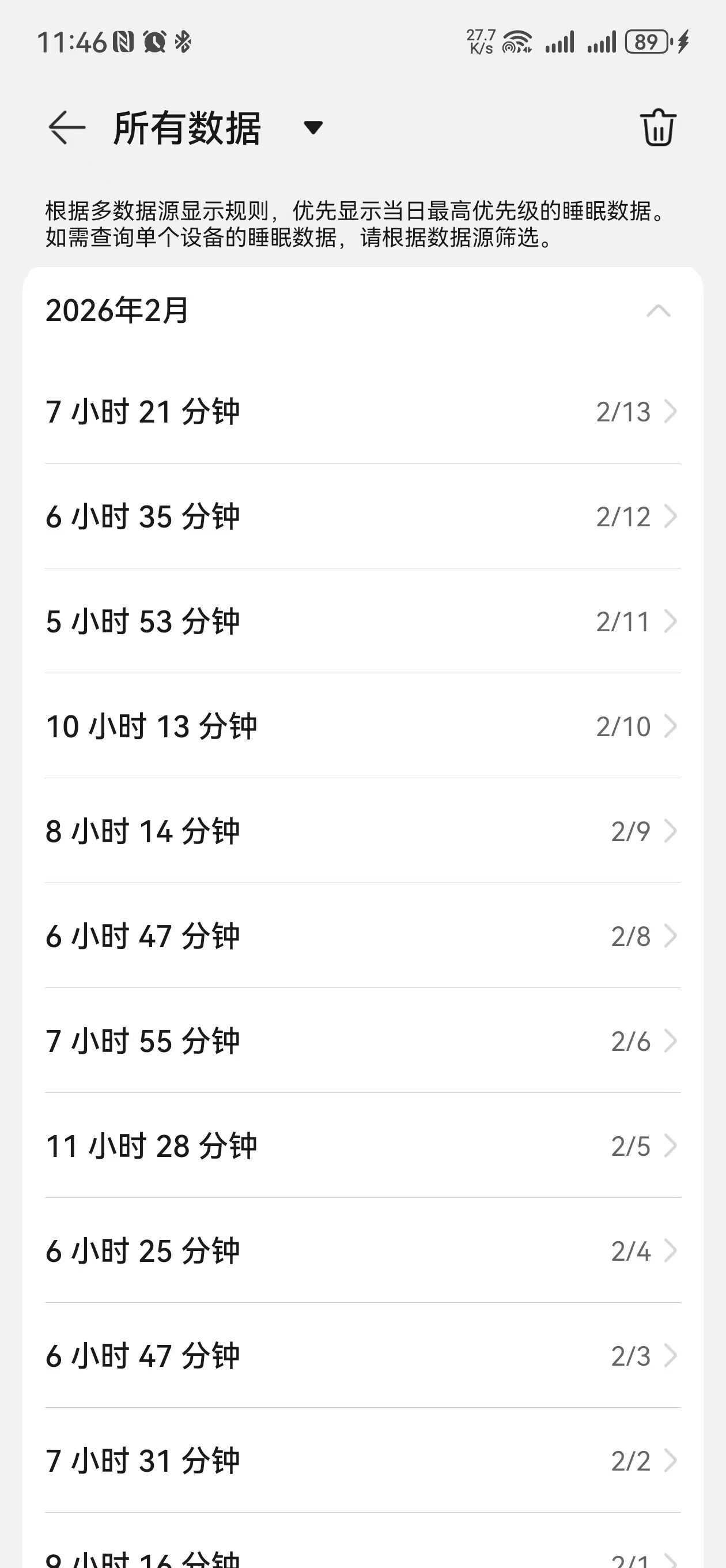
Wellness data is delivered via webhooks whenever you open the Huawei app and sync with your device. Wellness is also polled when you visit Intervals.icu for the first time on a day and several times a day after that.
Planned Workouts
Intervals.icu will upload your next planned run, walk or hike scheduled in the next week. Other activity types are not yet supported and automatically skipped. Only a single planned workout can be uploaded at a time. Workouts that have been completed (paired with an activity on Intervals.icu) are skipped.
In this example, today is Thursday so the run scheduled for Friday (“Fast Run”) will be uploaded.
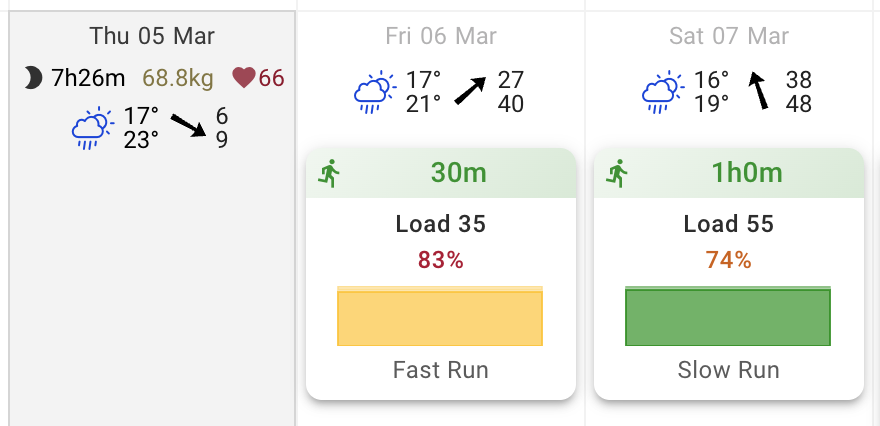
If your legs are not up to that and you would like to do Saturdays “Slow Run” instead, you can click it and choose the “Upload to Huawei” button.

This overrides the “upload next workout” behaviour.
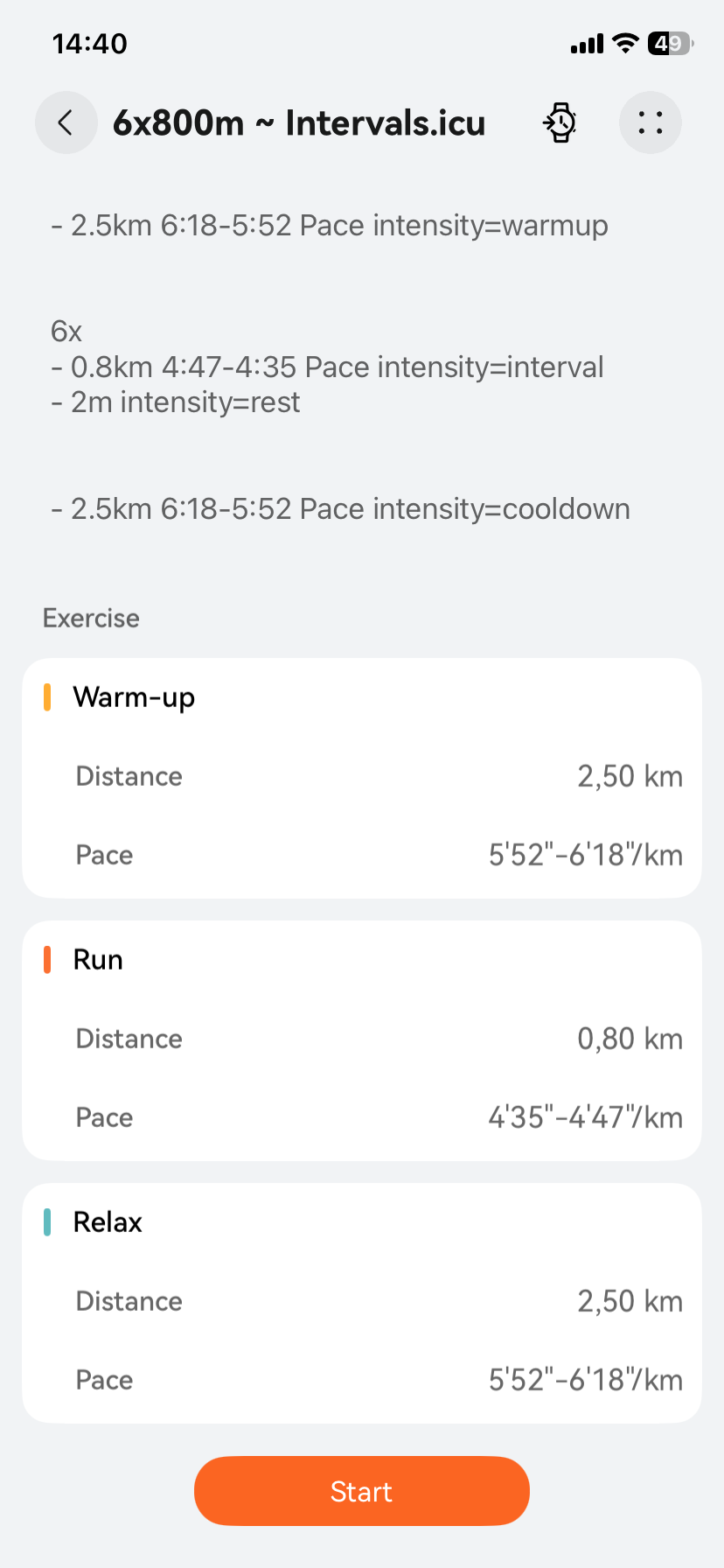
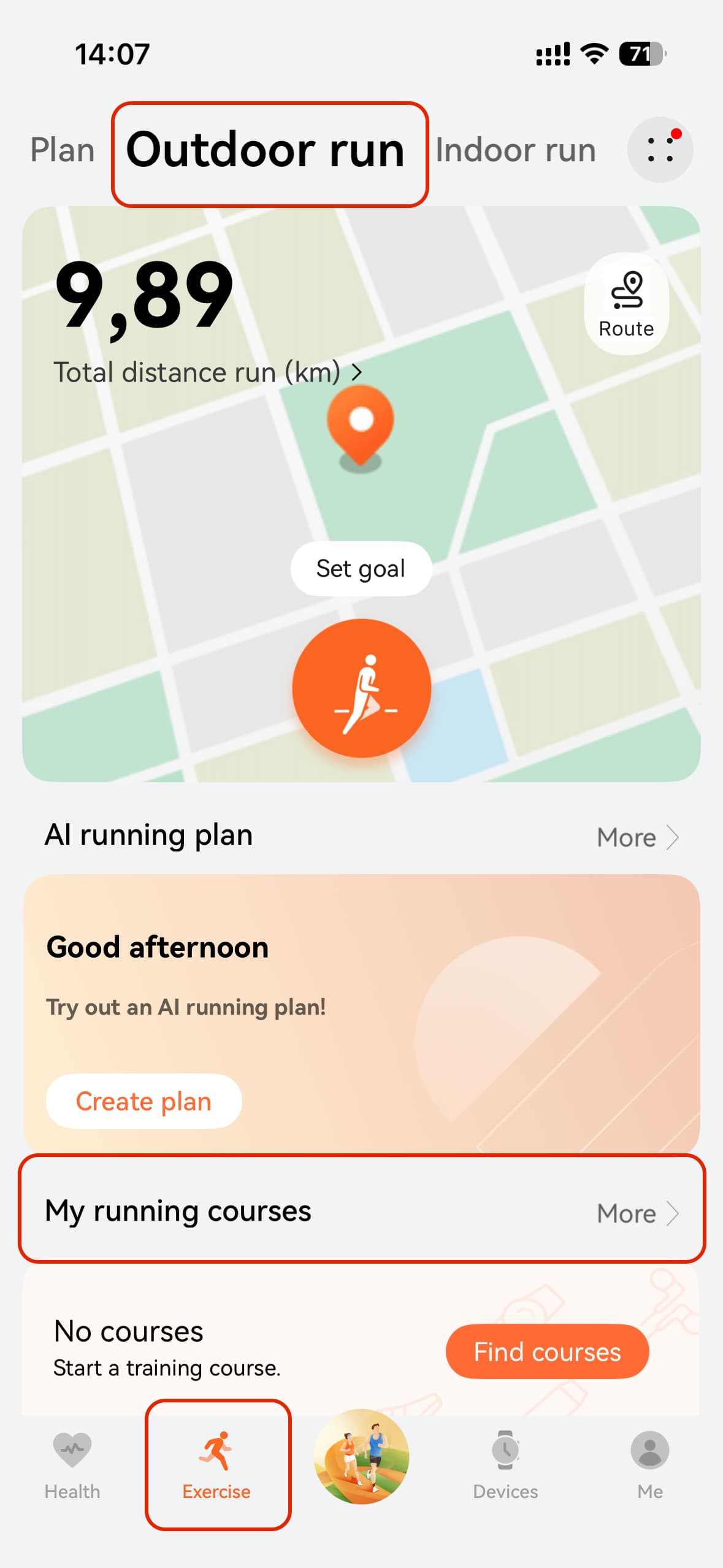
You can find your planned workout in “Exercise”, “Outdoor run” and “My running courses”. Please note that walks and hikes also end up here.
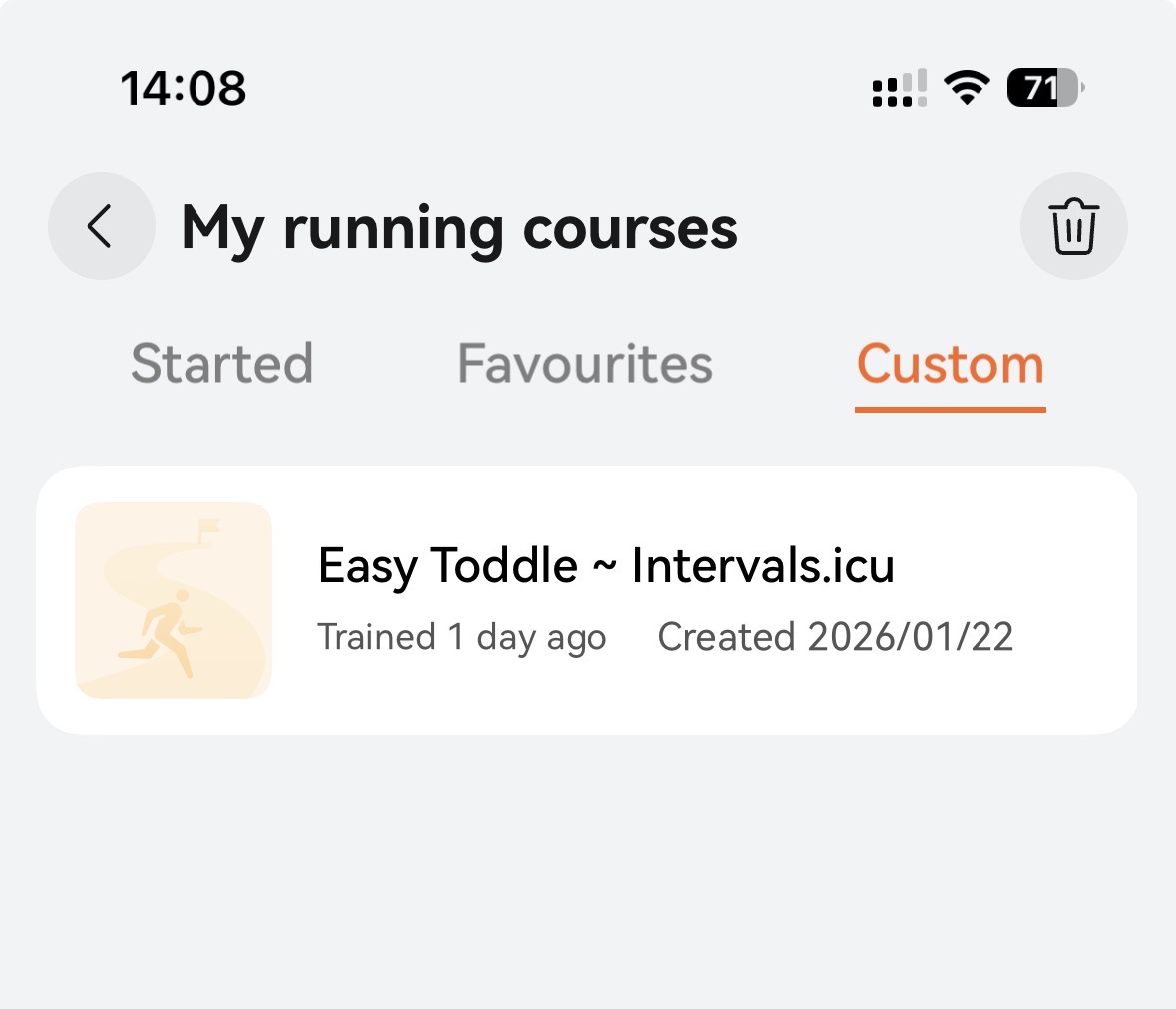
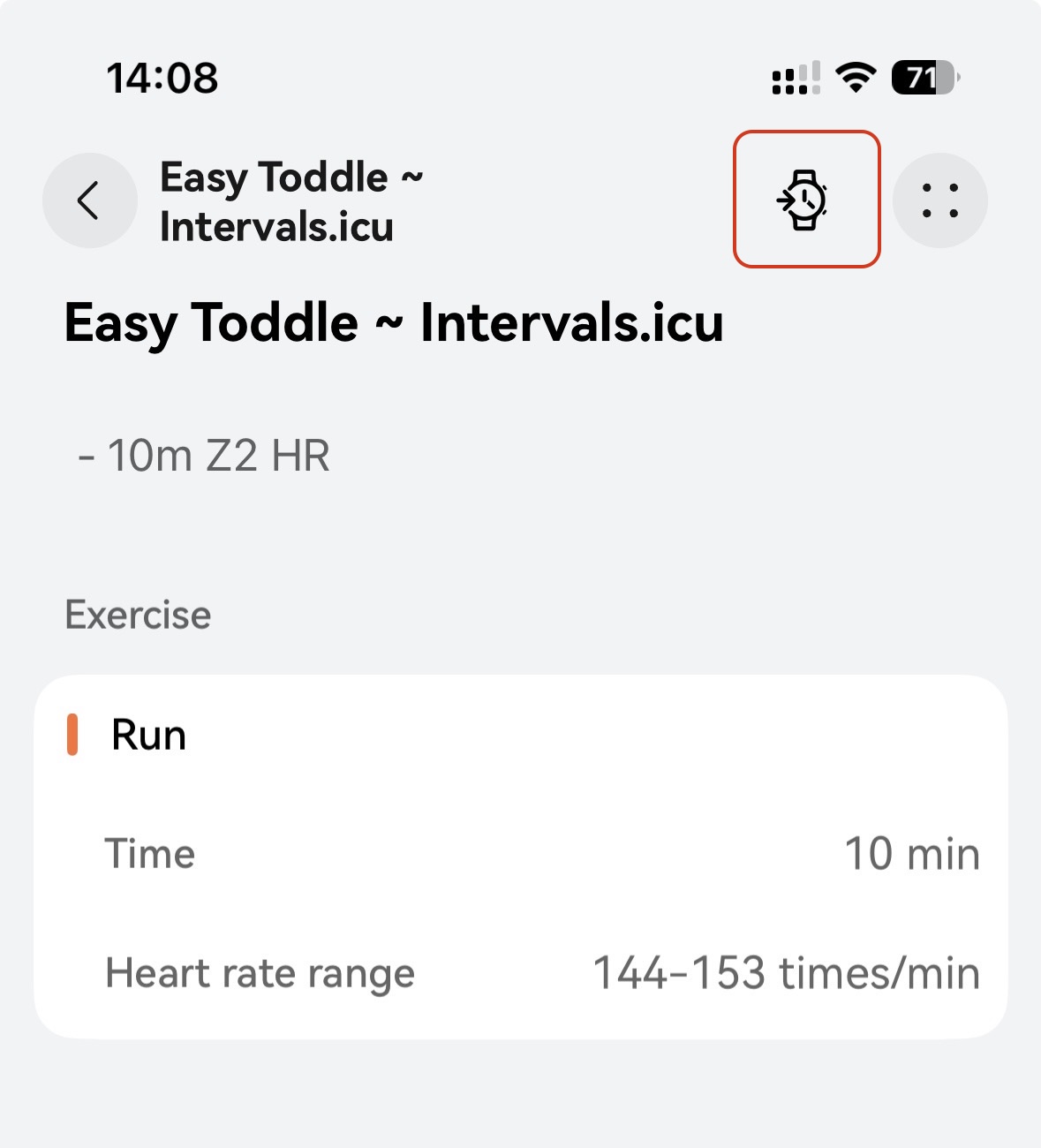
Click the watch icon to send it to your watch:
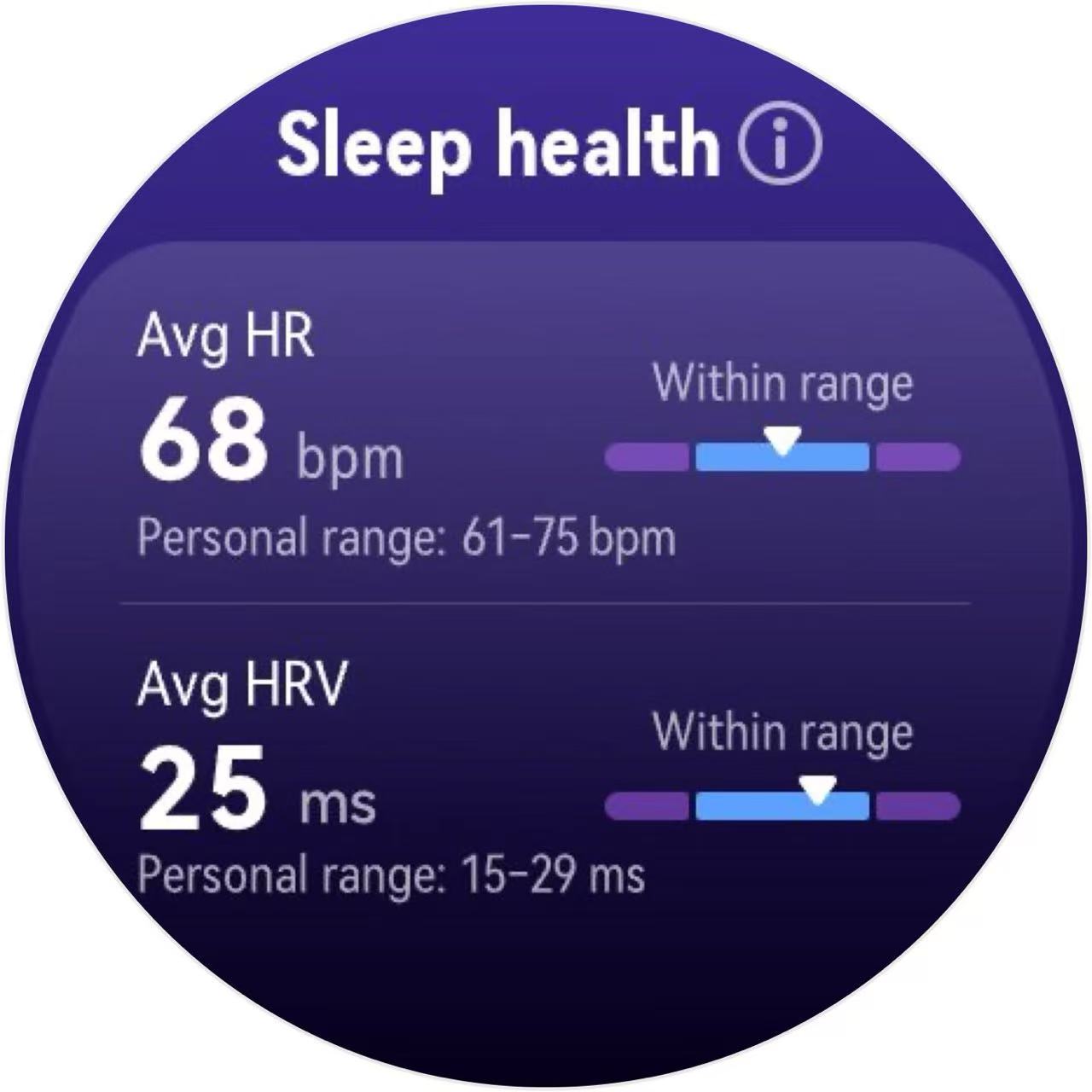
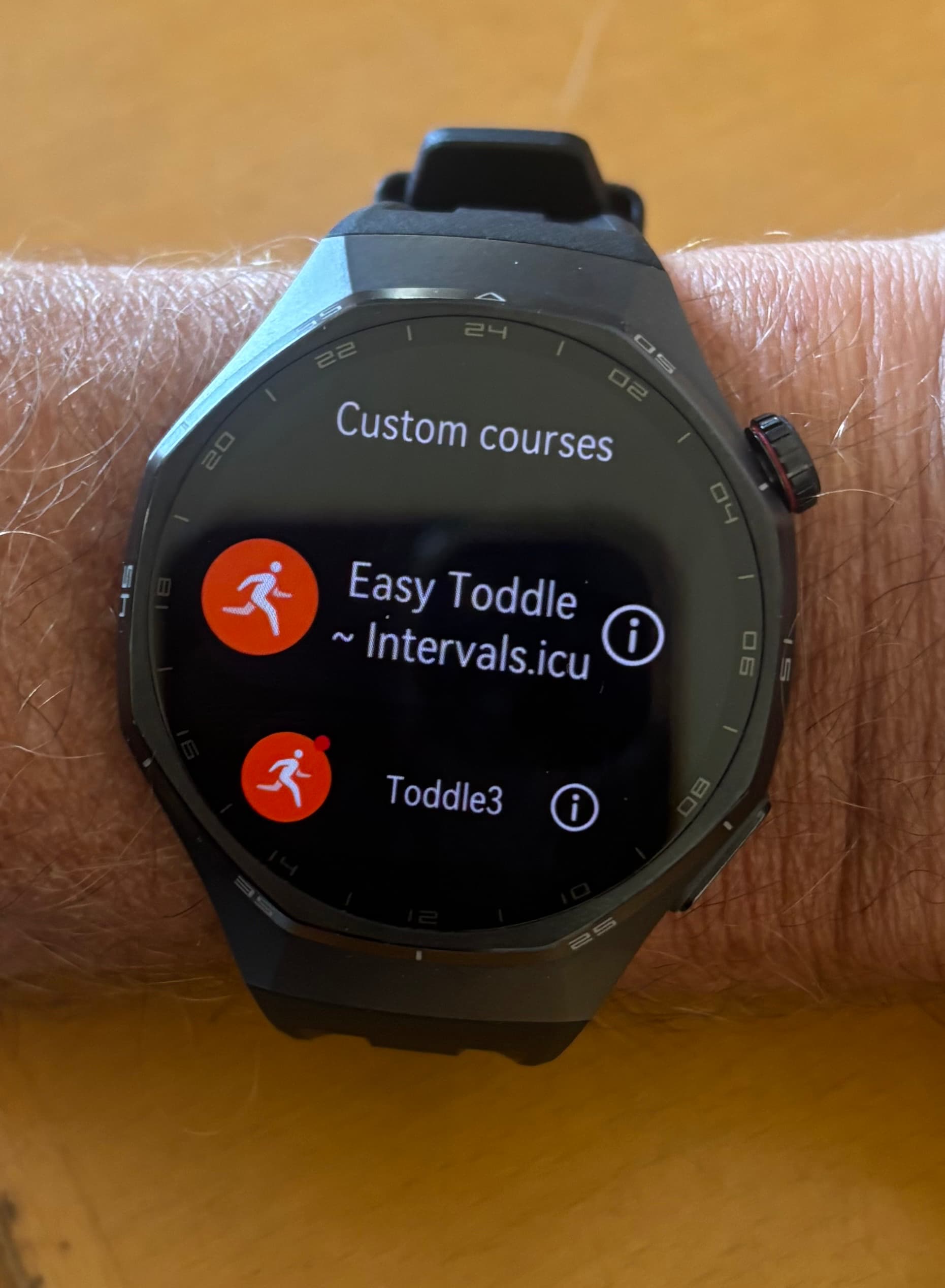
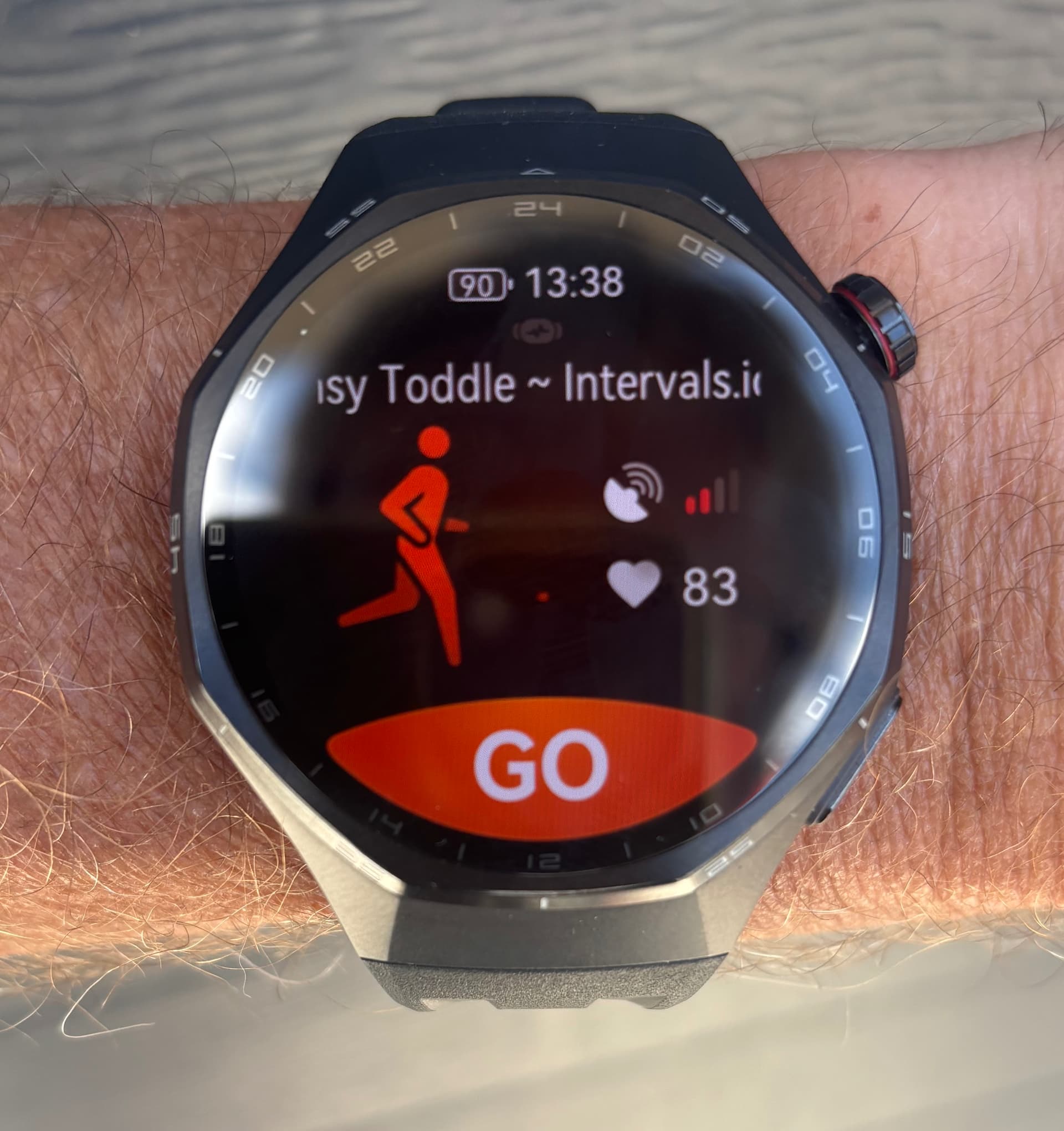
On the watch select Workout → Outdoor Run. Then slide down and go to Courses → Custom Courses and select the Intervals.icu one:


 Apart from that congratulation with the amazing work: I just joined intervals.icu, and synced historical data from other 3 platforms smoothly and quickly!