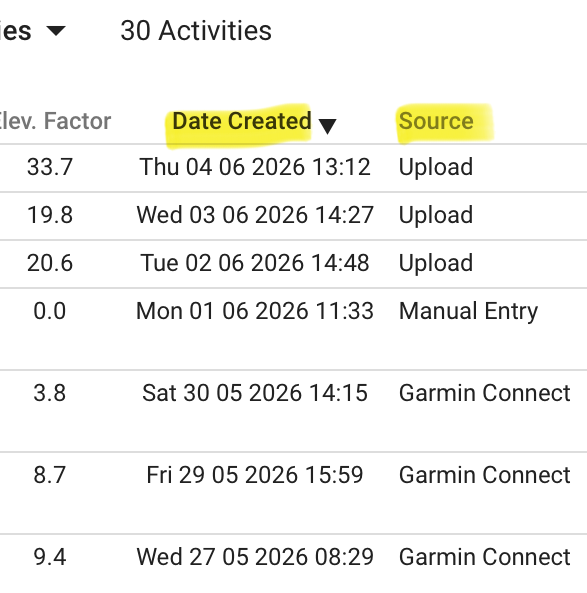
Exporting from HealthFit app has resulted in many duplicate workouts in list view.
I know how to delete a duplicate one at a time.
However, is there a method to do so in bulk (or said differently all at once)?
Thanks!
Exporting from HealthFit app has resulted in many duplicate workouts in list view.
I know how to delete a duplicate one at a time.
However, is there a method to do so in bulk (or said differently all at once)?
Thanks!
Try this:
Gabriel,
Thanks so much for the reply!
All “workouts” have the same device name. So, I’m not sure if that will cull out the duplicates.
Kris
How are these files going to Intervals? Directly or via some other platform, like Strava, for example?
Via export from the HealthFit app.
What I’ve discovered is that exporting “select all” workouts from the HealthFit app to Intervals.icu does not import them “all”.
Did you work out how to delete the duplicates? I have the same issue from Healthfit and am deleting them as I see them but they affect the totals view.
Yeah, I just tried this. Sorting by date and looking at the distance and moving time to see the duplicate entries. I didn’t take too long to scroll through the years of activities.