Hello,
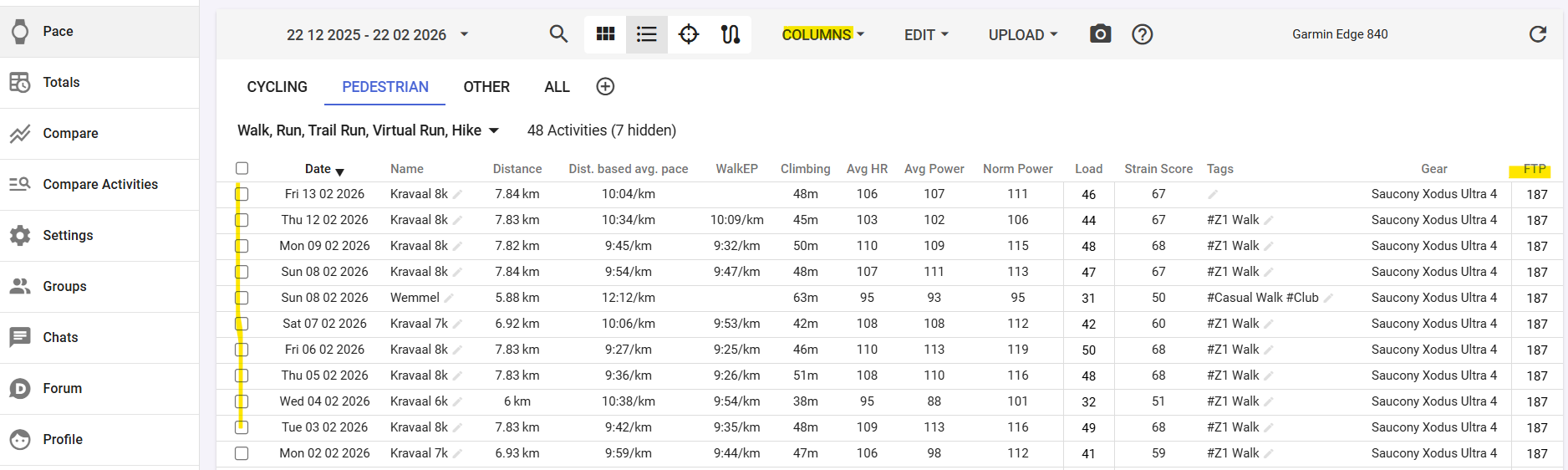
I’m new here and I’ve imported lots of cycling activities. I can see that my eFTP is changing over time, but my FTP has remained the same since the beginning (the one I entered at the start). I have an FTP history, but when I change the FTP for an activity, only that one is changed. Do I really have to change my FTP for all 500 of my activities?
Thanks
OR Is there a way to prioritize the eftp? That way, my activities will be based on the efpt to calculate the load.
Thanks