In the rectangle in your freeform area
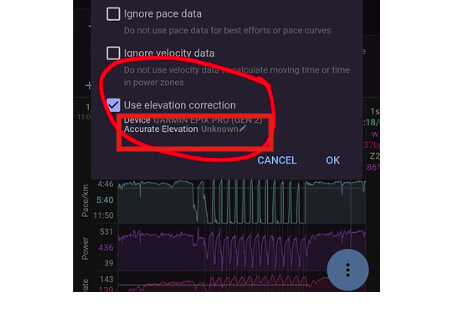
And, off course deselect ‘Use elevation correction’. Just to be perfectly clear and complete.
Info: if Accurate elevation is unconfigured = Unknown, Intervals will do what the selection box is set to. If it is NO, Intervals will use Elevation correction. If it is YES, Intervals will not change anything unless you check the box.
It is recommended to re-process original because then it will exactly match what your device indicated. If you set it now without re-processing, Intervals will recalculate the climbing field from the elevation trace data. That might be slightly different then the total climbing indicated by your device. This minor difference is caused by different algorithms.