I also checked my FIT files, and Recovery Time is definitely present in the data.
However, in Intervals, the Recovery Time field always shows as 0.
Is there something I’m missing or a setting I might have overlooked? Would really appreciate any hints or suggestions—maybe someone has dealt with this before.
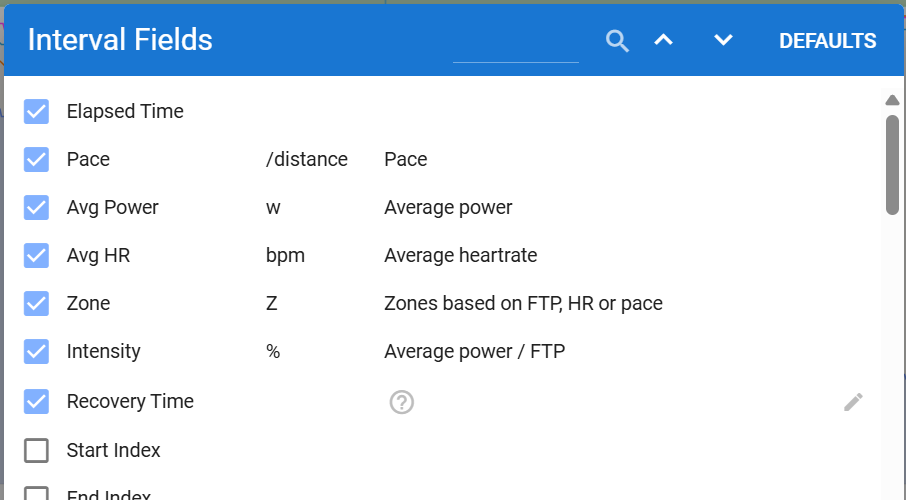
Ok, that makes perfect sense … I totally overlooked that it’s “Interval Field” - also why are those Fields (Recovery Time) searchable/findable there?
Where can I find the custom fields for the entire activity? I must be blind again
Thanks!
The Custom button along the bottom is what you want
I don’t know why some that should be only in one or the other show up in both. My guess is that they were created before some tag was added to them defining which it should be in.
Tried to do the same…however if you add a custom field to the activity, recovery (RemainingRecoveryTime) does not show up in the list of selectable items from the .fit file.
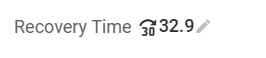
Update - I’ve created the Field manually - and it’s working:
Also set the “Custom Field” to public - is it searchable now? Or does it also appear within “Interval Fields”? Then I guess there is a Bug where the Fields are shown …
@david - guess I’ve just found a little Bug - Fields that are created within CUSTOM (and set to public) - are only shown/searchable within INTERVAL FIELDS and not under CUSTOM …
interesting … my “Recovery Time” Field showed up only on “Interval Fields” for me when I search … next to the - as you say - 80 others …
(but not searchable within Custom) … something’s weird here ^^
What would be really cool in this context: if you could define that days without a value automatically get the “previous day’s value” minus 24.
That way, you could actually track the decrease of recovery time in the graph, and not just jump from one high value to the next … or is something like this already possible somehow?
One more thing I noticed:
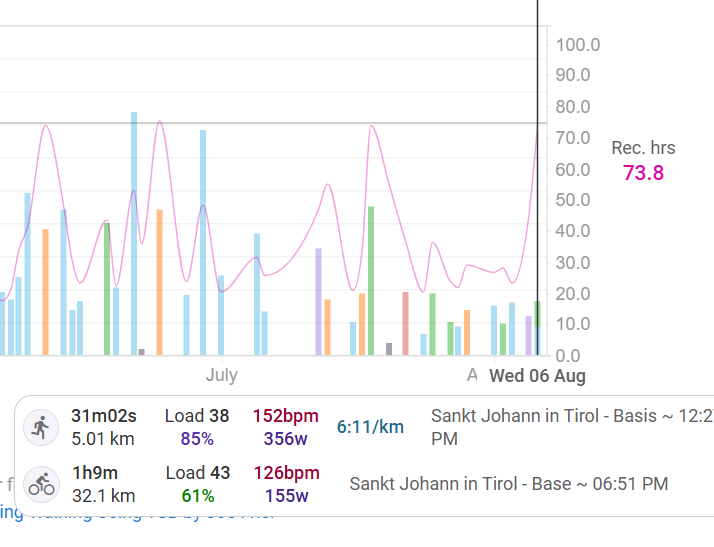
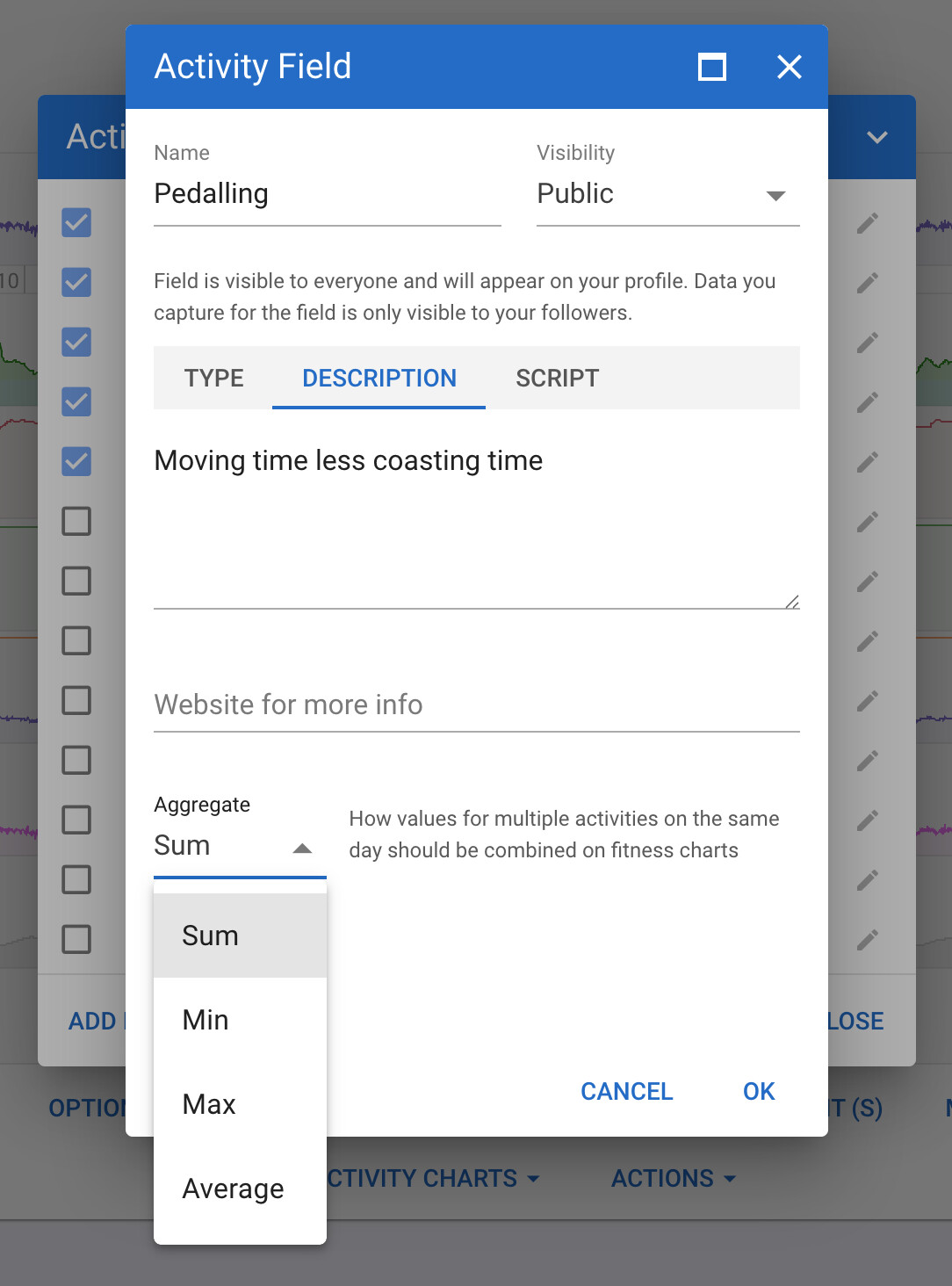
When you have multiple activities on the same day, the recovery hours are added together, instead of using just the maximum value for the day. Is there any way to configure this?
For example:
If I do one activity with ~34h recovery and another with 40h, the graph ends up showing 74h for that day, instead of just 40h.