Hi everyone!
My name is Blake (a software engineer and cyclist), and I finally got around to releasing a web version of the terminal app I created a while back. The app can be found at https://fuelwright.com. The post may be overly descriptive (and nerdy), so the TLDR is right below this. - Let me know what you think about the landing page animations/flow. Spent way too much time on that for no reason.
TLDR
I got fed up with the most important part of endurance training. Fueling. There are many other apps that do this, but they cost too much for what they offer. Little to no math adjustments, lack of fueling plan breakdown, static logging, and no meal saving. So I made FuelWright (https://fuelwright.com) to handle all this. Allows for formula adjustments to adjust to your goals and feelings, a weekly plan outlook with each day syncing the intervals plan and calculating the days fueling needs automatically. Trend insights, food logging with barcode scanning, and much more. Check it out at https://fuelwright.com, and play with the interactive demo at Fuelwright - Fuel your workouts correctly. Click around, sign-up, give me feedback!
My Ted Talk
If you made it past the TLDR, thank you! I touched briefly on the why this was made, but not the depth I feel it deserves. The final section - food log - has the most technical changes. Everything else is a standard crud (aside from the landing page).
The Why
Food, everyone talks about it, everyone has a different idea on how it should be done. That was my main problem. Every app hides it’s math (or uses none at all - gotta love AI). This annoyed me to the nth degree, so I decided to make my own. Initally this project was entirely done in the terminal (written in Go with BubbleTea). I used it everyday, tuned it and found what worked for me. This made me think that I couldn’t be the only one having this issue.
The Solution
I decided to make it a web app (hence the terminal look and keyboard shortcuts everywhere). From there I expanded to other annoyances I had. Fueling trends with weight, accuracy of logged vs expected food, ride (workout) variance, and most of all a proper plan when leaving for a ride (there are more features I created just for the web portion).
Features
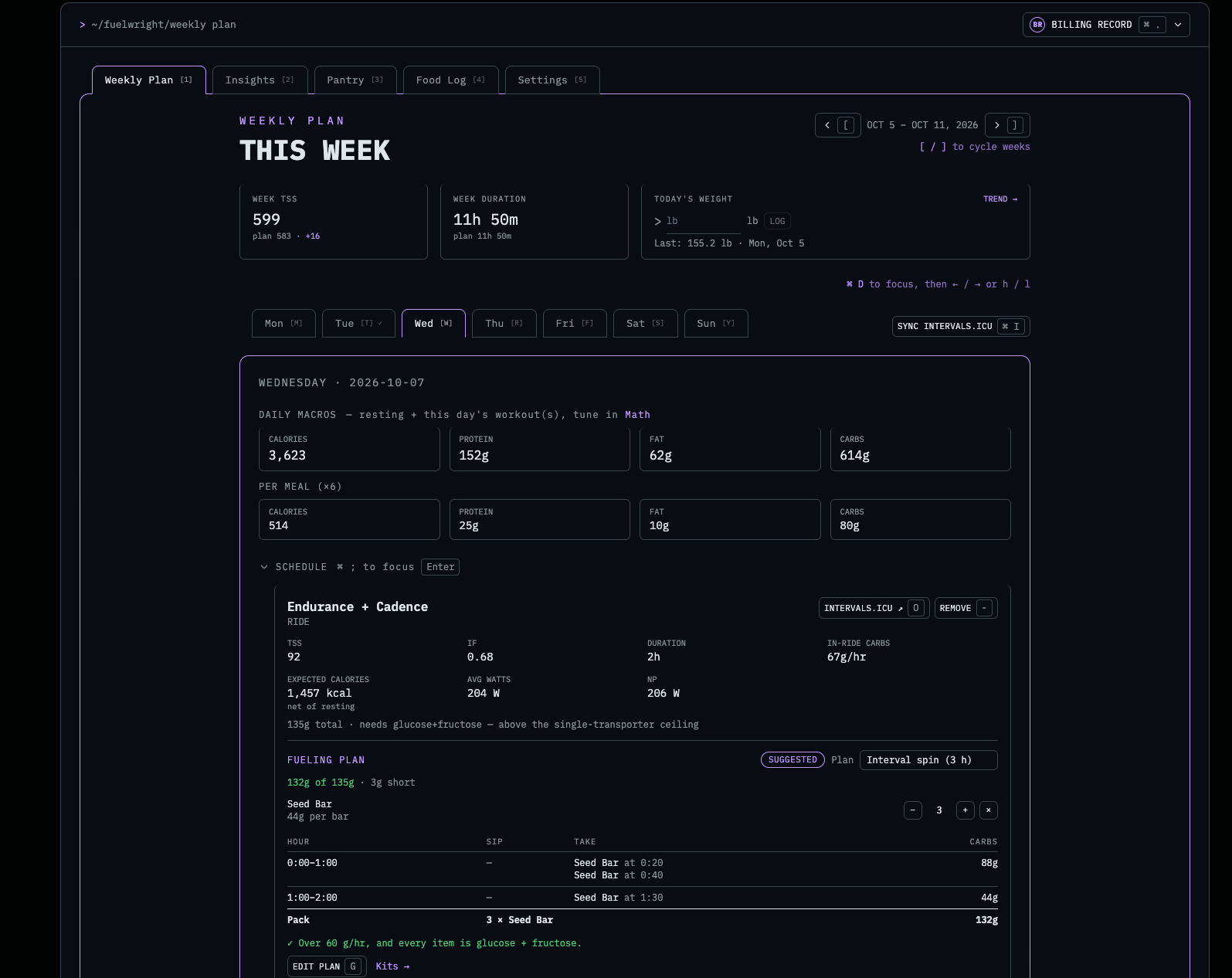
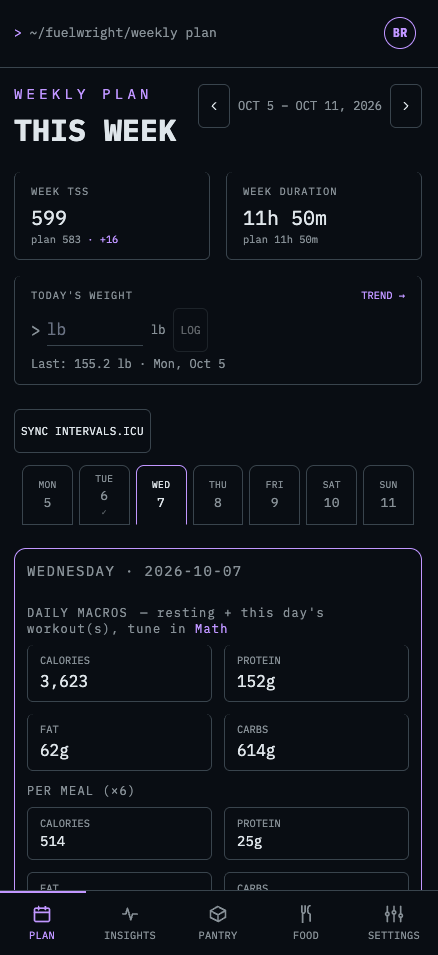
Weekly Plan (Free & Pro)
- Syncs on a weekly (Mon - Sun) basis with intervals to get scheduled workouts (pro - previous and future weeks)
- Generates the macros for that day based off IF, TSS, etc. Uses the users adjusted constants (see math section below)
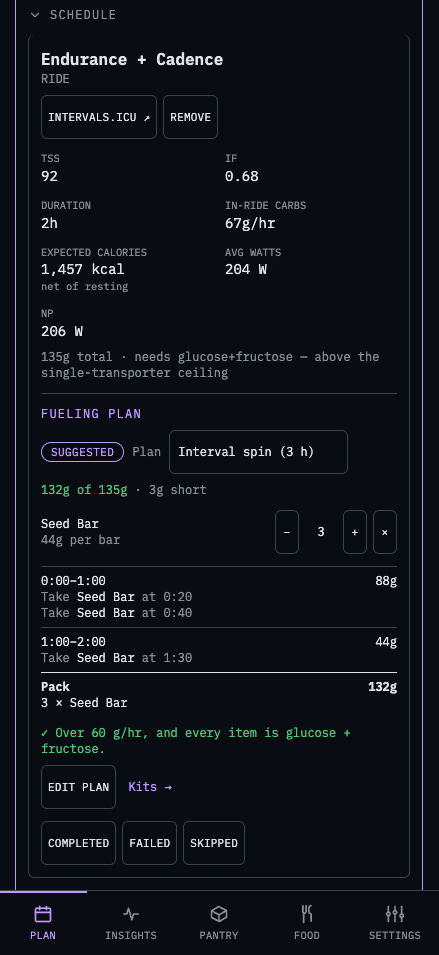
- Gives the session intra fueling
Breaks macros down per number of configured meals (math section)- Breaks down the fueling plan for the workout (pro feature)
Insights (Free & Pro)
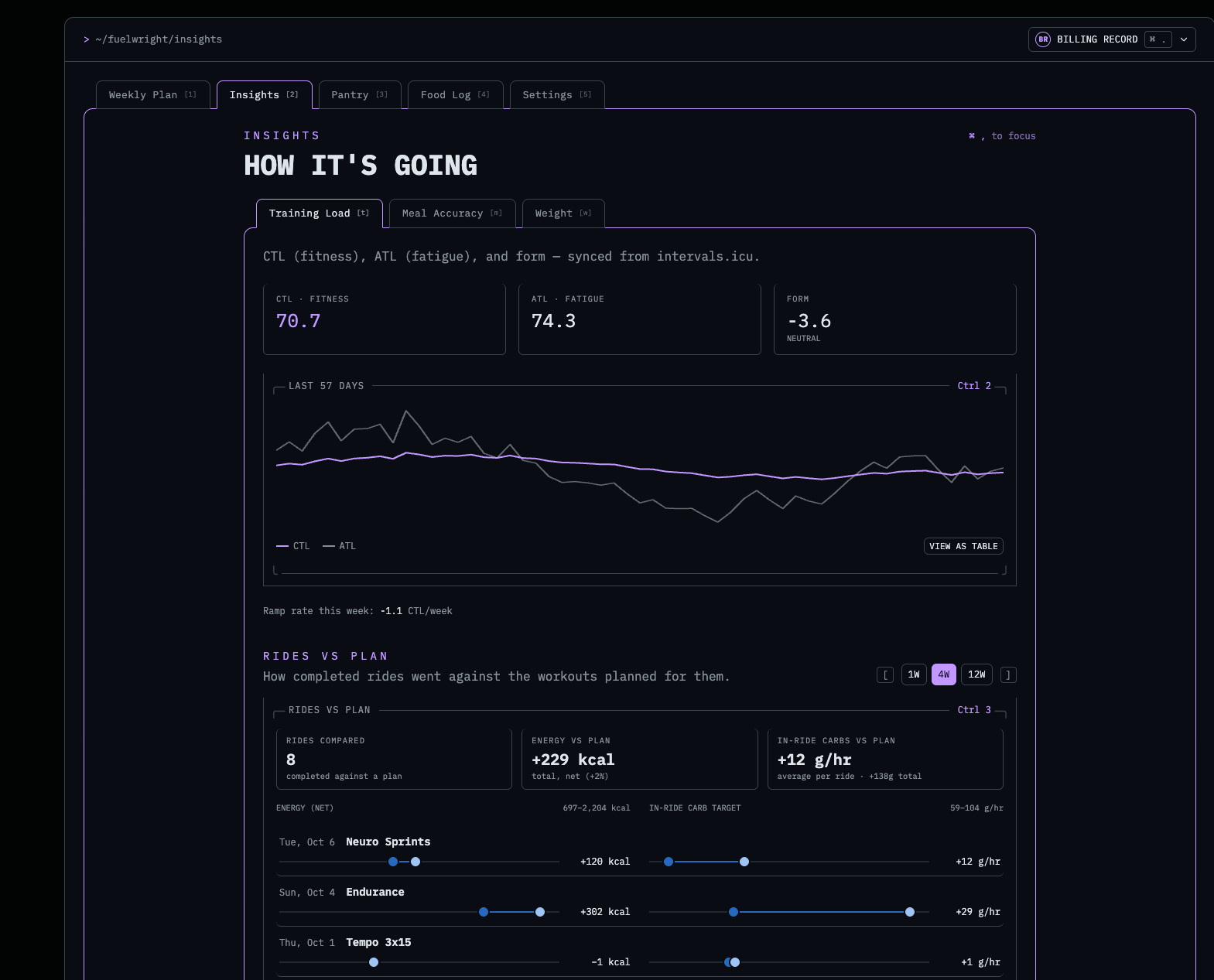
- Fitness trend (same as intervals, I just wanted it in one place)
- Meal accuracy - Gives you a breakdown of how close you were to the target macros for a day (pro feature)
- Weight - View your weight trend over time with a 7 day rolling average.
- Weight Insights (pro) - Uses your last 6 weigh-ins over 14+ days and the logs for those days to build a trend and offer potential adjustments based on weight movement vs food logged.

Pantry (Pro)
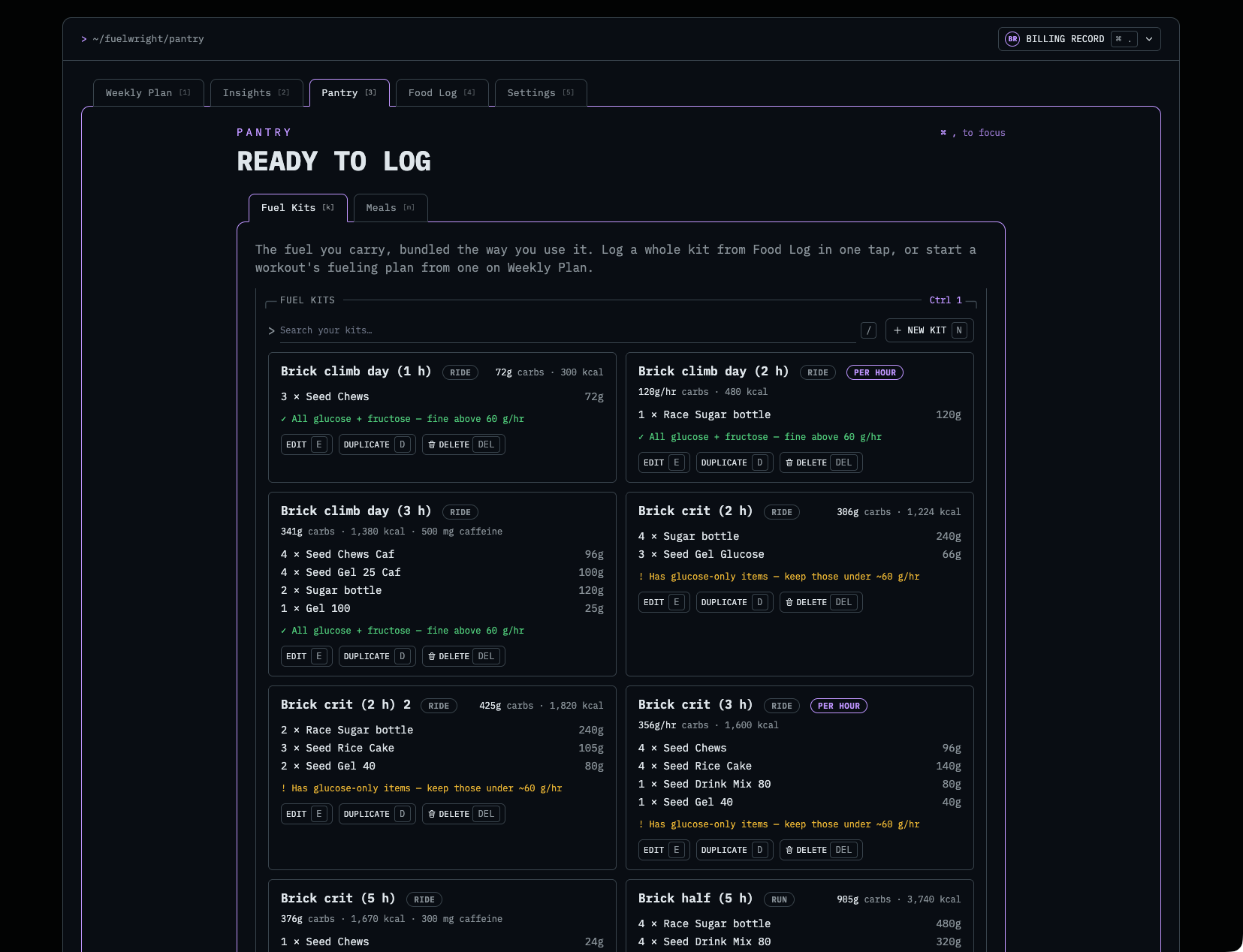
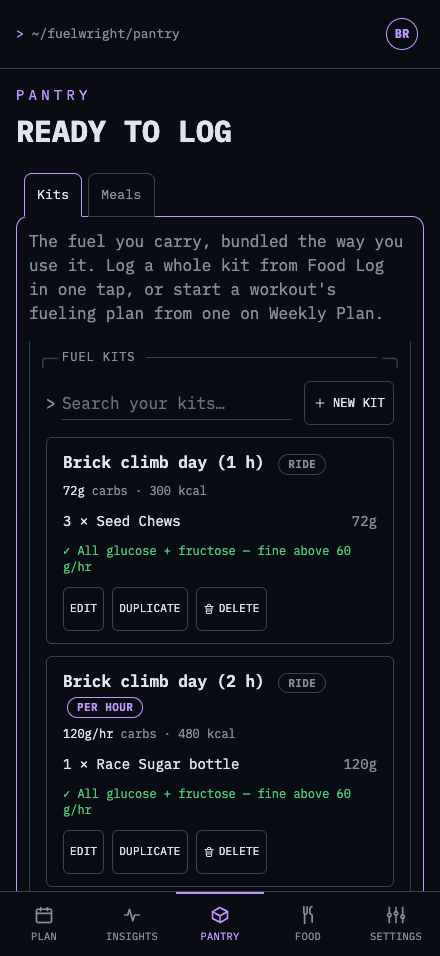
- Fuel Kits - Custom fueling kits for your plan to suggest, and easy logging
- Currently have a database of around 450 different popular gels, drinks, bars, etc. But you can create any custom fuel item that you want
- Meals - Just as it sounds, saved meals that make easy importing into the food log. Food log offers more insight onto this.
Food Log (Pro)
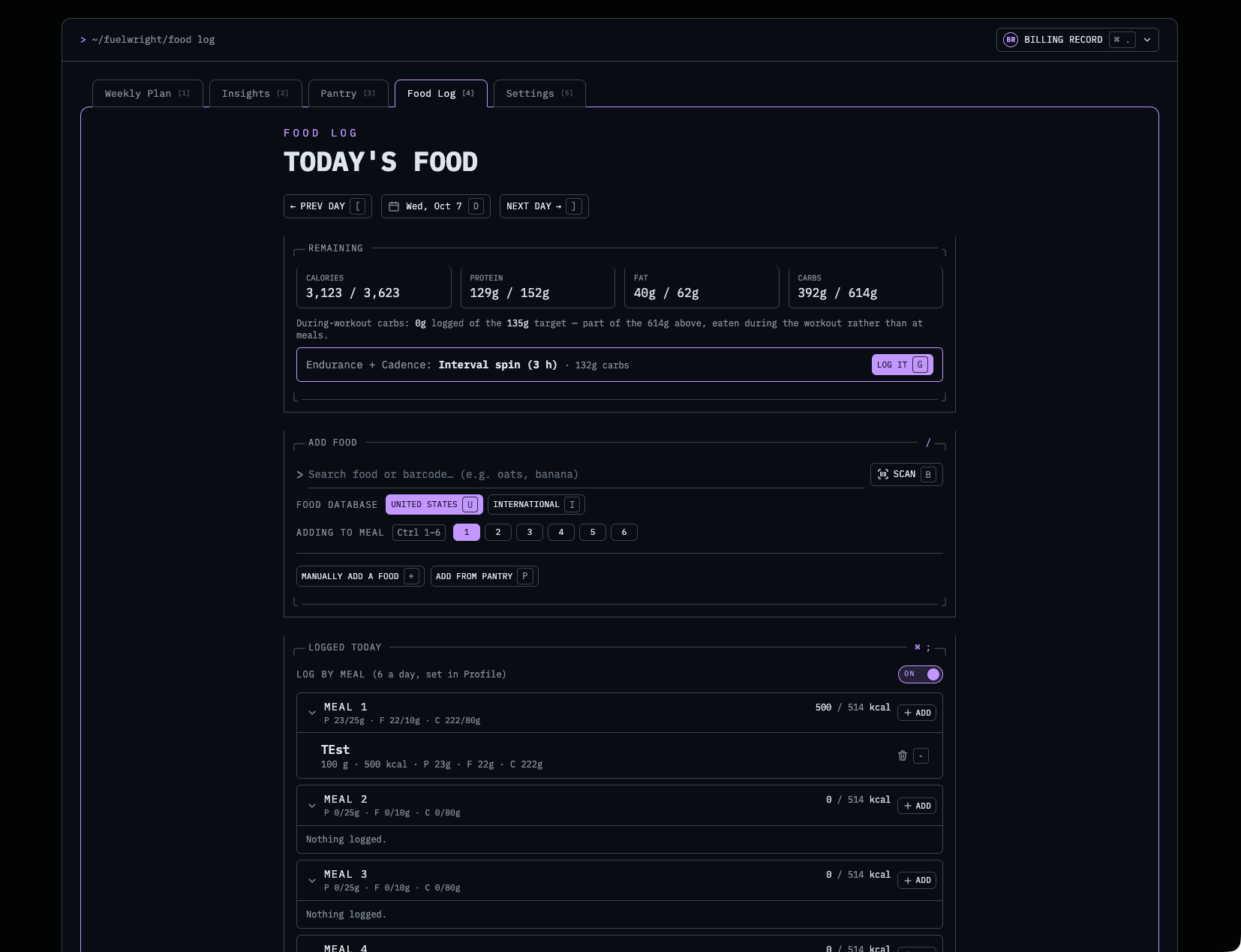
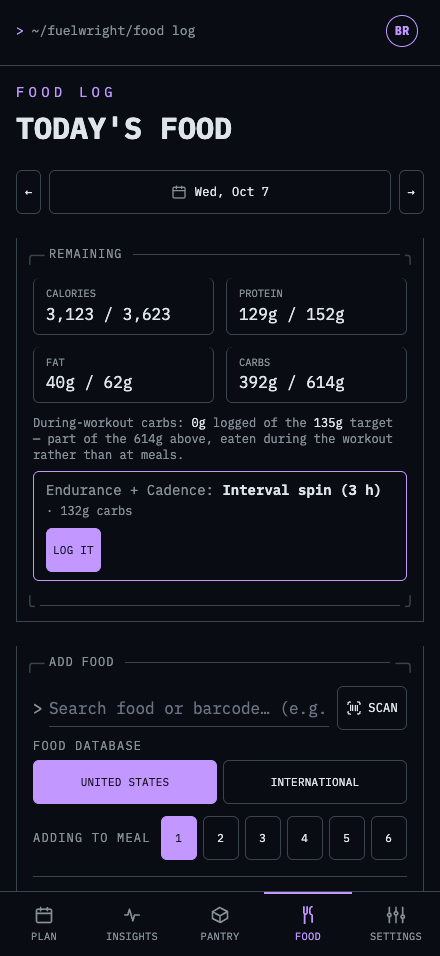
- Searching for foods via text or barcode scanning
- Use US only or international only lookups (common items IE: apple are shared)
- Log food directly to a meal number when “Log by meal” is enabled
- Add entire meals quickly with Add from Pantry
Settings
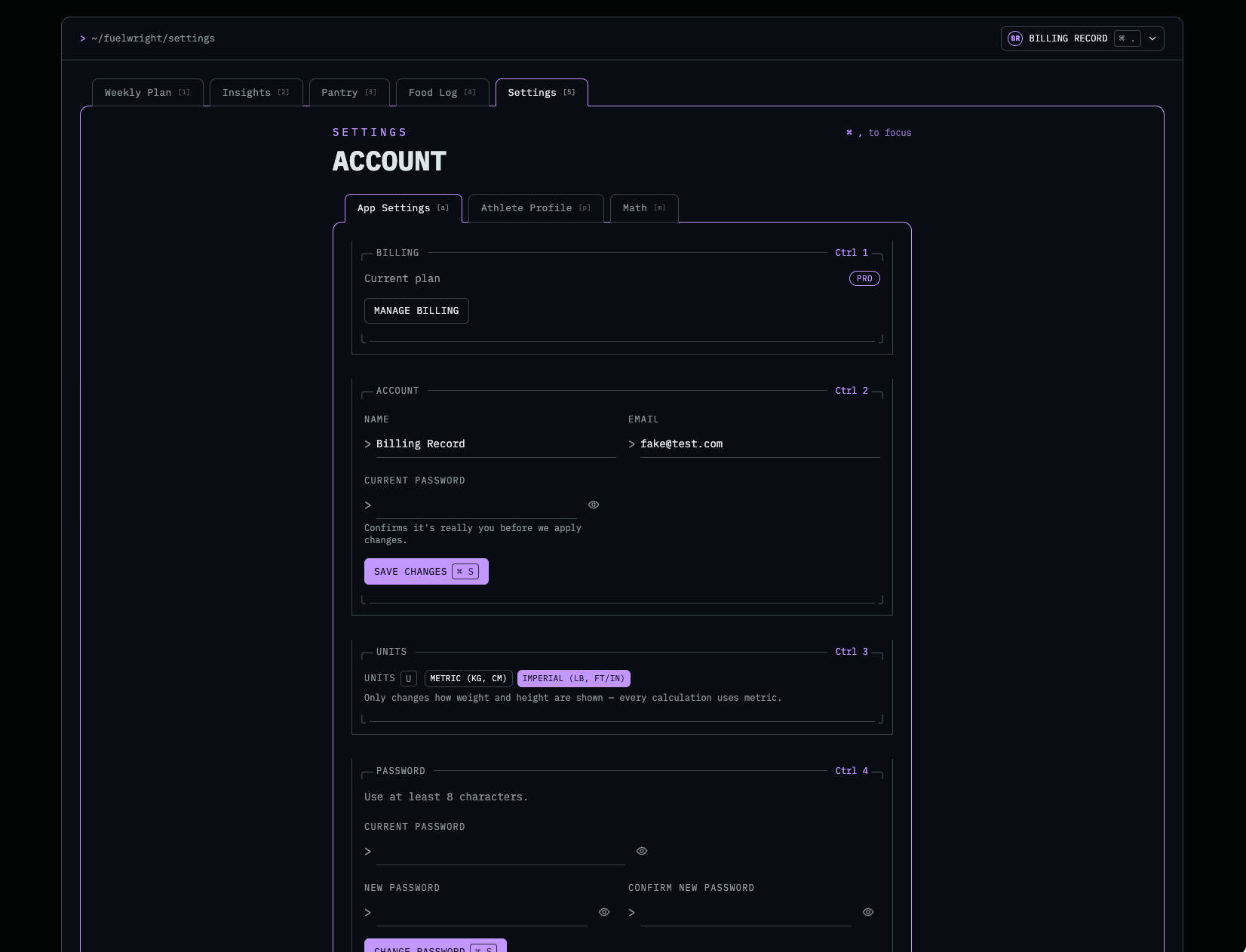
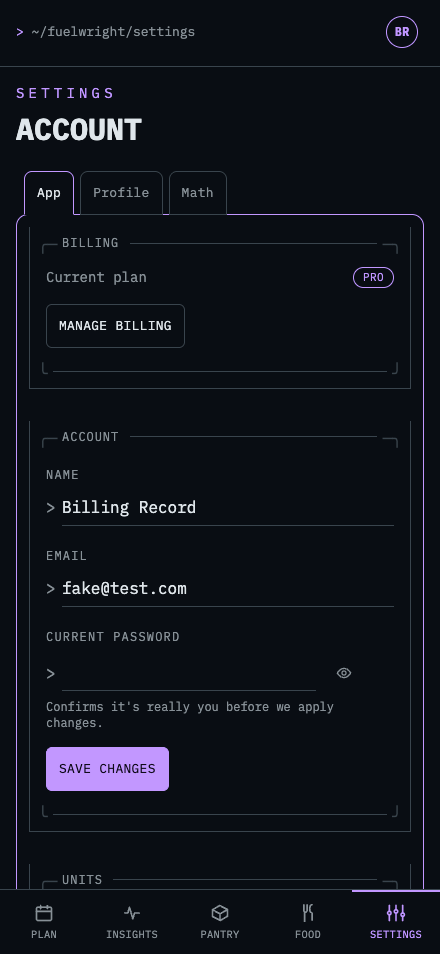
- Basic app settings - password/email changes, unit adjustments, and linking of intervals account
- Athlete profile - Set your personal statistics: FTP, Height, Weight etc. Formulas derive off this
- Math - The fun section
Math
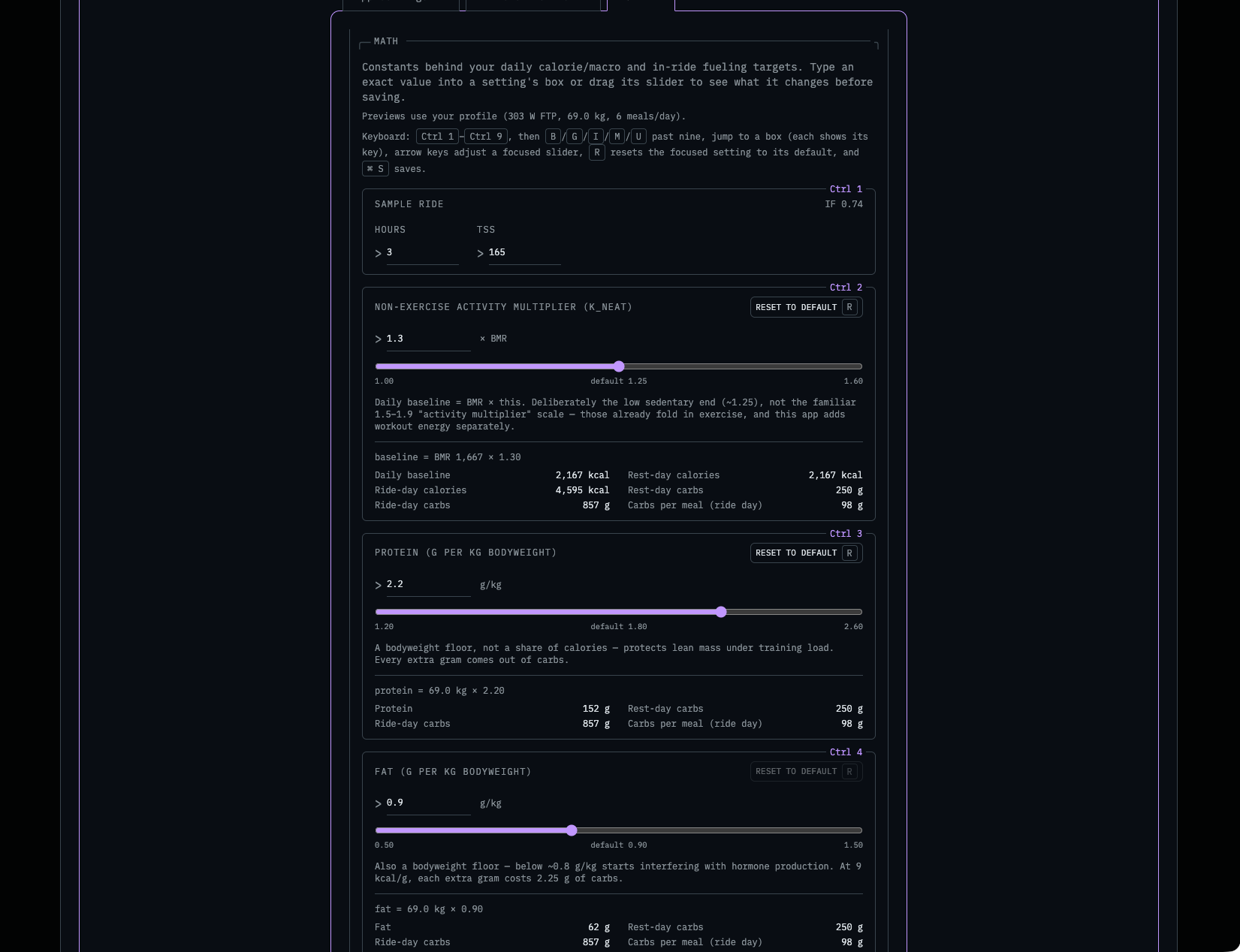
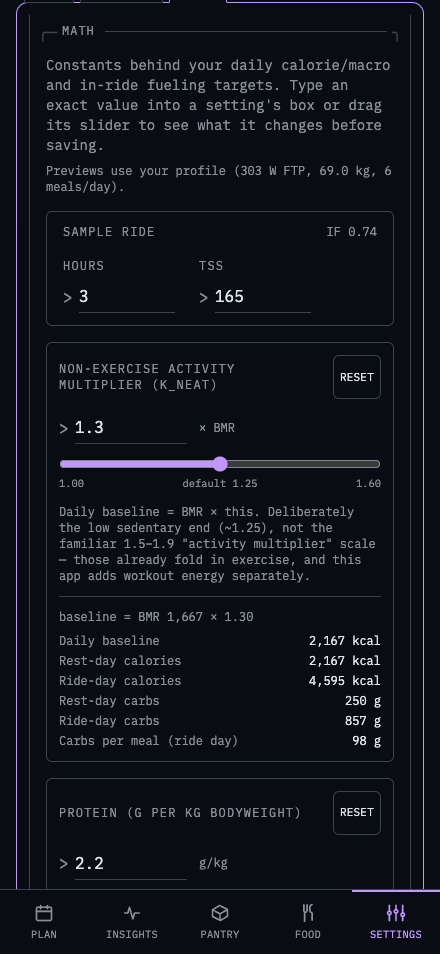
- Adjust every formula constant, all with examples of what it will do to the calories (uses a mocked ride)
- KNet : Adjusts the BMR
- Cycling Efficency: Sets the constant for the formula to calculate calories expected to burn while cycling (24% = default, intervals is roughly 22%)
- (Ride/Run/Swim) Carb floors and ceilings for intra activity carbs (IE 60g/hr floor, 120g/hr ceiling)
- (Ride/Run/Swim) carb replacement factor: Sets the rate to replenish carbohydrates when doing one of the three.
- Others - Generally stay constant
Free vs Pro
Check it out at Fuelwright - Fuel your workouts correctly - Pro is $4.99/month for now for every feature. Free is limited, but still very useful.
Food Log - The DB/Lookups ~ 2.9 million verified foods (calculated and mass based)
The database currently has 2.9 million unique foods loaded (thanks USDA and Open Food Facts). I was able to bring this ~14gb of food data down to a custom binary file of about 76 MB for all of the food macros. Another table (for lookups) stores the food names, barcodes, and the plain english stuff. This sits around 900MB for the 2.9 million records. Given the garbage data that gets thrown away it’s roughly 1/10 the size of what it would take to store raw (in mongo like other apps do). The binary file allows me to serve the entire food “db” into memory -lazily- and call it on a O(1) lookup when a user searches. So a search for chicken queries the DB and finds like foods with the “chicken” in the name (using gist). This sends back a list of food log id’s, which I can directly lookup in the blob (based off offset) to return the macros at 0(1). It is especially fast when scanning barcodes as they are indexed on the plain text DB and O(1) on the blob. The plan is to continue to grow this dataset, so as barcodes miss and users enter info manually a service will grab that data, validate it, and append it to the raw query DB and the blob.
If you made it all the way through please let me know what you think!
Let me know of any bugs, feature requests, etc in either the comments of at [email protected]
Thanks for reading!