Hi,
I noticed a small bug, on the fitness chart, it’s not showing the next week as normal even though I have it selected as an option on the activities page.
Colin
2 Likes
Can you show screenshots? It works for me as expected.
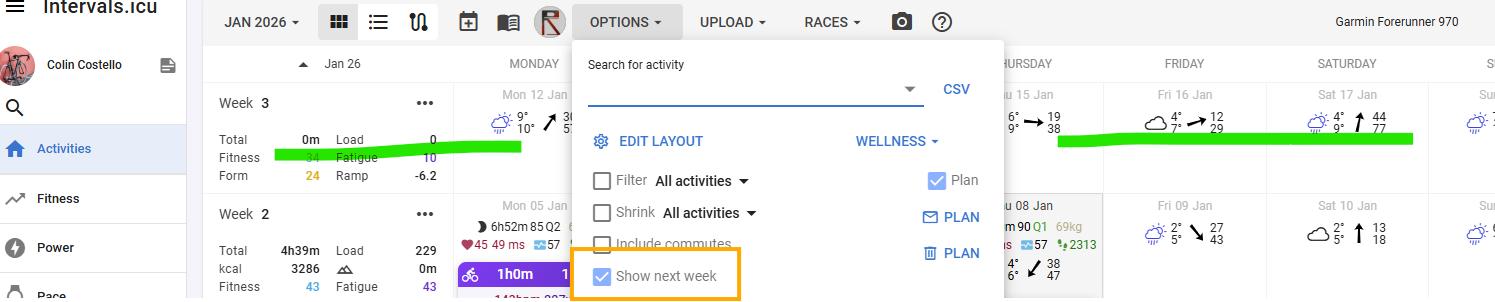
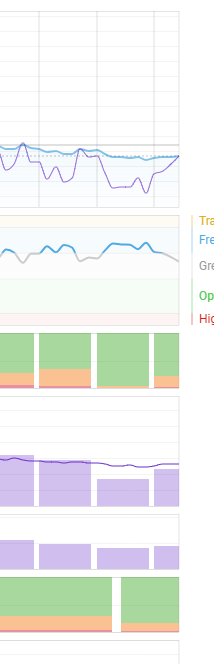
Same for Edge!
This is the option for the calendar. There is an additional button to show next month on the fitness page.
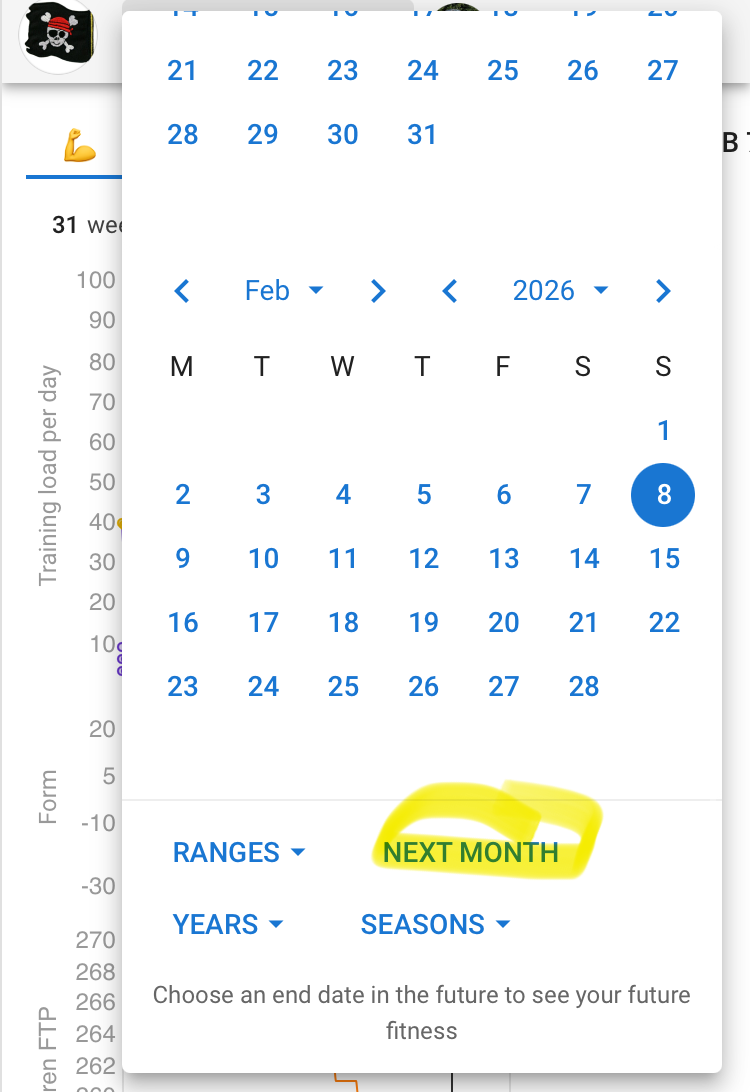
I am pretty sure there was no correlation between the option on the calendar and the fitness chart date picker.
There was correlation for the options I showed above; if you unticked the future weel on the fitness chart disappeared; now it’s just not their either way.
You are hallucinating 
The Show next week checkbox shows the next week on the calendar and has nothing to do with the Next Month option on the Fitness chart. It’s been like that for years…
No, it wasn‘t.
As I said, you can show next month on the date picker on the fitness page.
Sorry only correlation I inferred was between the check box for next week and the fitness chart graph showing a week ahead, meybe this is no longer the case now, but I recall unticking and re-ticking and observing this relationship; I also like to see just a week ahead on both activities and fitness pages - but not a month!
Ok, but it wasn‘t the case, really not that I am aware of.
Only for the fitness chart on the calendar page and the weeks:
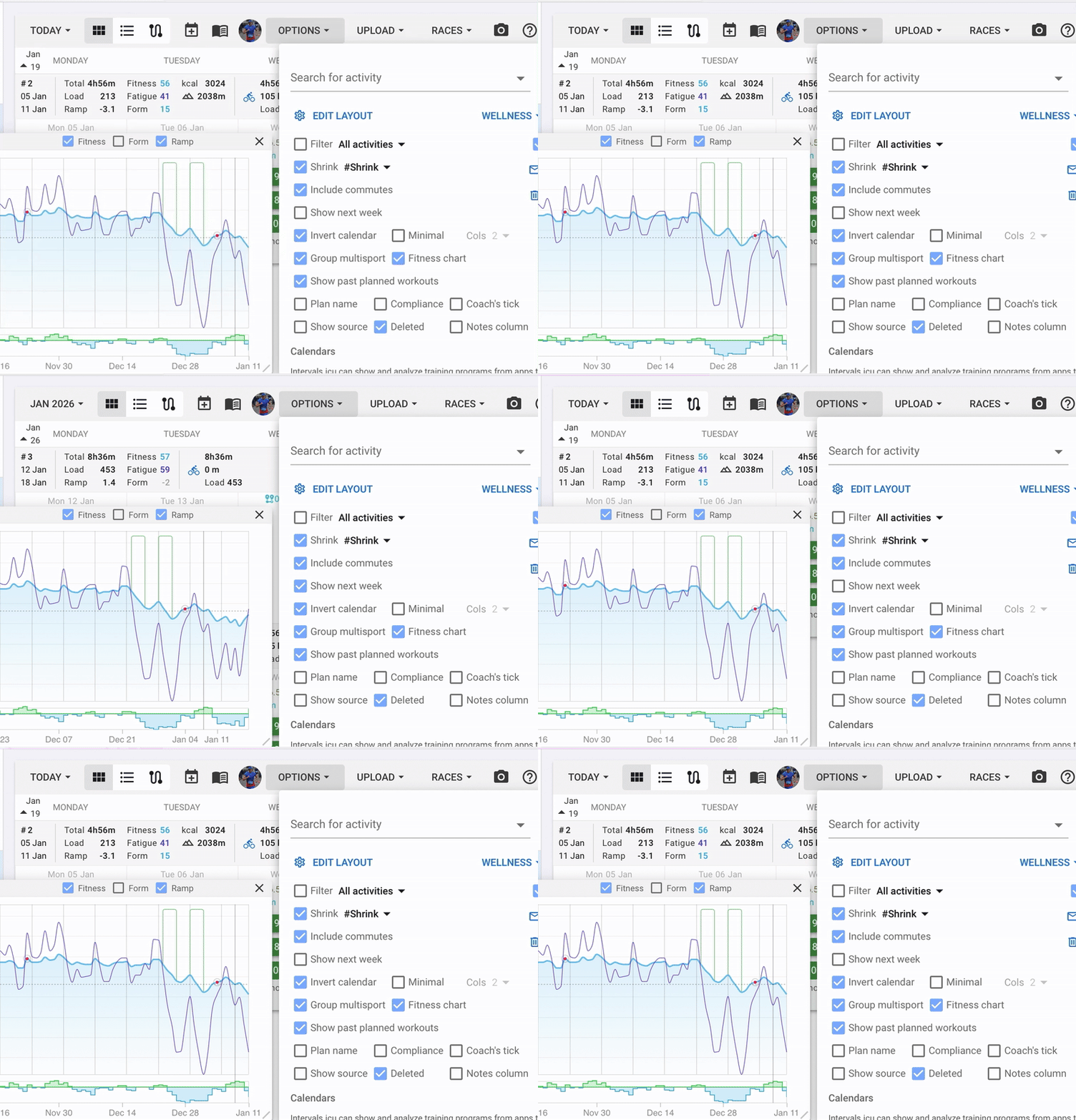
I used to have to next week on the fitness chart as well. I thought the selected daterange on the page just moved every day. At least in my memory I manually selected the next 7 days to check if the schedule makes sense the get/stay in the optimal training zone.
At this moment I do not see a way to see X days ahead when navigating to the fitness page, only by manually change the dates every time. Would be nive if there would be such an option (again)
1 Like
That’s right.
This seems to be a bug, that daterange isn’t remembered anymore. @eva
1 Like
NO it’s def a bug - I’m not hallucinating @MedTechCD 
Previously when you selected the ‘Show next week’ on options then the fitness charts showed the next week… 
Now it resets to current date, which kind of punctuates the chart abruptly, you can select Next month which is overkill in terms of UX.
Hope there is a fix on the way!
The date range that isn’t remembered is definitely a bug.
I always used ‘next month’ on the Fitness page and that now disappears after every session.
But the range on the fitness page never had an option for ‘Next week’. It has always been ‘Next month’.
Now, if it used to follow the calendar with Next week option, then it is the same bug. But I never saw that because I did not always display next week on the calendar. And to be honest, I follow @R2Tom 's answer that there never was a correlation between the ‘next week’ on the Calendar and the ‘next month’ on the Fitness. But since already two users in this thread are bringing this up, I’m starting to doubt myself.
What I think, is that you had the date range on the Fitness page set to show one week ahead, and that is, with the actual bug, not remembered.
1 Like
Same for me. Came here to make this exact topic. Normally on the fitness chart I see a week in advance, knowing how my fitness (fresh etc.) would look like in the near future. Now I need to manually change the range to a data in the future and this resets again everytime I revisit the page. I suspect it’s a small bug?
1 Like
Ah, crossed wires there, I didn’t mean to suggest there was correlation btween the Show next week option and Next Month, I don’t think this was ever related as you suggest; my issue is Show next week and the fitness chart only, this is the bug I’m suggesting only!
We have fixed this. I broke it fixing another bug (no fitness charts showing) related to the move from 2025 to 2026. Sorry about that and tx for the reports.
3 Likes
Thanks David I see that it’s working, maybe just me but the behaviour seems different; now it seem the chart keeps the current date range you set irrespective of options on the activities screen re Show next week? Maybe I’m just remembering this incorrectly and probably even better now as I can set it to look ahead a customised value - cheers!
1 Like
Wanted to post here since I seem to be having the same issue still, show next week is checked but by default on the website I can only see last week when I first open the site. On my phone if I open the site, it shows me the current week right away(which is really what I want) but when I log in on the computer it only shows me as far as last week. If I go into the settings and un-check the “show next week” box, the current week does pop up, and if I check the box again it also shows me the current week AND next week.
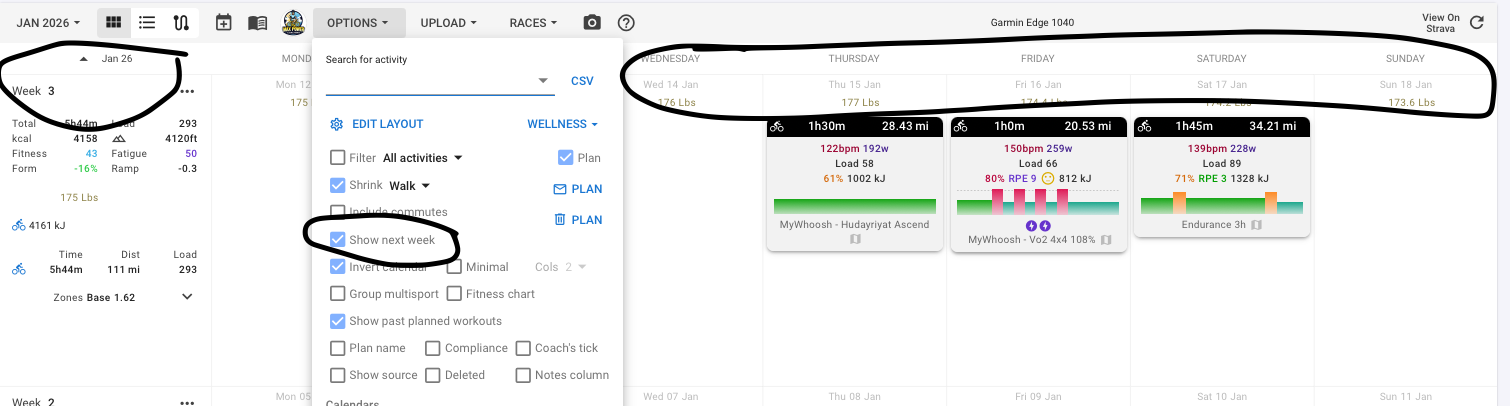
Check your url. It probably has a date and opens always on the same date.
The url should be simply https:// intervals.icu