New to really using intervals.icu — thanks so much, it’s great.
I had a look through the forums and user settings but couldn’t find an existing request for this, so posting here.
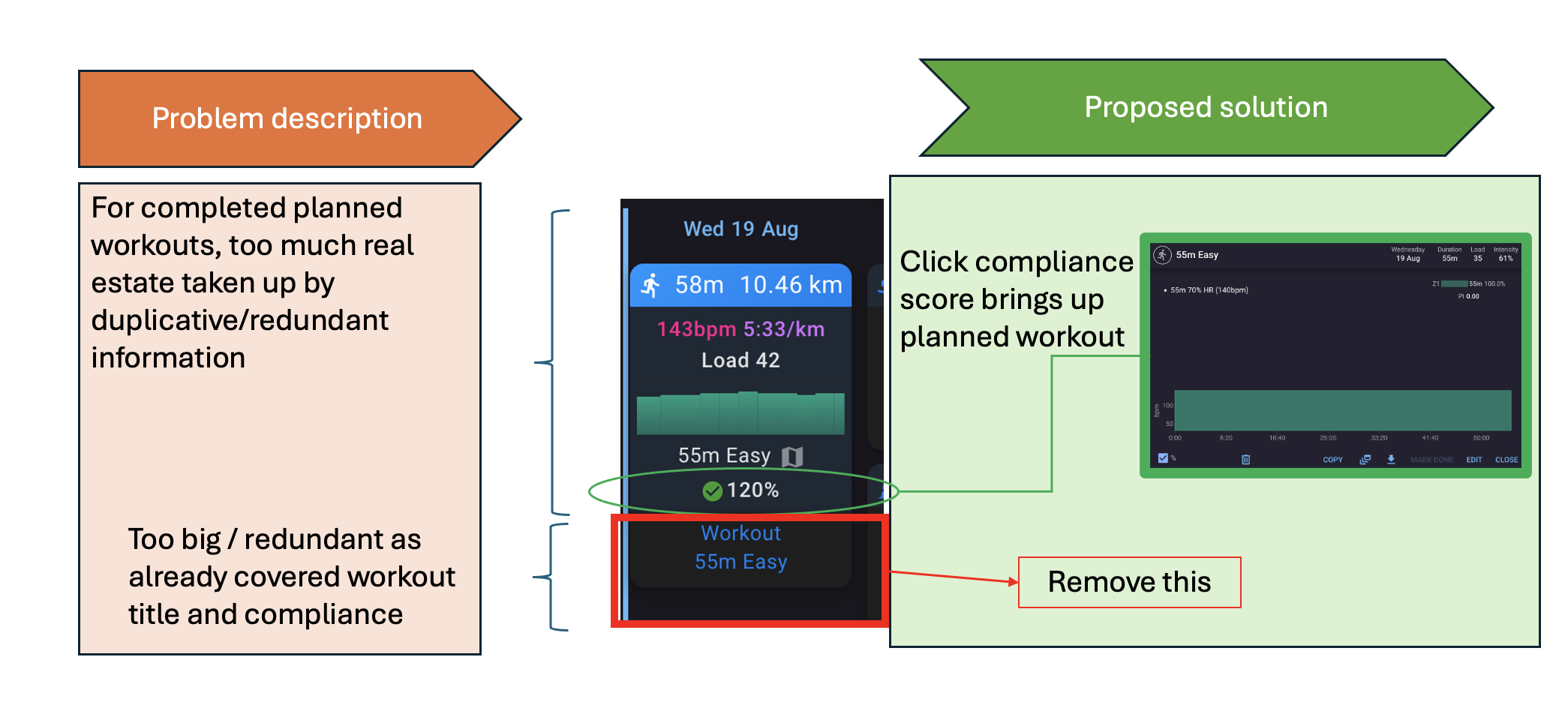
The ask: For completed planned workouts, remove the “Workout / [title]” box shown below the activity summary — it just repeats information that’s already visible above it. And make the planned workout visible by clicking the compliance score.
Problem
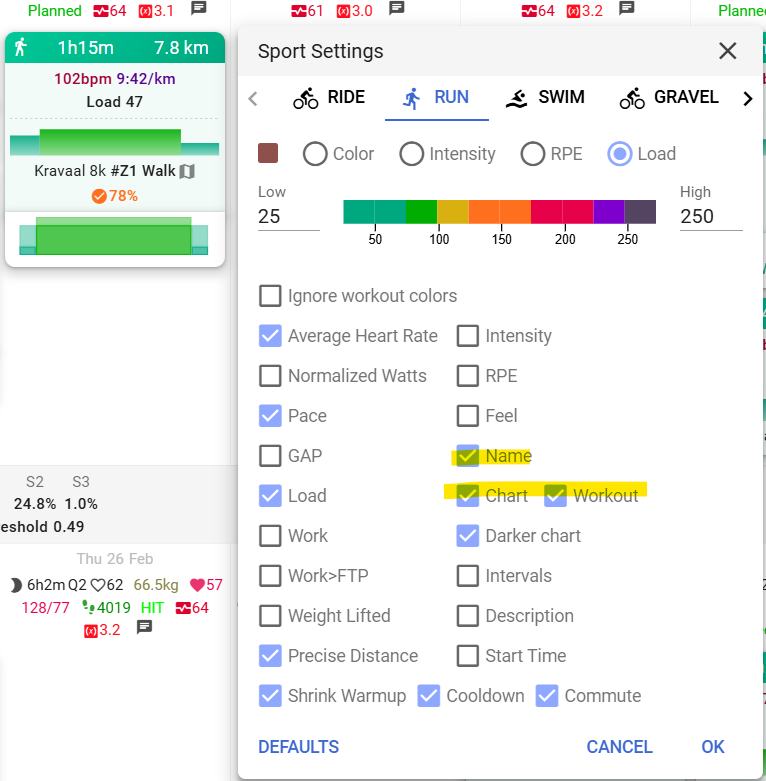
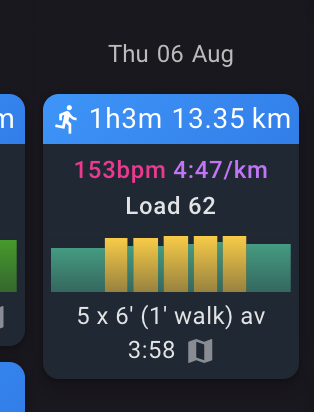
When a planned workout is completed, the summary view shows the workout title (“55m Easy”) and compliance score (120%) at the top. Directly below that, there’s a separate “Workout / 55m Easy” box that repeats the same info again. This takes up extra screen real estate without adding anything new. The alternative ‘chart’ which removes the workout title text is also duplicative.
Proposed solution
Have option to remove the “Workout” box, and allow clicking the compliance score to open the full planned workout details — so nothing would be lost, it’s just no longer duplicated on the main summary screen.
See attached diagram for a visual walkthrough of the problem and proposed fix.