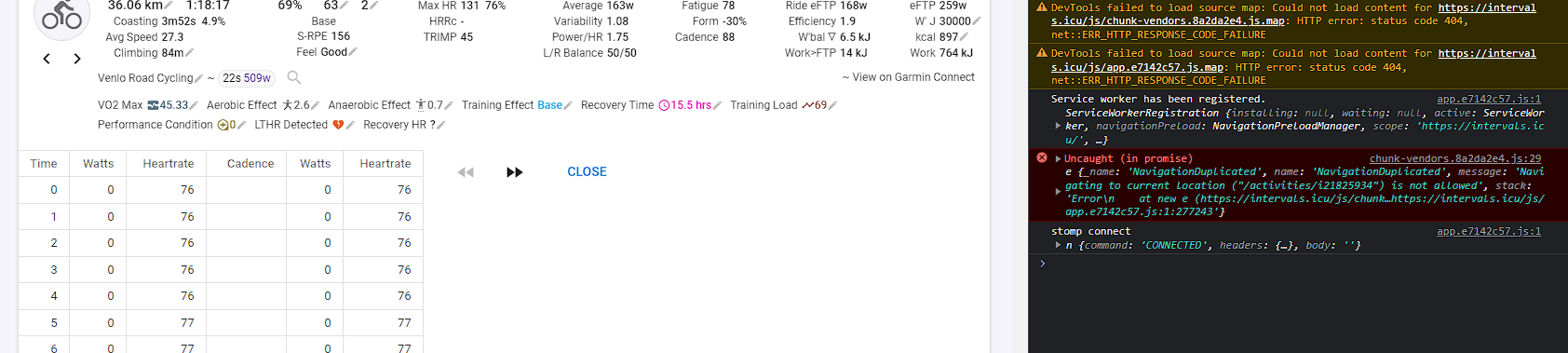
Is it me, or is the Edit Data function broken? I’ve just tried to use it from 2 different browsers (Chrome and Edge), where I haven’t opened intervals.icu in edge before, so it couldn’t be some weird kind of caching issue.
I select the portion of the data I wish to edit, click on Actions → Edit data, and I see an empty screen below the fields data at the top.
Also tried a few different activities, but it doesn’t work on any of them at the moment it seems.
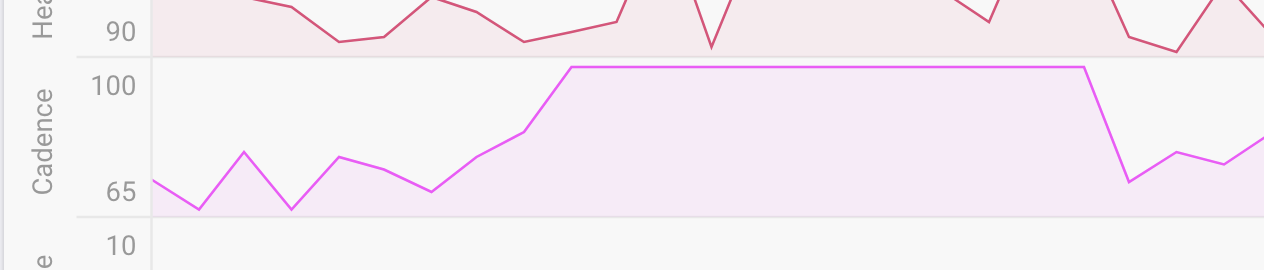
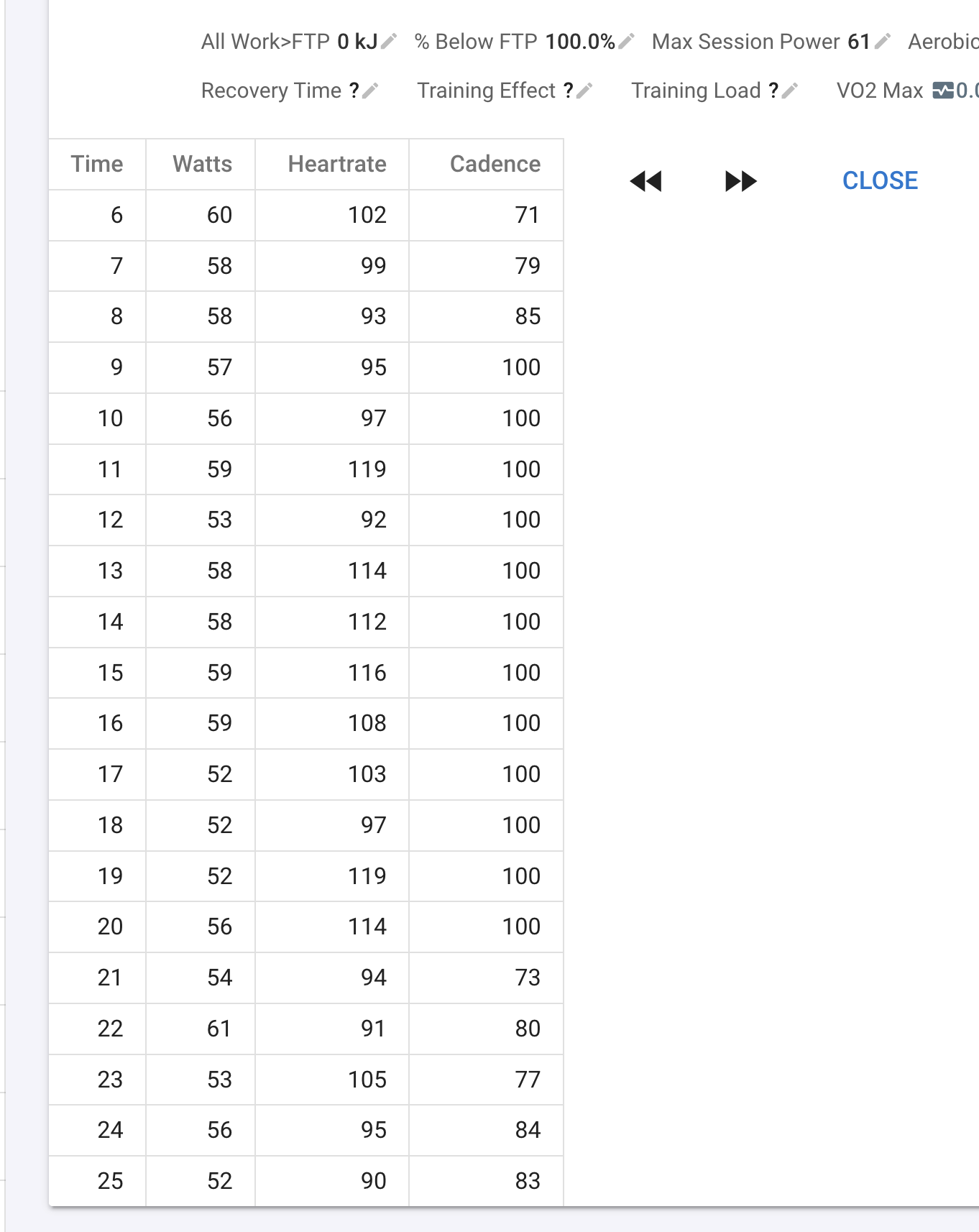
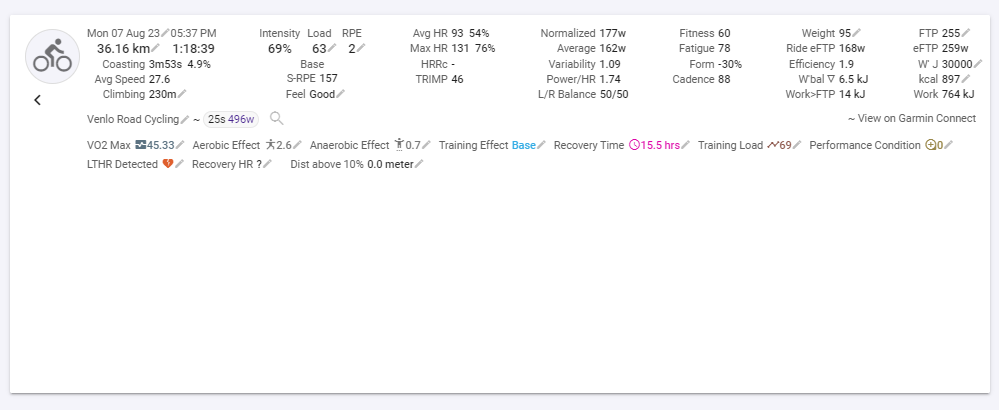
Hmm I went to that activity on your calendar and edit data worked for me (Chrome and Safari on Mac). Are there any errors on the console? (right click on the app, choose “Inspect Element” and then go to the console tab.
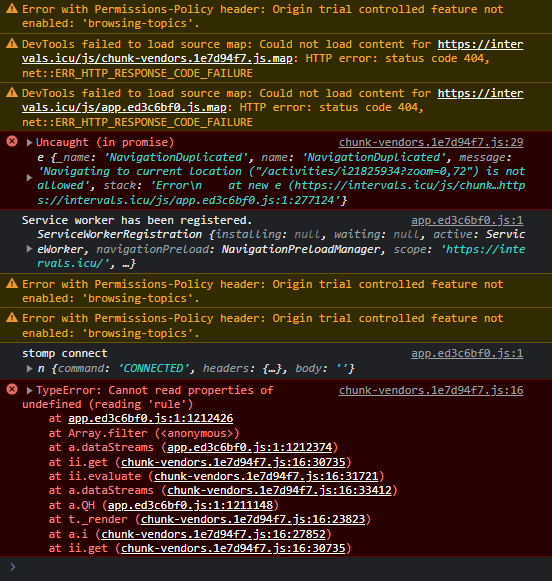
Thanks. I think I just fixed this.
1 Like