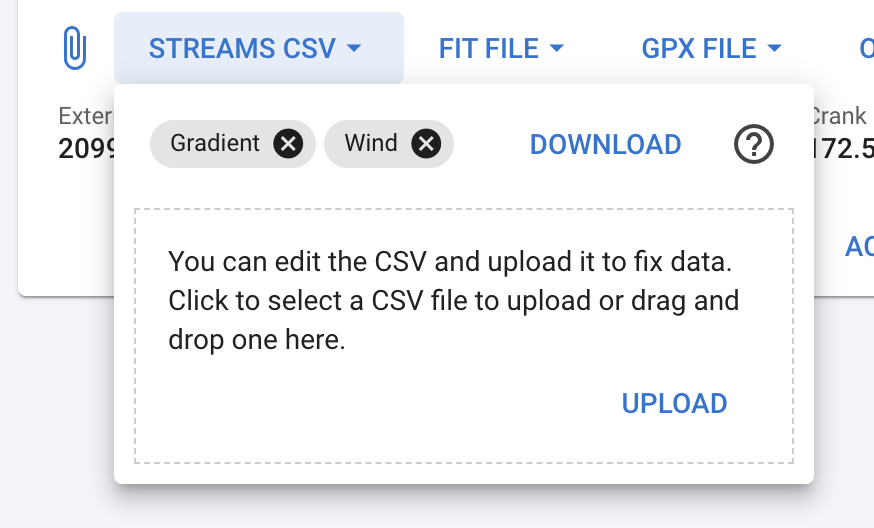
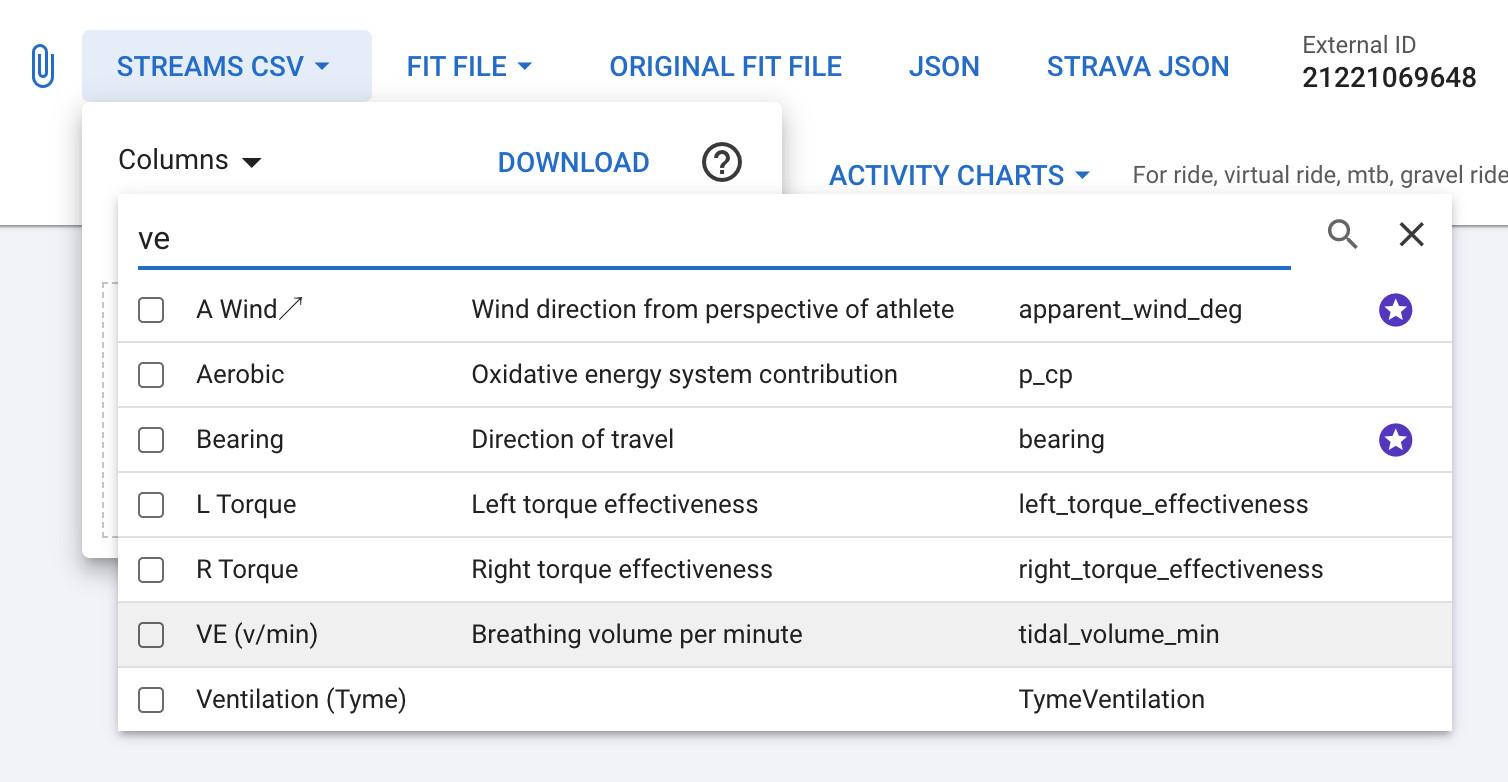
We have added a column selector. The default is all the non-computed columns and torque. Computed columns (e.g. torque, gradient) are ignored on upload.
Wow…speachless… just… thank you David
If you could give me a “reference” of how do you do the grade “smoothing” (moving average of ‘n’ points…?) would be also very apreciated. Thanks again!
Question tho, if you select any column through the column selector, the non-computed columns “by default” don’t download, and they are not available through the column selector either. Is that the intended behavior? Thanks again!
As far as I can tell, the non-computed columns are listed in the drop down except for latitude and longitude. We have added that as well as an option to include the default columns in addition to the selected ones. This will be deployed on Wednesday AM (GMT+2).
It calculates the distance between each GPS point and then slides a 50m wide window over the data, calculating the gradient using the altitude difference between the first and last points in the window. There is some additional code to skip big time gaps and to clamp the gradient to reasonable values for different sports.
Sorry, I’ve gotta ask for additional help. I’d like to upload a .csv containing multiple workouts with each row representing a workout and containing 10 columns of data. I’ve converted the data to the proper units and I have imported and exported using Google sheets (though I don’t understand why). Is it possible to import this csv to have multiple workouts populated in intervals? If so, I’d appreciate additional explanation. Thanks!
I don’t know why I am unable to make the Upload CSV work as expected…
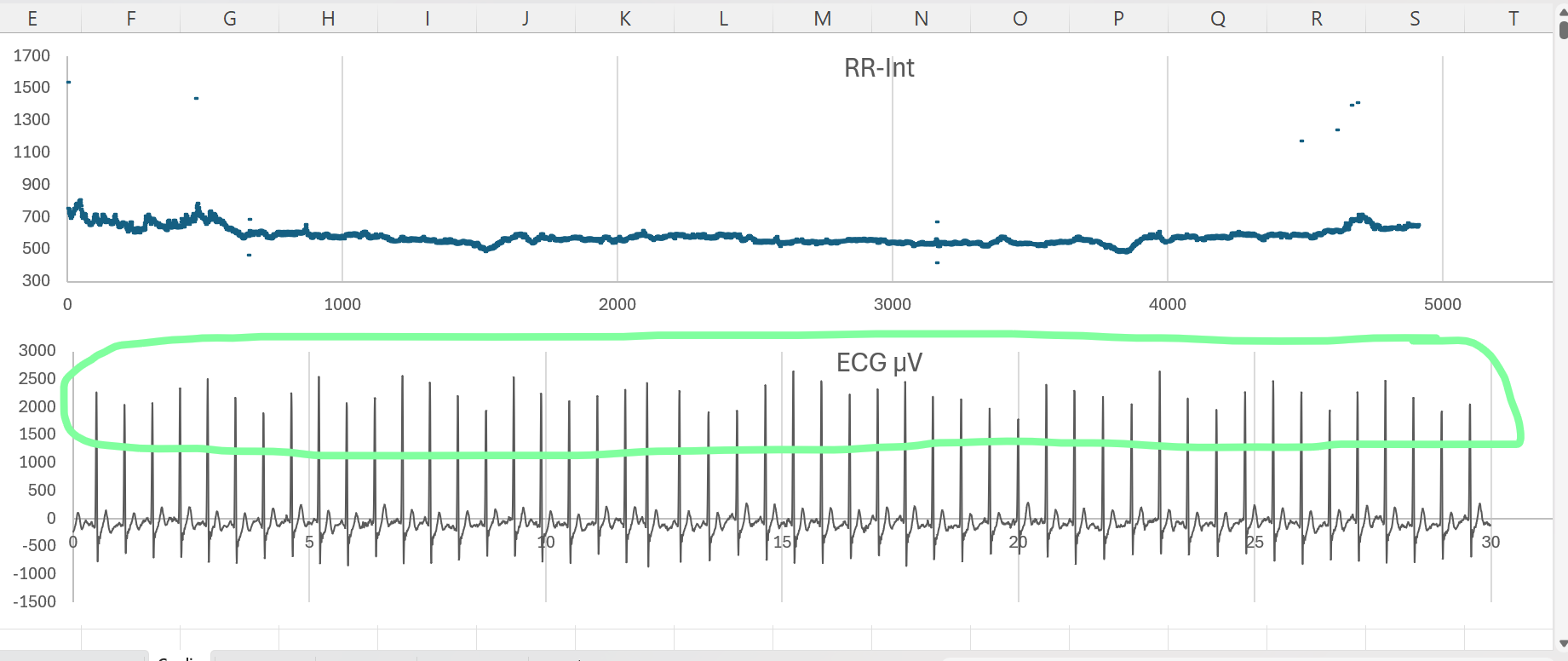
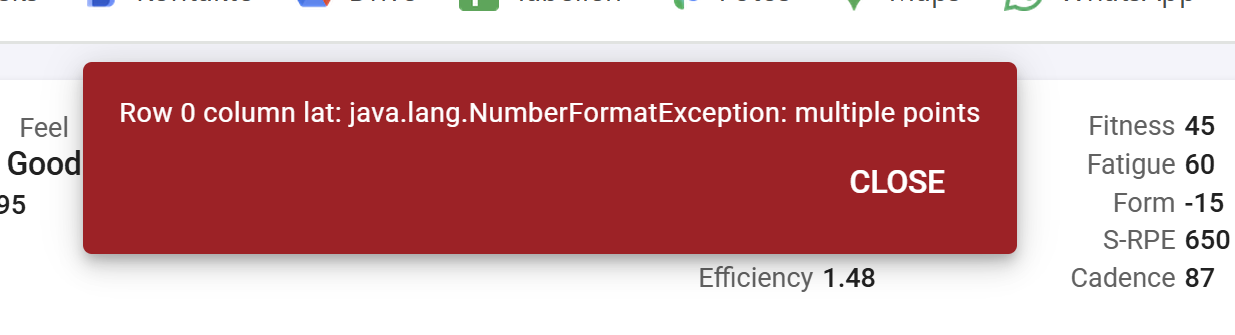
I am playing around with resprate, ventilation and tidal volume extracted from a csv created by Polar Sensor logger. As some may know, the single lead ECG from a Polar H10 can be used to extract those metrics, be it in a less precise way. The R-Peaks change in amplitude following the expansion of the chest because the sensor get’s further away from the heart and thus the electric signal is slightly weaker. I have all three signals and created a csv with comma as delimiter and number format in English US. The length of the csv is exactly the length of the entire activity in Intervals. But I’m always getting an error when trying to import the csv.
As a double-check to see if I’m doing something wrong, I downloaded a csv from the activity with only Temp in it. I edited the Temp to have the same value for all rows and tried to upload that again. It’s not working either…
I guess something is stuck in my account? Probably because I’ve been playing a bit too much @david Can you check it out? All my attempts have been done on activities from last week (wed 10 to sun 14)
For those curious how the Polar sensor ECG looks: pay attention to the waveform of the R-Peaks.
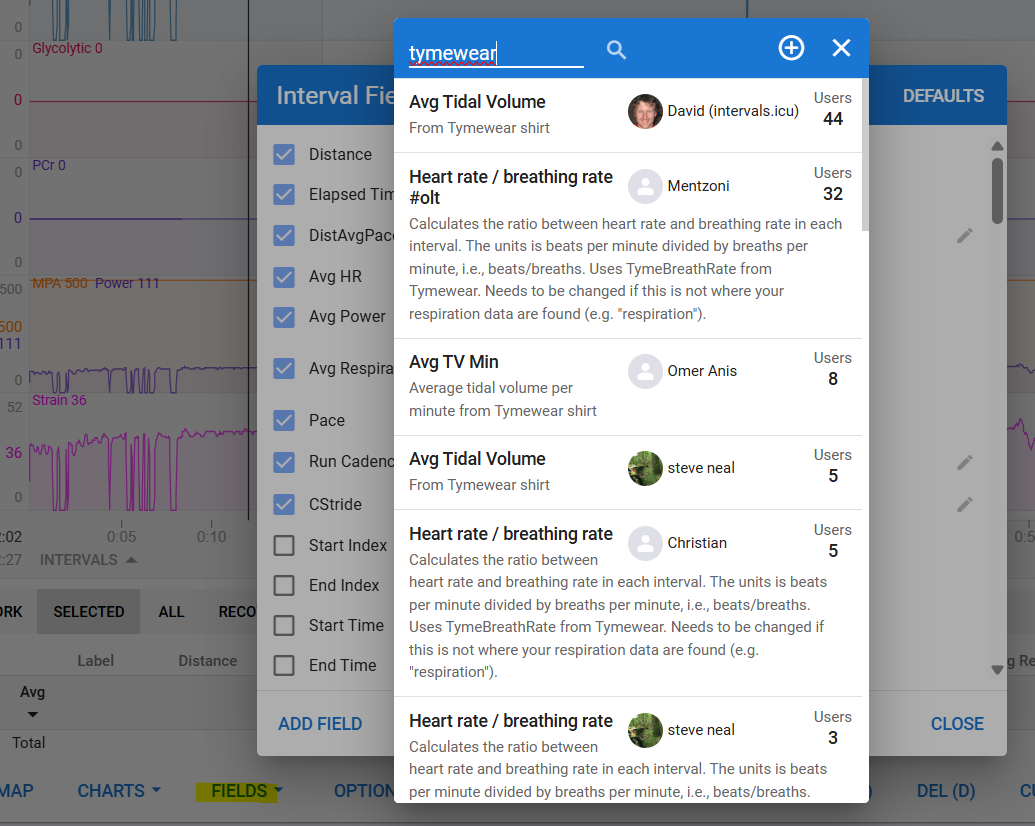
Is there any reason why I don’t get the Tymewear fields shown when I click “Fields” in that view.? They are enabled in custom streams and I can access them elsewhere
Before uploading, ensure you have created the placeholder custom streams for each of the two columns. Verify that the custom stream codes exactly match the CSV column headers. Also, confirm that the CSV time column starts at 0 and is sequential.