Hello everyone,
Winter is coming, time to switch on the trainer again!
I’d like to introduce my indoor cycling tool: Dooda Cycling. Here’s what it is, how it works, its key features, and how it integrates with Intervals.icu.
What is Dooda Cycling?
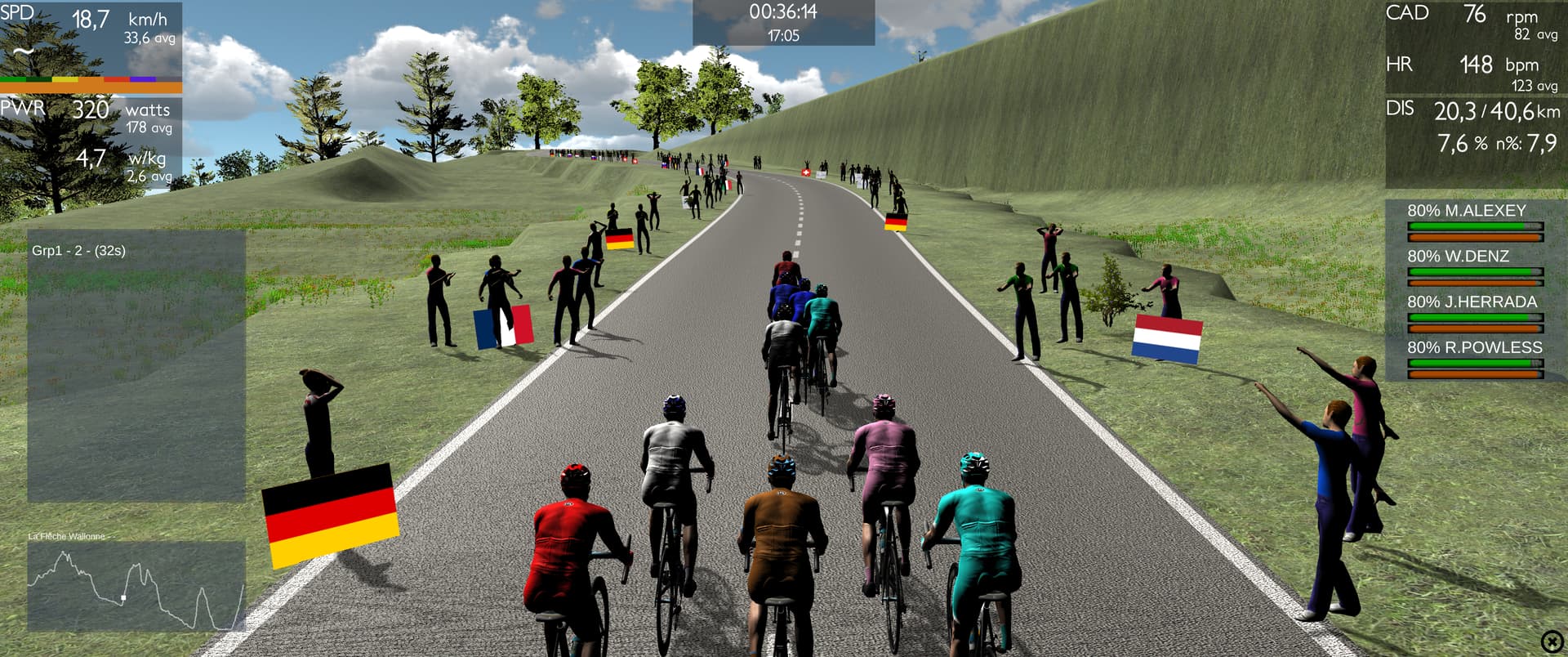
Dooda Cycling is a free Windows (64-bit) application that lets you train on your smart trainer with a realistic road simulation. Each route is reproduced meter by meter for maximum immersion.
It offers two main modes:
- Training Mode: for structured or free workouts, including intervals.
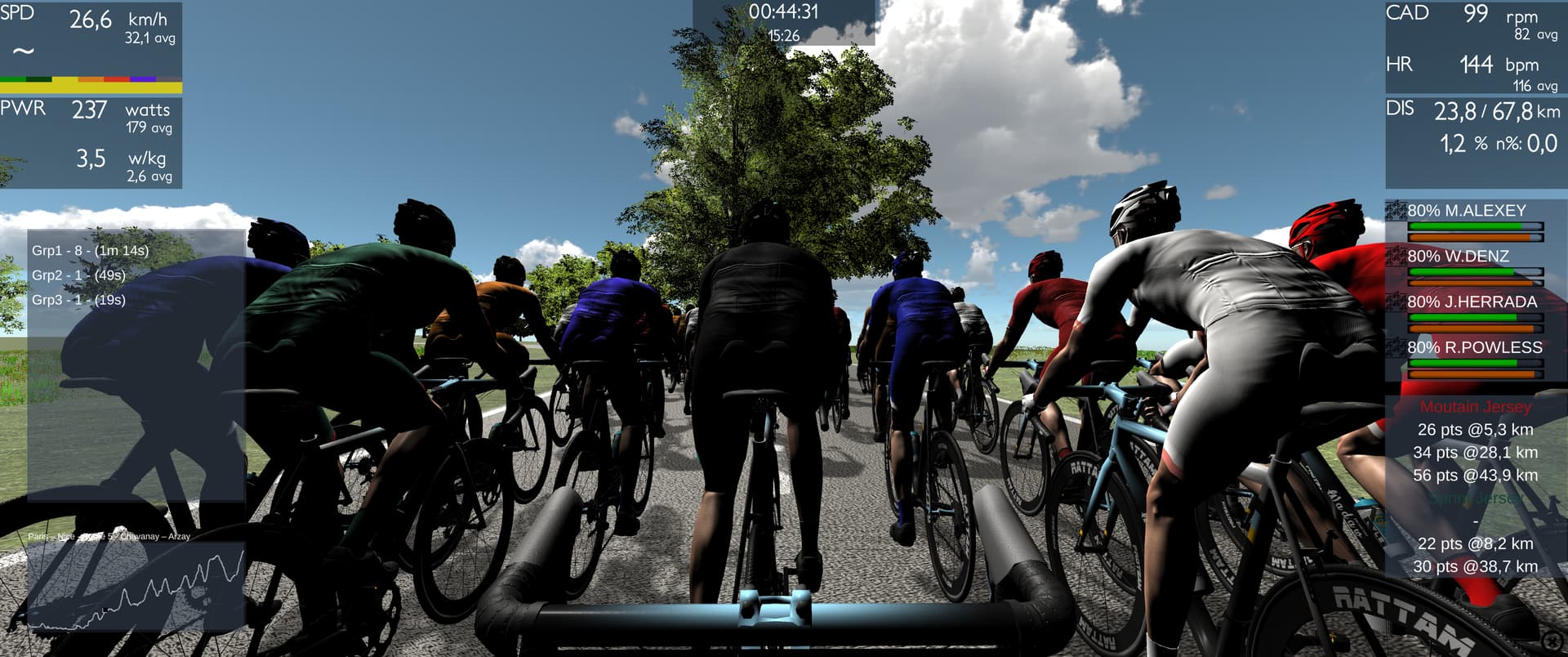
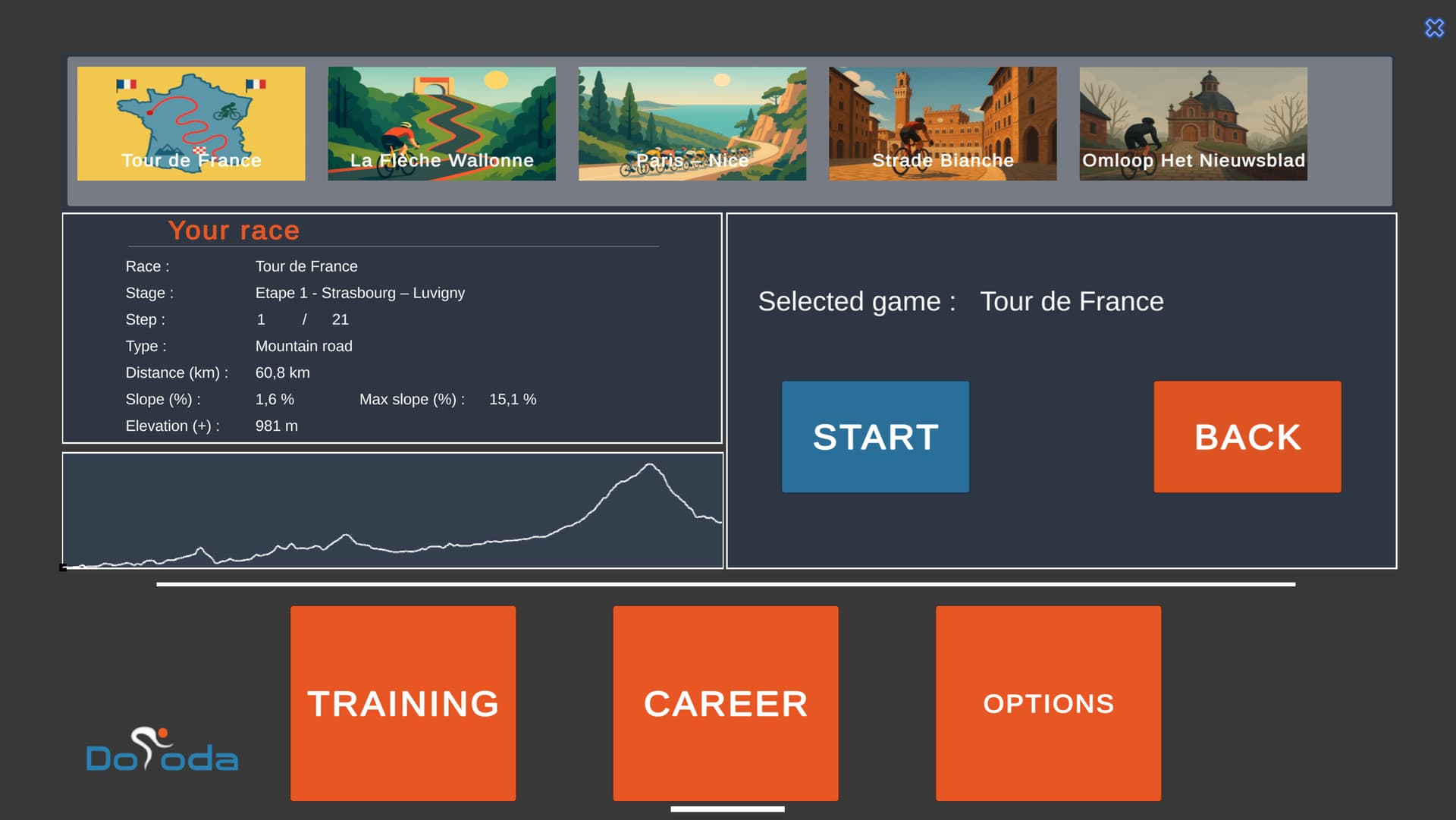
- Career Mode: a “game/competition” mode where you control a rider, make tactical decisions (leader/domestique), and race in virtual events.
Platform, hardware & compatibility
- System: Windows 10 or 11 (64-bit).
- Required hardware:
• A smart trainer compatible with ANT+ (ANT+ USB stick required)
• Optional: ANT+ heart rate monitor, ANT+ cadence sensor - Note on antivirus / Windows:
Dooda is not yet “Microsoft certified”, so during installation or updates, Windows or some antivirus software (especially Avast) might display warnings or quarantine the executable.
— If this happens, follow the on-screen instructions, allow the installation, and add an exception in your antivirus if necessary.
— The blog has a page “Installation and updates” with detailed instructions.
How to download, install, and create an account
- Go to the official website and click “Download Dooda Cycling”.
- Run the installer: if Windows shows a warning (“Windows protected your PC”), click “More options” then “Run anyway”.
- Complete the installation. If your antivirus quarantines the executable (e.g. Avast), restore it and add an exception.
- Launch Dooda. On the first start, you’ll be asked to create a Dooda account (email + password).
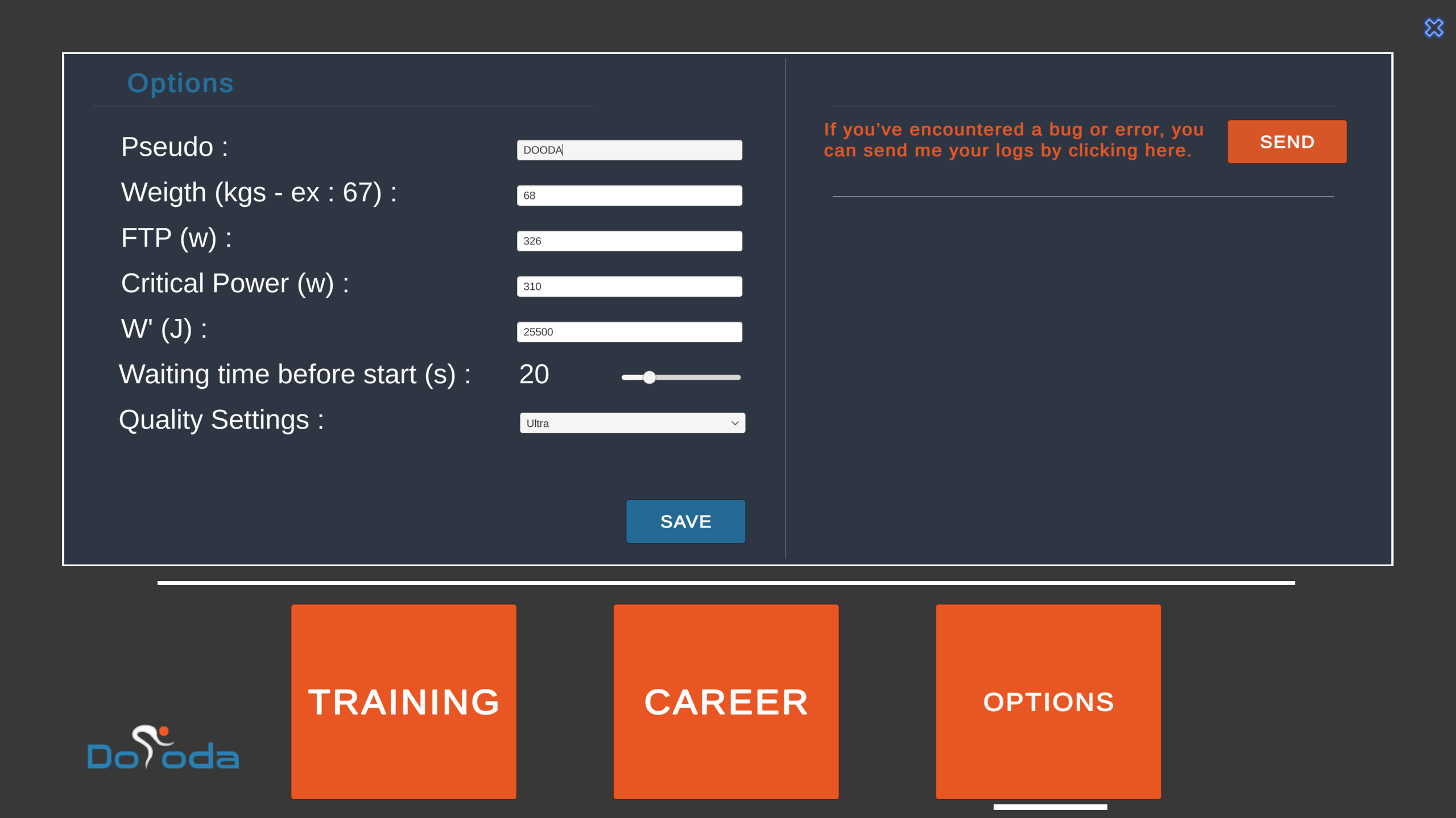
- In the software options, set up your FTP if you want to use Career mode or structured workouts.
 If your ANT+ stick is not detected, make sure the drivers are properly installed. The Dooda blog includes an article “Your ANT+ stick is not detected” that may help.
Training Mode / Intervals
Training Mode is the classic way to train freely or follow structured workouts. Main features:
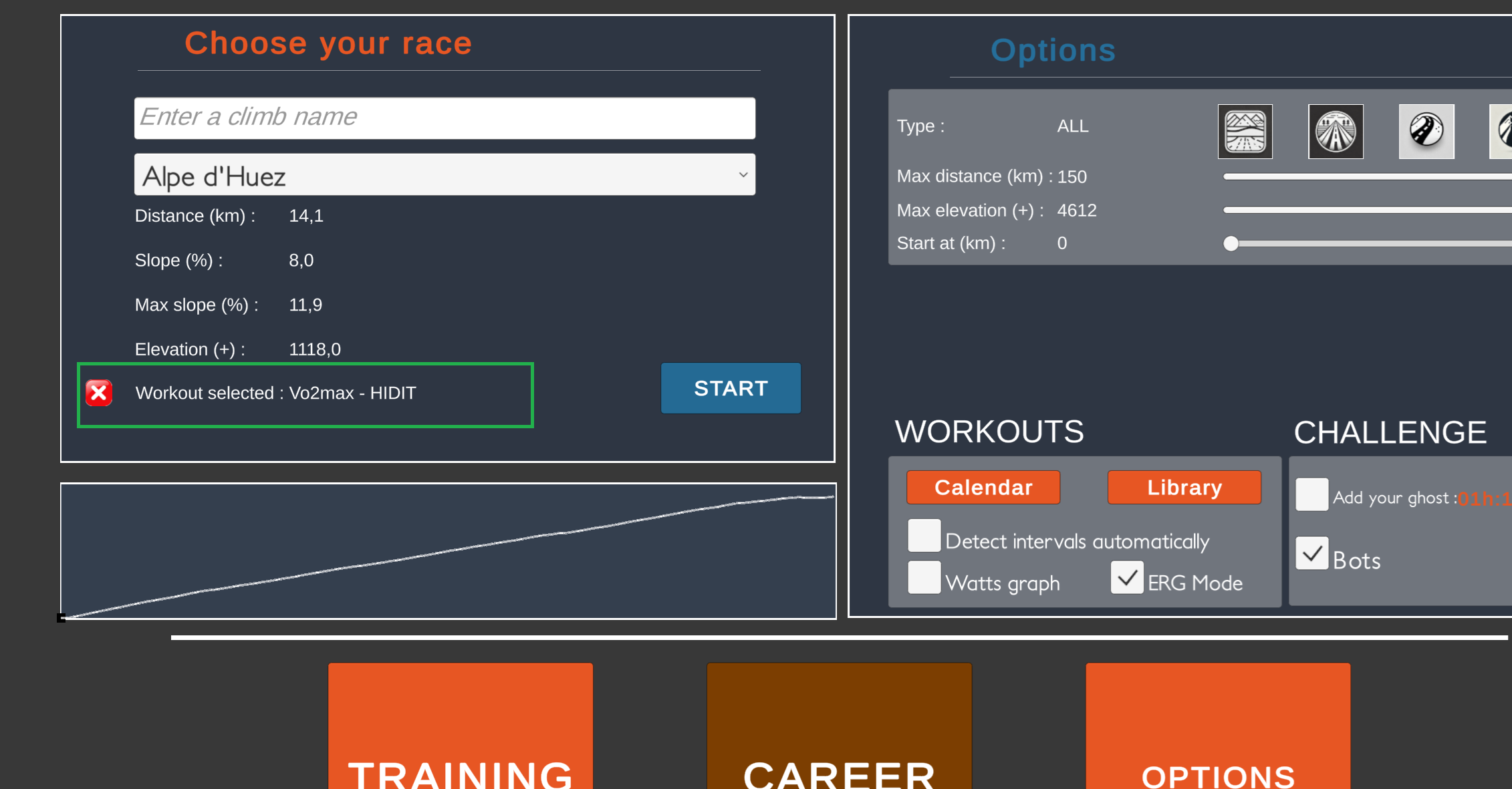
- Choose from available (real-world inspired) routes.
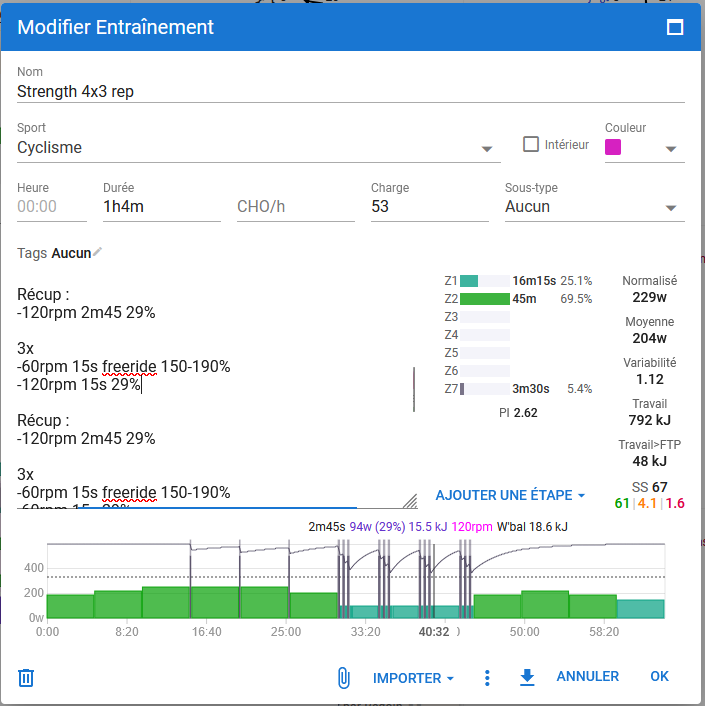
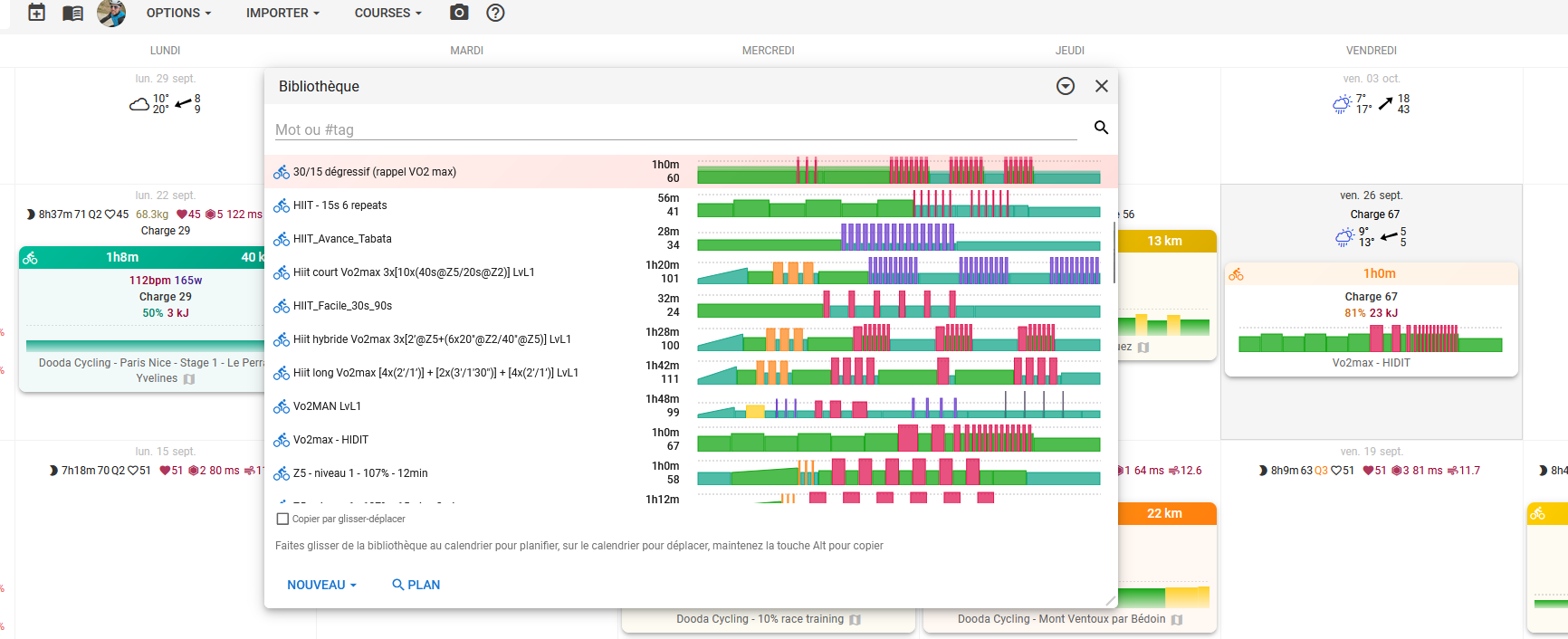
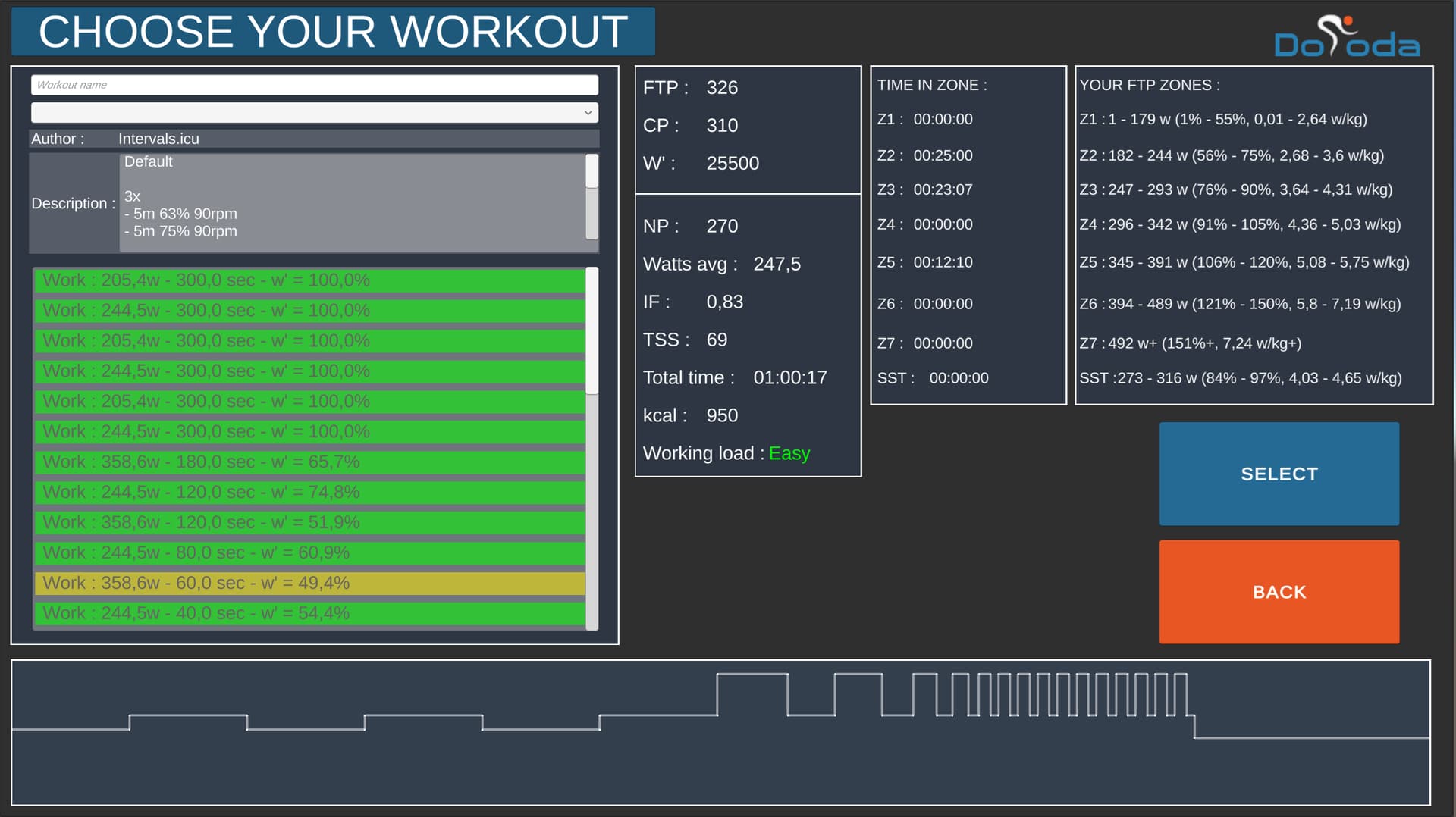
- Load intervals via Calendar (Intervals.icu) or from the Library.
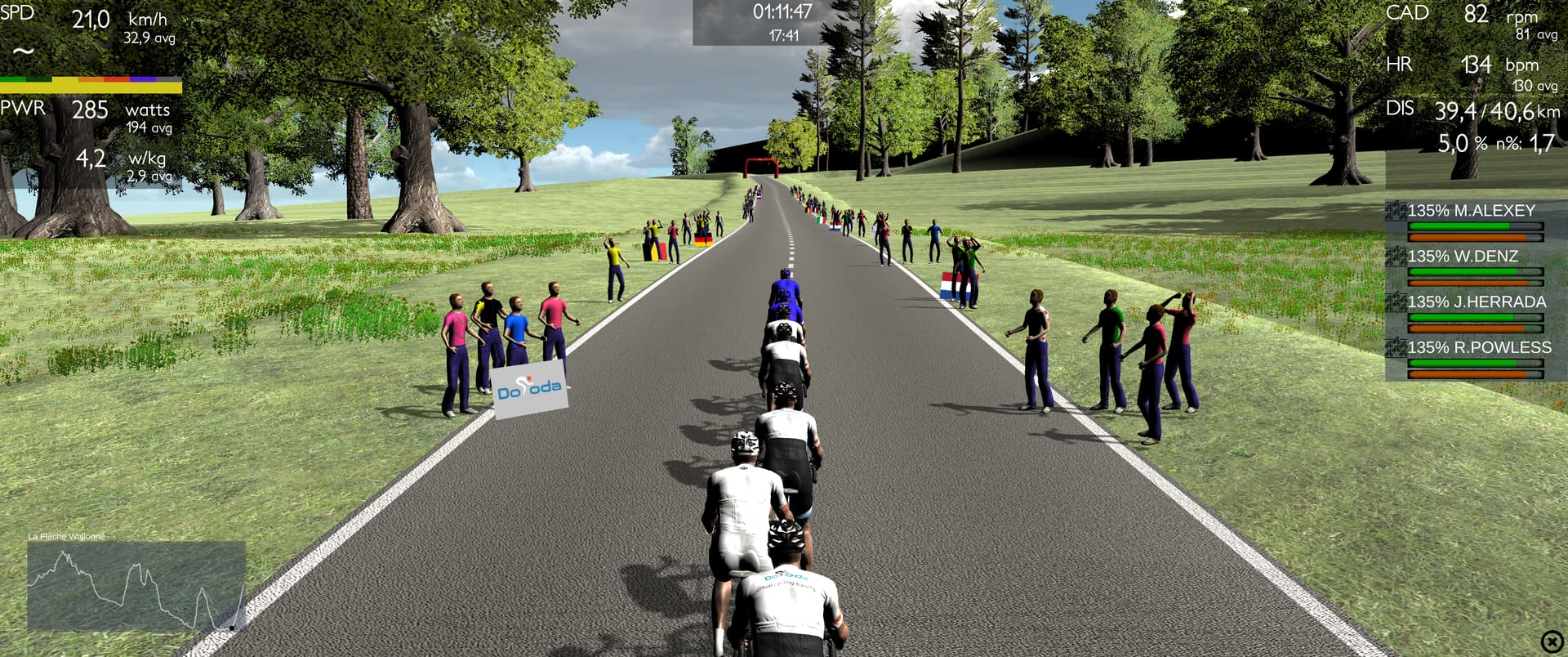
- During the workout, the UI shows current interval info, target, and time remaining.
- Press “S” to skip to the next interval.
- Try to beat your own ghost if you’ve ridden the route before.

Career Mode / “Game & Competition”
Career Mode extends Training Mode with a competitive, tactical layer:
- You ride as part of a team and make tactical choices: leader or domestique.
- Race in virtual events inspired by tours, classics, etc.
- Enter your FTP in the options to calibrate progression.
- Control your teammates using the keyboard arrows:
→ Left/Right: adjust speed
→ Up: go full gas
→ Down: recover / stop pulling
Career Mode is still evolving, but already playable and fun.
Link with Intervals.icu & workflow
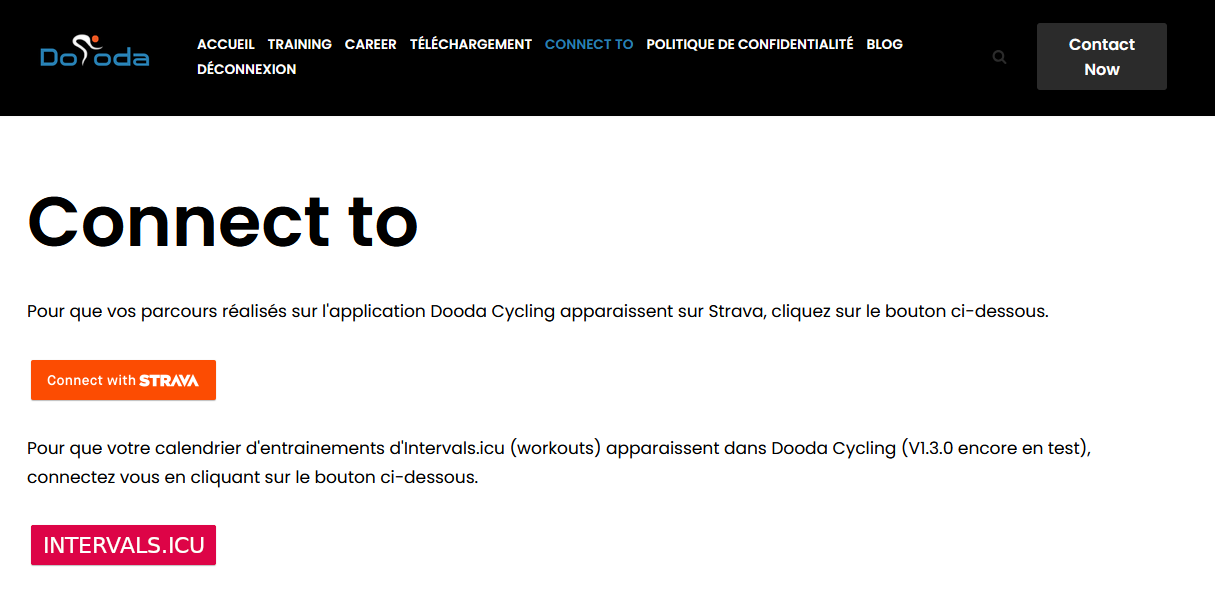
You can connect Dooda Cycling directly to Intervals.icu from the website (“Connect to”).
Strava connection is also available if you have an account.
Example workflow:
- Plan your workout on Intervals.icu (or via your coach).
- Execute the session in Dooda (Training Mode / Calendar).
- After the workout, the activity syncs automatically to Strava and then flows into Intervals.icu.
- If sync fails, you can always upload manually to Strava. Files are stored in:
Dooda Cycling\Dooda Cycling_Data\Strava
Analysis, performance tracking, and planning are then done in Intervals.icu with your imported data.
So, Dooda acts as the execution engine for your workouts, while Intervals.icu handles the planning and analysis.
Notes, limitations & tips
- As mentioned, antivirus/Windows can block installation or updates: you may need to force execution and add exceptions.
- ANT+ stick or trainer detection may not work immediately: check drivers and connections.
- Career Mode is still in development: some features aren’t fully polished yet.
- Trainer behavior (ERG vs resistance control) depends on your device’s ANT+/FE-C compatibility.
- Graphics and performance settings can be adjusted in the options depending on your PC’s capabilities.