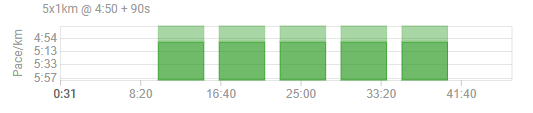
Is there any way I can display my planned Workout with the actual real data overlaid inside so I can visual my compliance?
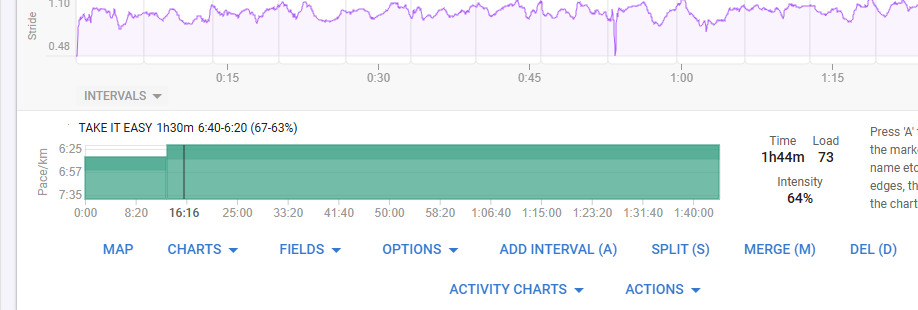
ie where I have pace targets, I’d like to see my ACTUAL pace overlaid on that square chart?
Is there any way I can display my planned Workout with the actual real data overlaid inside so I can visual my compliance?
ie where I have pace targets, I’d like to see my ACTUAL pace overlaid on that square chart?
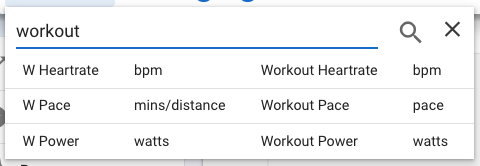
I’m not sure if you’re asking very specifically about the Workout plan and not other charts, but the regular Pace and HR charts include the workout targets as a second line. Or you can overlay those to any custom chart by adding the Workout fields.
Thanks, hadn’t noticed this 
So, following up…this was todays workout…
- Press lap WARMUP 2km intensity=warmup

5x
- RUN 1km 5:00-4:40 Pace
- RECOVERY 90s

- COOLDOWN 1km intensity=cooldown
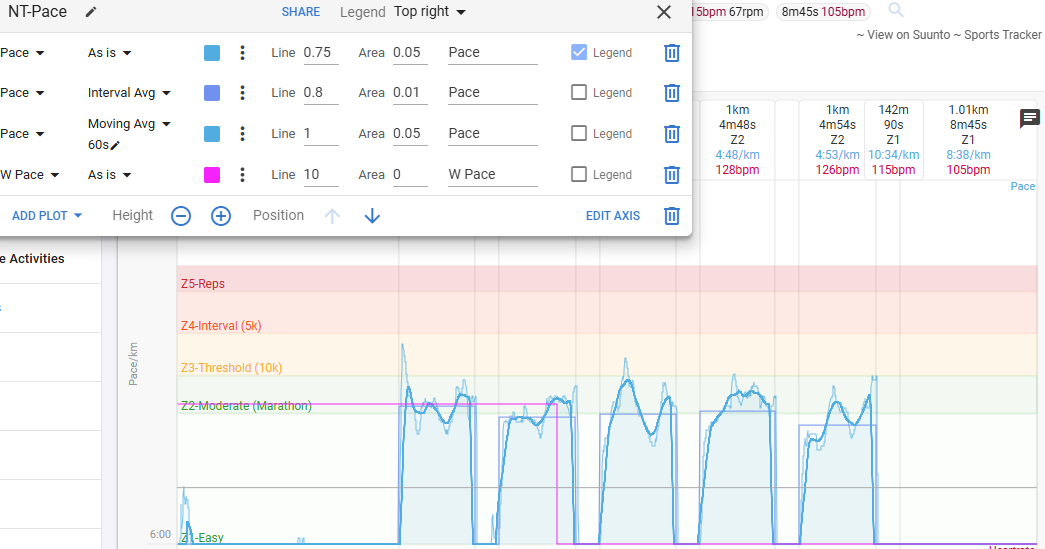
But if I add the W Pace to my custom Pace chart, it looks like the following >>
Have unlinked, and added paces to my WARMUP, RECOVERY and COOLDOWN sections, relinked, and it made no difference, the W Pace chart just seems to be a graph of 4:50/km for about 24mins, and then 0 
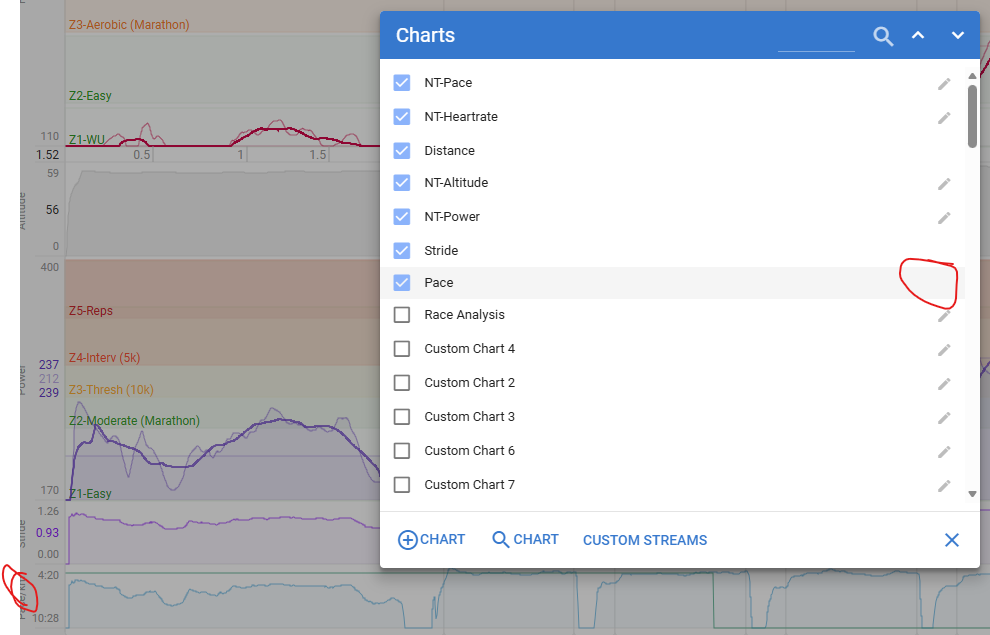
Have also added the regular Pace chart but I don’t see how to configure it!? It has no ‘Pencil’ and the Y Axis label is not clickable like the custom ones