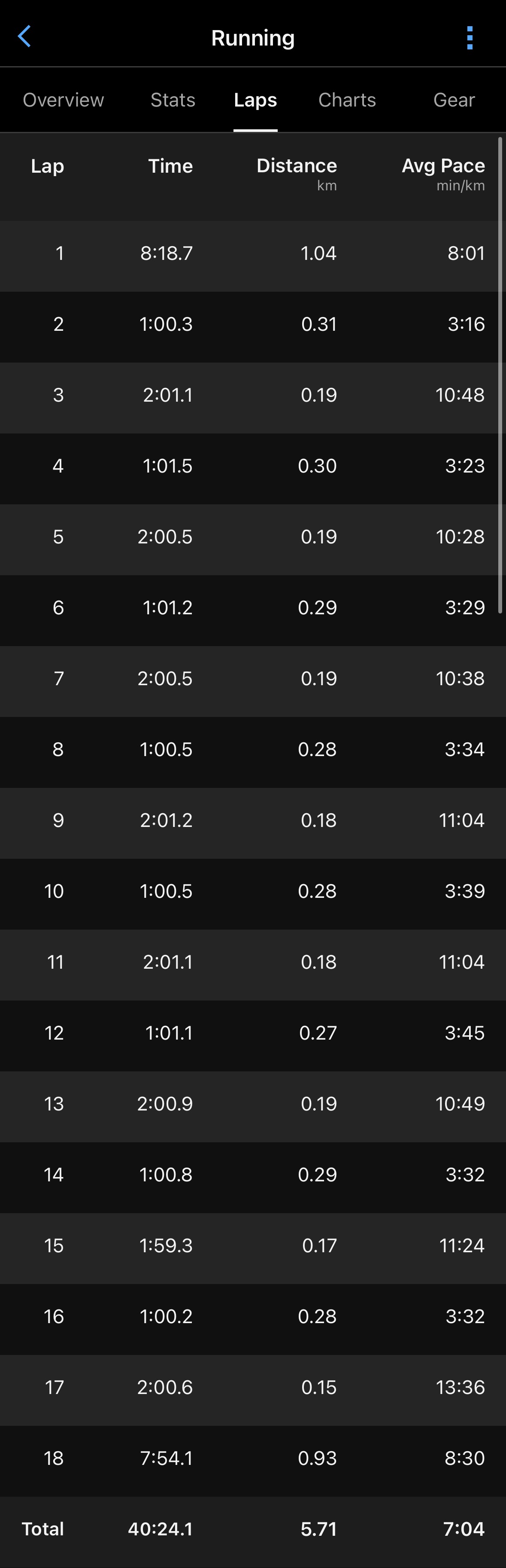
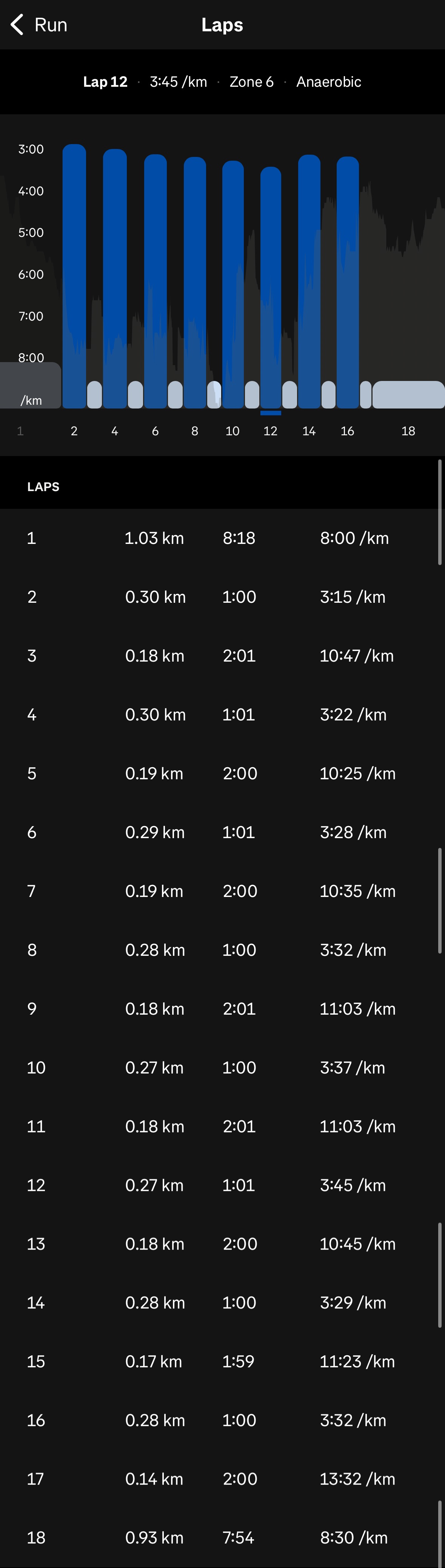
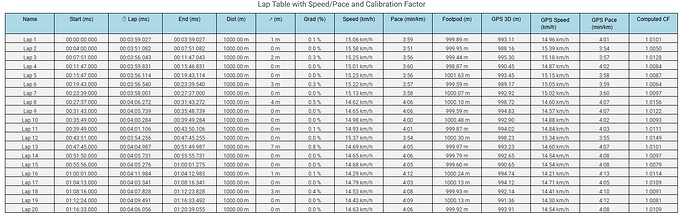
This morning I ran 60/120s (60s on, 120s off) and pressing the lap button on my watch after every work and rest segment. Garmin Connect and Strava both display the correct laps with accurate paces. Intervals.icu ignores the device laps entirely and auto-detects its own interval boundaries, which merges rest time into work intervals and produces paces that are 10-30+ seconds per km slower than reality. After reviewing some previous big reports,
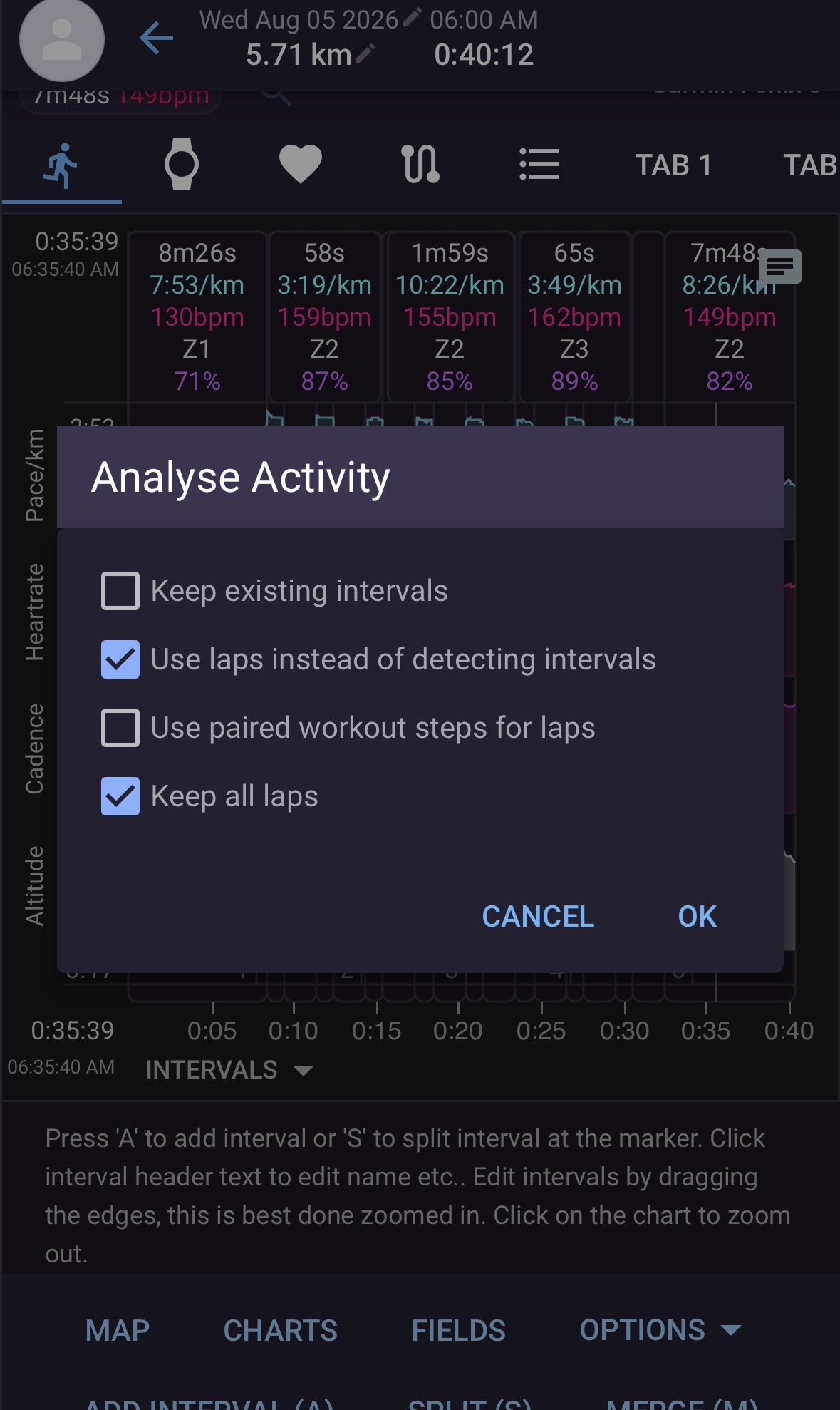
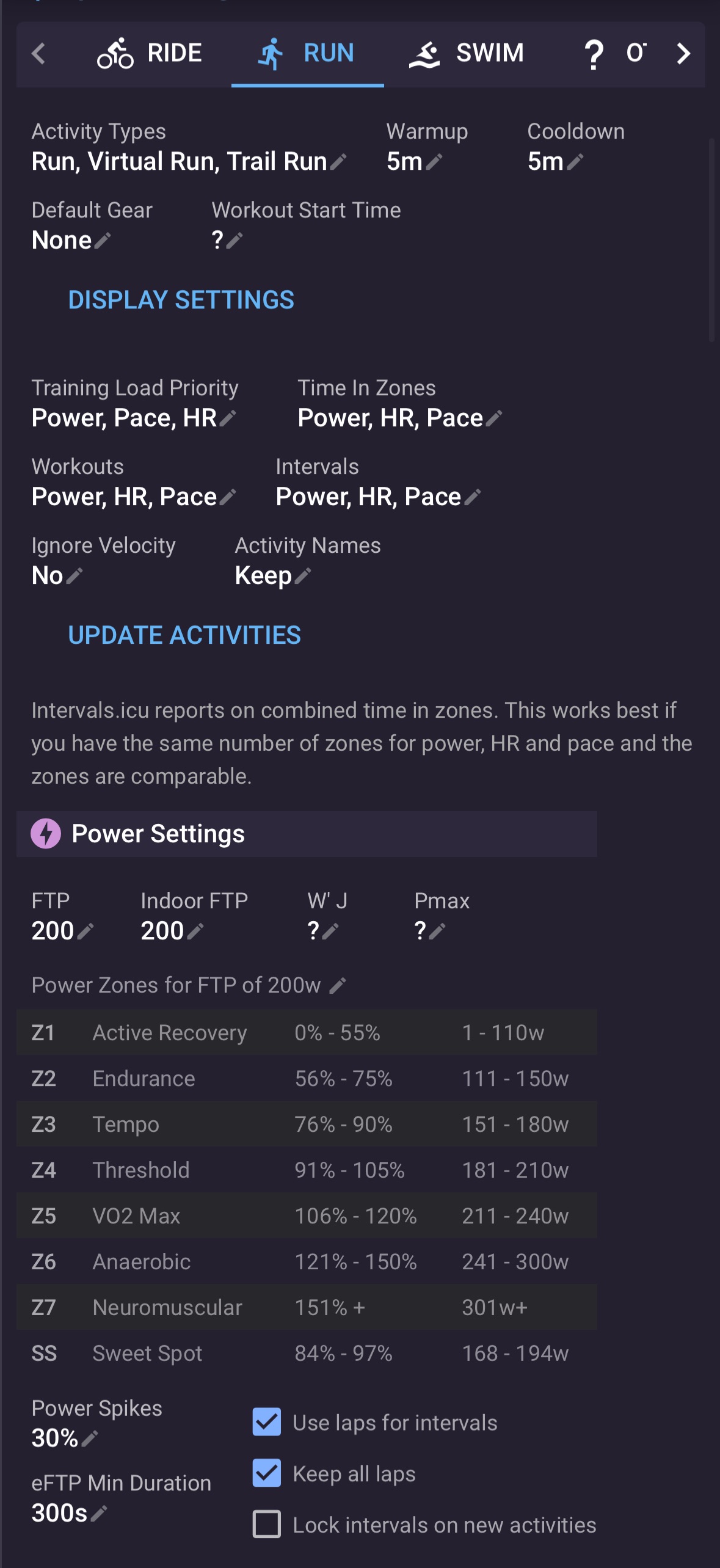
I’ve enabled “Use laps instead of detecting intervals” and “Keep all laps” both per-activity (via the analyze button) and globally (Sport Settings > Run > “Use laps for intervals” + “Keep all laps” + Update Activities). Nothing changes. The auto-detected intervals persist regardless of settings. I’ve read through existing forum posts on this topic and haven’t found a solution.
The laps are in the .FIT file. Garmin and Strava prove it. Intervals.icu just won’t use them.
Equipment:
• Garmin Fenix 3 with Garmin HRM chest strap
• Synced natively from Garmin Connect to intervals.icu (not via Strava)
• Firmware current on both watch and strap
Example
Activity ID: i172681172 (External/Garmin: 23860249667)
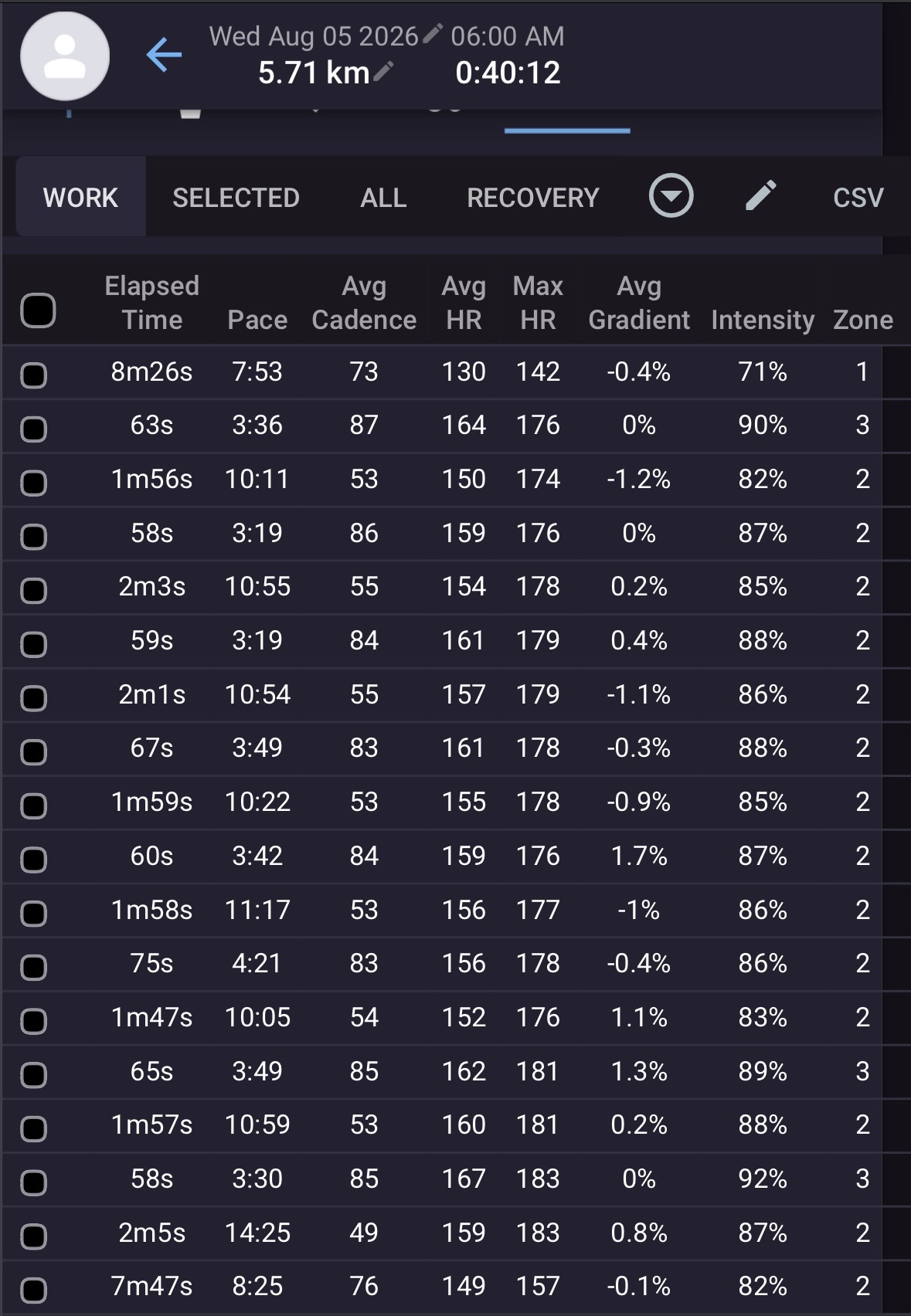
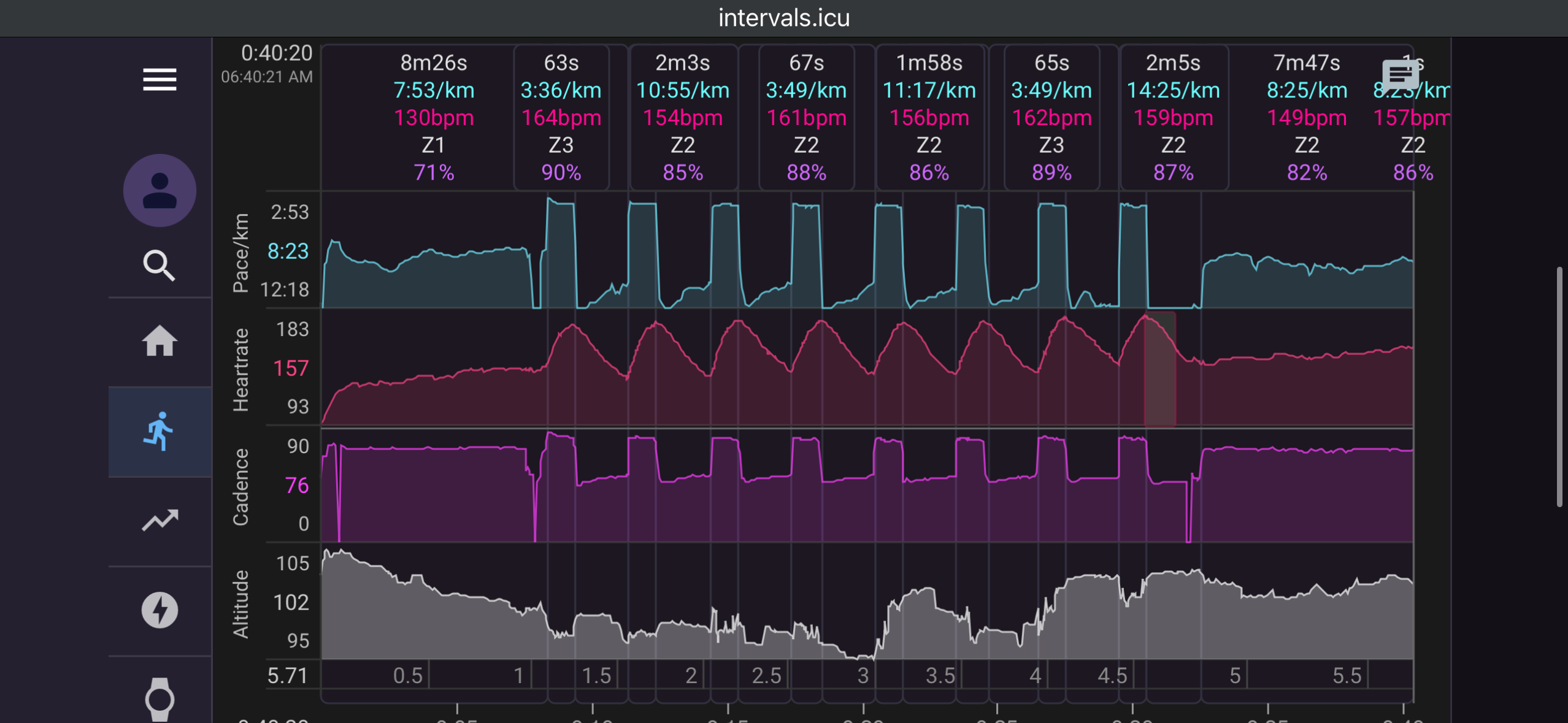
Garmin and Strava both show an average work pace of 3:31 min/km and 60±1s laps. Intervals.icu shows 3:38/km with durations ranging from 58s to 75s. One rep was split into a separate group at 4:21/km because the auto-detection merged recovery time into the work interval. See attached screenshots:1 (Garmin), 2 (Strava), 3 & 4 (Intervals.icu).
Also attached: screenshot of individual activity Actions: (5) Analyze dialog with “Use laps instead of detecting intervals” and “Keep all laps” checked, (6) General Settings for RUN workouts with “Use laps for intervals” and “Keep all laps” checked.
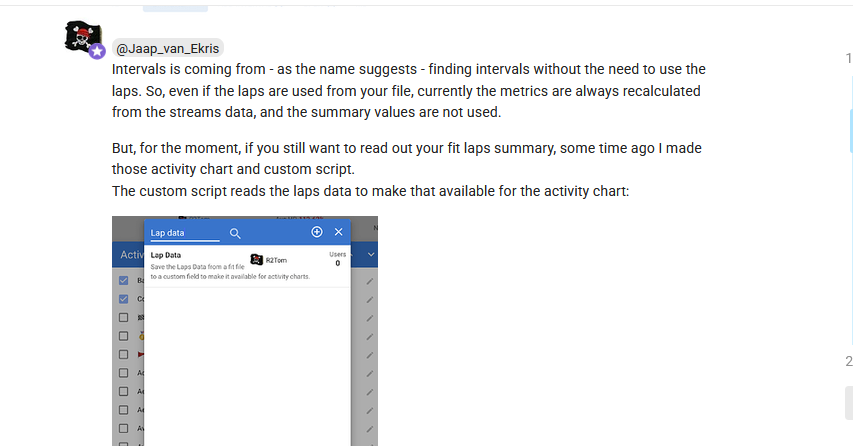
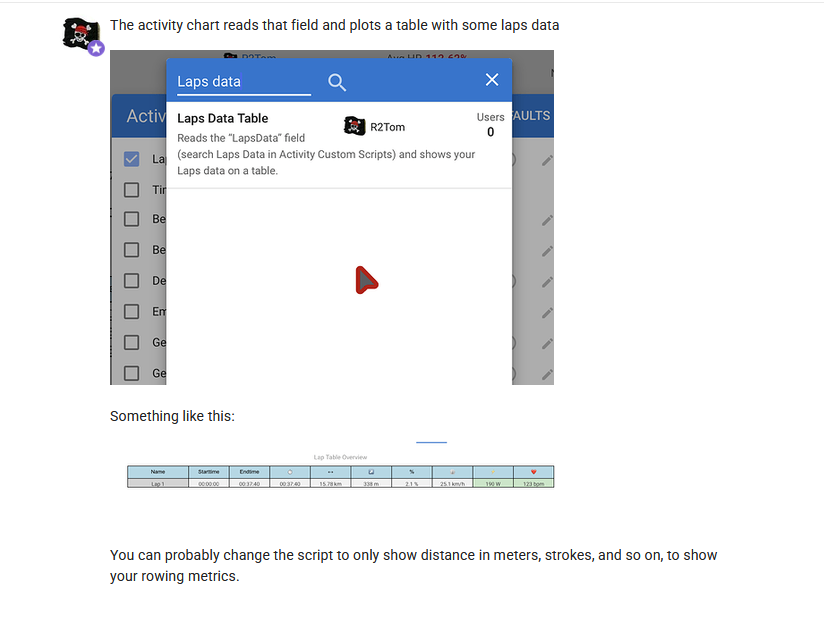
Keeping in mind that GPS speed stream can have a big lag, and for a a fast foot pod the lag can be up to 3-4 seconds. for short intervals, the measured error will be big. You can use R2Tom method to create charts for garmin laps, if that’s important for you, the Fit file laps information is there, for you to retrieve if you which.
For manualy pressed lap button, I would expect them to be there. But for planned workouts, it isn’t always the case. Depending on the source of the planned workout, Garmin forwards them to Intervals or not. You can check that by inspecting the ‘Original Fit file’ downloaded from the Intervals Activity Data tab. There you can get the Fit file forwarded by Garmin to Intervals. And it unfortunately isn’t always the same one that is send to the big platforms.
Some while ago, Garmin decided to not forward lap structure if the destination is different from the workout source.
Did you read @pepe answer?
Intervals uses only timestamps of laps and recalculates everything from scratch. So for example it can include fixes in the calculations. That’s why the summary might differ.
You can argue that you don’t like that approach, but it is what it is.
The laps are in the fit file and you can show it with some kind of effort on your activity.