I am very new to intervals.icu and finding it very useful. I somehow ended up with many hundreds of duplicate activities (Garmin older data sync tags devices differently to Garmin export download) some of which had sightly different data in them. I decided to delete all activities and reimport all activities as the easiest way to rectify this. However, no activities show and from the logs it looks like this was because I deleted them previously.
Would you advise that I delete my account and then restart with the same details? I basically want to start with a completely fresh instance of intervals.icu. I am a supporter, so would this mean I lose the rest of my subscription period?
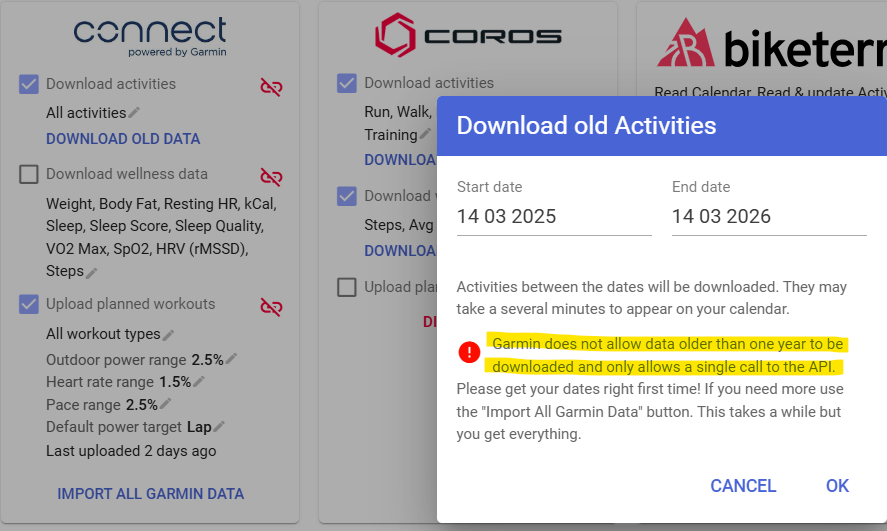
I linked to that chapter - You try to download historical data more than once, which isn‘t allowed by Garmin.
You don‘t have to delete your account, and doesn‘t make sense. If you have no activities at all at the moment, check out the „Import All Garmin Data“ option. The link is only valid for some days, so if you use an old link, you may have to regenerate a new one
If your problem is completely different, please try to explain better.
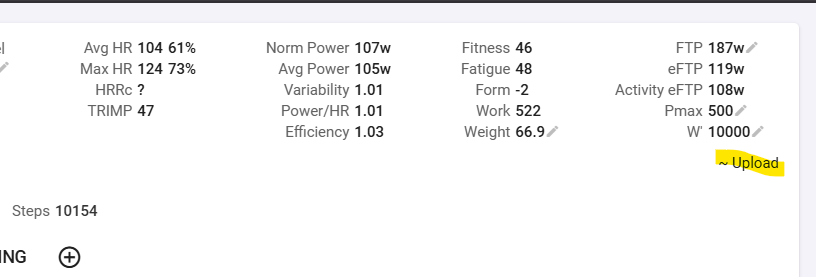
If you download from Garmin and upload that to Intervals, the source is ‘Manual upload’ and no longer Garmin. In that case you will have doubles.
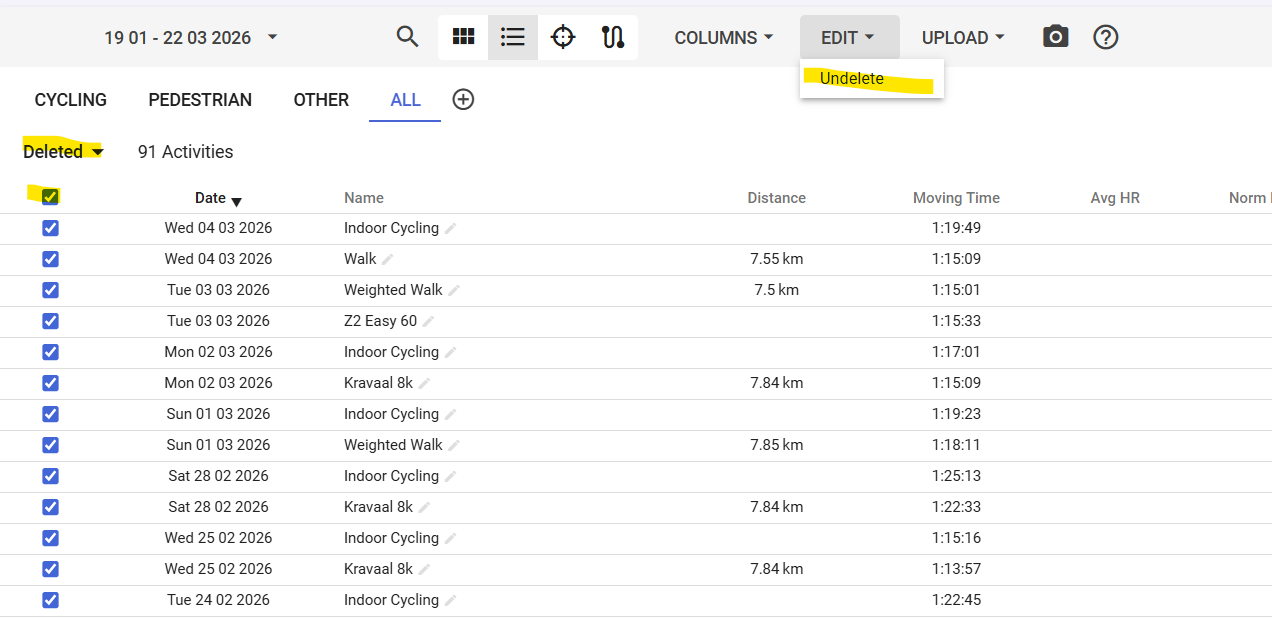
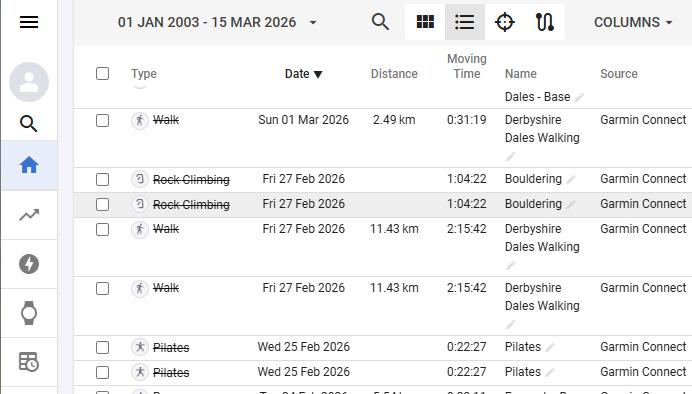
If you accidentally delete an activity, you can ‘Undelete’ in a couple of ways. If Options on the calendar page has the checkbox at Show deleted, you can undelete from that. Else you can use Edit - Undelete in the List view.
For Garmin, this works if you notice the error rather quickly, but undelete will no longer work after a longer time. That’s because Garmin limits double queries.
Lik @R2Tom said, request your full history from Garmin, wait for the mail with the link and then copy that link in the Intervals Garmin connection dialog. That always works like a charm.
Don’t delete your account, it isn’t going to help you in any way.
If you have doubts on what ‘sources’ your activities come from, open one and check the summary at the top.
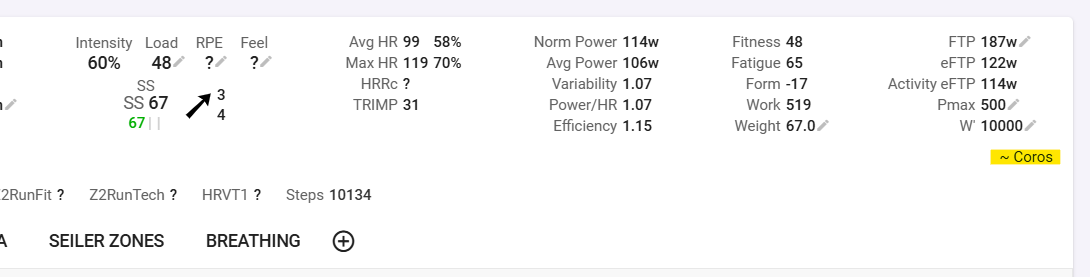
Thanks for the advice. I’ll try to explain better. I initially linked my account Garmin and clicked download all data. This didn’t seem to download everything (13 yrs) so I followed the bottom link and got the full export link straight from Garmin. This imported and I ended up with duplicates - one import had a different formatting of the device name. I also noticed that some values were different (intensity).
So, rather than sort by device name and delete, I just set it all to delete and requested a new export from Garmin. This link arrived (194mb) and I provided the link to the import tool on Intervals like before. However, only two activities were imported and all the wellness data. The log files show that all the other activities are duplicates, so perhaps they still exist somewhere in Intervals. So I waited overnight and then I tried the import link again this morning (still valid and still downloadable) - nothing imported.
Hence, I thought that these activities still exist in Intervals in a deleted state and that deleting and reinstating my account might be the fix.
I’m also using a trial of IntervalCoach at present, in case that has any bearing on this issue.
Were those duplicates from the last year? I would guess so, because the Import All Garmin data where you provide the link, is, once imported, considered a download. It did not come in through the API.
Go to Activity List view and filter on ‘Deleted’, then select and undelete.
Thanks MedTechCD, I didn’t know you could view deleted activities and that must be stopping all the importing. Next problem - I select one, three or all activities and undelete them, but nothing is recovered… I then tried my Garmin link import again in case it is only a reference to the activity that is recovered, but that also doesn’t work.
If you ‘Undelete’, you must undelete the one that was imported from the Garmin Archive, the ‘Upload’ one, not the Garmin source one, because Garmin will not let you.
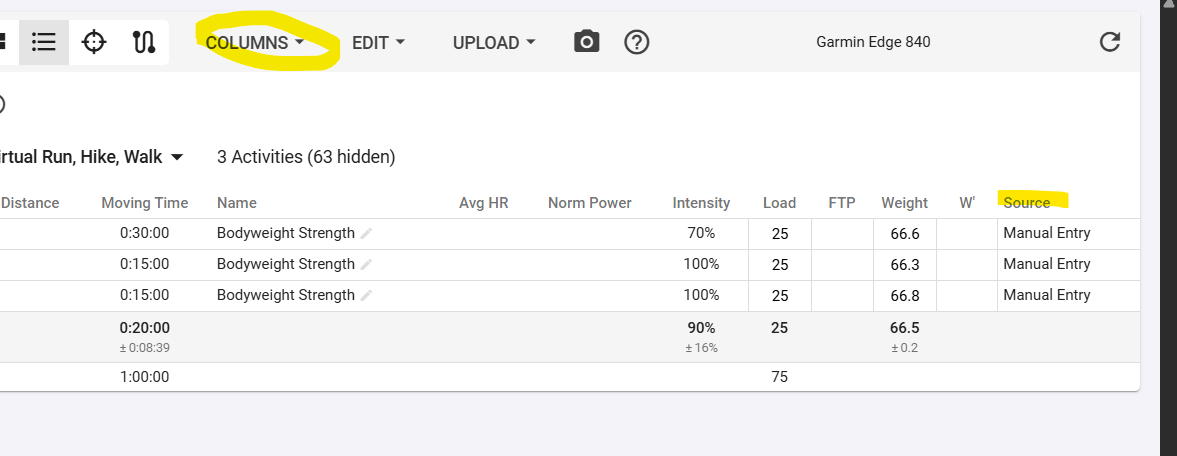
If you add the column with ‘Source’, you should be able to identify the correct one.
It’s really strange that it doesn’t work for you. My last assumption: Did you create a new link? It could be that every link is only processed once in intervals. So pasting the old link could not import the activities again
So
create a new link
import via link
If that still doesn’t help - I would download the Garmin files, put the activities in an Dropbox folder and import all activities with a Dropbox folder. Of course any wellness data won’t imported this way.
I got a new download link from Garmin and this didn’t work either.
I am now uploading everything via Dropbox - looks like this will be OK. Thanks for your help. It’s quite bizarre that I couldn’t recover these files through the normal route.
Yes, the same way that I originally uploaded all the data from Polar. But I deleted it all because of these duplicates (one from “Polar Vantage M” and another from “Electro Polar Vantage M”).
When I tried uploading from Polar again it just says that 0 activities were added.