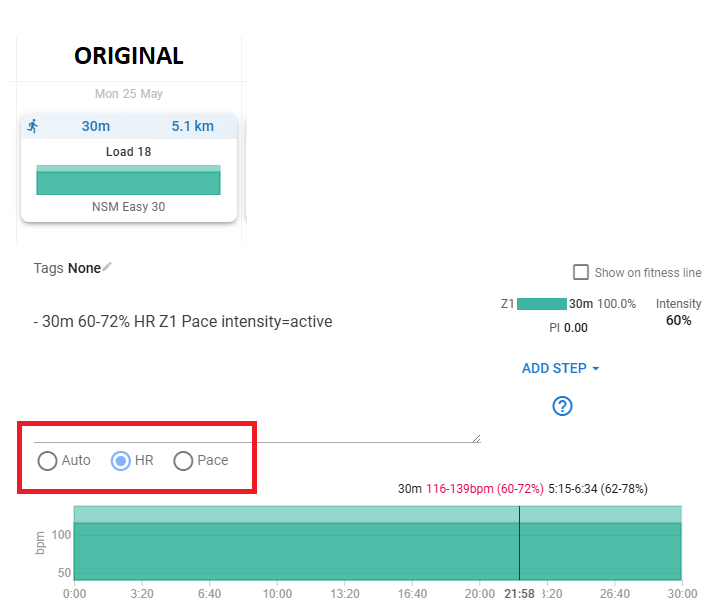
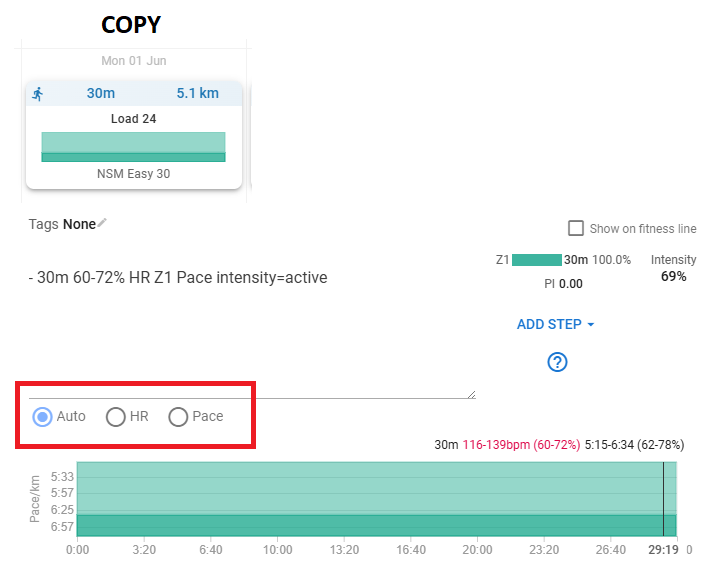
When I copy + paste activities (not duplicate through ALT+drag) The load changes on some of my intervals. I managed to figure out this is due to the fact that Load in my original activity is set to “HR” while the copied activity gets set to “Auto”. Assume best behavior would be if it would be same as original workout.
So its expected behavior that when you copy an activity through “Copy + Paste” then Load will be as per Auto (and default setting priority) and not setting in specific workout that you are copying?
Note that this means that Alt + drag and Copy + Paste doesn’t yield same result for the resulting activity.
I can very much accept this behavior as it doesn’t have major impact but thought to highlight as I perceive it to be inconsistent.
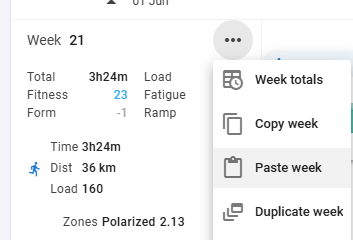
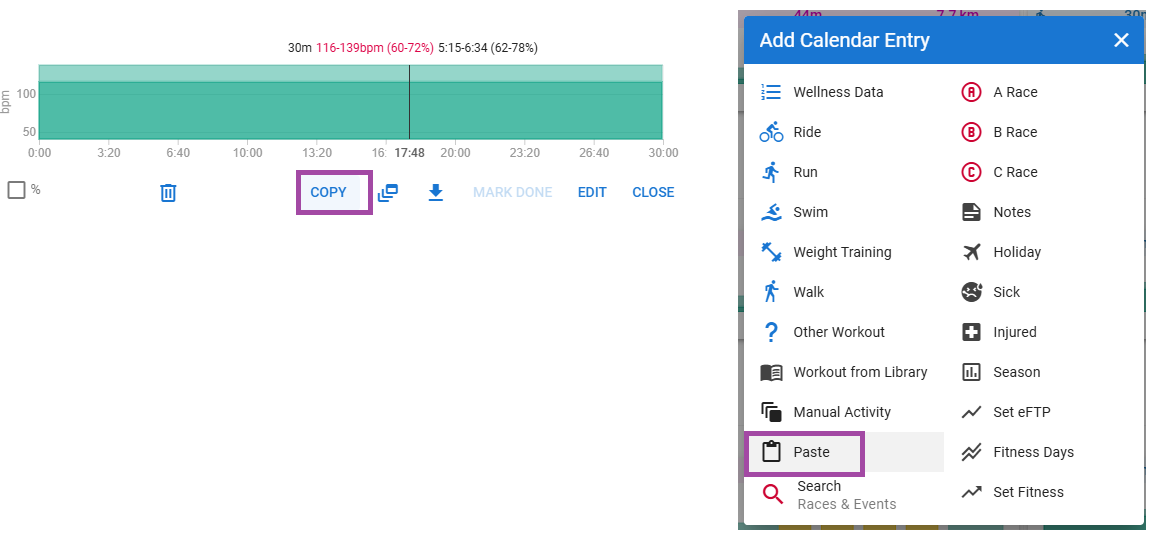
How do you Copy- Paste actually?
I have the habit of either Alt-Drag to copy or drag from the library when setting up something new.
Both will be exact copy’s.
Basically yours is also an exact copy, but it’s just the way it is displayed that changes. At least, that’s what I think because I can’t for the hell figure out a way to copy paste on the calendar