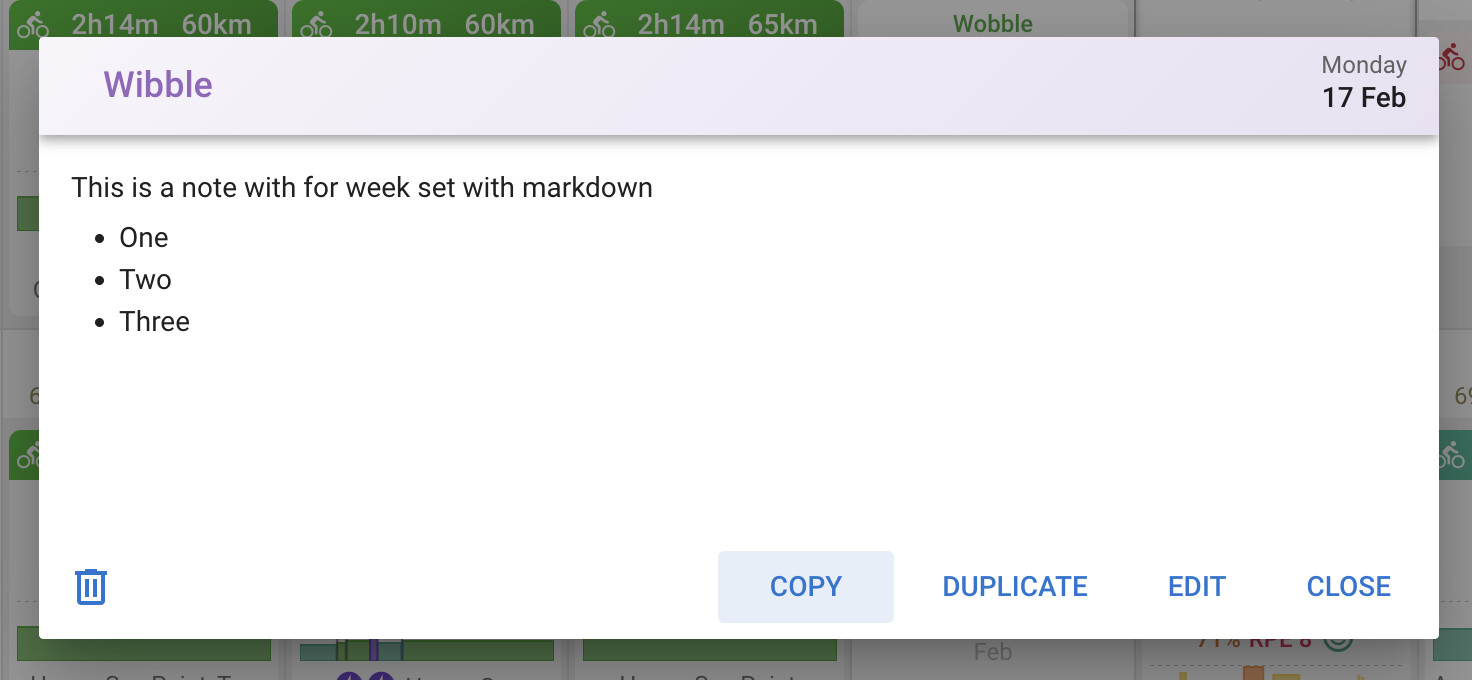
You can now copy and paste individual notes, workouts and other calendar events:
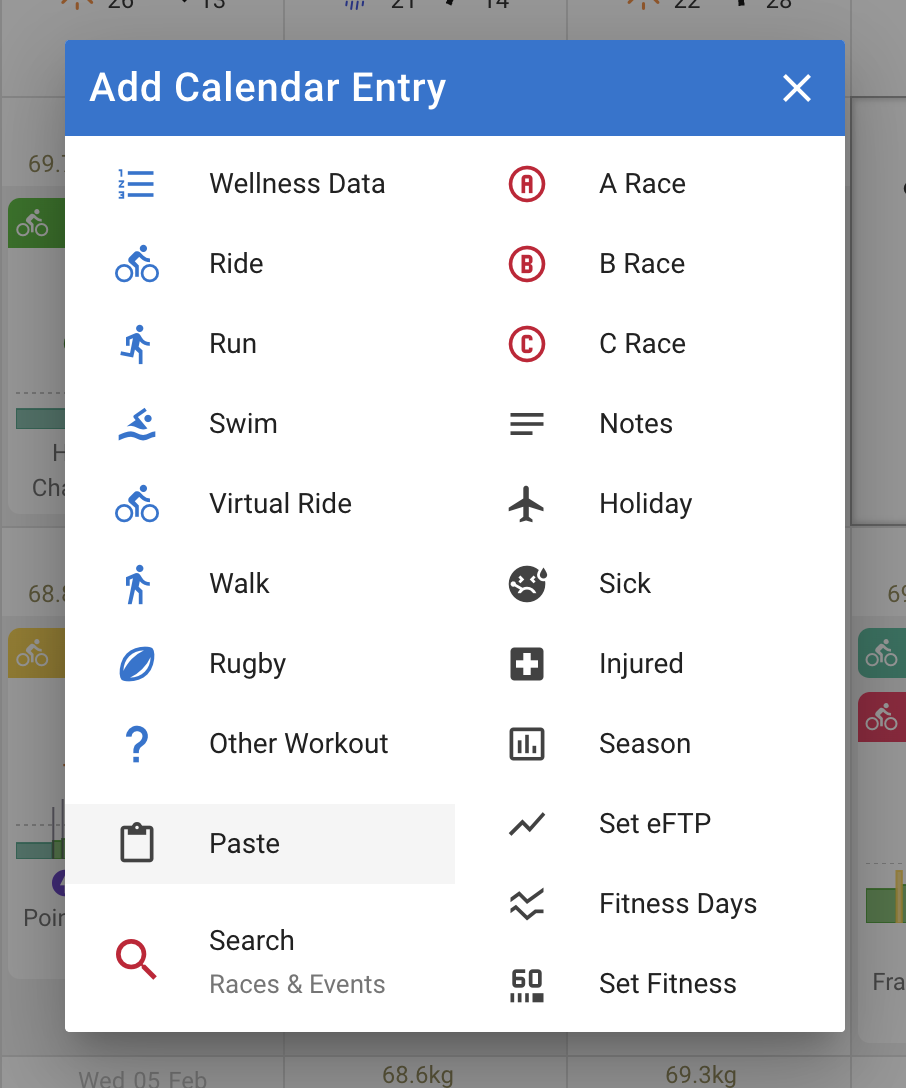
Click on the day where you want it to go (can be for a different athlete) and choose paste:
Note that you can also copy and paste whole weeks:
You can now copy and paste individual notes, workouts and other calendar events:
Click on the day where you want it to go (can be for a different athlete) and choose paste:
Note that you can also copy and paste whole weeks:
Hi David, great feature. However, my copied activities don’t sync with Garmin Connect. Has anyone else experienced this issue?
I experience the same with the duplicates button.
I hope you can help.
Are you trying to see duplicate workouts beyond the next 7 days?
Hi Gerald - yes I am. The original workouts are within next week. All duplicates are more than one week into the future.
Intervals only send the next 7 days to Garmin Connect.
Super helpful! Thanks!
Thank you. That is great 
Is it possible to copy across tabs when using a browser?
My use case: I open my calendar in one tab, and one of someone I coach in another, I want to copy certain workouts from my calendar to theirs.
If I copy the workout on my tab, I can paste on my tab, but not on theirs. I assume this is a limitation of the browser tech being used, but thought I’d ask in case there’s an easy workaround.
We just added that. If it doesn’t work for you check you are on at least version 2025-08-16 12:18:24 (bottom of the /settings page).
Works!
Awesome, that makes my life easier, thanks 
I am still new to icu.
I am discovering the library feature.
I do not understand how i can past a workout from the library to the calendar ? (using a desktop)
It’s drag & drop
Thanks. I progress 
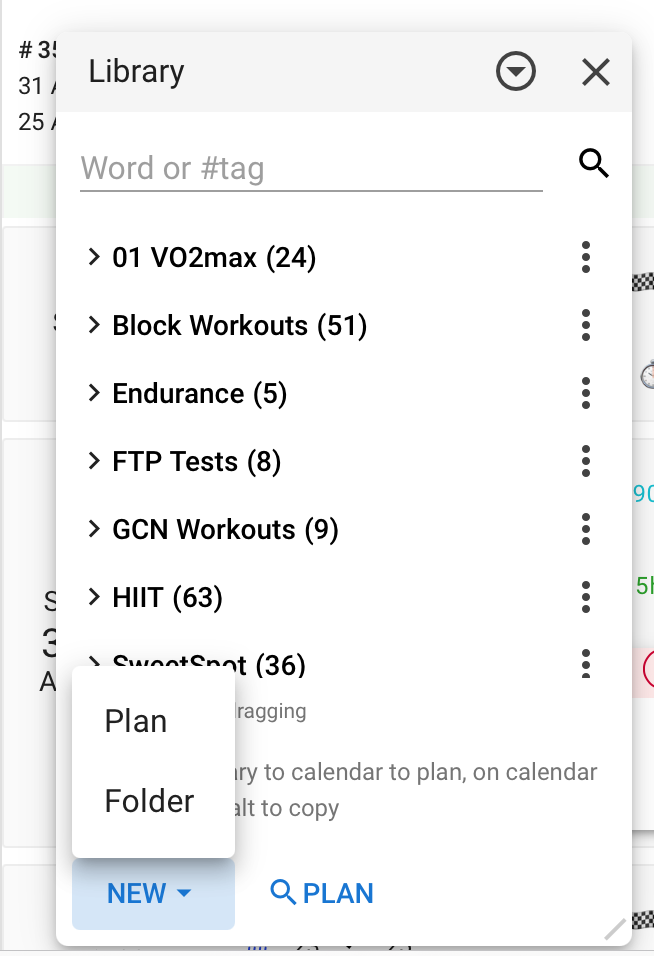
Next problem : Cant find the button “new plan” in the library ?!?
I have “new folder” alone ?!?
It does not work from the profil/library.
But it works from activities/library
Finally found it, thanks