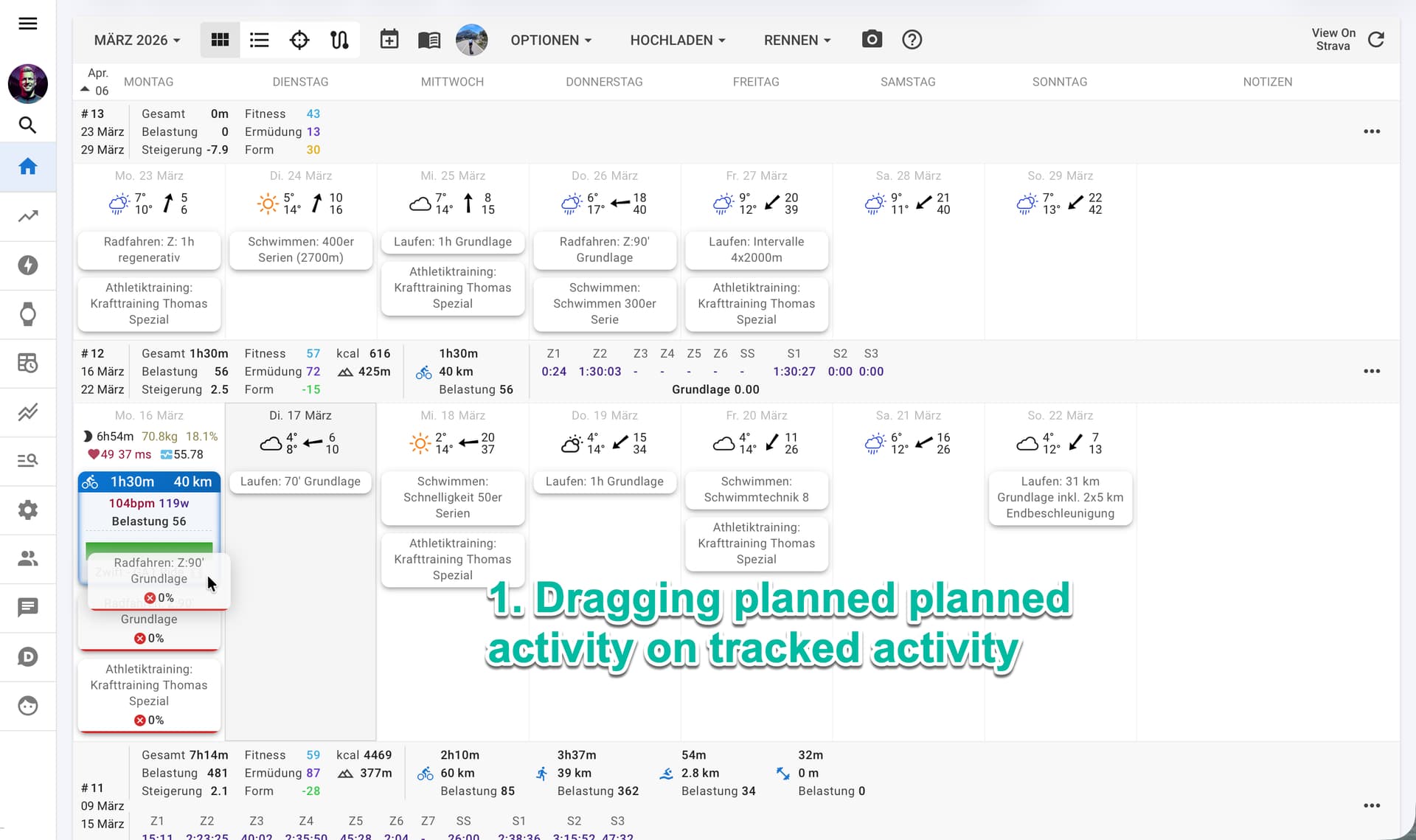
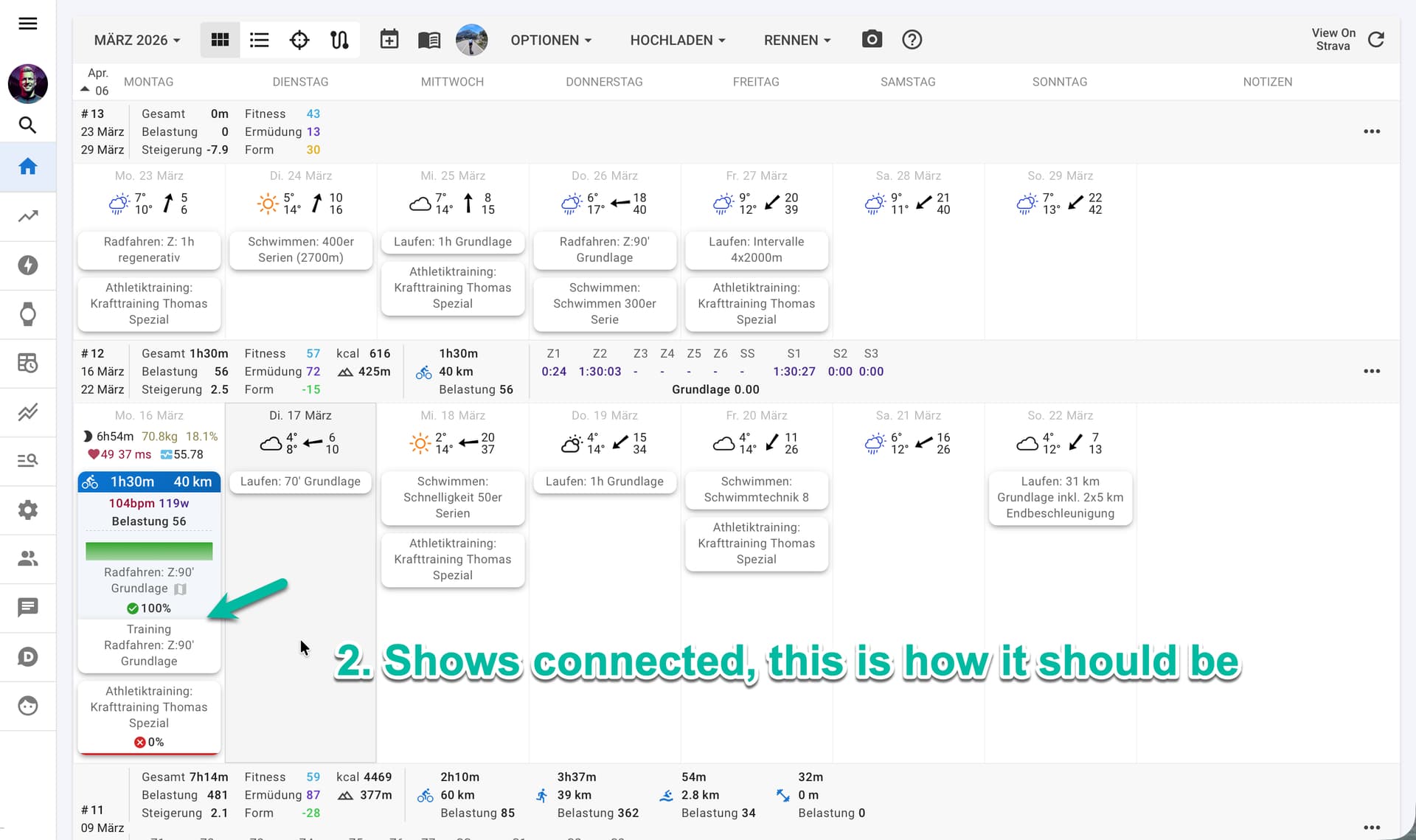
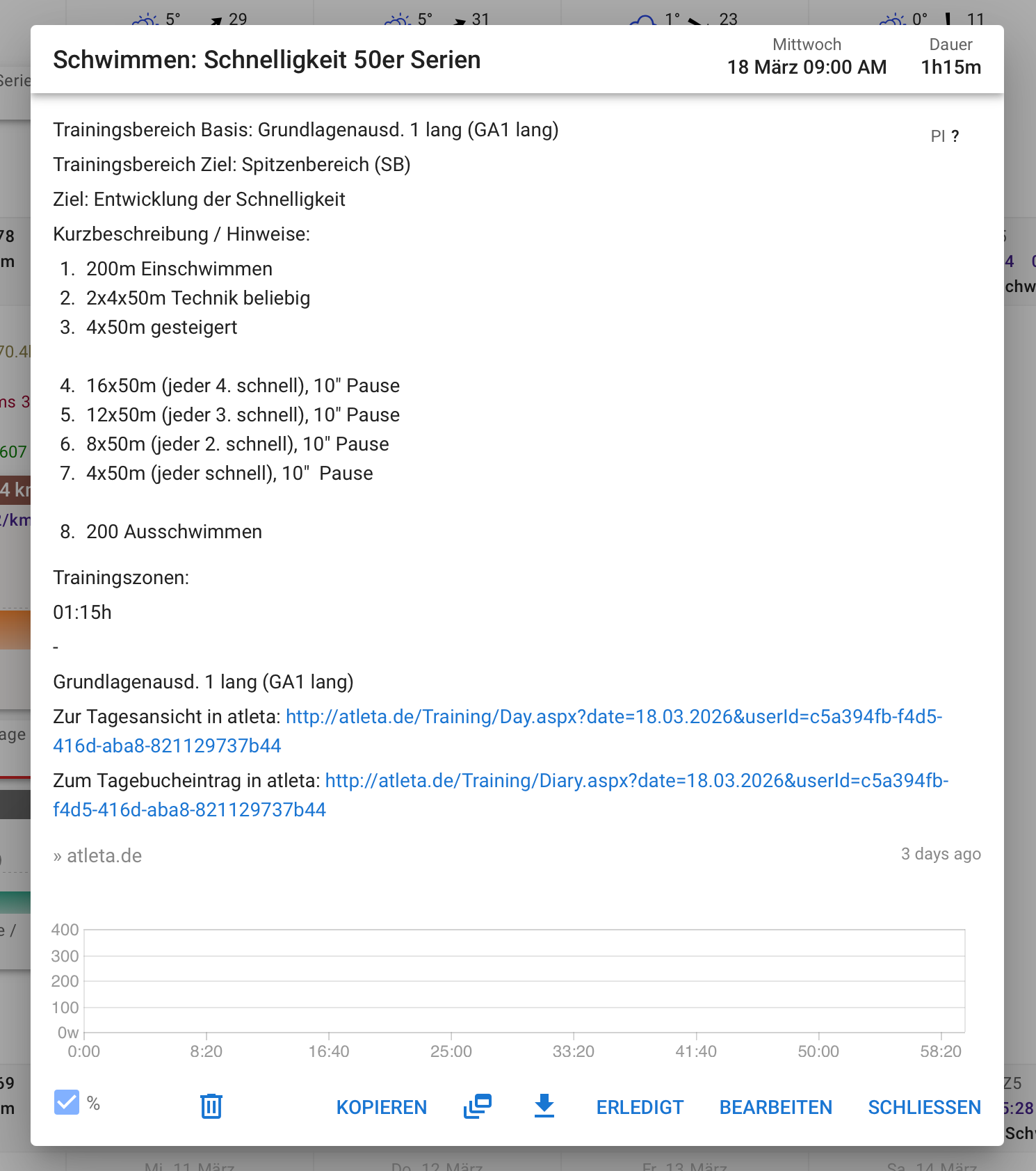
Since a few months planned activities do not show connected to the tracked activity. This is annoying as one can’t see completion anymore. The connected display is such a great feature of intervals.icu.
Reproduce:
Drag planned activity on tracked activity
Both connect and show properly connected in UI.
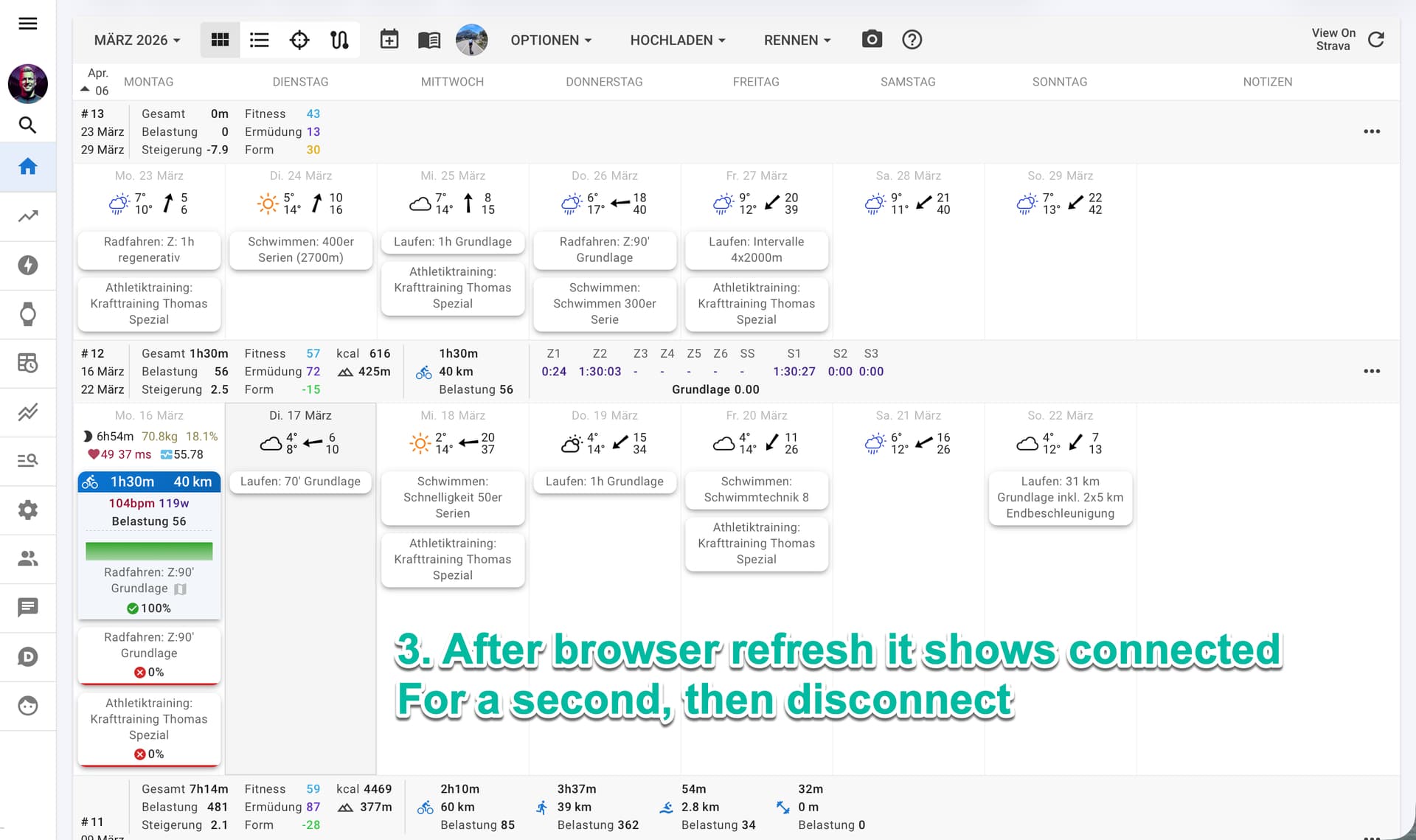
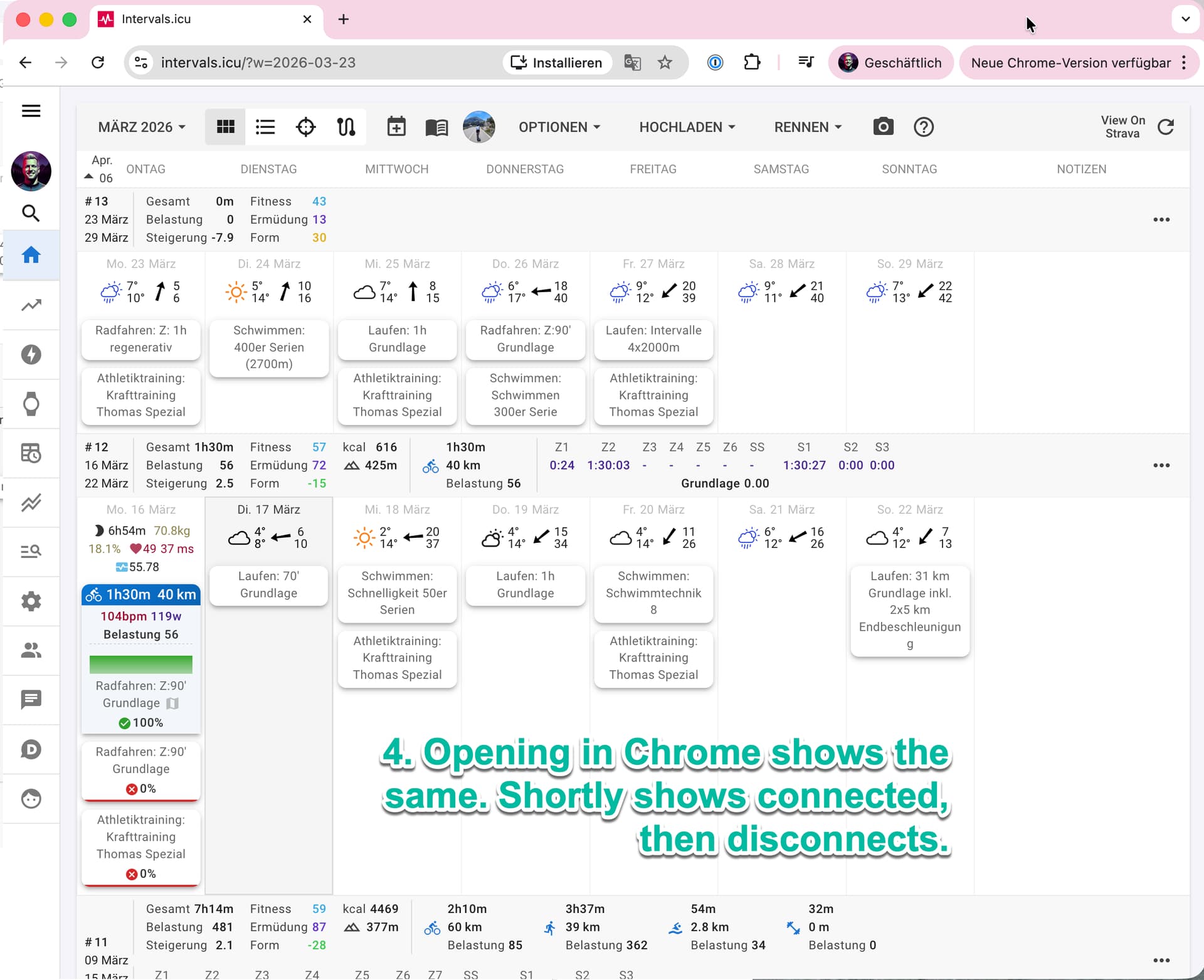
Refresh browser or open in another browser session
Activities show connected for about a second then disconnect
Expected:
Should stay connected at all times.
Environment:
macOS Tahoe 26.3.1, Safari and Chrome. Same happens on iOS.
I attached screenshots of each step.
Would be great to fix this soon. If you need any more debug from me, let me know.
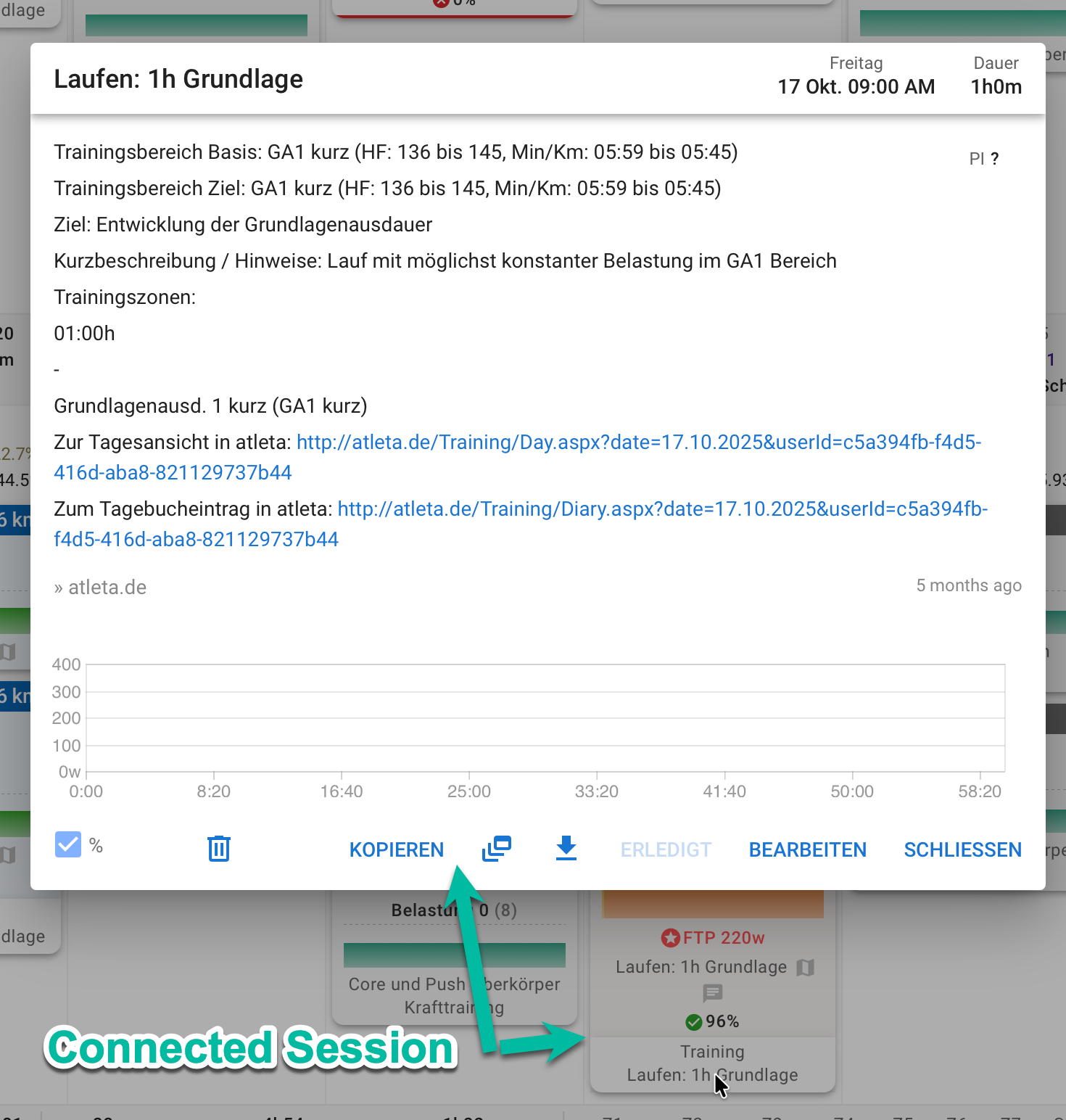
please find a screenshot here of a session that shows connected. It’s the one just below the details popup.
Did a historic scan back:
Since I started using intervals.icu till the 19th of October 2025 all sessions show connected. Only sessions that I skipped show separate with the Red Cross (correct)
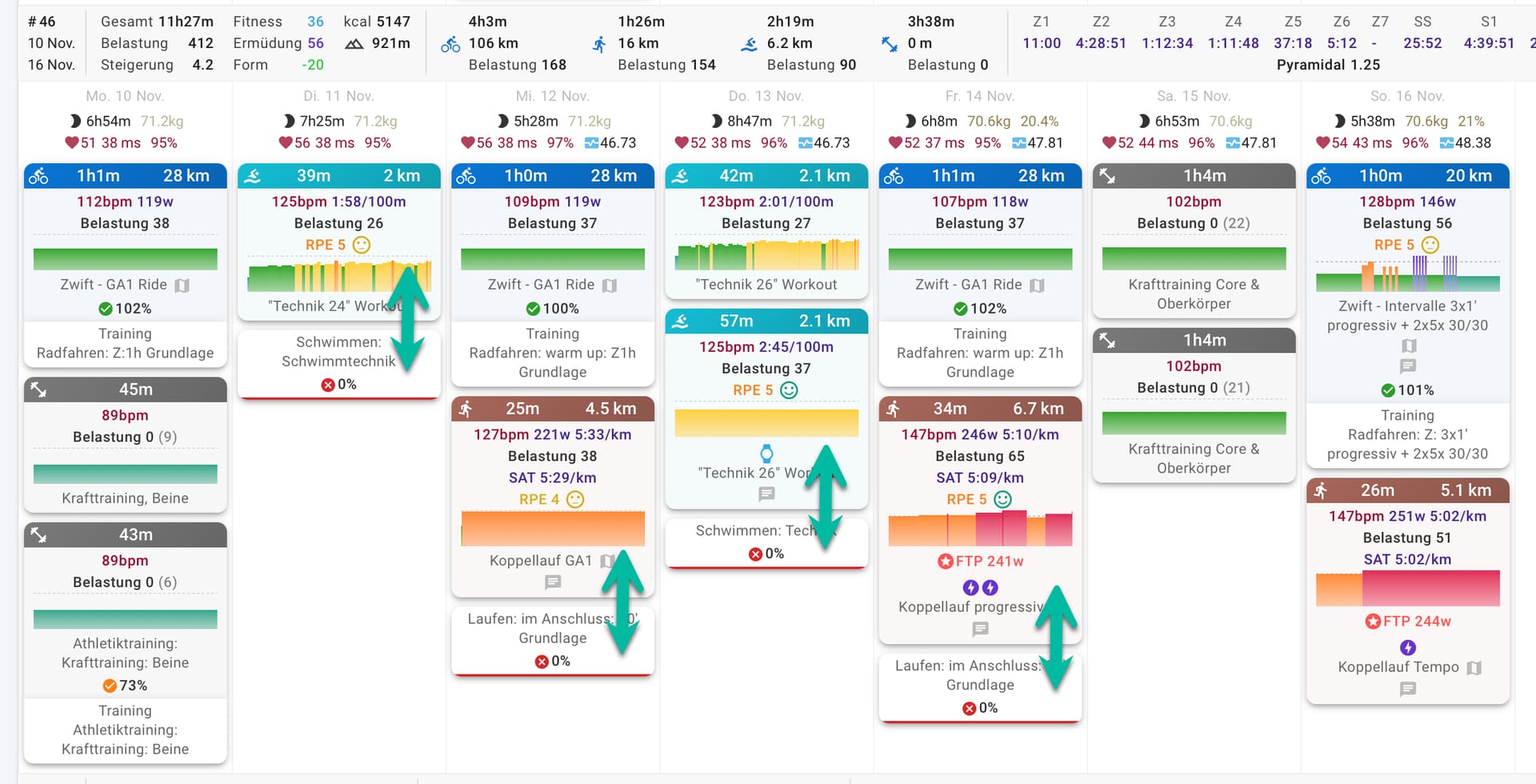
The first disconnected session is on the 20th of October 2025. From there many sessions (about 30-50% every week) show disconnected. Sample week as screenshot below. Perhaps a pointer to release that changed things?
I am pretty certain that I connected the sessions, as it’s my daily reporting routine to my coach since start.
From the behaviour in the browser currently it feels like that the connecting (drop) gets registered in the database, as when I refresh it is connected for a second or so, but then “jumps off” again.