How do I get it to show that I got an all time best for a given distance as well as for the season? It would be nice if it was a different colored dot/circle
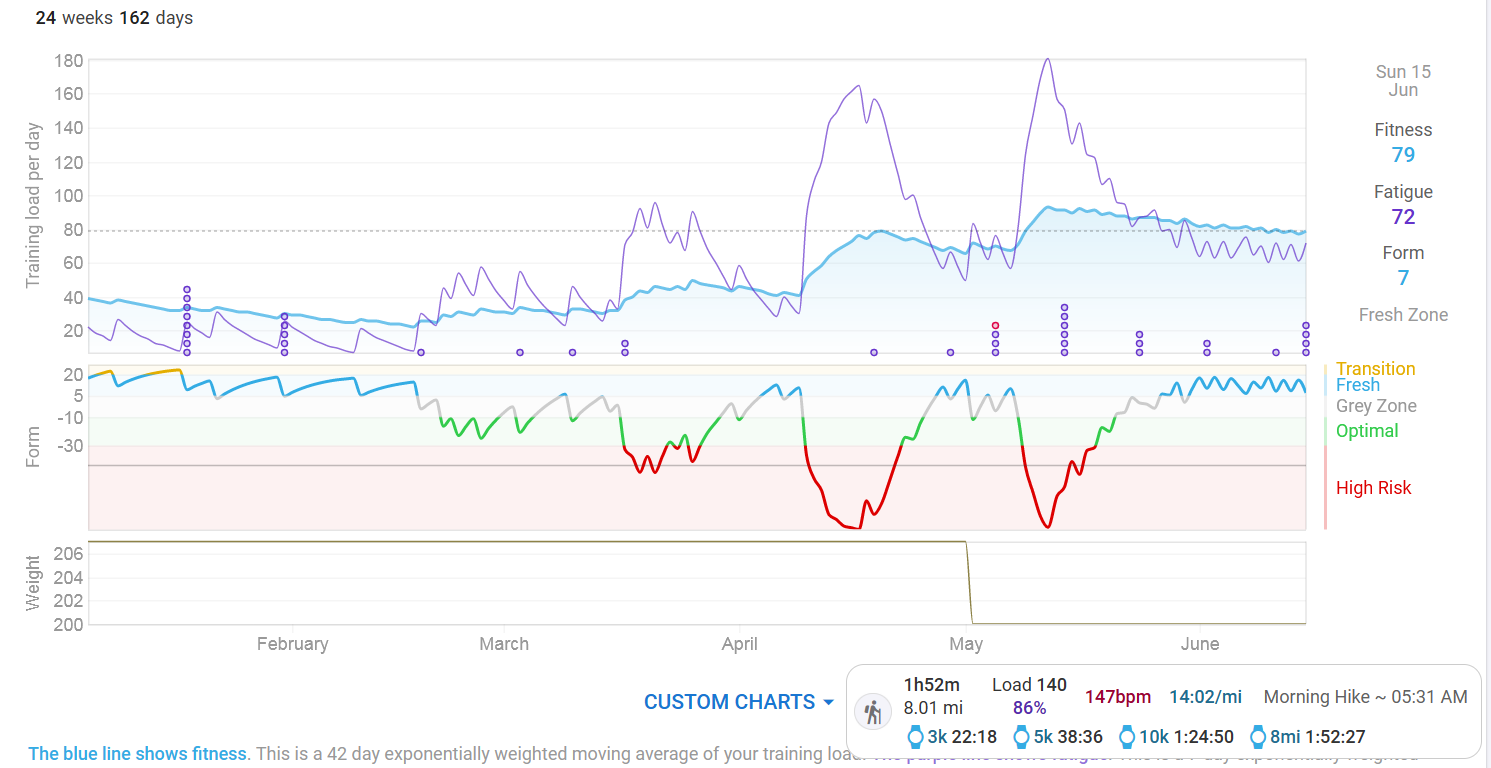
Dont laugh at the times, this is a trail run/walk with steep hills :o)
How do I get it to show that I got an all time best for a given distance as well as for the season? It would be nice if it was a different colored dot/circle
Dont laugh at the times, this is a trail run/walk with steep hills :o)
Check if this Custom chart gives you what you want.
There’s a problem when trying to change the distances, I will file it as a bug report.
Where do I find it?
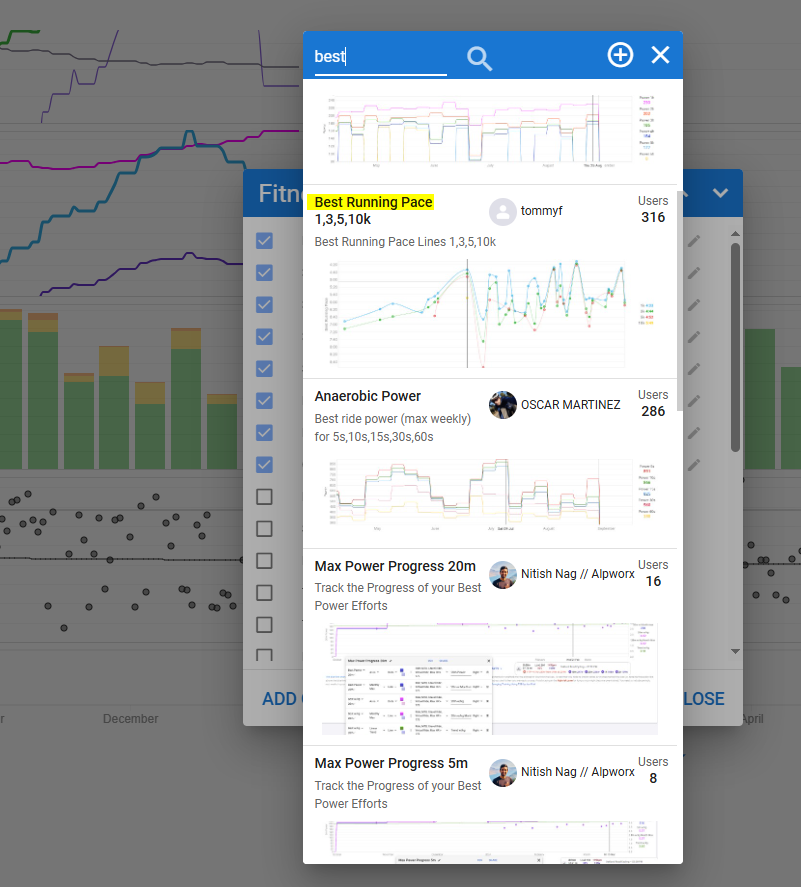
Fitness page - Custom Charts (at the bottom) - Looking Glass (search for ‘Best’)
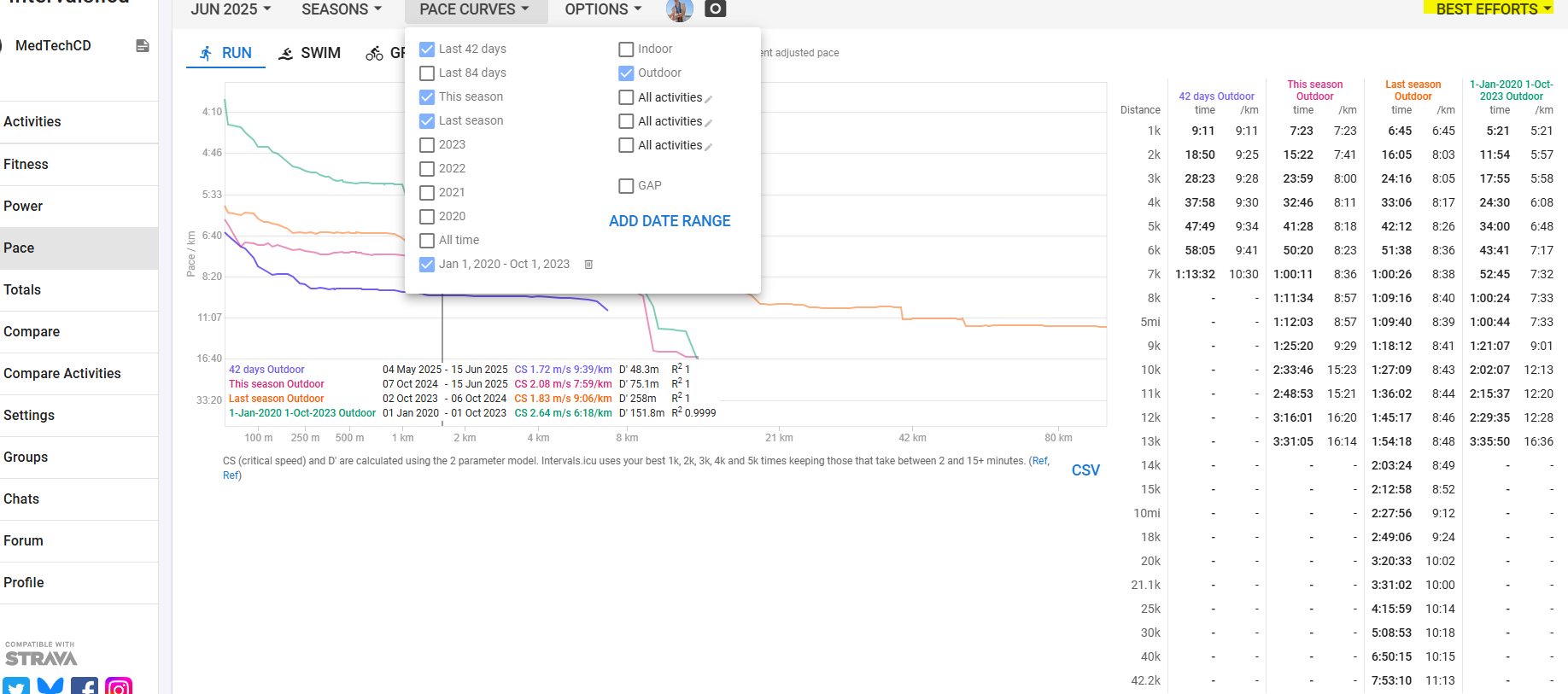
You can also do something similar on the Pace page
Choose the distances for which you want to track Best times in the Best Efforts.
Set the Pace curves for the date ranges you want to check.
It says “No data available”
Is it because my activity type is “Hiking”?
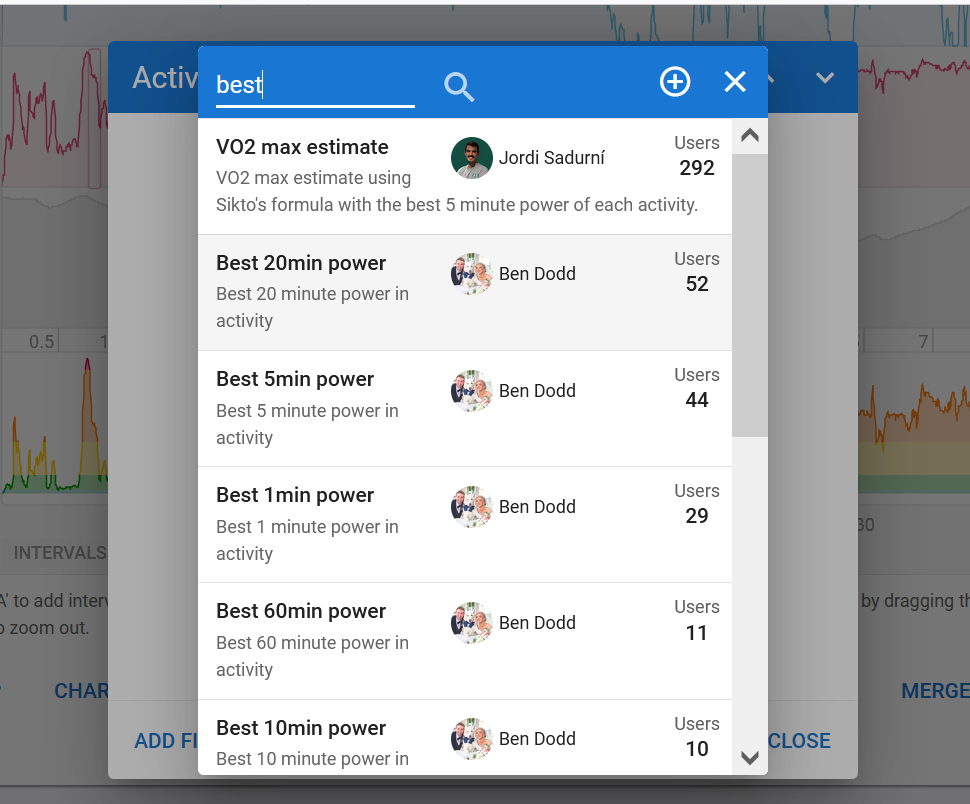
I found it. There are a lot of magnifying glasses.
Problem is that its giving a pace of 6.49 when it should be 14:03 for 8mi.
I might have hit 6.49 pace for a few seconds but not the whole 8 miles
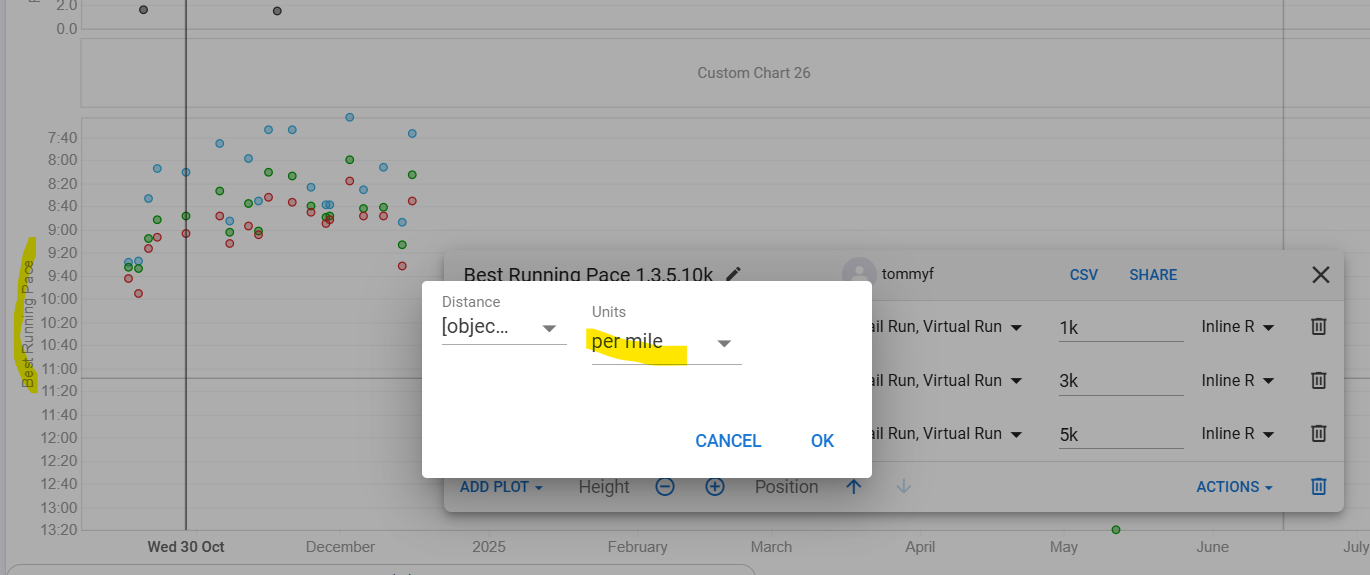
Click on the left header to bring up the configuration, then on the pencil icon next to each distance, and change the units to ‘per mile’ iso ‘per km’
Once the bug with the distances is fixed, you can set your preferred distances. For now, they can’t be changed because of the bug.
How will I know when the bug gets fixed?
It has almost surely to do with the recent huge library update, so I moved the bug report there. You can follow up here
Should normally be fixed within the next days unless it is a hard one to solve.
It’s fixed