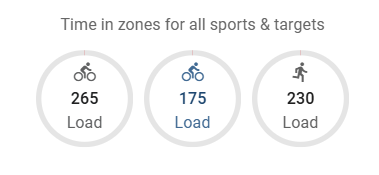
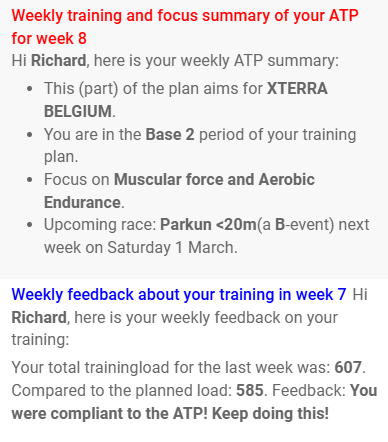
I have created a collection of Python scripts designed to copy an Annual Training Plan (ATP) to intervals.icu:
richardadvocaat/ATP2intervals.icu
These scripts include additional tools for feedback on the training load and a script that extracts planned loads from workouts in an Excel sheet, making it easier to populate the ATP based on already planned workouts. For the ATP, I used the sheet provided by @Gerald and @MedTechCD: APPS EXCEL - a guide to getting started - Guide Intervals.icu Forum.
Not only will the target loads be summarized, but also events and training focus will be included in a note.
5 Likes
Hi @Radvocaat played around with your tool a little and really like its functionality.
Only one thing bothered me. The upload didn’t consider the plan “END_ATP” date set in the excel and pushed the whole year into my calendar.
I solved this by comparing the date in the ATP_fill sheet to “END_ATP”
=WENN(C5="";"";WENN(C5+7<=ATP_Conditions!$C$4;(C5+7)+(1-(WOCHENTAG((C5+7);2)));""))
And similar for the ATP_DATA sheet.
If you want i can send you the edited excel, maybe you find it use full as well.
Thanks for the feedback. I will have a look at that. As always…It started simple, and later I realised that not all plans go from 1-1 to 31-12.
So I changed the Sheet and the script as well: The scripts only handles the ATP in the given range.
You can choose to fill the target loads of past weeks (not useful, but possible) or not.
Totally fool-proof is the script in combination with the Excelfile not: But if a ATP is no longer than 52 weeks, it all runs wel.
And @david / @eva: If something like an Annual Training Plan can be made directly into intervals.icu, that will be a huge win!
1 Like
To test the new scripts: ATP2intervals.icu