Athletes are now able to capture their training availability which allows coaches to plan better for upcoming weeks.
Athletes can capture both:
- default weekly availability
- date specific ad hoc availability
Default weekly availability
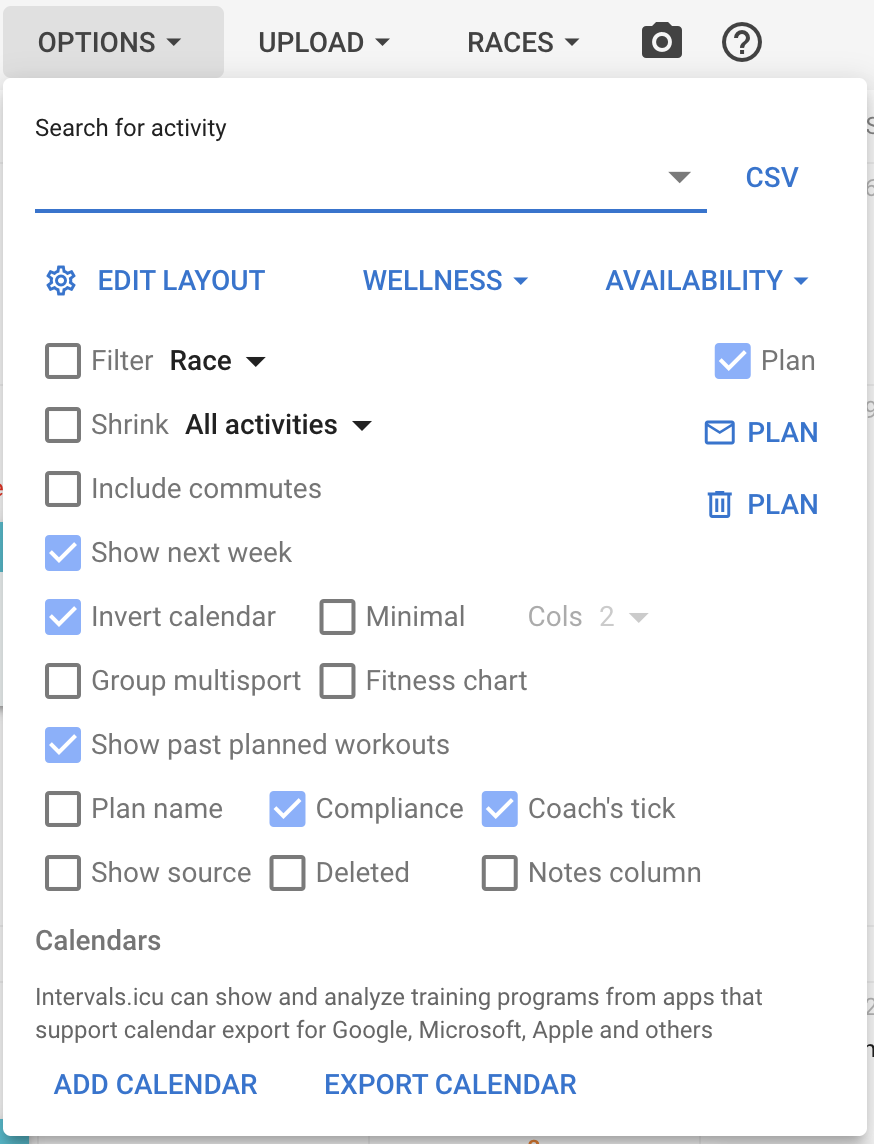
On the calendar page click on ‘Options’ and select ‘Availability’
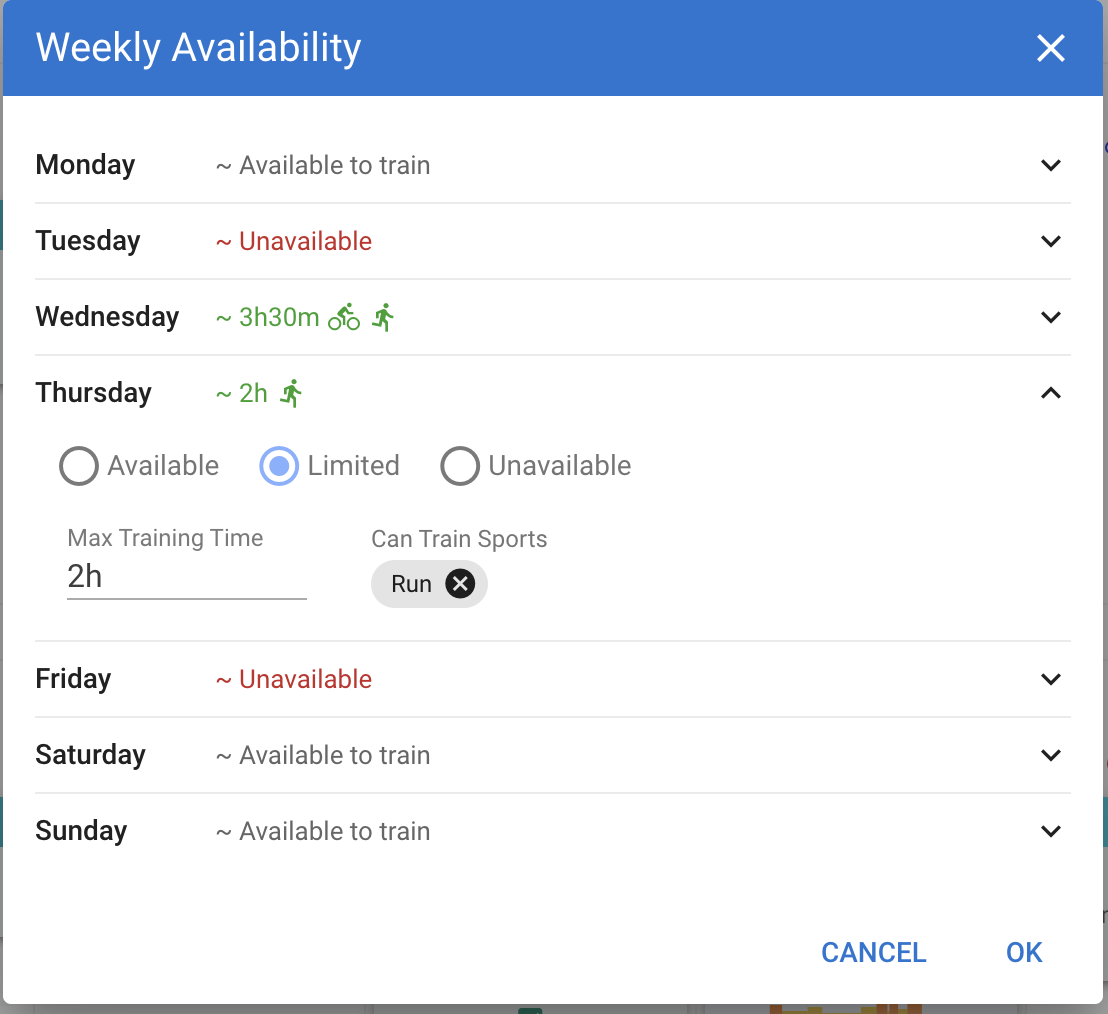
Set your default availability for the days of the week. If you have limited availability you can specify the max training time and the sports you can train.
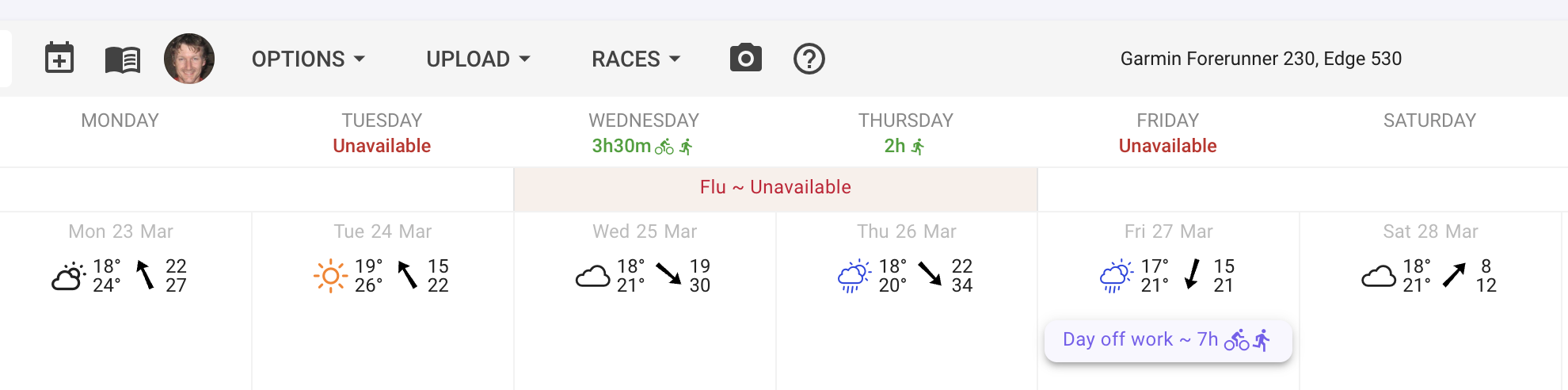
The default weekly availability displays on the calendar.
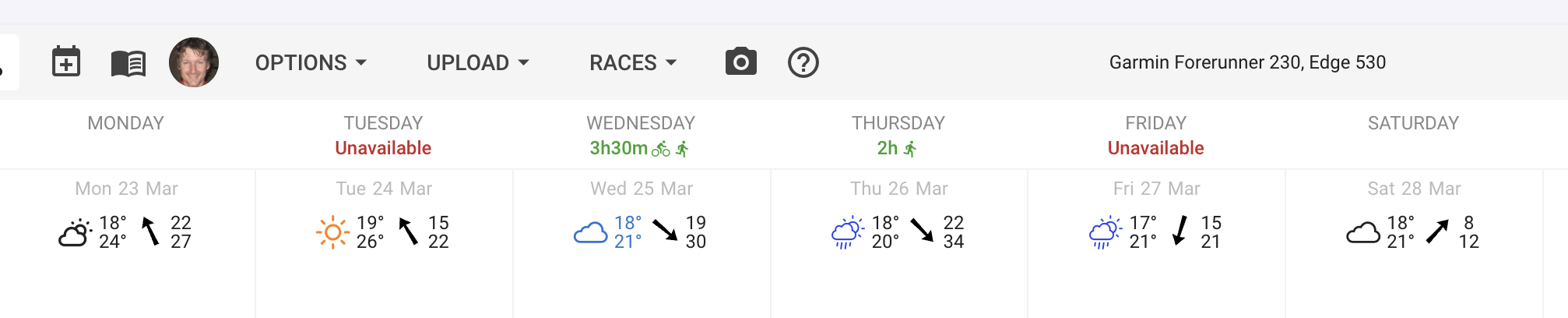
You can also click the calendar day headers to edit.
Ad hoc date specific availability
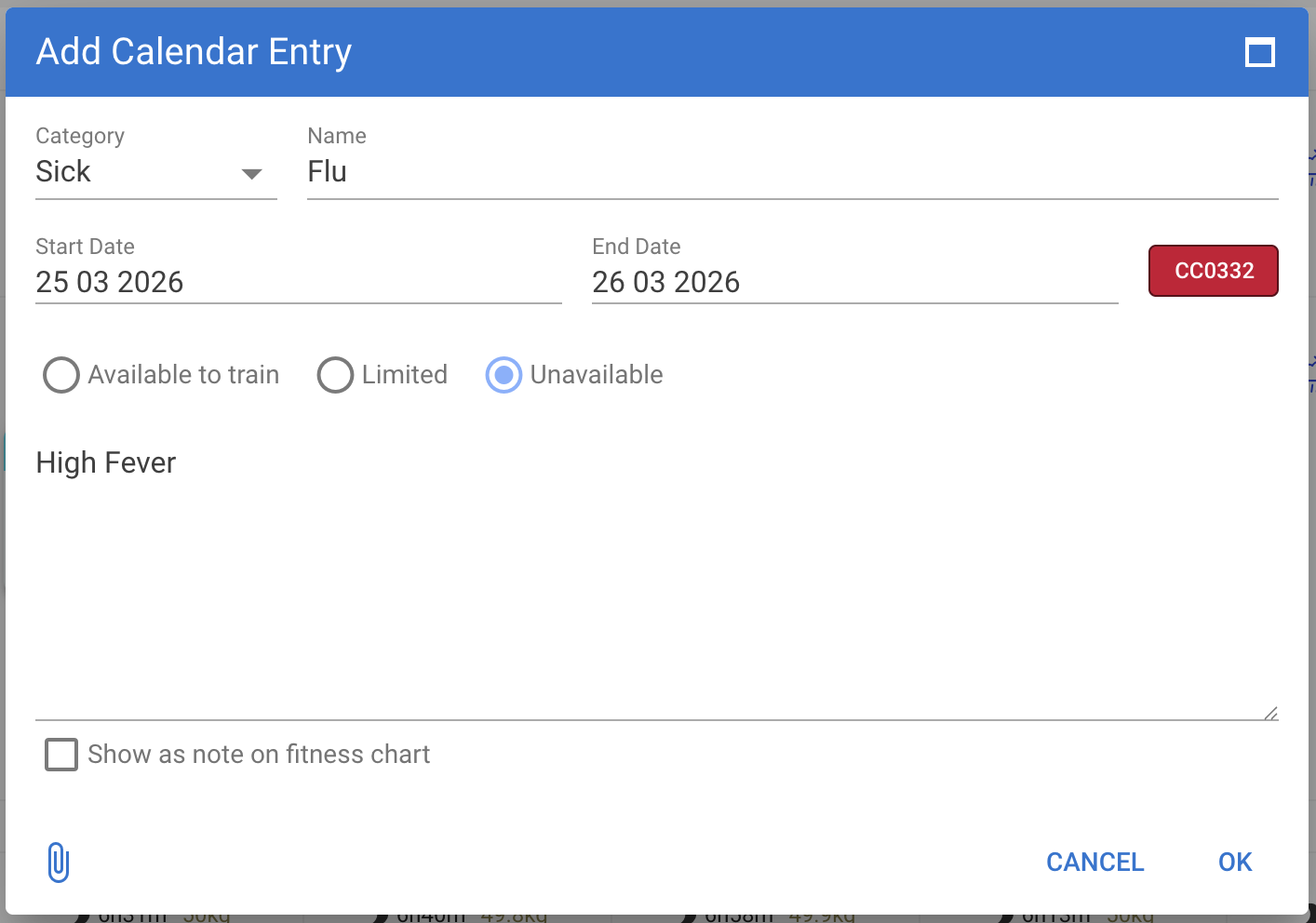
To add ad hoc availability information, click on the specific date on the calendar then add one of the following events: Holiday, Sick, Injured or Notes.
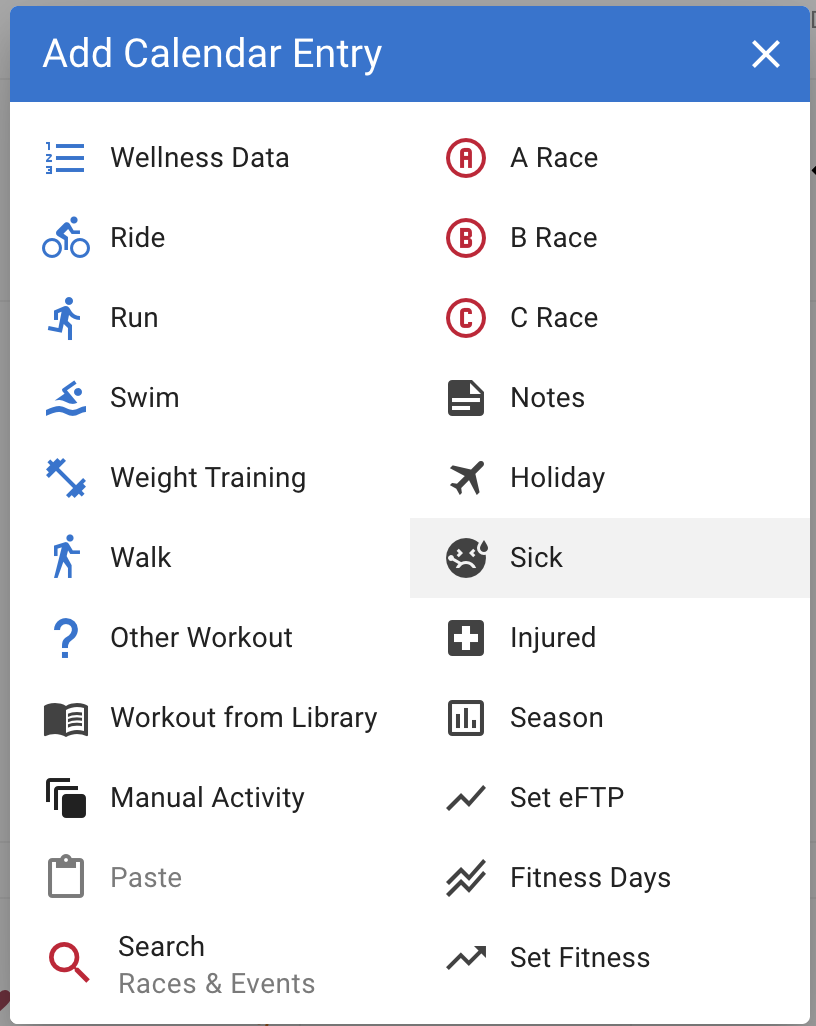
Specify date and and availability information.
The ad hoc availability displays on the specified dates and effectively overwrites the default availability.

 Thanks if this was already fixed.