I use the mobile version mainly and have a couple of bugs that if like looked at or tell me where I’m going wrong..
Activities columns. I set my own columns, Time, distance, load etc . However I’d say about 20% of the time, when I open the app the columns default back to the original settings.. power, FTP etc..none of which I use. I then have to log off, close and reopen and turn the phone landscape to get the columns back to my settings..
Activities tabs.. can these be synced from the web to app and vice versa.. if create a new tab then I have to repeat it in the other channel.. IE creating rock climbing in the app, I then have to create it again in the web version..
I’m pretty certain Intervals doesn’t have an official mobile app (yet?), although I believe there are a few unofficial ones.
1 Like
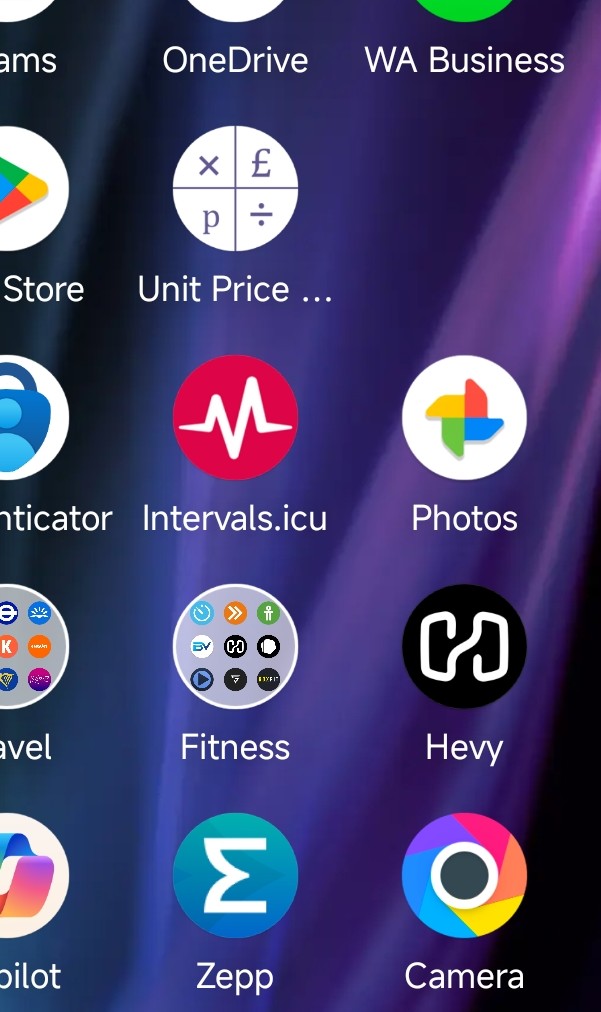
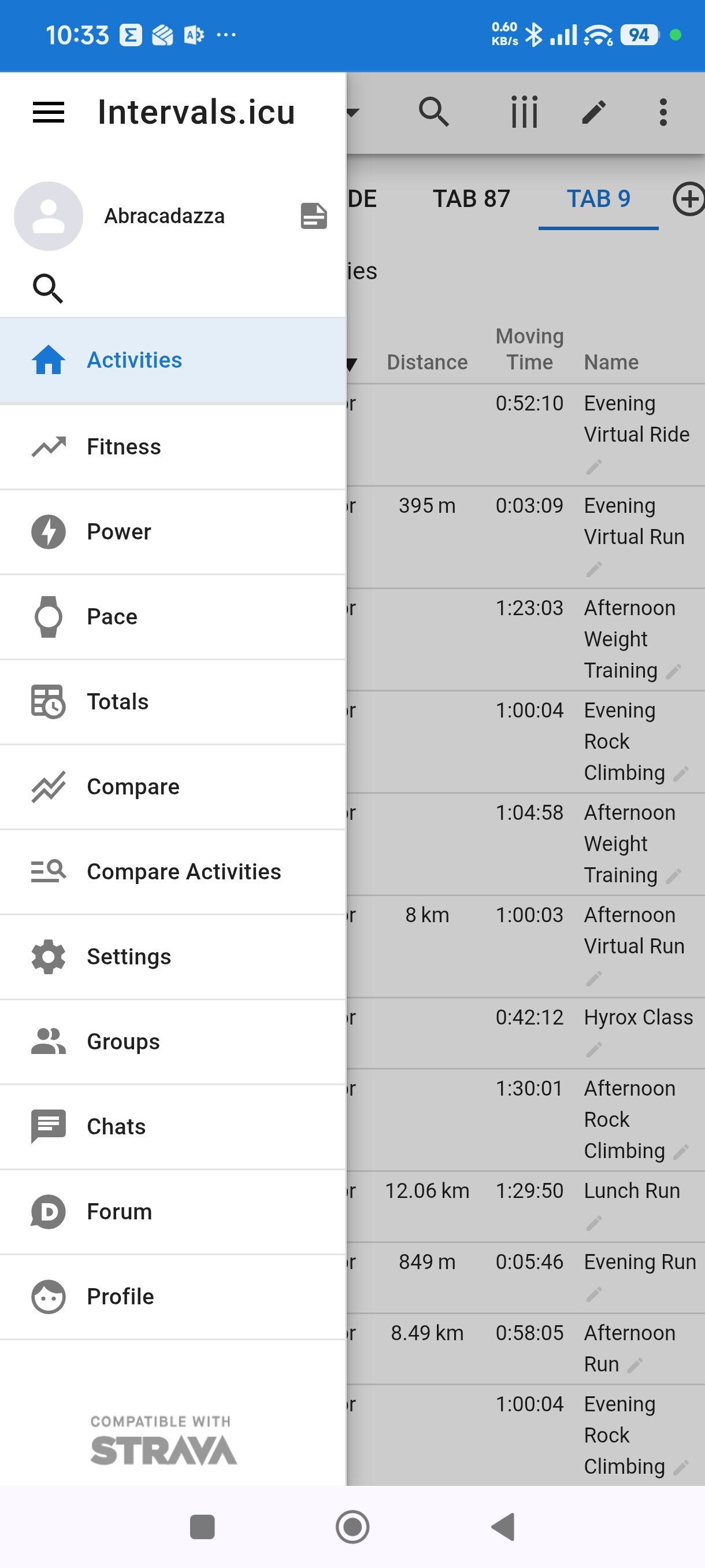
Then I’m confused.. screenshot attached of the “app” on my phone, hopefully it displays ok
Not to labour the point .. this is what the app looks like etc.. of it’s a copy/unofficial then looks very similar style?
It’s a PWA not a full app unless you have an App from an external project. But I don’t think so from the points you have listed.
Settings are stored per device type because available space and screen layout (portrait/landscape) are too different.
EDIT: for activity tabs (Power, HR, Data, user…)
If you have added a tab on the desktop version, it will appear on the mobile version when you hit Add tab but the name of the tab will not automatically appear. The charts for that tab will but you still need to edit the name of the tab.
Edit: For tabs in Activity List view, you need to recreate them per device type.
The problem you’re having with column configuration shouldn’t happen. That should be remembered. Not sure what’s going on here.
1 Like