as far as I am aware, yes. And thanks for the speedy reply 
1 Like
Hi everyone,
I’m hoping someone can help me with a very frustrating data loss issue I’ve encountered.
I recently clicked the “Download old data” button. After doing so, all of my precise cycling data collected from my bike computer seems to have been overwritten and replaced by less accurate and incomplete data from my Amazfit watch.
Specifically, the accurate metrics from my bike computer that were lost include:
- Power (from a power meter sensor)
- Heart rate (from a chest strap monitor)
- Speed (from a wheel speed sensor)
- Altitude (from the bike computer’s built-in sensor)
These precise data points were replaced with the following, less accurate information from my Amazfit watch for the same rides:
- Heart rate (from the less accurate wrist-based sensor)
- Altitude (this data seemed okay from the watch)
- Speed (inaccurate GPS-based data)
Essentially, all the reliable, sensor-based data from my bike computer has been wiped out and replaced by inferior data from my smartwatch. I’m at a complete loss as to how to recover my original, accurate data.
Has anyone experienced a similar issue, or does anyone have any suggestions on how I might be able to revert to my previous, accurate cycling activity data? Any help would be greatly appreciated!
Thanks in advance.
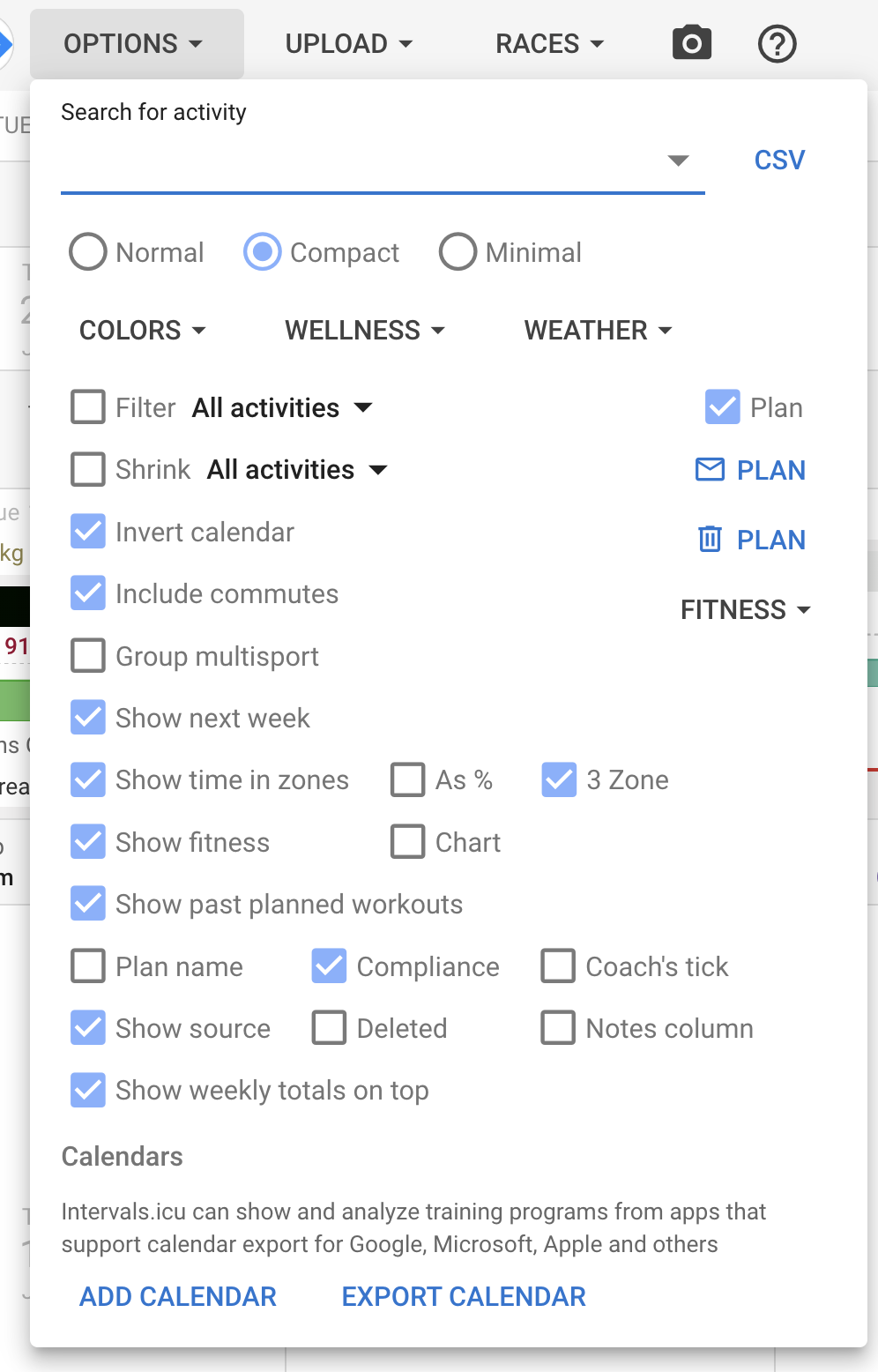
It looks like you have managed to recover your data? When Intervals.icu has an activity from Strava and a matching activity comes in from an original source (e.g. Amazfit) then the Strava activity is deleted (segments copied across). Usually this is beneficial because the original activity has extra data like left/right balance not passed on by Strava and can be shown to your followers (Strava restrict this).
If anyone else runs into issues you can use the activity list view to bulk undelete/delete activities. Filter for deleted and then do Edit → Undelete. It helps to add “Source” as a column to the grid.
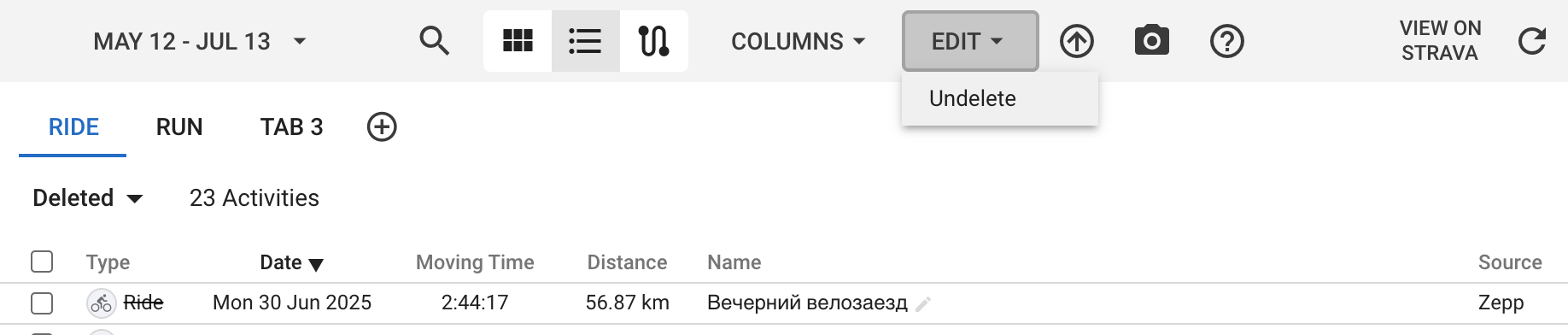
4 Likes
Yes, I’m thrilled to confirm that I was indeed able to recover my data following your clear instructions! Thank you so much for the detailed explanation and the solution.
3 Likes
Hi, this is great news, thanks!
I’ve discovered a bug though - it seems that weight training sessions synced through zepp show as runs.
When I manually uploaded fit files before it was shown correctly.
(I’ve not cleaned up the activity list yet so should be easy to spot)
That “run” on the 27th of June has <Activity Sport="IndoorSports"> in the TCX file. Intervals.icu defaults to “Run” if it doesn’t know what something is. Zepp are working on making FIT files available via their API which will probably sort this out.
What workout type did you choose on the watch for that setting?
Yeah, they have some work to do it seems.
I use “strength training” activity on the watch. It is however true that it is in the “Indoor workouts” menu on the watch. Describing it as such makes zero sense however - as there’s also elliptical, bouldering and other activities in that menu that have very little in common.
2 Likes
Sports Types are categorized in 2 levels. A sports category and a sub-sport category. They probably need to get things correctly setup at both levels.
1 Like
Yes that is why I am hopeful that FIT file support with sport and sub_sport will sort this out.
I have the Amazfit link set up to only download Walk, Run and Ride activities from the Zepp app, today I completed a virtual ride on TrainingPeaks Virtual (which I have connected directly to intervals.icu) and I dual recorded my activity as Indoor Ride on my Amazfit watch. Once I had completed my activity, I could see the full activity details, as sent from TPV, on intervals.icu. When the Zepp app connected to my watch and retrieved the indoor ride from it, intervals.icu took the activity from Zepp and replaced the TPV version of the activity with that from Zepp.
I have been able to retrieve the original activity details using the instructions above, but there does seem to be some confusion between Ride and Indoor Ride when selecting which activities to download from Amazfit/Zepp.
Thanks.
Intervals.icu will only replace Strava activities with activities from other sources so I am not sure what happened here. Zepp currently has some limitations with sport types so it is possible the “Indoor” part was lost. This will likely be fixed when they complete fit file support.
Hello, i have issue to connect with may zepp account, i have a error message after login, i use helio strap device.
“{“status”:400,“error”:“Athlete XXX POST https://auth.huami.com/v2/oauth2/access_token failed: 400: {"code":-1004,"message":"Invalid parameter ‘code’"}”}”
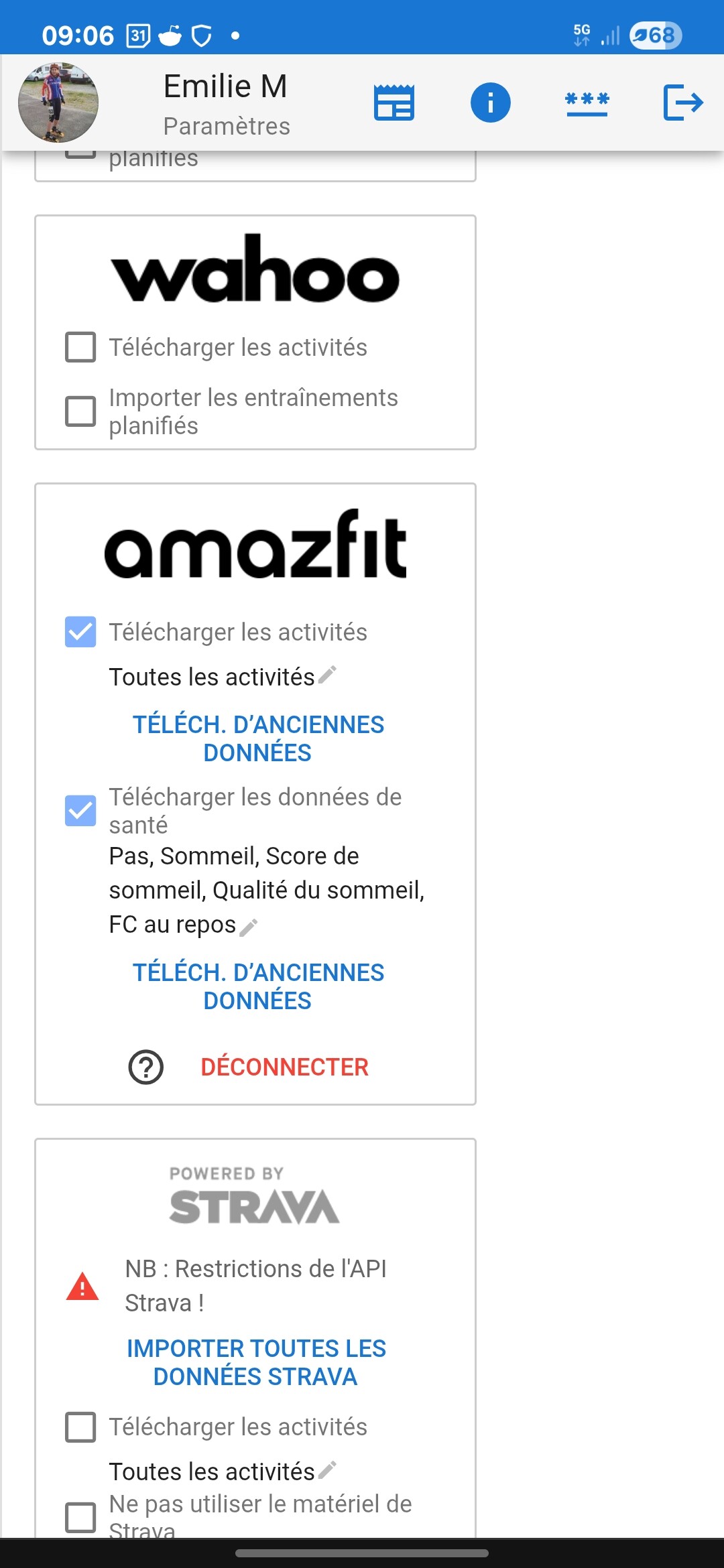
There is an endpoint for this now. If anyone has a scale connected to Zepp, please tick one of the boxes in the Amazfit block in /settings and let me know. Then I can see what the data looks like and implement weight and body fat.
That is likely a temporary error. Did you retry a couple of times?
Hello thanks for reply. I try every day, always the same error message.
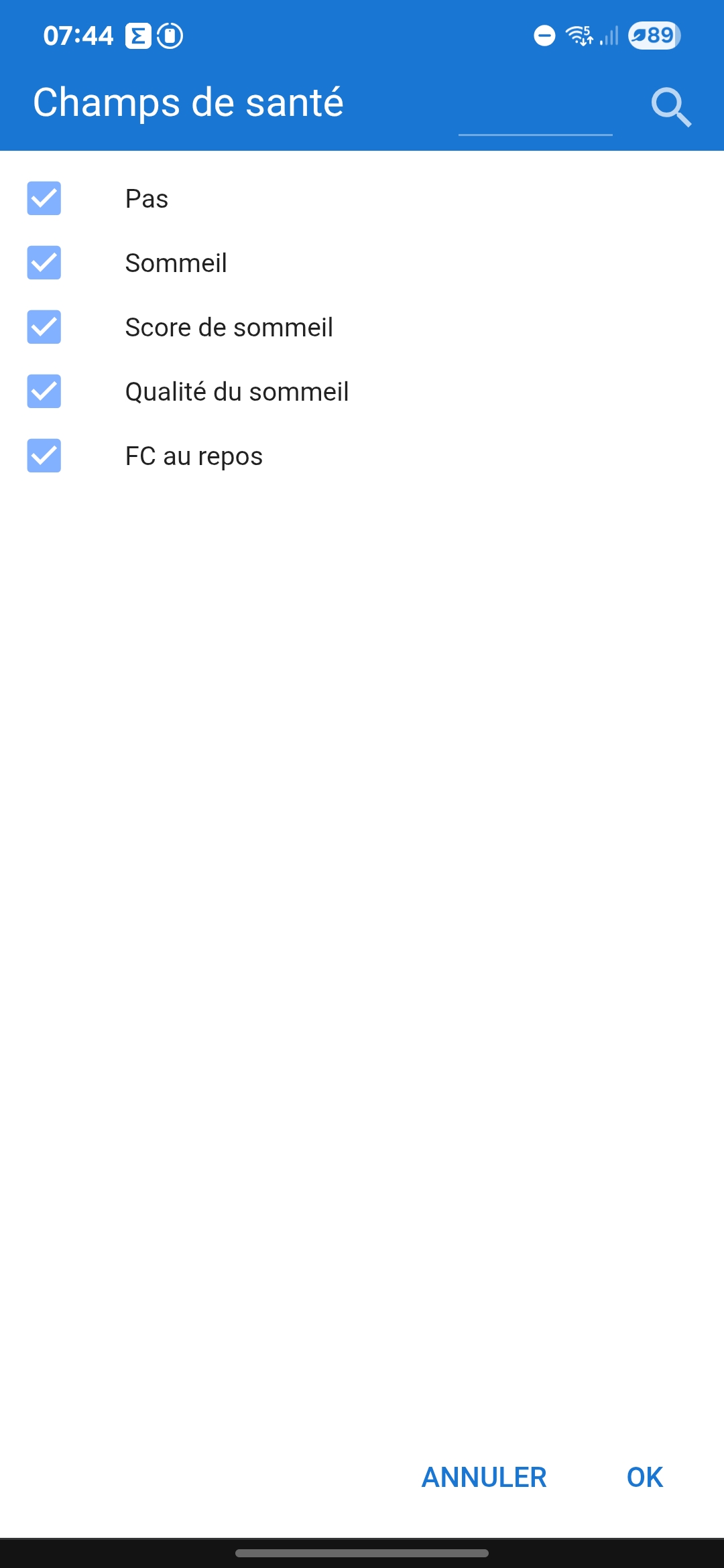
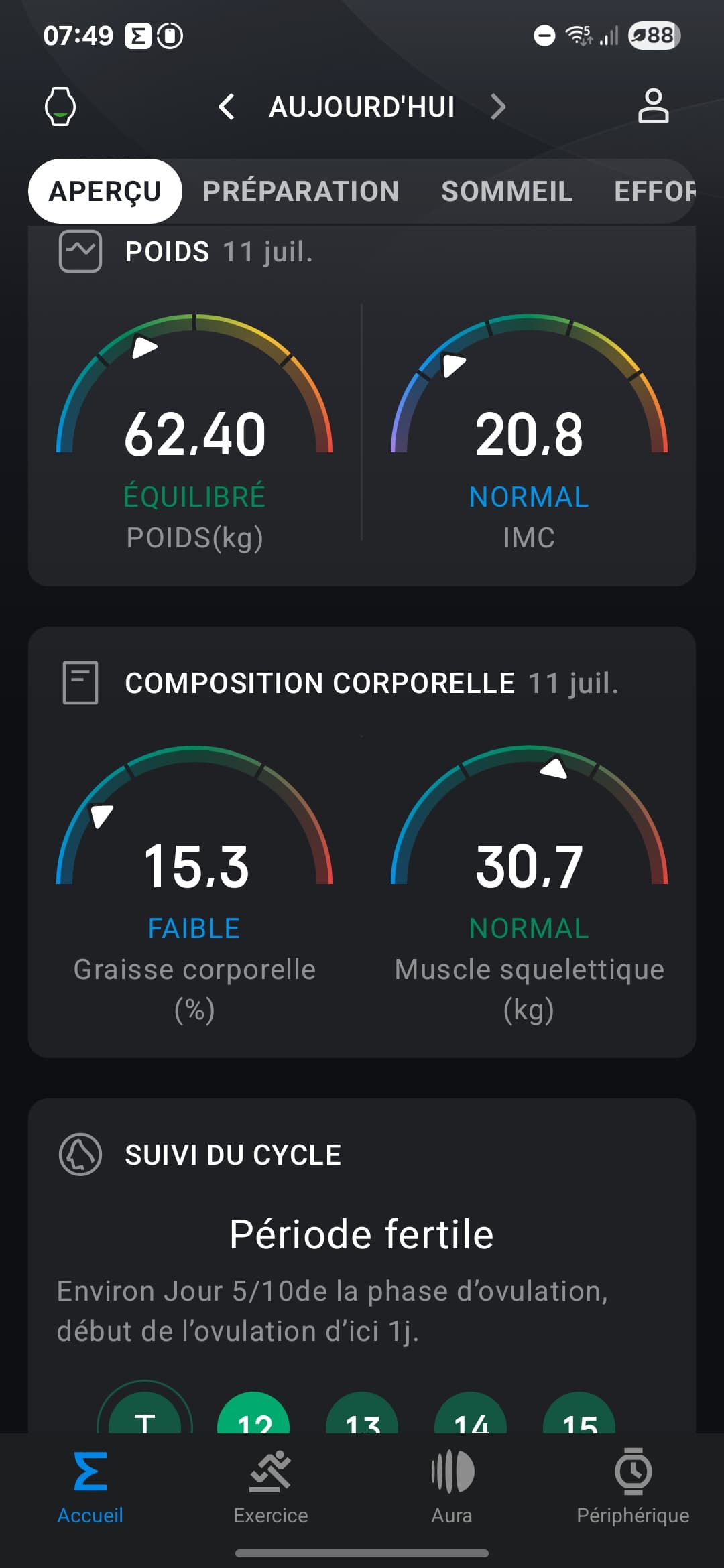
Thanks. I haven’t added it yet. If you tick one of the other boxes and complete the authorisation process I can use your token to add weight and body fat.
I checked all the boxes and Amazfit is well connected.
I’m sorry if I didn’t understand everything, English is not my mother tongue
Thanks, yes that is enough. I am having some issues with the API but am in contact with Zepp about it. So watch this space.