If I understand what you’re trying to do, you want to connect Tymewear HRM ANT+ to alphaHRV and Tymewear BLE to your Garmin watch. This should work. If I’m having BLE issues, I make sure to turn of BLE on other close devices, like phones and tablets. That may be why you’re “missing” your Tymewear HRM BLE, it could be trying to connect to another device, like your phone.
2 Likes
the only downside is that the H10 pops off the terminal connections at times
I’m also using an “aftermarket” HRM that doesn’t snap on well with the Tymewear strap. I’m not sure if you discovered a solution yet, but my solution was to use a couple zip ties around the strap and sensor at the snap points. This solution has worked well for me, the HRM stays secure.
Thank @ Gregory_Yourek for the comment. I turned off everything possible — phone and computer.
If I start any workout, the watch quickly connects to the heart rate sensor. But as soon as I start a workout with the alphaHRV field, it “takes over” the data and the watch stops showing heart rate.
Alternatively, sometimes the heart rate sensor for some reason connects first and shows heart rate, but then alphaHRV freezes.
So it looks like only one connection is possible at a time
PS
If I wear two straps — an HRM Pro Plus (Bluetooth) and the Tymewear strap — then I can see both heart rate and AlphaHRV data. But obviously, wearing two chest straps is a strange solution 
For sure, what you are experiencing is caused by using same mode for Garmin native connection and alpahaHRV (both ANT or both BLE)
I have just checked the pairing process from scraatch and it works.
Just be sure you follow the following steps:
- Remove the TymeHRM from the paired sensors list in your Garmin
- Set alphaHRV to use ANT mode and enter 10 at Sensor ID to connect to prevent any connection
- Put on the strap with the TymeHRM
- Look for HR sensors in the Garmin device: this should show TymeHRM (in ANT mode). Tap on “Show more” or something similar depending on the language.
- Now will see two TymeHRM, one is the previous ANT mode, second is the same sensor in BLE mode
- Select this one.
- Go to sensor detaails to confirm it is using BLE mode
- Go to alphaHRV configuration and enter 0 for Sensor ID to connect
After this step you should have tymeHRM connected to both Garmin and alphaHRV
- Go agin to alphaHRV configuration and set the sensor ID to connect (above you will see the ID of the sensor as “last connected sensor”)
5 Likes
@Inigo_Tolosa Thank you for such a detailed and clear instruction.
It is likely that my version of the TymeHR does not show the option to choose between ANT and BLE. I only see ANT+ (although the Tyme strap probably uses a BLE connection when paired with the Tyme mobile app?).
At the same time, the HRM Pro Plus has an option to choose between ANT and BLE.
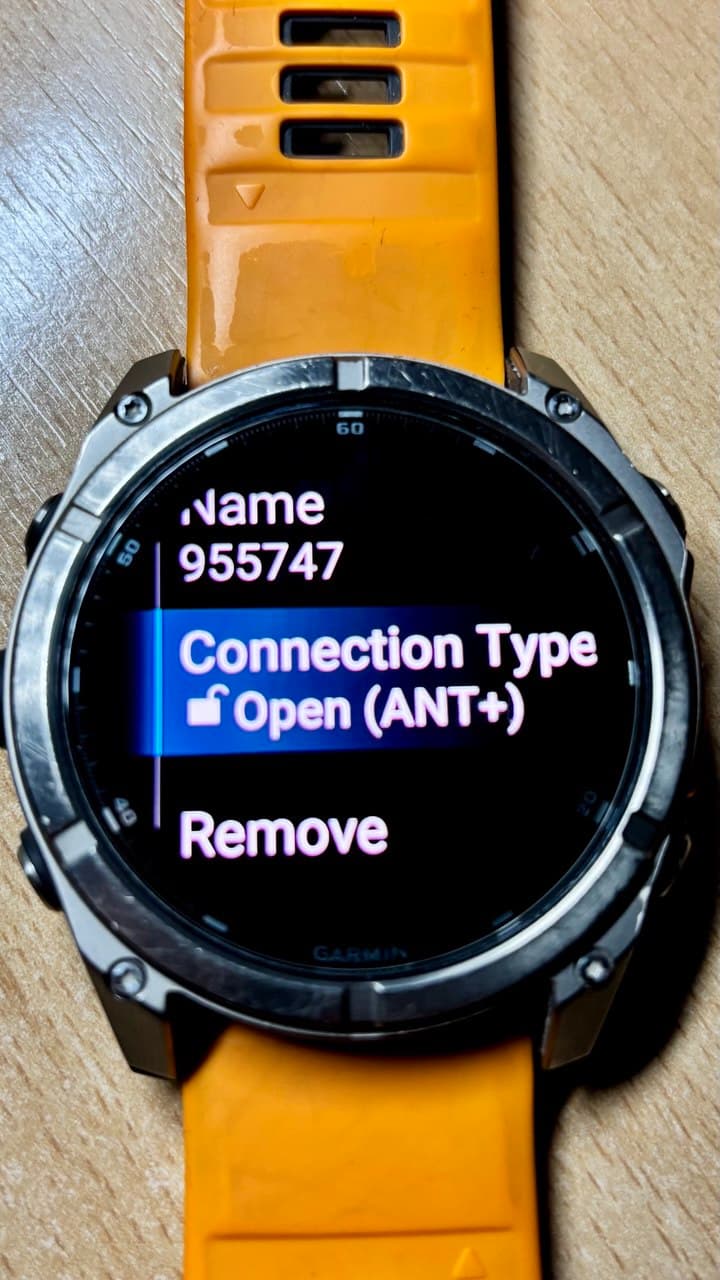
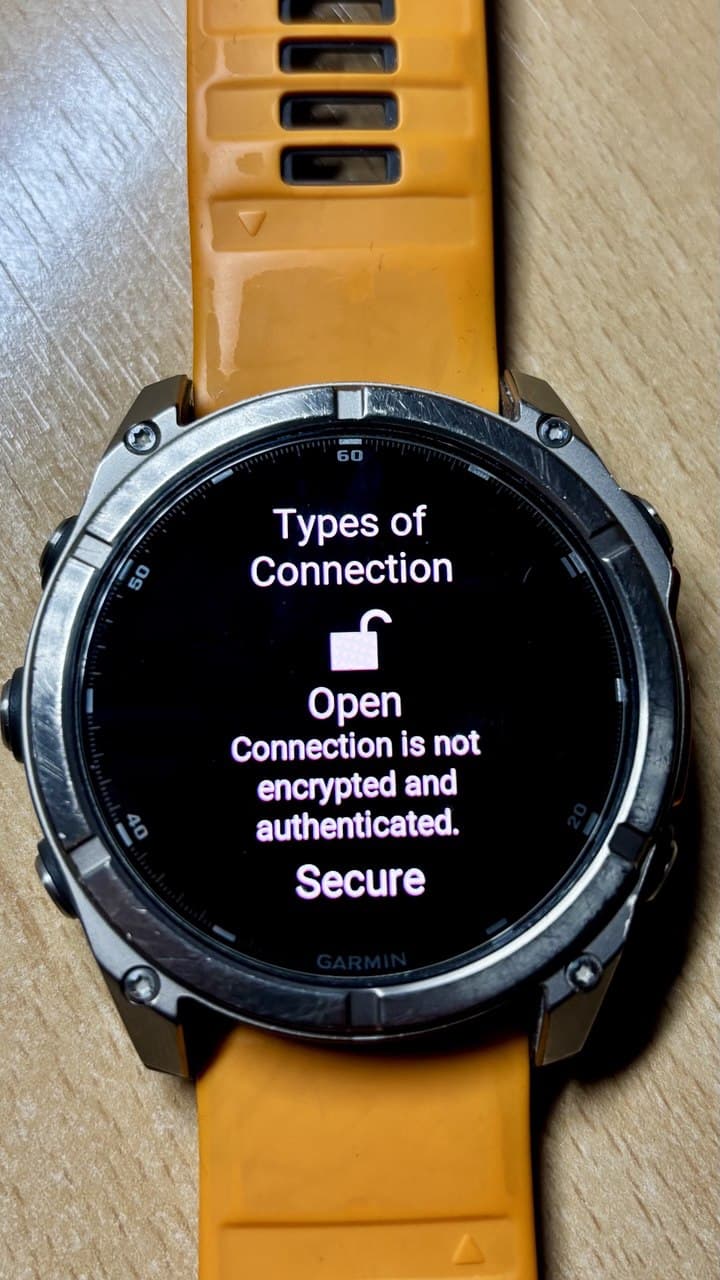
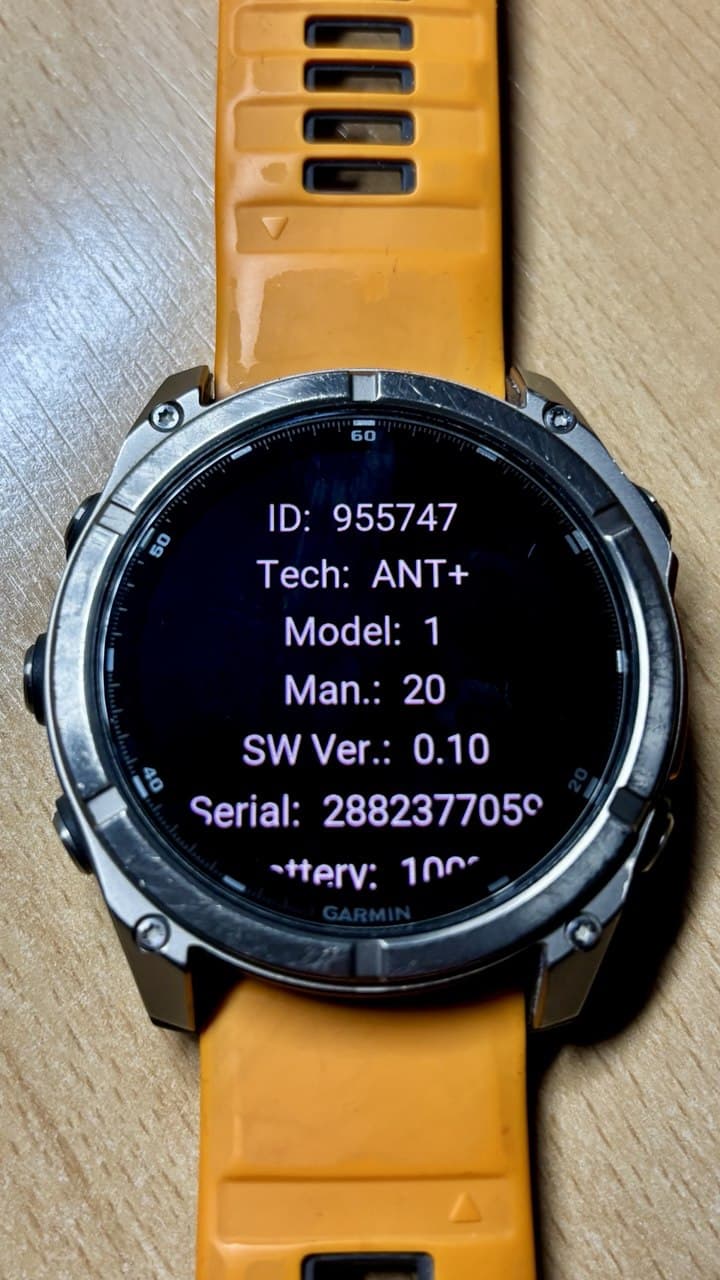
HRM Pro Plus is announced as a single sensor. Afgter pairing with your watch you can select which mode you want to use. Exactly as you describe.
TymeHRM however is found as two different sensors one using ANT and the other one BLE (same as Polar H10). BLE is initially hidden and you need to use the show more option, except if the sensor is already connected in ANT mode with any data fielt (i.e. alphaHRV). In that case, sensor in BLE mode is shown by Garmin as it is the only available option.
Tymewear has used several HRM models in the last years. I have done this test with 3 different versions and all of them worked right. Not sure if there is any that doesn’t support dual ANT/BLe connection. In any case, as you suggest, the mobile app uses BLE, so if you are discovering it as an ANT sensor, it supports both. Be sure that you are not blocking BLE due to be connected to the mobile app. Disable bluetooth or be sure you kill the app and it is not running in background
2 Likes
You are right — the TymeHR sensor indeed supports both ANT and BLE. The issue seems to be with the watch (F8).
I completely turned off the phone and disabled BLE on the computer. When I turn on the watch, Alpha connects, but there is no heart rate shown on the watch.
If I then open the TymeHR app on the phone and enable BLE there, I can see HR in the app and, obviously, the ventilation data. For some reason, on the watch itself I cannot use both protocols at the same time.
If I start a workout without the Alpha field, the heart rate sensor connects (most likely via ANT).
If I “disable” Alpha by setting the value to 10, the heart rate sensor also connects.
So it looks like Alpha manages to grab the data stream first, and the watch does not allow simultaneous BLE usage. It feels like a vicious circle
No issue here using F8.
Delete all HRMs from the watch sensor list before searching for sensors. You should find two sensors in that way. See the picture, first one is ANT, second BLE
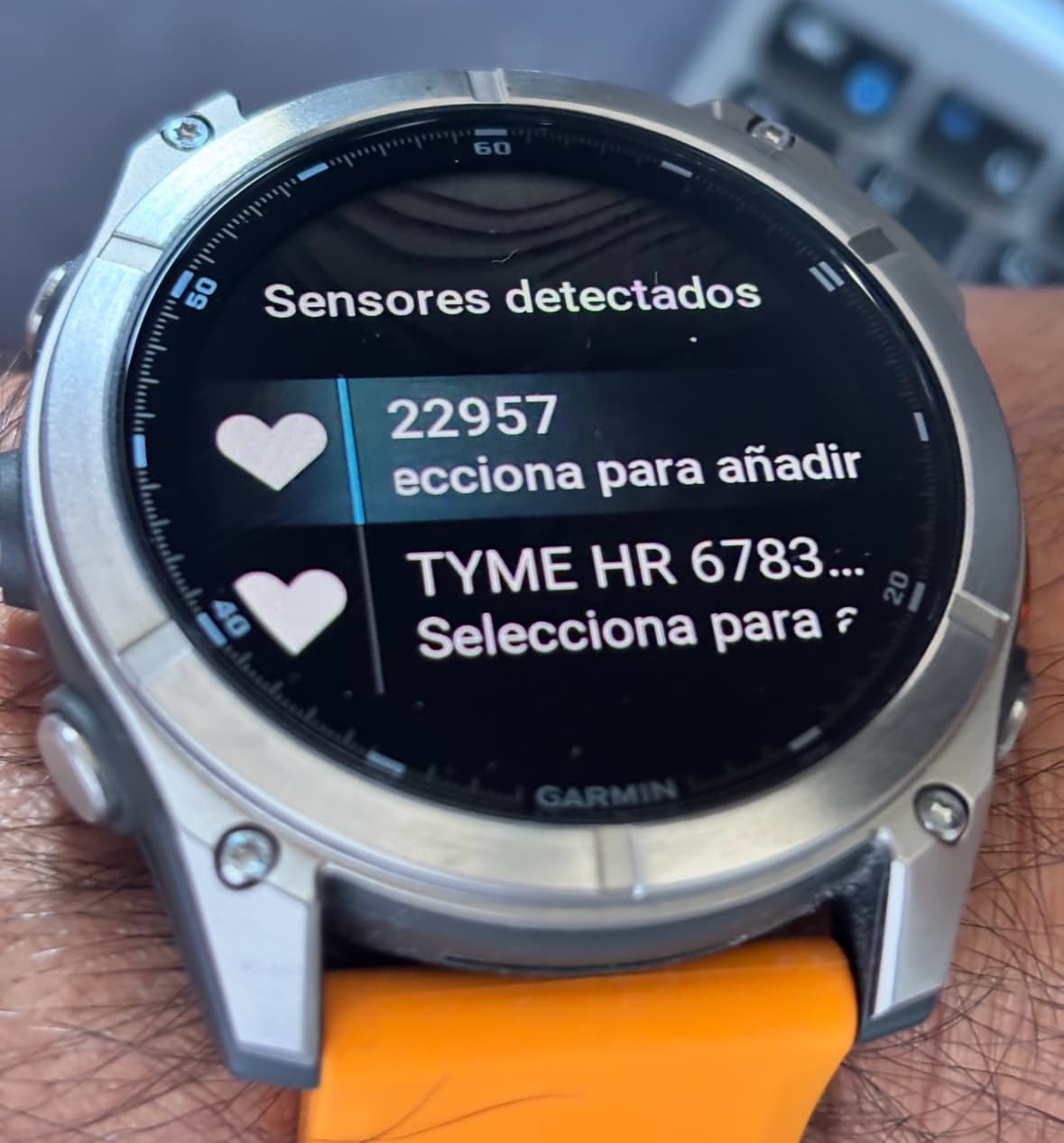
1 Like
Of course, I believe you. Most likely there is something odd with the heart rate sensor.
I removed all pairings, including AirPods, rebooted the watch, turned off the phone and the computer. Then I put on the TymeHR strap and started searching for sensors on the watch. The watch only detects a single sensor (most likely ANT).
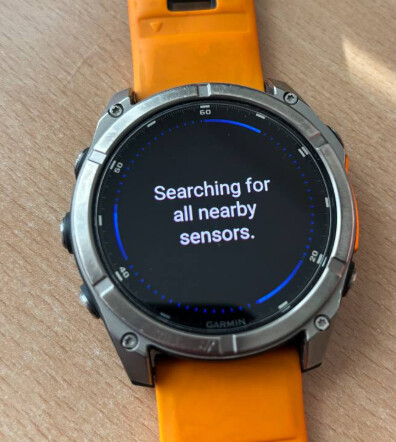
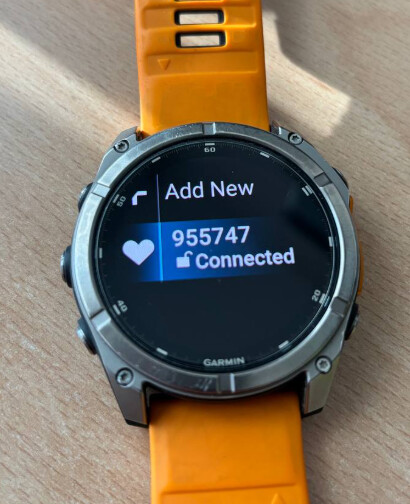
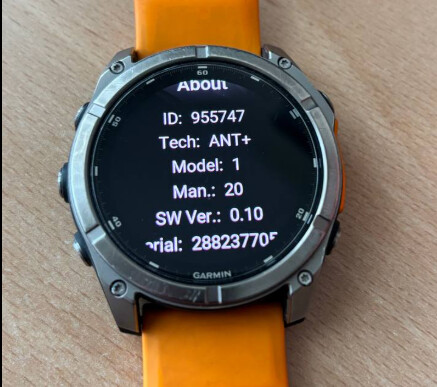
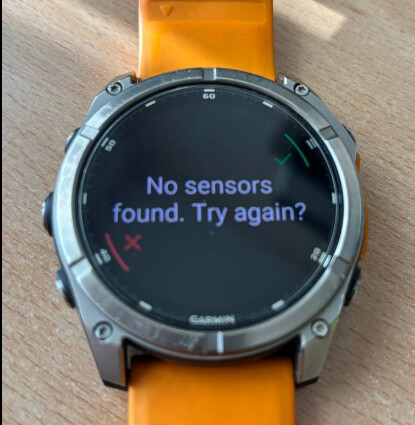
Real magic! 
The picture was not intended to prove it works  , just to show what you should see on the screen. I believe you as well
1 Like
I have seem in the thread the tips to change the profile on the Garmin Edge when AlphaHRV crashes, It does work on the Edge while cycling, but does someone found a way to reset the app on a Garmin watch (e.g. Forerunner 965), I tried to change the sport during the activity, but it doesn’t work.
What I need is a way to initiate heart sensor search by tapping on the screen somewhere. Cause for now I have to go to Garmin ConnectIQ every time before a ride and press Save settings to initiate connection to sensor.