Can you clarify, i thougth that R-peak detection was done by the H10.
And regarding Garmin CIQ BLE stack
Can you clarify, i thougth that R-peak detection was done by the H10.
And regarding Garmin CIQ BLE stack
That’s a typo…
It’s Garmin’s ANT+ connection that can have an issue with high HR. Sorry.
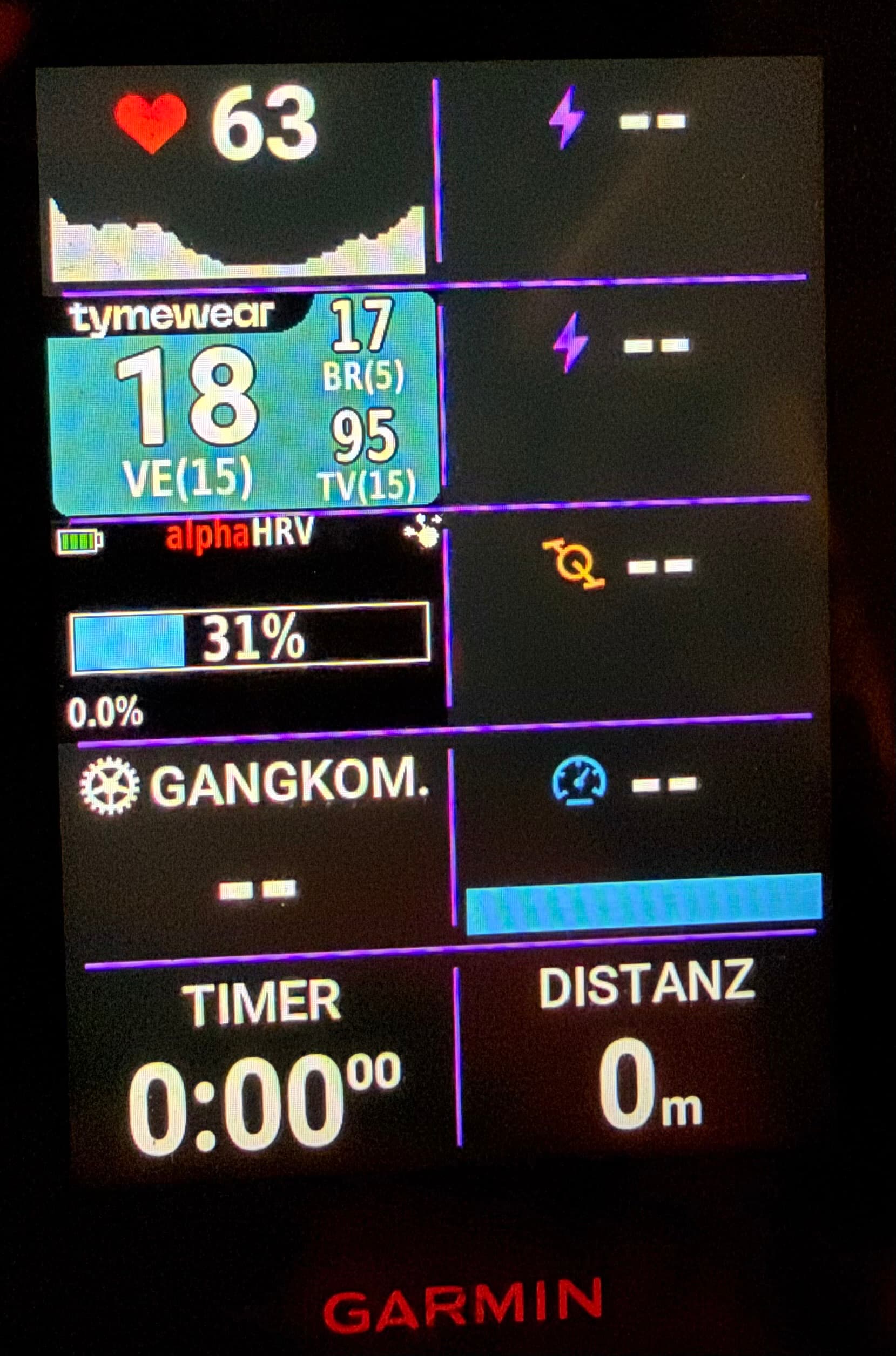
I have a “similar” problem with alphaHRV ConnectIQ (in Edge 850) and Polar H10: Every time the Edge connects nicely to the H10 as HR-sensor, it also connects to the Tymewear VitalPro as CIQ device, but it never connects to the H10 as HRV source.
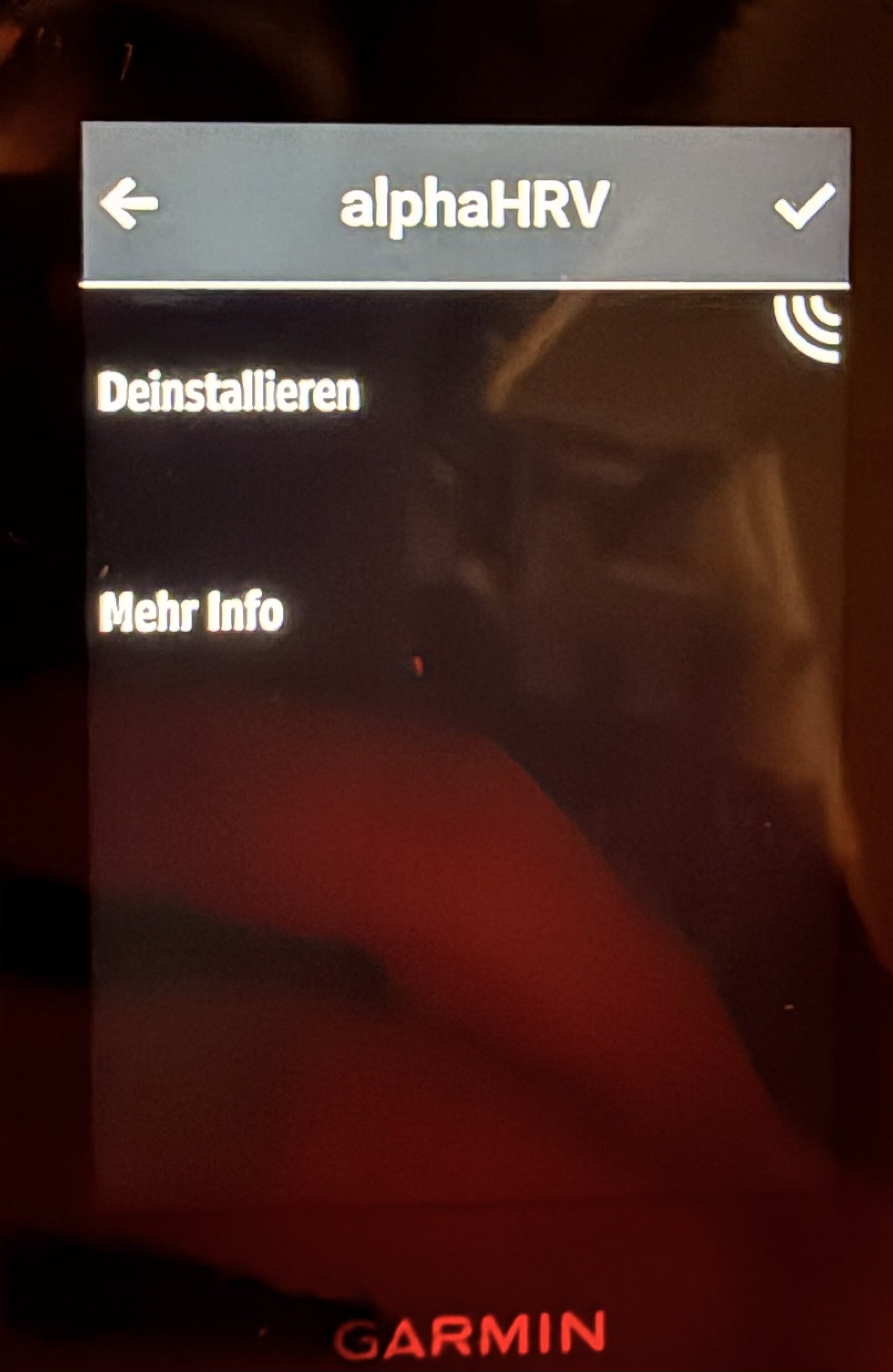
When I go to the CIQ store on the device (not in the phone app!) and simply “accept” it then the HRV-data come in in the alphaHRV CIQ field, too.
Weird and annoying😉
Any ideas what to do to get this working automatic?
Have you got the H10 set up for 2 x BLE channels?
https://www.reddit.com/r/Polarfitness/comments/1psh8pf/h10_connectivity_issues_since_4110/ seems to say there’s a firmware fix coming next month. Guess I won’t install the current update just yet.
No, I use BLE for the normal HR display and ANT+ for the DFA alpha1 IQ data field:
Should one use BLE for both, nowadays?
Always different modes, Garmin doesn’t support same mode for both. It’s not related with hrm firmware but with Garmin CIQ constraints
Thanks Inigo, BLE + ANT+ as in your docs…
Any idea why I have to go into the CIQ store on the Edge to get the DFA data come in? I don’t have this problem, e.g., for the tymewear CIQ data field:-o
Not sure what you mean by going to the CIQ store. After setting the data field it is not needed to visit the store to run the data field. Could you give me some more details?
Well, that‘s my problem. In my case it is:-o
See alphaHRV (update) - #347 by yokuha
Otherwise there’s no DFA a1 data in the data field nor in the fit file…
Weird, send me a screenshot of the settings you are using. I will think about this tomorrow
Please see alphaHRV (update) - #350 by yokuha 
Thank you for checking!
I fear it is some weird Garmin thing… :-o This is on an Edge 850, in case it matters.
Now realizing what @Cary_Blackburn could have been asking… Yes, I have the “multiple BLE” connections enabled for the H10; use that for dual recording when on the trainer… will check later today if that makes a difference.
That is what I do when using only AlphaHRV on my Garmin. But if I do that I can’t use that BLE channel for the Tymewear app at the same time.. Enabling dual BLE on your H10 should enable you to use the 2nd channel on the Tymewear app simultaneously, I think
I am not using the Tymewear app at all. I always record Tymewear ventilation data with the Edge (even Tymewear ramp tests…).
Do you have HRV enabled on the Edge too?
That might steal a BLE channel.
I’m not sure but you could try to disable it.
Not sure how one would do that. It’s definitely not displayed… and why would that problem disappear when going to the CIQ store…?
The setting (on the 840) is in System - Data Recording.
If enabled, it logs RR-peaks to the FIT in an array per second. Some platforms (Runalayze) use this RR-stream to do post-analysis of dfa-a1 following the original Kubios method. The pre-filtering of this method is highly resource demanding and can’t be done on the head unit.
The fact that it wants access to the CIQ store is very strange and I don’t know why or what is going on there.
The above is a quick way to check if it has anything to do with it or not.
Another thing, is the latest firmware update on the H10. I don’t know if you performed that update, but the update page states that a newer version of the SDK is needed in some cases.
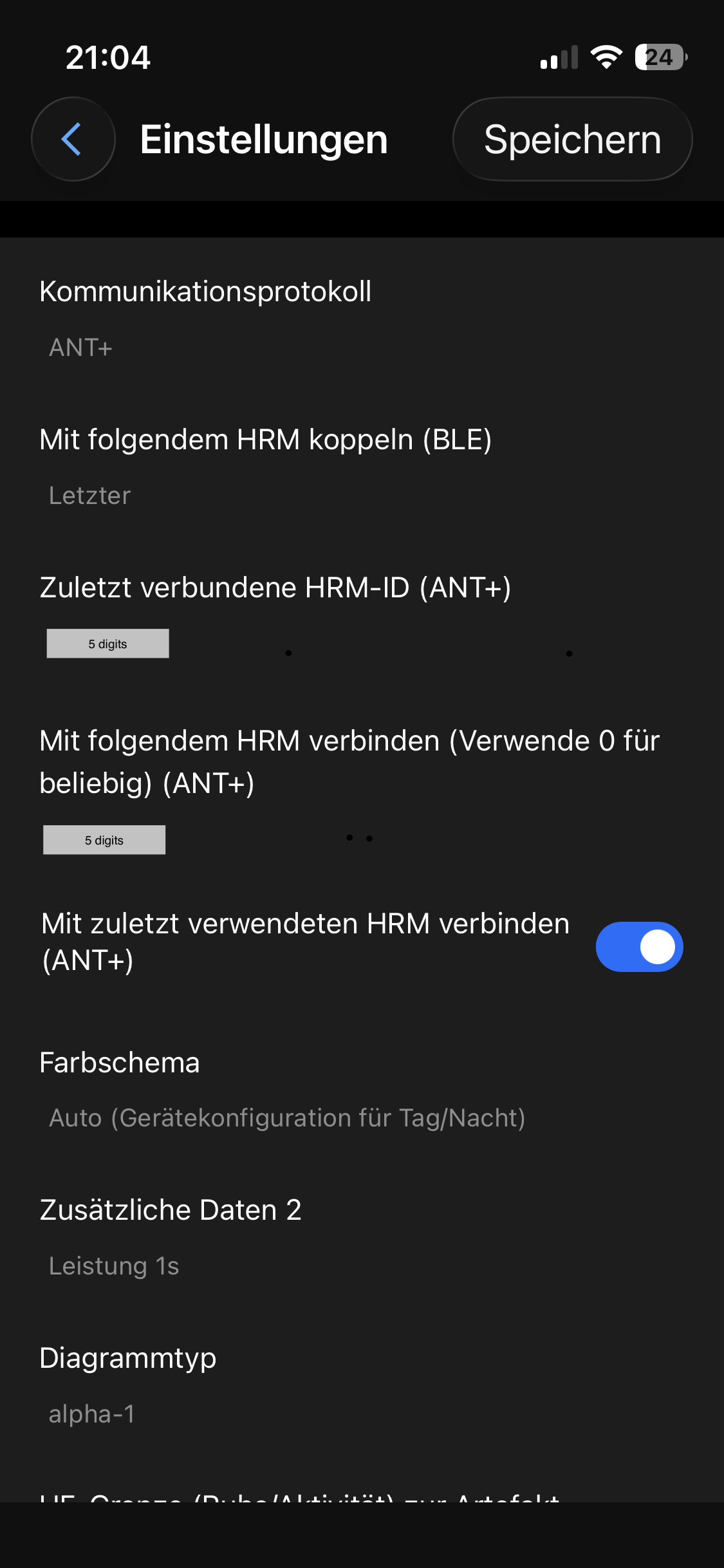
@MedTechCD , thank you for the questions and info! Maybe it helps @Inigo_Tolosa with the debugging. Let me know what else could be the issue… Now, here my details on this:
Yews, HRV-storage was enabled. I now turned it off and did a quick test starting an activity while standing next to the bike wearing the chest strap… It did still show the same behavior on this occasion.
Here are some screenshots, ahm, photos, of the Garmin
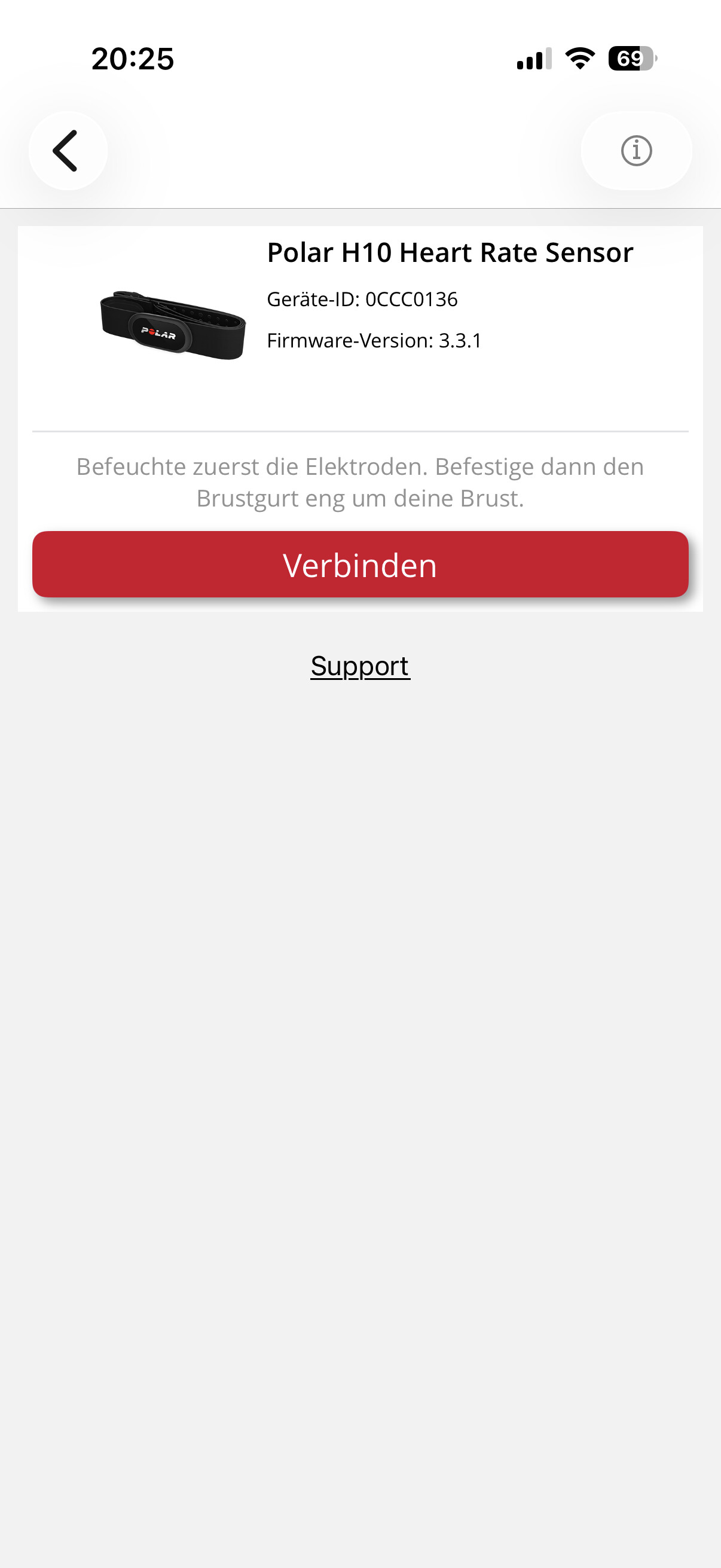
I then also went into the Polar Flow app to check the firmware version of the H10 –> 3.3.1 – no idea if this is old or new, but I am not offered any updates here;-)
Latest firmware for H10 is 4.1.10 I looked for it several days ago and updated with no issue. Try using Polar Beat instead of Polar Flow
However I don’t think your issue is caused by this. Firmware 3.3.1 was also working fine till now
Just to try
The workaround of entering in the store is really weird.
Just curiosity about your layout for tymewear, are you following tidal volume on the go?
Thanks @Inigo_Tolosa and @MedTechCD!
I have now updated the H10 (to 4.0.4 and then) to 4.1.10 – I had thought about this also “this night” (before I saw your last message) and was fairly certain that I had installed the firmware updates when I got the H10 some weeks ago – but you never really know:-o
Anyway, some indoor testing shows that the DFA a1 CIQ-app connection “sometimes works”. Other cases when I wake the Edge from standby mode the DFA a1 value is stuck at the last previous value but does not update.
Then going to the CIQ store as such, just opening the store main page on on the Edge, resets the CIQ apps and then both work.
The Garmin “save HRV” setting does not seem to make a difference.
Regarding the tymewear data, yes, I use ventilation online during rides and it works very nicely for me regarding VT1 and Z2 work – as well as to indicate (above) threshold work. But the latter is as obvious from HR and RPE, too;-)
I’ll see how it goes with the next activities…