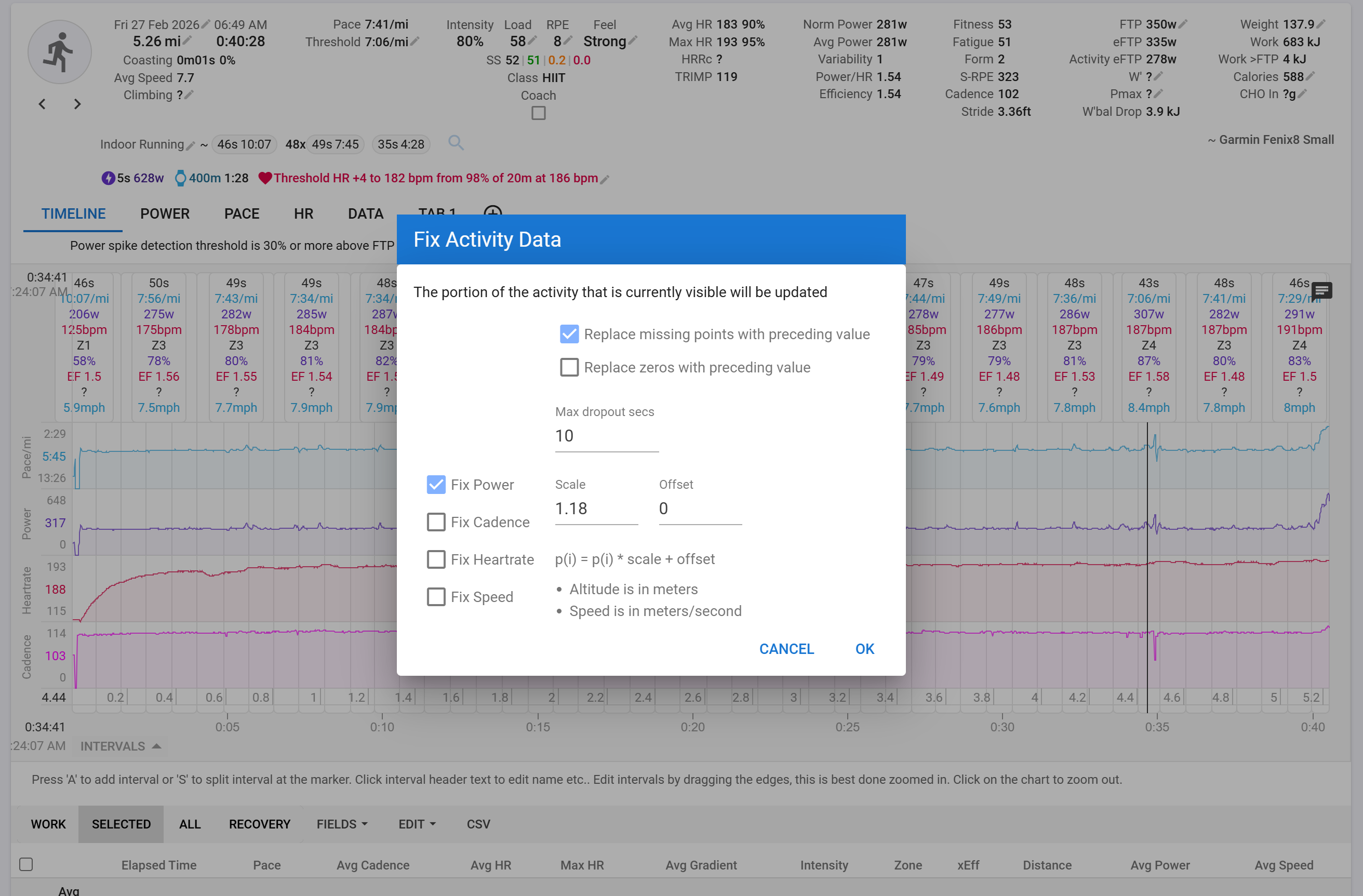
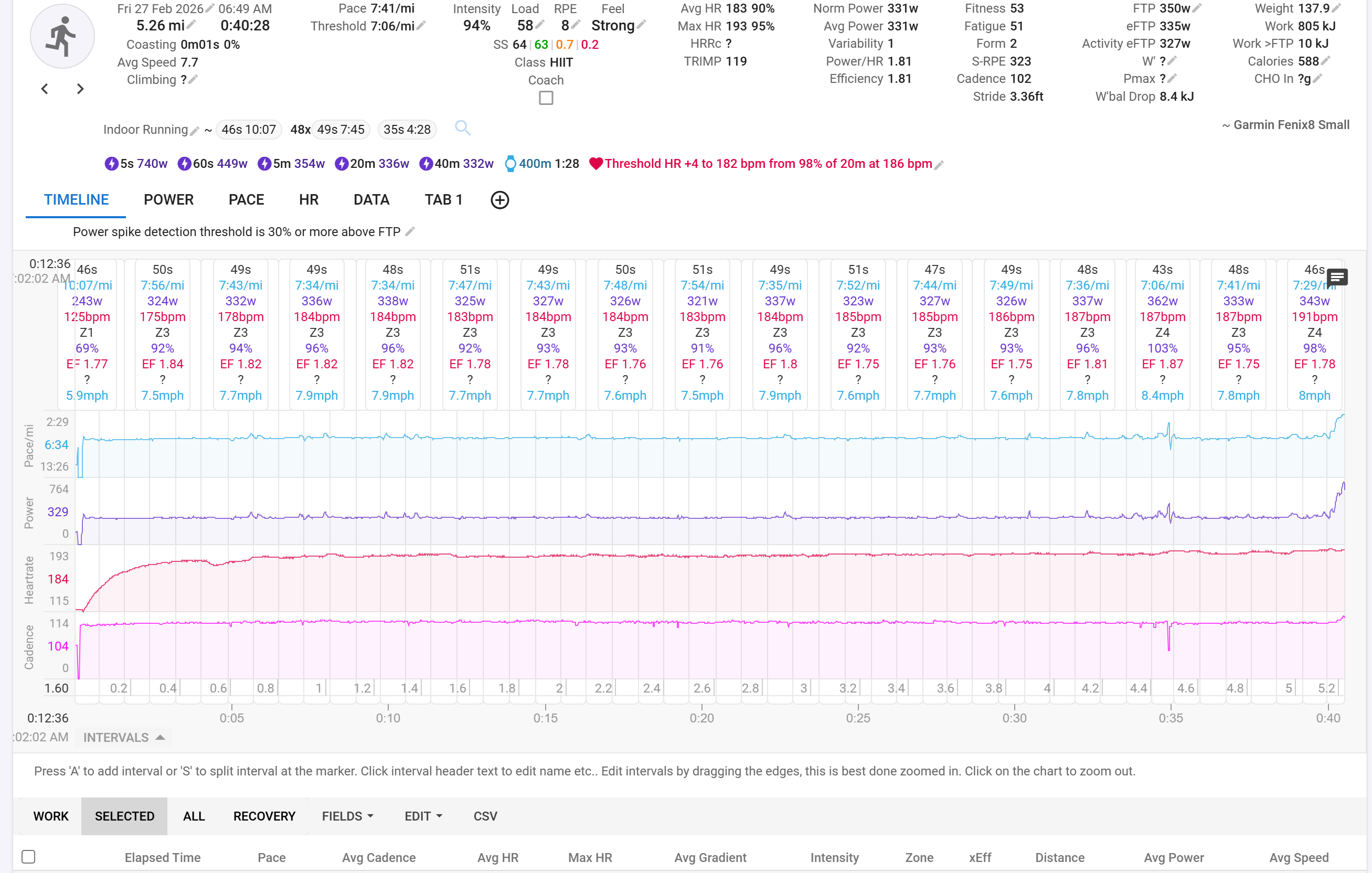
I just did an indoor track run with Garmin Fenix 8 and of course the distance data for every lap (which I manually pressed the bottom for, so 200m precisely) is of course wrong. What is the correct way of individually setting the distance for each lap to 0.124mi/200m? I don’t want to use a uniform scaling factor for the entire activity since the individual laps each require different scaling factors. Eg Garmin said lap 1 was 0.070mi but lap 2 was 0.11mi, etc.
Thanks in advance, sorry if this is covered elsewhere!
This does not seem to correctly solve the problem.
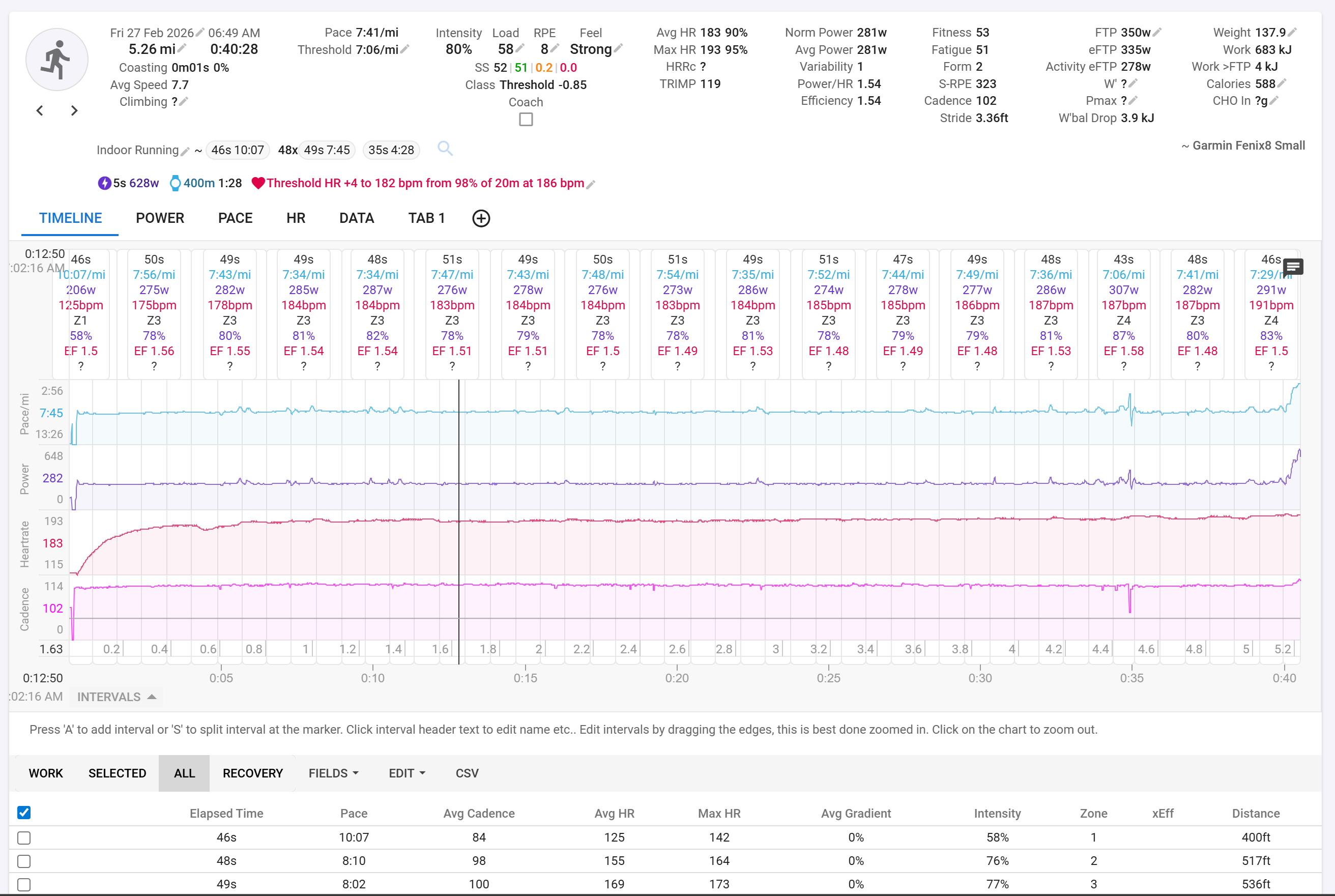
The issue is that the splits currently look like this (fewer splits for simplicitly).
Lap
Recorded Duration (correct)
Recorded Distance (incorrect)
Desired Distance
1
0:49
0.07mi
0.124mi
2
0:50
0.10mi
0.124mi
…
50
0:47
0.11
0.124mi
Total
40:33
5.27mi
6.2137mi
What I want to do is individually remap each interval’s distance value to the desired distance (200m/0.124mi) while leaving the duration of the lap correct.
When I tried your method, it still set the splits based off of the incorrect total distance of the activity (so it ends up with fewer than 50 laps).
Even what if I want is not achievable, I wouldn’t mind just rescaling the entire activity if necessary, but I would prefer to tediously do this one by one per lap.
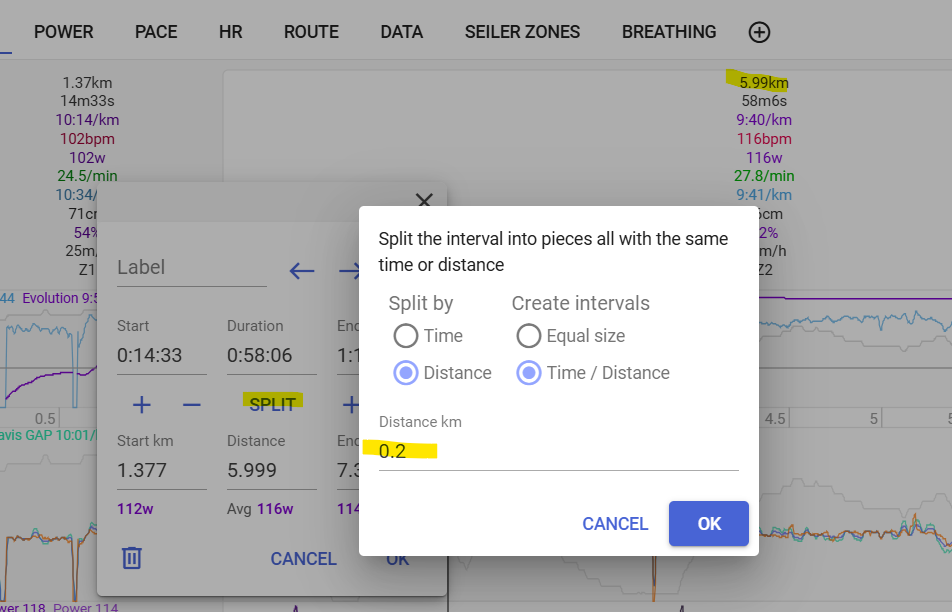
The only ways in intervals to achieve this is either select one interval by one (by zoom) and set the correction factor for each interval, or you set one approximate correction factor for the whole activity.
Maybe it is easier (though I don’t know if it’s easier in this particular case) to resolve this with external tools like gotoes or fitfilerepair.
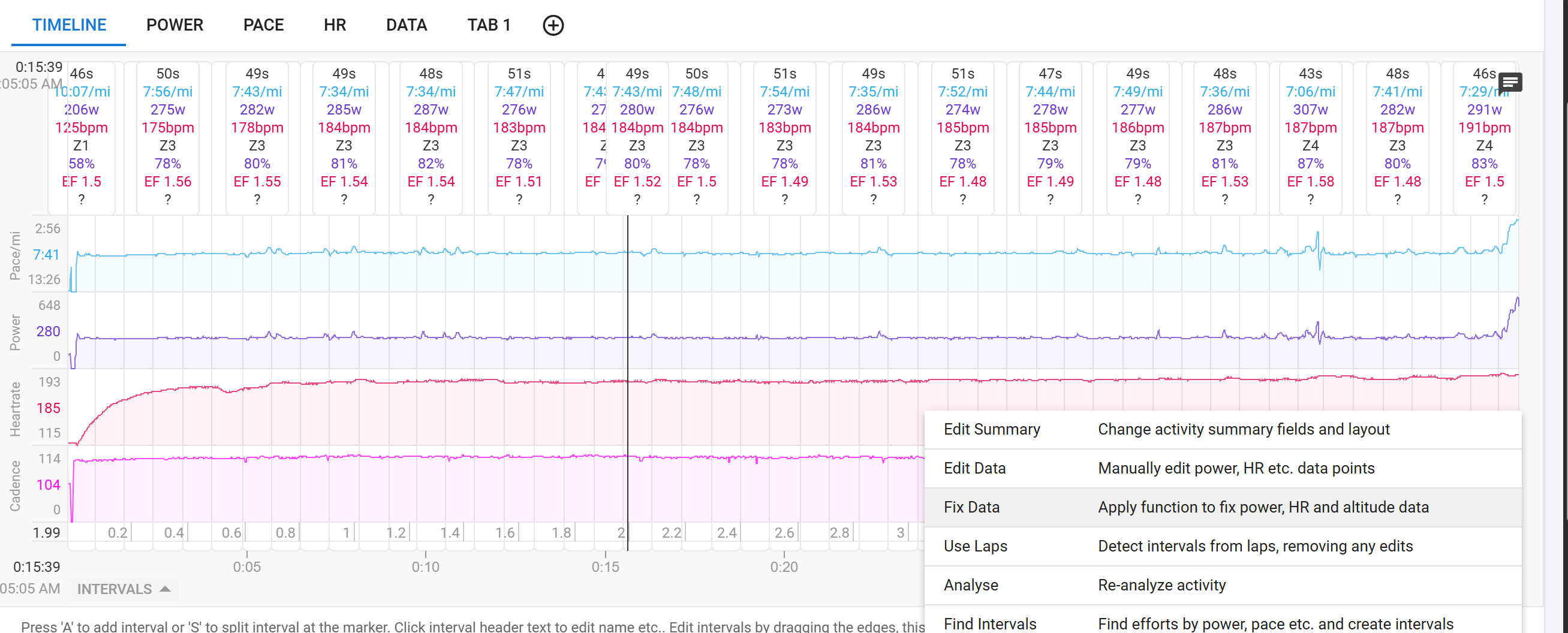
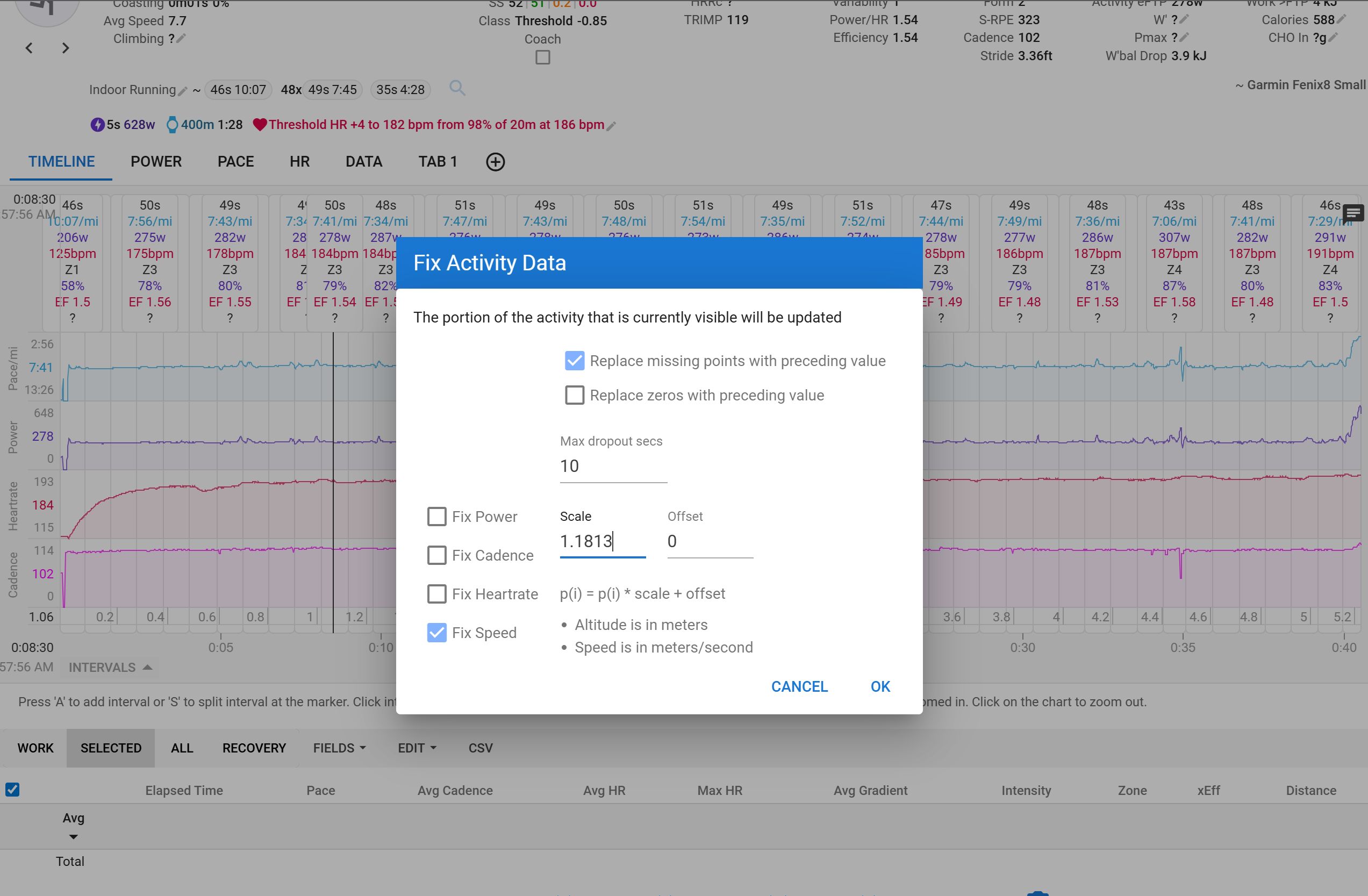
When I’ve tried doing this, it seems to only operate on the power data stream (if power selected selected) but not the distance per interval or pace per interval (if speed selected).
For now, I will demonstrate this with a single factor for the whole activity for simplicity.
here’s the data, freshly reprocessed from original, keeping original laps:
I ended up writing my own FIT parser to warp the individual laps with interpolation for the warping factors between laps to prevent discontinuous jumps so I’m fine for now but it would be great to understand why the speed factor correction above had no effect.
Just tried this on one of my runs and Pace is not changed as you say. That is, on the headers, because on the plot, it has changed. Just check the values in the plot when you move the cursor.
What’s more, speed is adjusted on both headers and plot, and I also have a script to calculate ‘distance averaged pace’ which also is adjusted.
Only the regular Pace value in the headers (as a interval field) seems to not take that change in account.
Edit: I assume this is because avg Pace for selections and intervals is calculated from selection/interval distance and total time? And not from the actual speed stream-data?