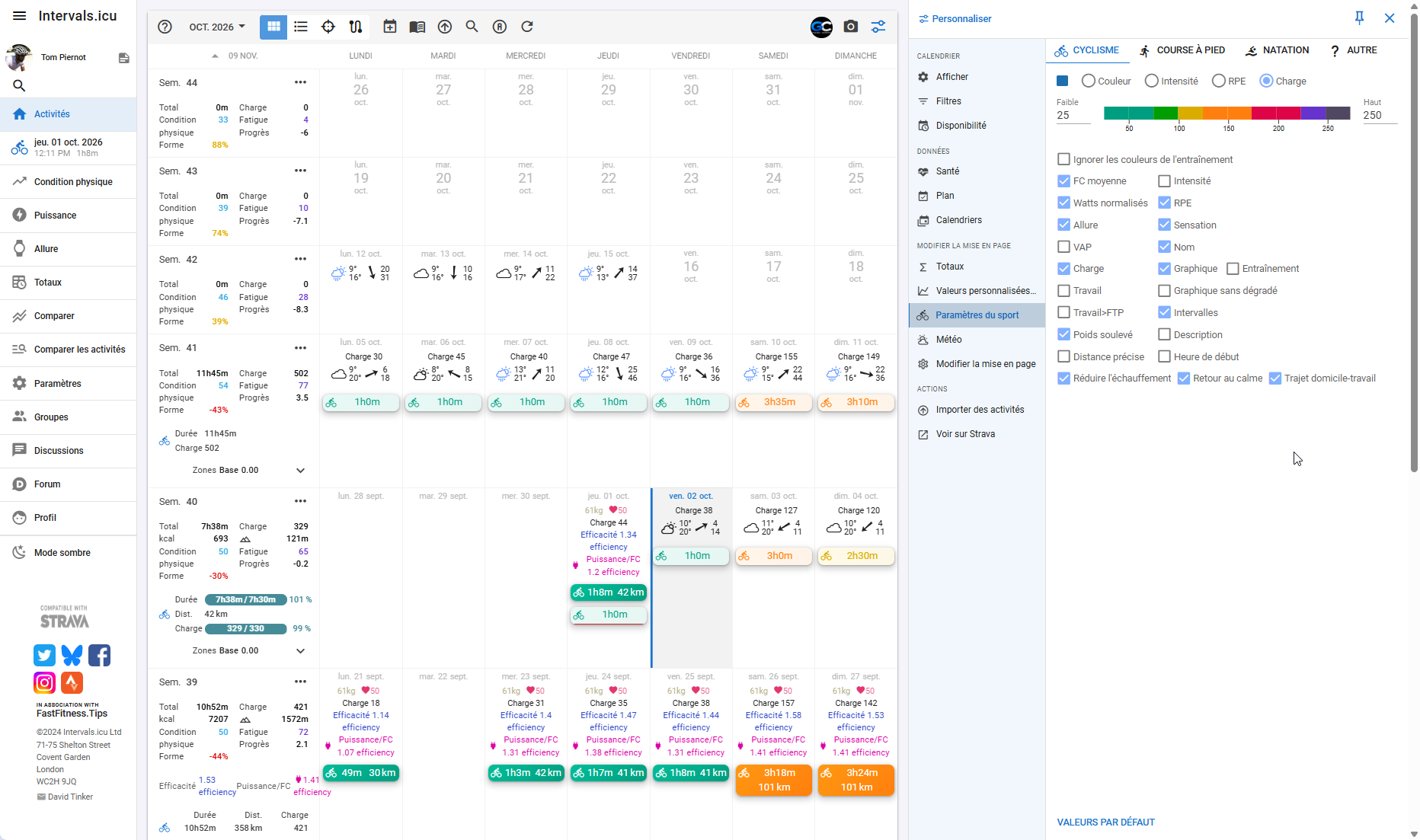
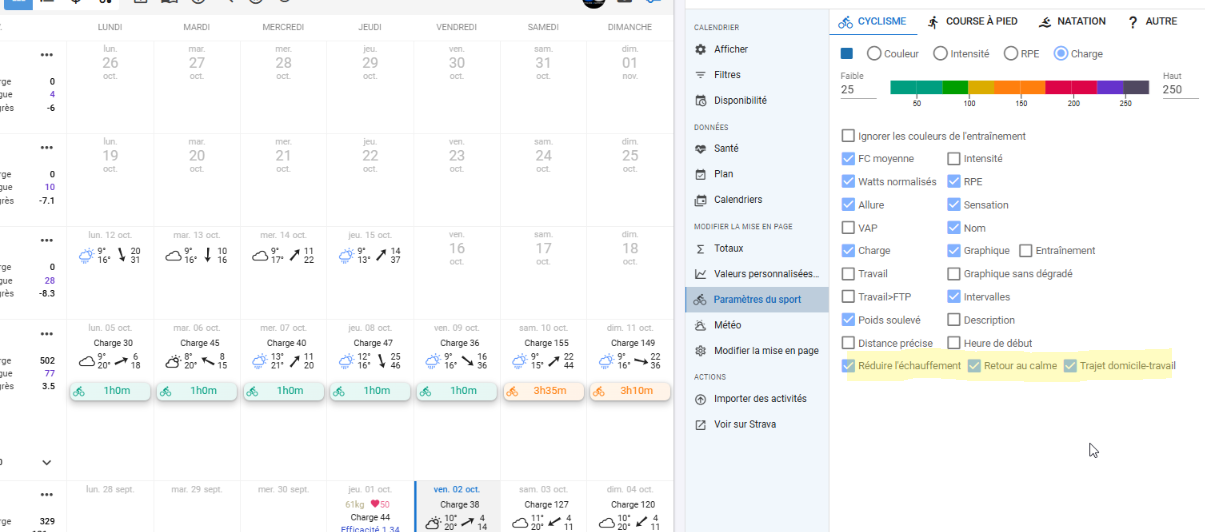
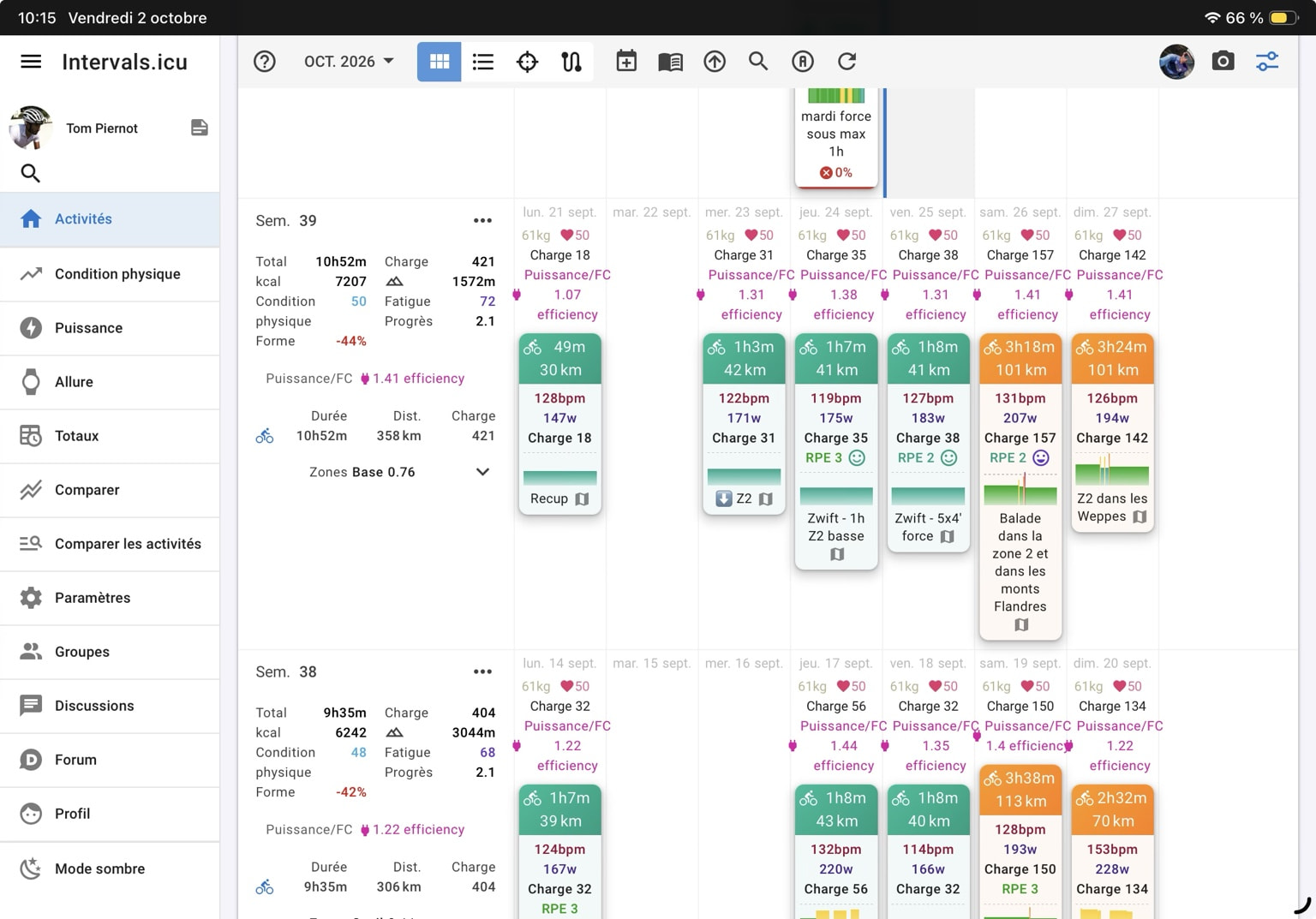
The same activities display their skyline charts correctly on my iPad, but not on desktop.
Desktop settings:
- Minimal: OFF
- Sport Settings → Cycling → Chart: ON
- Intervals: ON
- Activities contain intervals
I have already tried:
- Chrome and another browser
- Ctrl+F5
- logout/login
- browser zoom changes
The exact same activities show the skyline correctly on iPad.
Is there another desktop-specific setting, or could this be a UI issue?
On Ipad
On desktop