I will look at the strength training skill in AI builder and ensure it is considered. It will always replace you existing plan (If i try to preserve it gets very messy; I did test this a while back); so, replace rule will remain.
For planned events you should see the generated events in your calendar in the Annual Training Plan, however in intervals I’ve noticed a UI curiosity in that if you do not visualise these weeks in activities, they dont appear in the plan.
Another thing that could be nice to have (if it’s not already there and I just couldn’t find it)
Somewhere in AI Builder or in my calendar, it would be nice to have a note, button, or something that lets me recover the last “committed” plan, so I can tweak some parameters without having to set everything up again (if I can even remember what I set… )
There is something in the “History” button, but after I select an older version of the plan, there doesn’t seem to be any way to reload it into the AI plan.
It would also be nice to have a “committed” flag or something similar, so it’s easier to find the plan I actually decided to commit to my calendar after going through a few iterations.
Interim update for Montis AI Builder v2 in Gemini App:
Strength skill now added to AUX discipline ; this should provide better supplemented strength alignment with primary sport.
Added ability to import history plans back into AI builder. Goto history for AI Builder and select “Open in AI builder”.
Alternatively, I have noted that if you click in History continue in “AI Coach Chat” (new feature), you can push only the workouts you need from that AI builder plan that you need if you list them and ask to change/update existing or add new. Note: this won’t delete an existing event and you may end up with a duplicate if not careful what you are asking to write back to Calendar.
I just patched a DOM bug to allow Dynamic Language Synchronization: Synced document.documentElement.lang for those using external translators with https://app.montis.icu; however I also noted that built in external auto-translators (tested in EDGE and Chrome) works pretty well. Anyone using this capability ok in conjunction with Lang dropdown? very handy for translating the Horizon dashboard content. Its fast too.
Question to Montis users out there That’s about building a plan for a 100k ultra run. What are the practical key steps you take to leverage both Intervals and Montis intelligence? I was thinking like:
1/ Add the various A/B/C races in Intervals calendar
2/ Block days/weeks where not available to train (e.g. holidays)
3/ Then in Montis use AI Builder v2 to plan the loads for each week (I can see various parameters there)?
Then back to Intervals to check Calendar and the Workouts planned? As I’m going to use Stryd I need all workouts to refer to %FTP for the intensity targets.
I spent the last couple of days between ChatGPT and Claude to come up with a “high level plan” but the suggested volume (hours/distance) each week don’t seem realistic (not challenging enough, surpisingly). I’m pretty sure Clive would respond but I’m also equaly interested for advanced Intervals/Montis users out there if they can share how they did for any recent ultra (ride or run whatever) planning. Thanks all in advance.
Basically yes to all. I also gave Montis context and prior race files to look at. Next I collaborated with it to come up with the plan. I’m using the Coach thru Chat GPT though. So far Montis coaching model is the best of these AI platforms I have used.
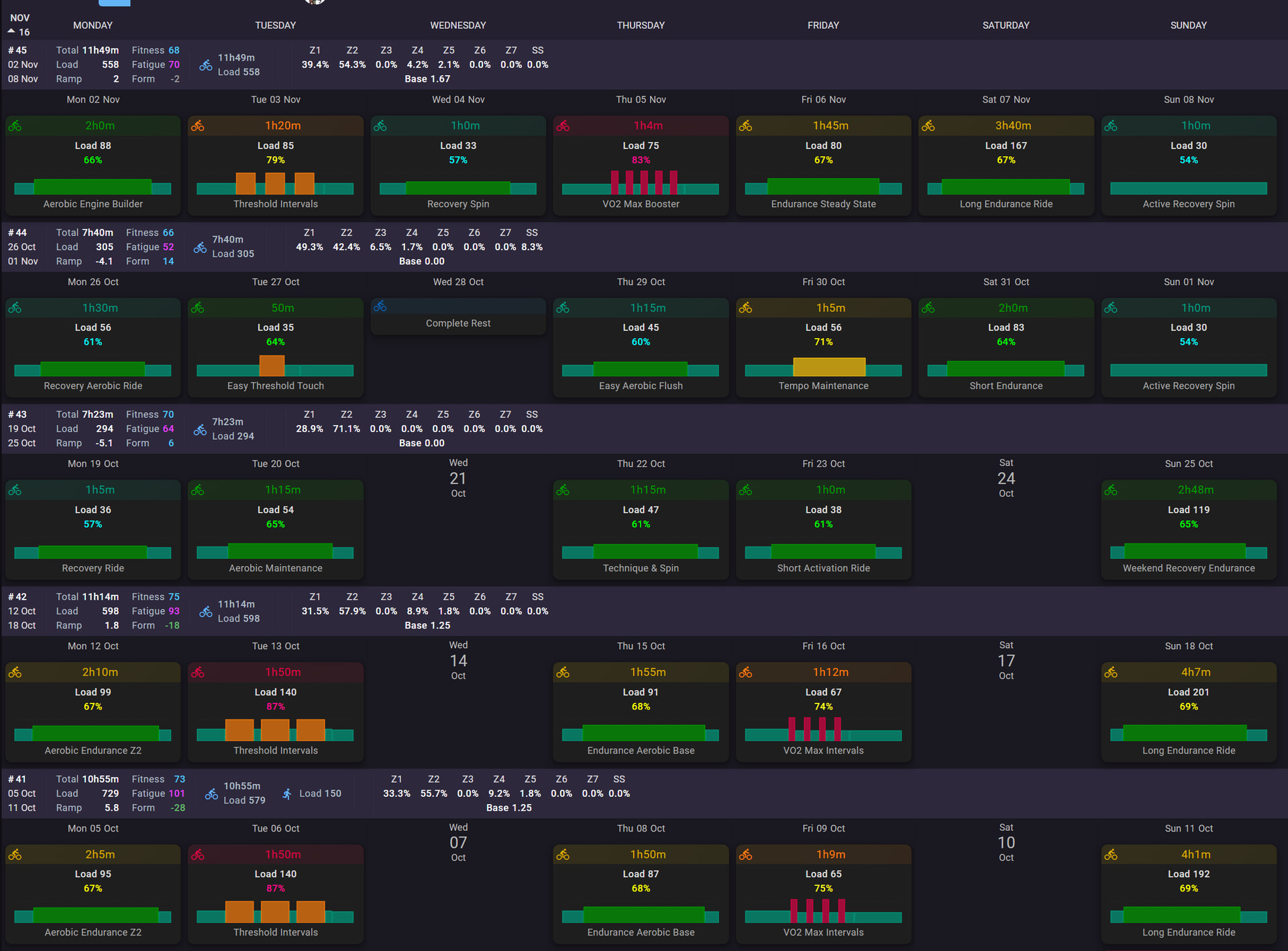
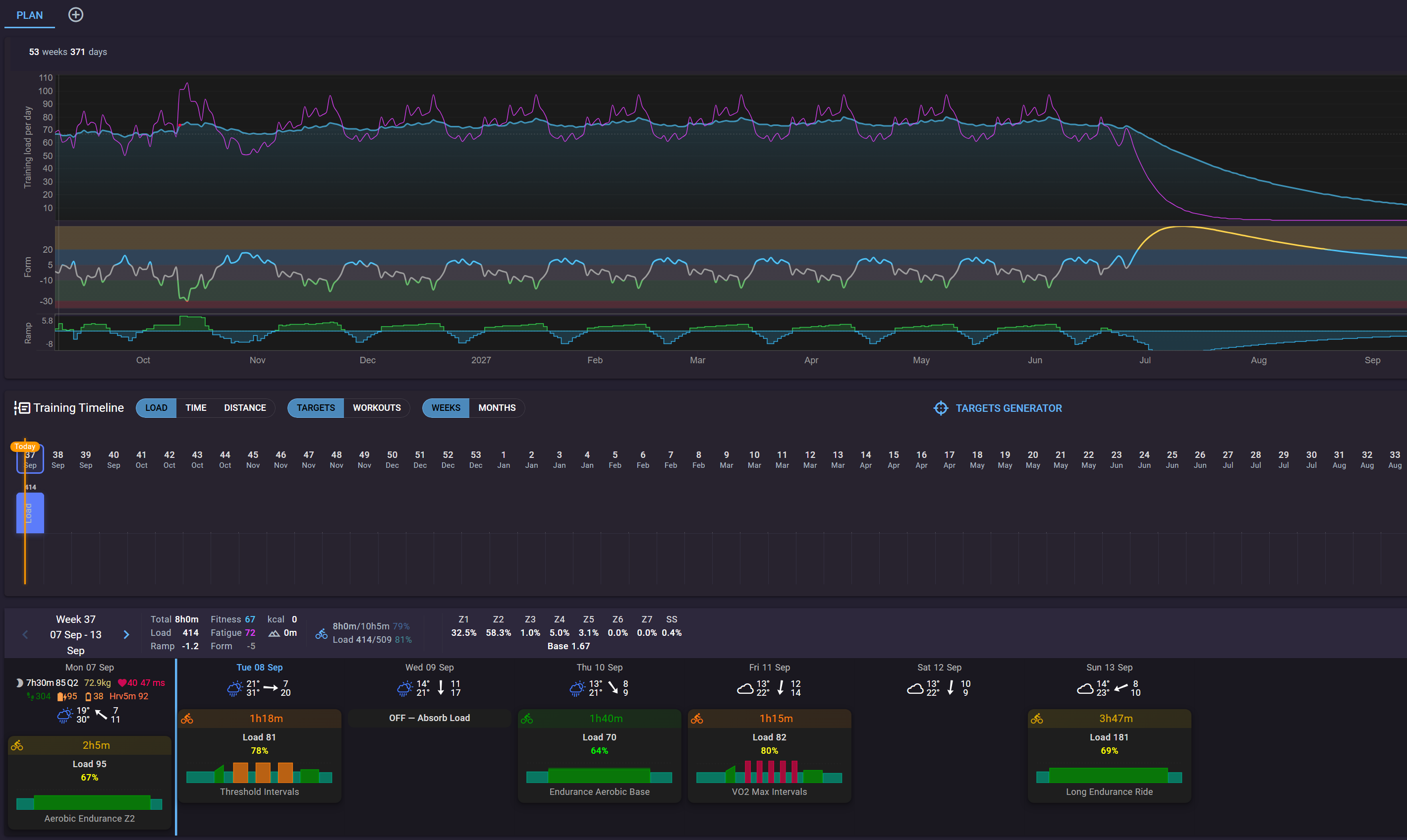

 )
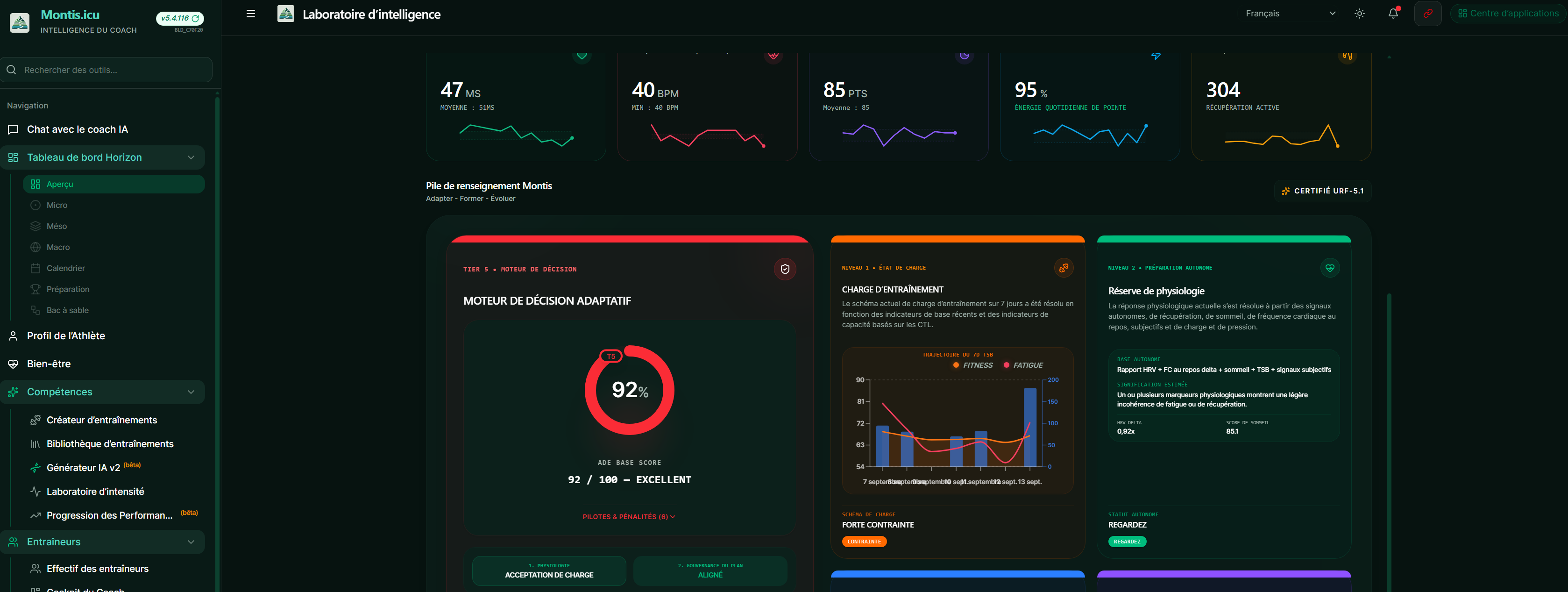
)
 That’s about building a plan for a 100k ultra run. What are the practical key steps you take to leverage both Intervals and Montis intelligence? I was thinking like: