I add the Repo to my chat message, although it is already added to the GEM on a higher level (via “+” → add code).
However, I tend to always open a new chat instead of continuing an existing one. I am not 100% sure if this will work in an existing conversation. Then again - I don’t think the context of prior conversations is really important.
Yes, I found adding the repo to the gem a bit hit and miss if it would pull the latest. So I tend to copy and paste the latest content or file in Gem Pro.
I’m wondering what other platforms others have used and the benefits of the AI results vs sync ease?
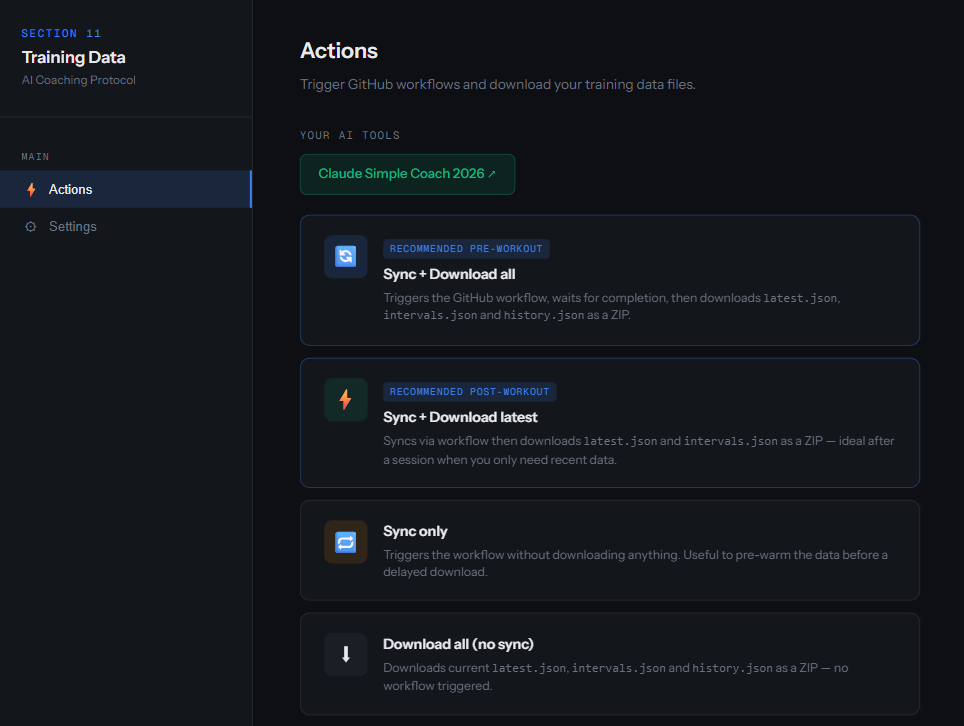
I’ve been trying with Gemini Gem and Claude (free accounts), and I had issues getting latest files from my Github private repo. Also, I did not like the auto sync, I wanted to have control on when to trigger it (just personal preference). This is my solution:
Sync and download all files in a ZIP file.
Open my AI tool (Claud project in this case).
Attach downloaded files on my first message in the AI chat.
Important note: I’m always removing the section-11 part that talks about how to get files from Github. In my Gemini Gem or Claude Project instructions I specify that I will share the files directly as attachment in the chat (optionally zipped).
Your solution works better on mobile, and for non-tech users, though it comes with security risks and won’t work for private repo users without exposing the data.
The actual gap here is mobile-only users. I like the idea, there is another safer solution on the way
The manual upload of files is already mentioned in section_11.md and the repo in general, both for the user and AI. The project instructions in ROOT readme.md need a small adjustment.
GitHub Pages is public unless you’re on Enterprise Cloud. On Free/Pro plans, your page would be publicly accessible even if the repo is private — including the tokens in localStorage.
No, that is not correct . Page is public because you have to be able to access it, but your browser local storage just belongs to your browser in your device.
Look into the PR, you can go to my forked repo and try to extract anything from it, you will see nothing is stored there, just plain html. Settings data is on the browser of my device and cannot be accessed from other domains.
I’ve already built an alternative (json-on-demand) that does the same thing. Give it a try and let me know what you think. If it doesn’t work for you, happy to revisit.
Route & Terrain Intelligence is the headline: attach a GPX/TCX file to any planned event in Intervals.icu → sync.py parses it into routes.json with climb detection (Cat 4–HC), descent identification, course character classification, and a 500m polyline with elevation. The AI uses this for terrain-adjusted pacing, pre-ride briefings, nutrition timing relative to climbs/descents, and wind overlay by route bearing. Cached by attachment ID — no re-downloading on every sync.
Also in this release:
sync.py v3.94: Phase detection rewrite — all 4 weekly rows now computed fresh from live data every run. Eliminates the stale history.json bug where a mid-week snapshot could misclassify an entire week. recent_activities widened to 28 days.
sync.py v3.95: 500m polyline in routes.json, start_time on planned events (enables race-day nutrition timing), indoor flag passthrough.
sync.py v3.96: Course character fix — classification now uses elevation density only (m/km). A 300km route with 2000m climbing is rolling, not hilly.
S11 v11.23: No Conversational Data Substitution — AI must re-read JSON in the current response before citing any metric. No cached values from prior messages.
After using it heavily, both agentic and web-based, I am still not completely happy with my setup.
I am running a web based solution with Claude:
Easy to use
No tokens required
Manual sync is necessary everytime I want to chat with Claude which is rather annoying
Private Repo is not an option for me
I have run the system on OpenClaw (VPS) as well:
Works within telegram
Delivers great output
Demand of tokens required and therefore budget is way too high for what I want to know
A local sync on a computer is no option as I am most of the time on an office laptop with premission restrictions for installations.
What are your go-to solutions? Is there anything I can do to get the best out of both worlds?
I want to have an automated sync into my web based / chat based client where I can then trigger certain prompts without refreshing, in best case from any device I own.
So far with my setup, I don’t see any options for this - right?
For me, I use github workflow with a triggered run at 23:00h every evening. I actually only discuss with Claude on a Monday morning, Claude is connected with github, so just attach the json file and get the markdown report generated to review. I discuss the past 7 days and the upcoming weeks workouts, health, wellness and whether race goal is still on track etc . Discuss any changes to future workouts and then I make the changes. As a coach, I design my own training plans, so always have future workouts for discussion. After my Monday morning discussion, I am done until the following Monday discussion. Every day workflow runs are only there in case something happens in the week and I can have a discussion should I need. The odd missed workout or failure to perform a workout, is not a big thing in the overall training and progression. I will reflect on those issues in the following Monday morning discussion and adapt the week ahead accordingly. It works for me in that framework, and manually all I am doing is attaching the json file as part of the discussion. It works for me and I don’t pay for anything.
Not sure which web based solution you are using, if not github, the cron triggered workflows work well and you can still manual trigger if it is that critical
@Duppie Good catch. “Tier-1 alarm” is not explicitly defined in the doc.
The intent is “an alarm/red-level readiness signal”, but the terminology is inconsistent because elsewhere Tier 1 is defined more narrowly.
So this is a documentation gap, and the wording should be tightened.
@b3nschiii
Claude now reads JSON through the Google Drive Connector.
You could have local sync run on a webservice/VPS, etc.
You could also pay GitHub so you can run more actions - the free tier has 2,000 min/month - can be bought as usage or by upgrading your account.
GitHub Actions can push to Google Drive via gdrive CLI or a Google Service (Google Cloud) account. I could add this to the project.
This batch covers v11.26–v11.31 and sync.py v3.97–v3.100.
Highlights:
• Nutrition & pacing expanded in Route & Terrain, including carbs/h guidance, glycogen budget logic, hydration timing, and glycogen-linked W′ penalties
• Readiness signal hygiene improved: low ACWR removed as a fatigue amber, RI amber now needs 2-day persistence, ACWR high-side thresholds unified
• polarisation_index renamed to easy_time_ratio to stop confusion with Seiler/Treff polarization index
• Post-workout report rules tightened to prevent omissions, merged activity IDs, and invented explanations
• Full DFA a1 protocol added (sync.py+ protocol) , with per-session DFA blocks, quality gating, drift interpretation, LT1/LT2 crossing estimates, and report/template support
• DFA power calibration for cycling now splits indoor vs outdoor watts while keeping HR pooled
• Activity name anonymization removed, athlete_id redaction kept
• Claude Google Drive connector now reads .json files
has_intervals and has_dfa are now independent flags. New dfa_summary block in latest.json (4-band TIZ, drift, LT1/LT2 crossings) — the AI can write DFA commentary without loading intervals.json. Quality gate tightened to valid_pct ≥ 70%, fixing noisy sessions that were contaminating the trailing window.
Testing Protocol + RPE Expectation Bands (v11.34)
New section on when formal testing adds value given continuous-data coverage. Staleness signals lead (DFA a1 delta, Benchmark Index stall, curve divergence); testing is validation or onboarding, not the primary zone source. Paired with an IF-calibrated RPE Expectation Bands table — canonical spec for a future Effort Response Signal.
I installed everything on the weekend. Openclaw in a Proxmox server at home with telegram chat as interface.
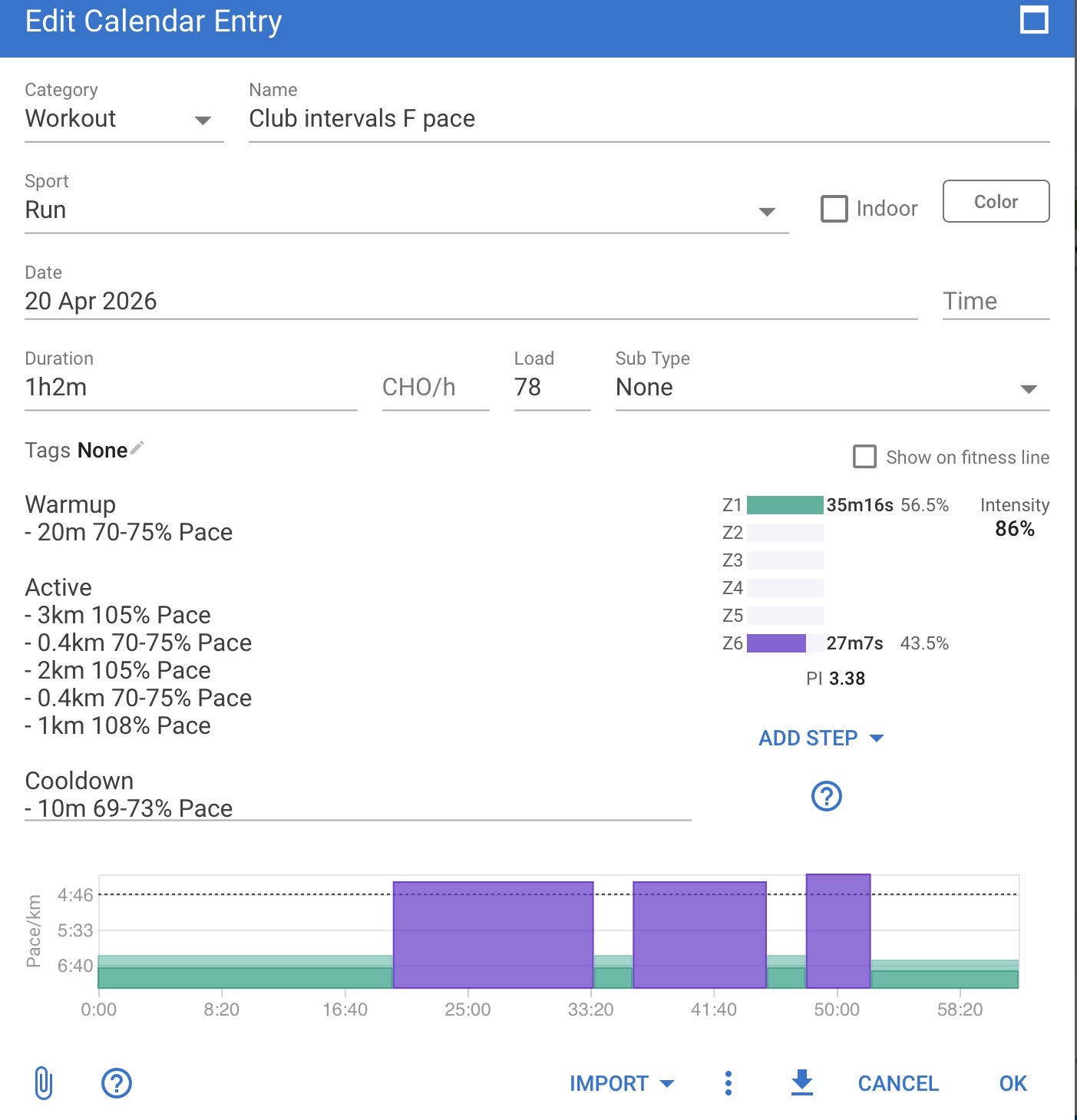
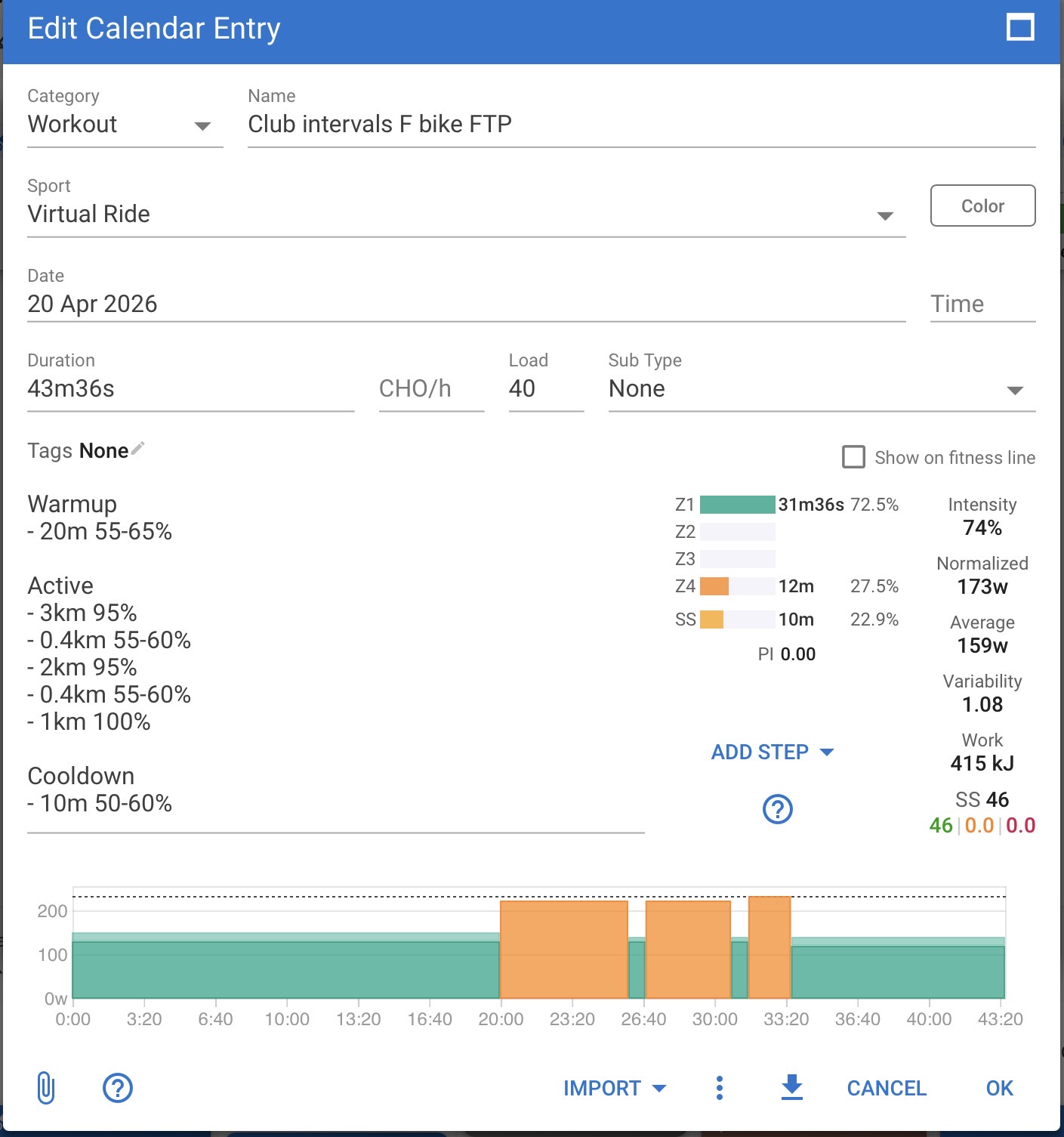
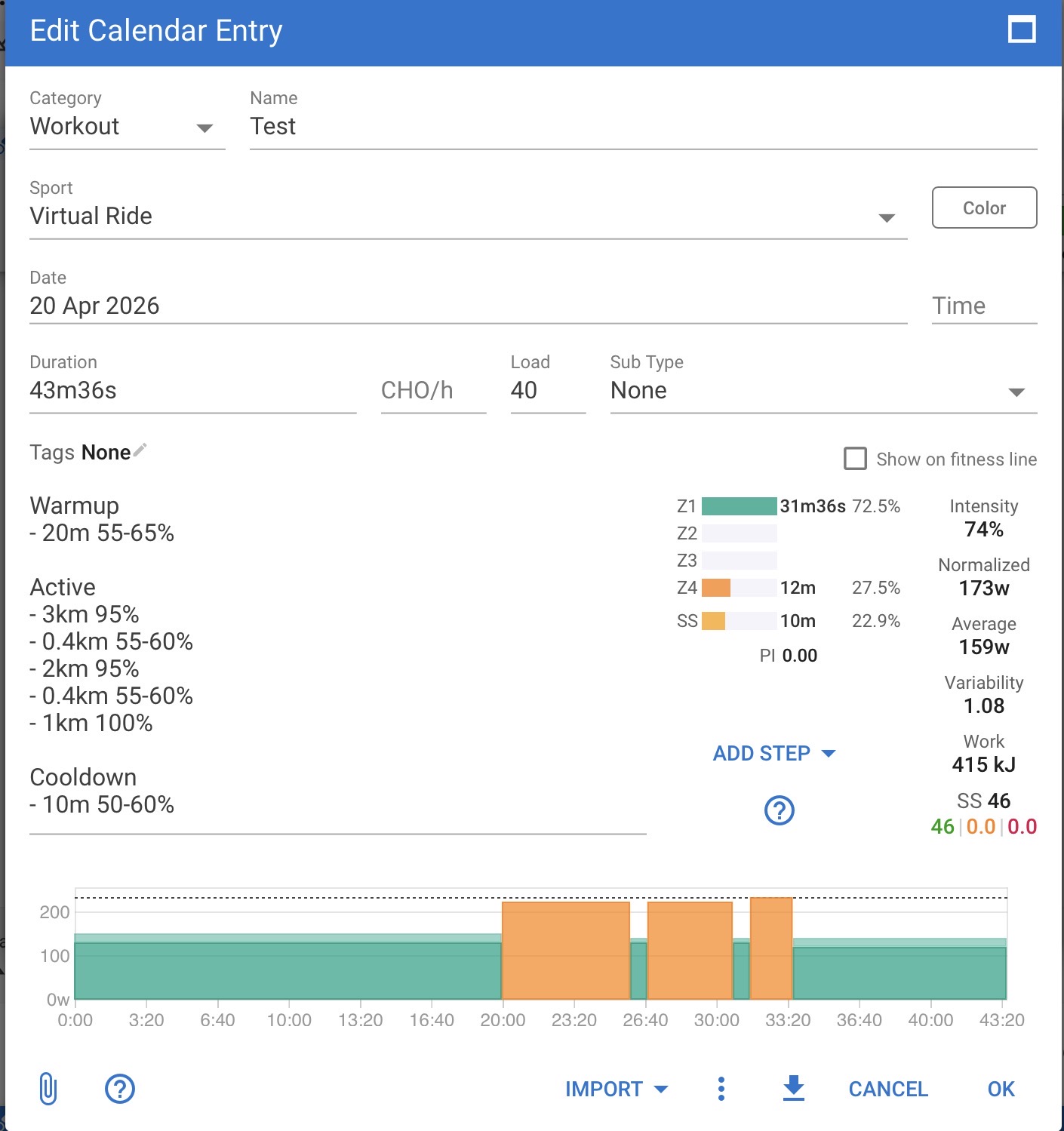
Works great but have a weird behaviour with the AI pushing structured workouts into the intervals.icu workout calendar. They look good in intervals.icu but on my Garmin Watch the workouts appear as one big set, one lap button press ends the workout instead of going to the next step. And in Zwift the workouts don’t even appear.
However when I copy the workout steps 1:1 without change into a manually created workout it works without a problem in intervals, Garmin and Zwift.
Found it — bug in Section 11’s push.py. It was sending workout_doc: {} on every POST, which overwrote Intervals.icu’s server-side parse of the description. UI rendered the graph fine (parses from description on page load), but Garmin/Tacx/Zwift read workout_doc.steps and got nothing.
Fixed in v0.4 (one line removed). Pull the latest (push.py) and it should just work - maybe tell openclaw to use the updated script

 . Page is public because you have to be able to access it, but your browser local storage just belongs to your browser in your device.