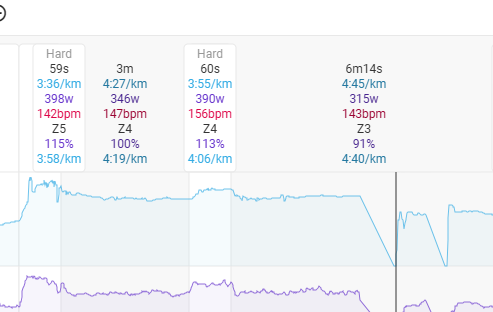
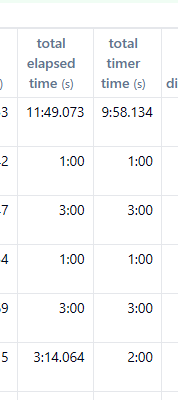
I don’t think laps have been imported from a garmin file today - set up the workout on my watch with specific rest times but they’re not replicated on intervals.
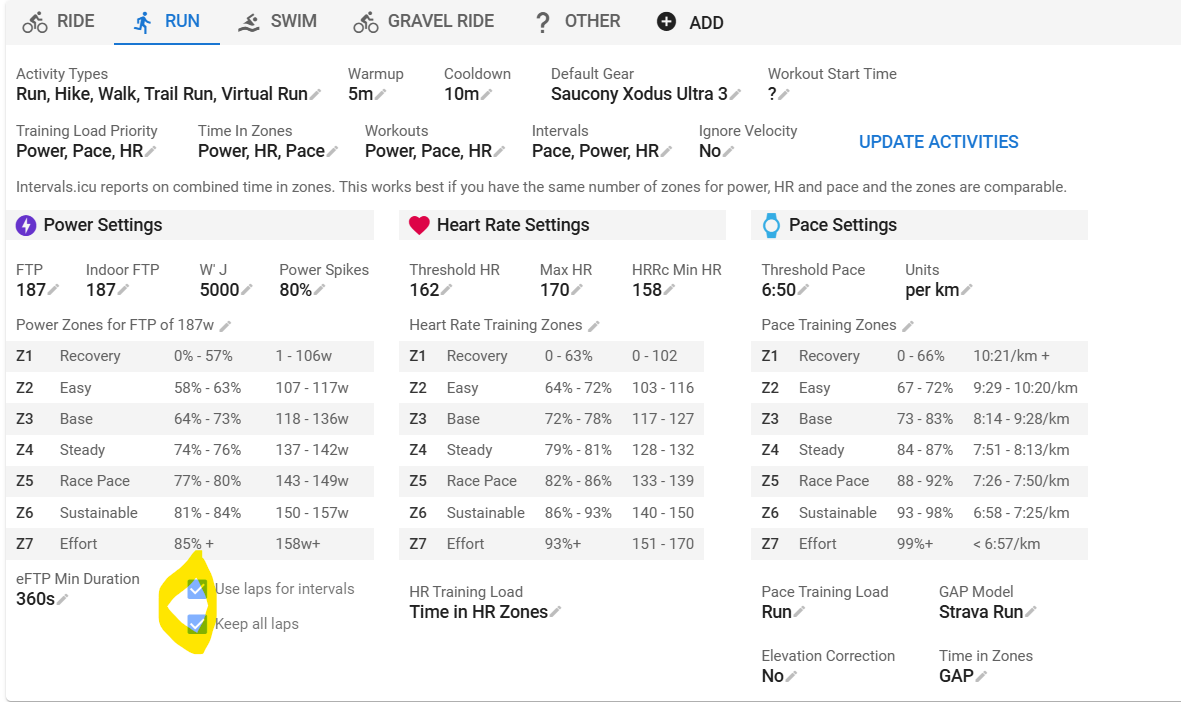
I’ve tried the “use laps” and “analyse” buttons but no dice!
Is anyone able to suggest anything else I could try? Thanks all
Use Laps from the Actions menu at the bottom of the activity page should work if the laps are in the file. How did the file import in Intervals? Garmin Connect/Strava/Other…
did you upload the FIT file manually or was it autosync from Garmin Connect?
Just throwing out ideas…
if it was autosync, could you try Manually uploading? Not sure what that will accomplish but…
To Be clear, previous workouts synced are showing laps correctly? If you don’t mind… post a link to the FIT file and I’ll also give it a go uploading to my account.
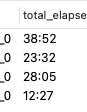
Was this ever fixed btw? Also have this issue. Detection of laps not working. Got the FIT file, verified it has laps, uploaded it manually as well but also no luck
EDIT: Ok, deleted all laps in intervals.icu, then I saw that taking laps from the file works but they are somewhat off. Some laps are combined with others.
Just enter some power values to make the boxes show up. This has been reported before but it is something that can’t be easily reproduced and thus not easy to solve…