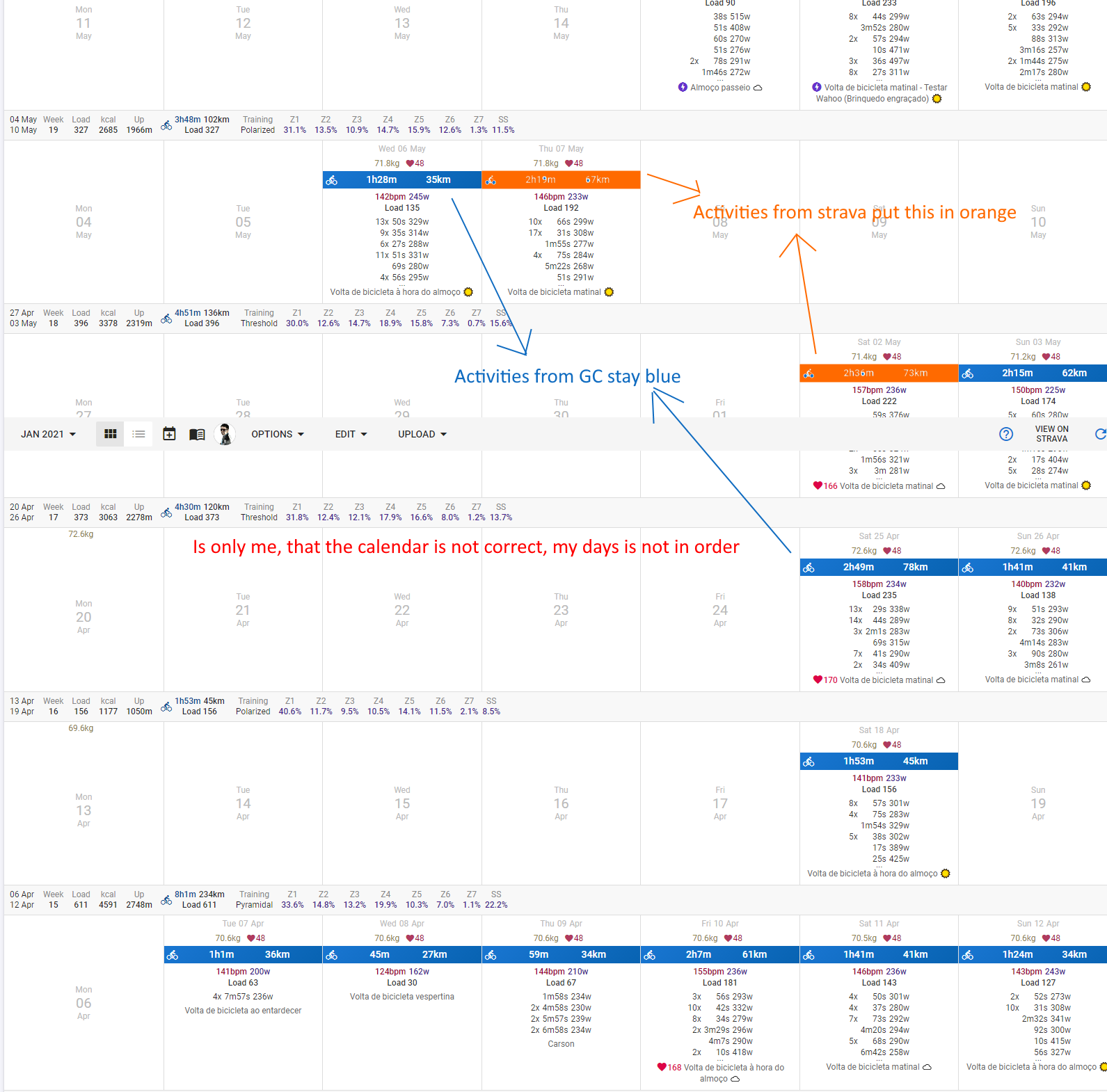
As you can see in the image, in my calendar the days are not in order, stranger.
Then I leave an idea that could help to understand if the synchronization was done by Strava or GC. which is to change the colors of the exercises, orange for Strava and blue as it is for GC.
See the attached file
Regards
Can you clarify what you mean by “days are not in order”? Is that because older days are lower down in the page? There’s an option to flip the calendar, just click on the month on the top-left of the calender:
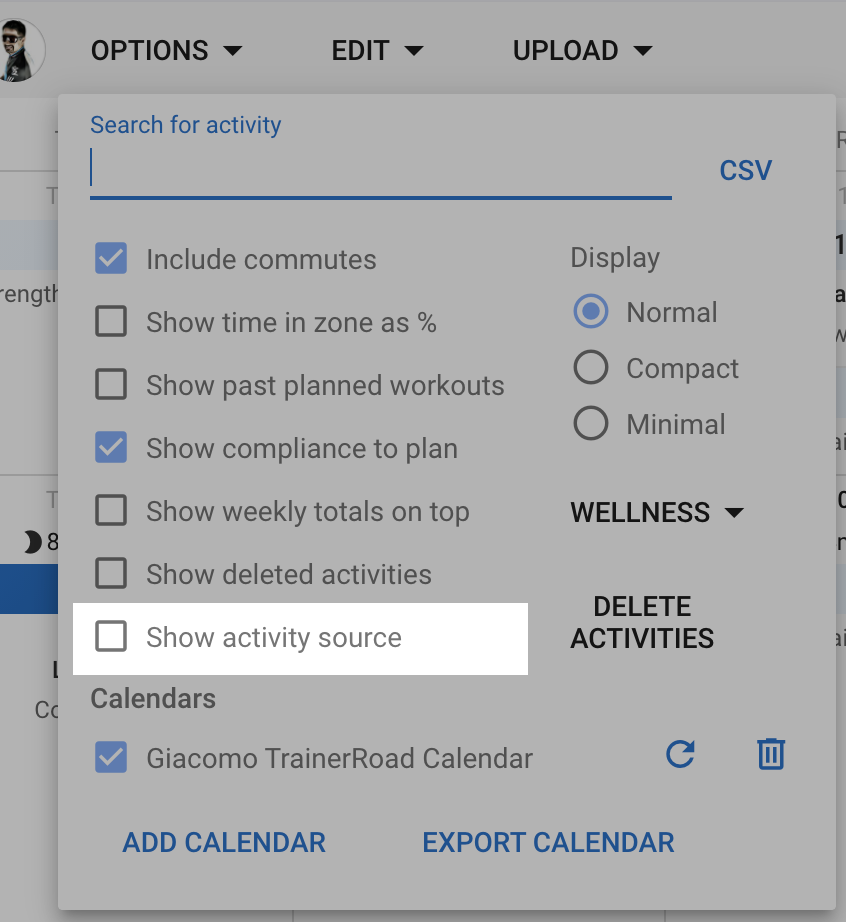
There’s also an option to show the Activity Source which might help, even though it’s not the color setting you are proposing 
I think that the problem is solved, maybe the problem is because I change the source, and take some time to organized the things.
About the “Show Activity Source” to honest I forget that option, thanks to remember
But in my opinion the colors is must beautiful and is one less line in descriptions
1 Like