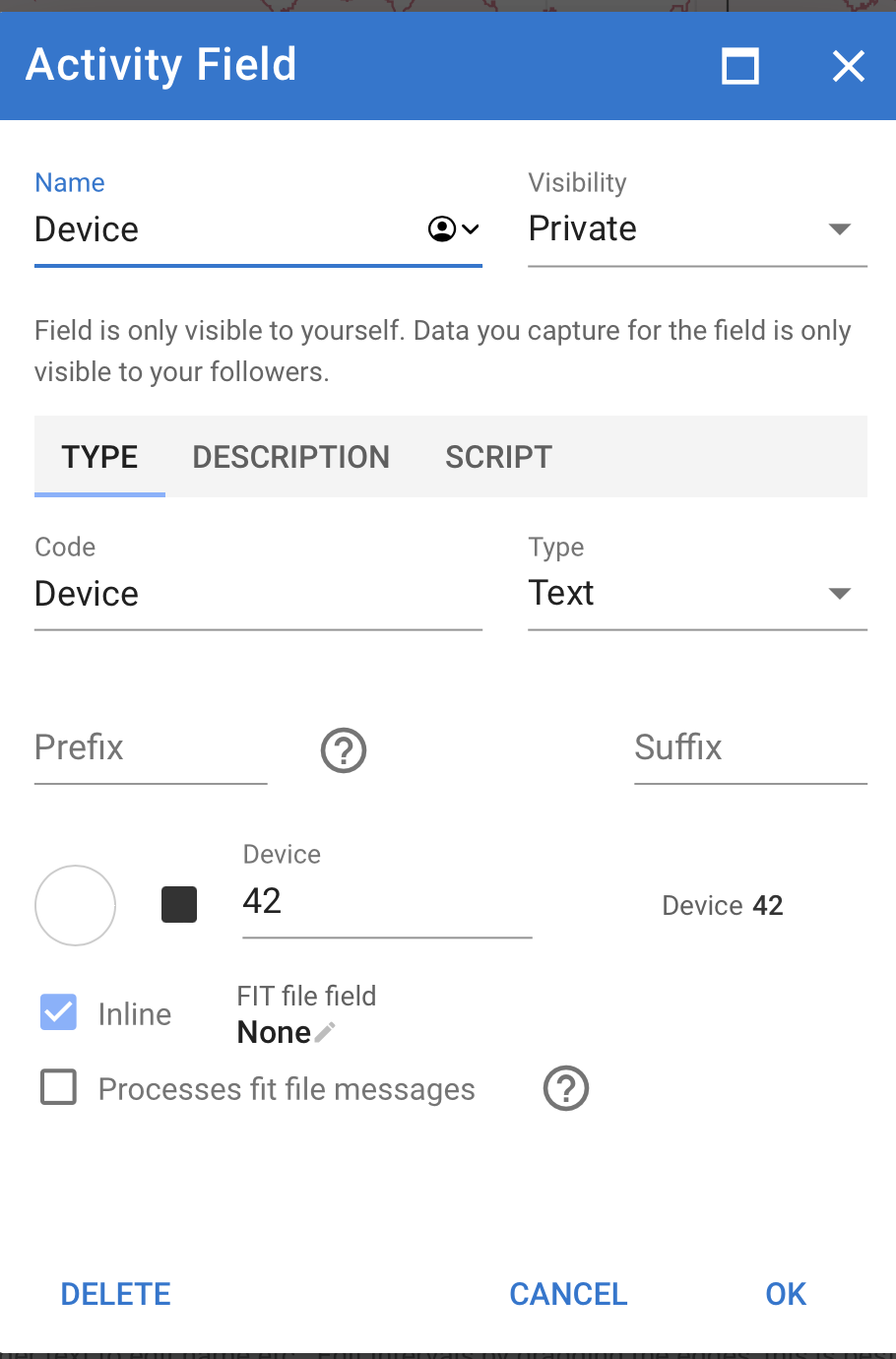
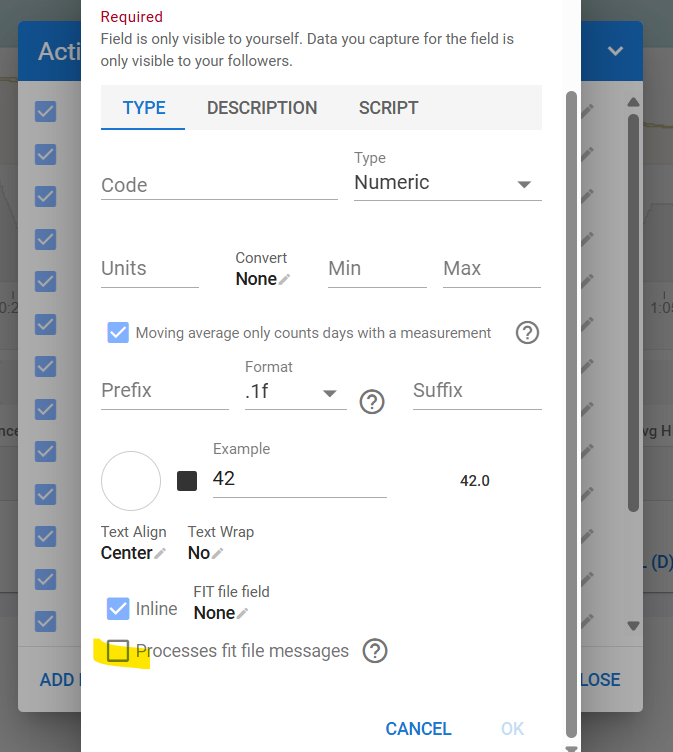
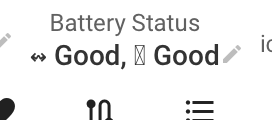
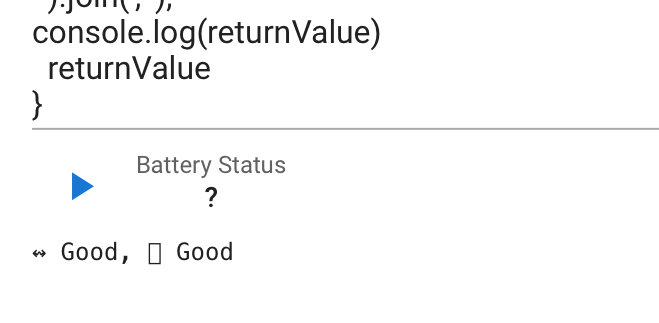
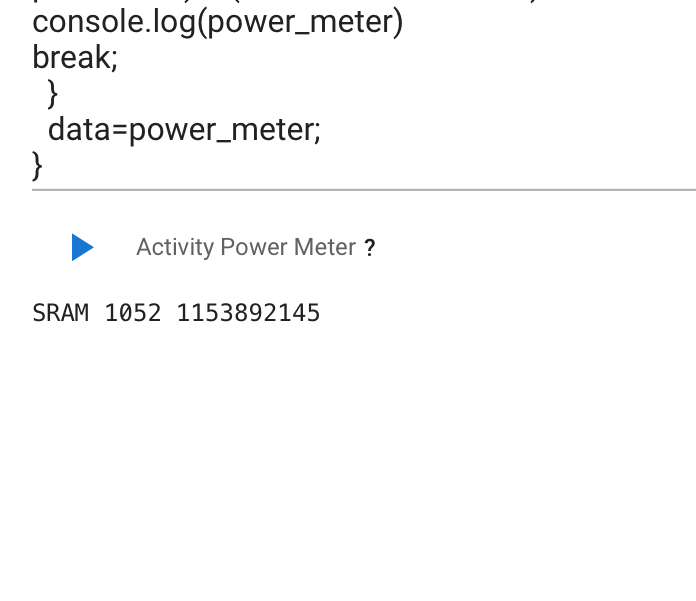
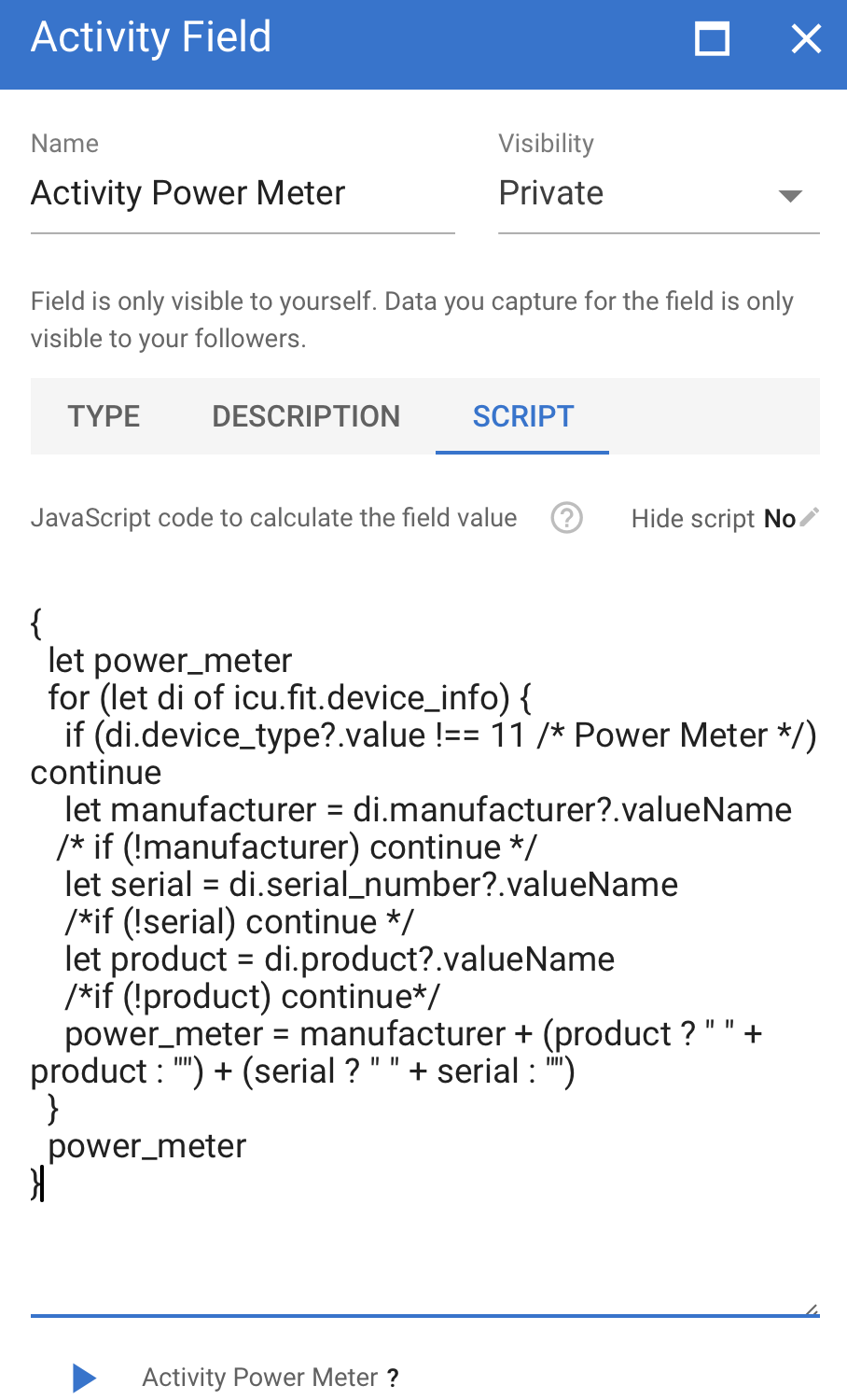
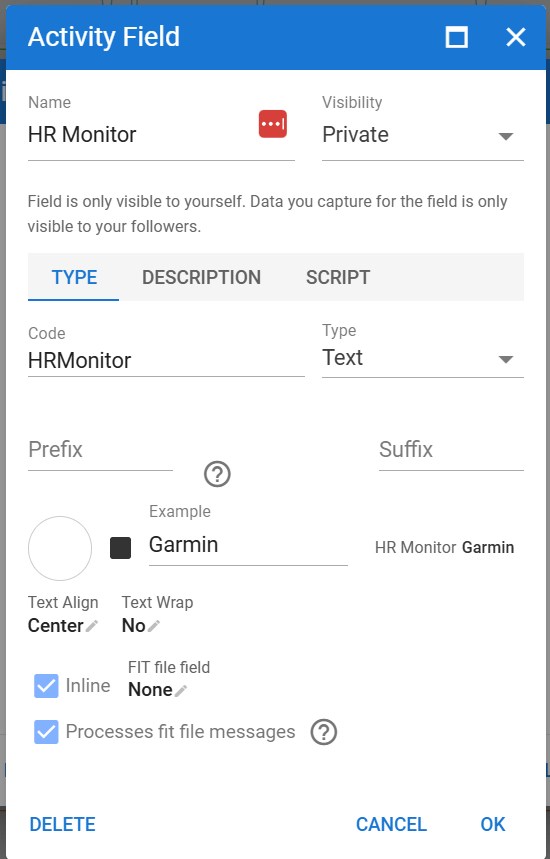
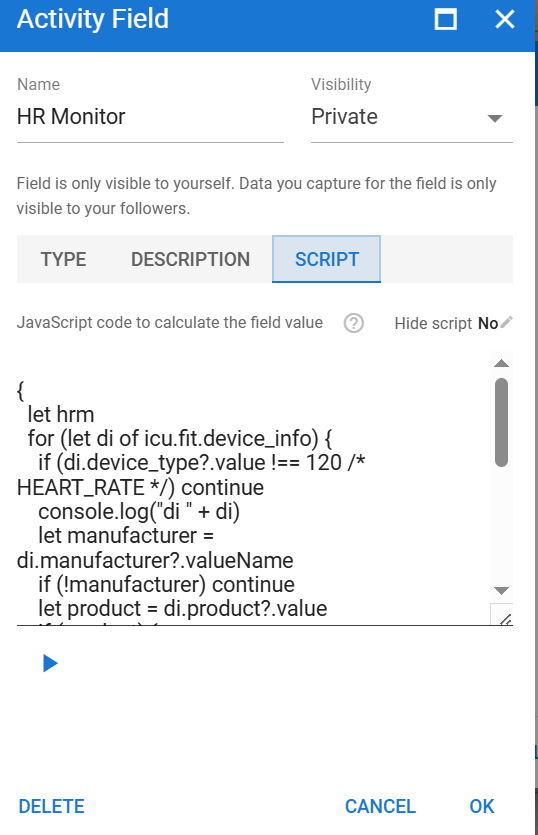
You need to tick the “Processed fit file messages” box and use a script:
{
  let level
  for (let di of icu.fit.device_info) {
    if (di.manufacturer?.value !== 23 /* Suunto*/) continue
    console.log("di " + di)
    let v = di.battery_level?.value
    if (typeof v === 'number' && (!level || v < level)) level = v
  }
  level
}
In this case I have chosen the lowest value. The console log looks like this:
di timestamp(s)=1075909291,battery_voltage(V)=4.05078125,battery_level(%)=70,manufacturer=23,product=59,product_name=Suunto Vertical
di timestamp(s)=1075909479,battery_voltage(V)=4.05078125,battery_level(%)=69,manufacturer=23,product=59,product_name=Suunto Vertical
di timestamp(s)=1075912229,battery_voltage(V)=4.03125,battery_level(%)=68,manufacturer=23,product=59,product_name=Suunto Vertical
Hi.
I would like to keep track on duration of specific intervals during the season.
After my ride I will change the interval name with one that will be the same for every activity with this kind of “test”.
Can a custom field be created with this information?
so when I edit the label for this interval, the script searches into all the intervals and if find the “testing_interval” labeled interval, put this value in the custom field
something like this pseudo code
{
 let output
 for_every_intervals_in_activity as interval{
   if (interval.label == "testing_interval") {
         output = interval.duration
  }
 output
}
Hi, I’m trying to set an activity custom field that calculates the days since the last activity tagged with an specific tag. Do you think there is a way to do it with this limitation of not having access to previous activity records?
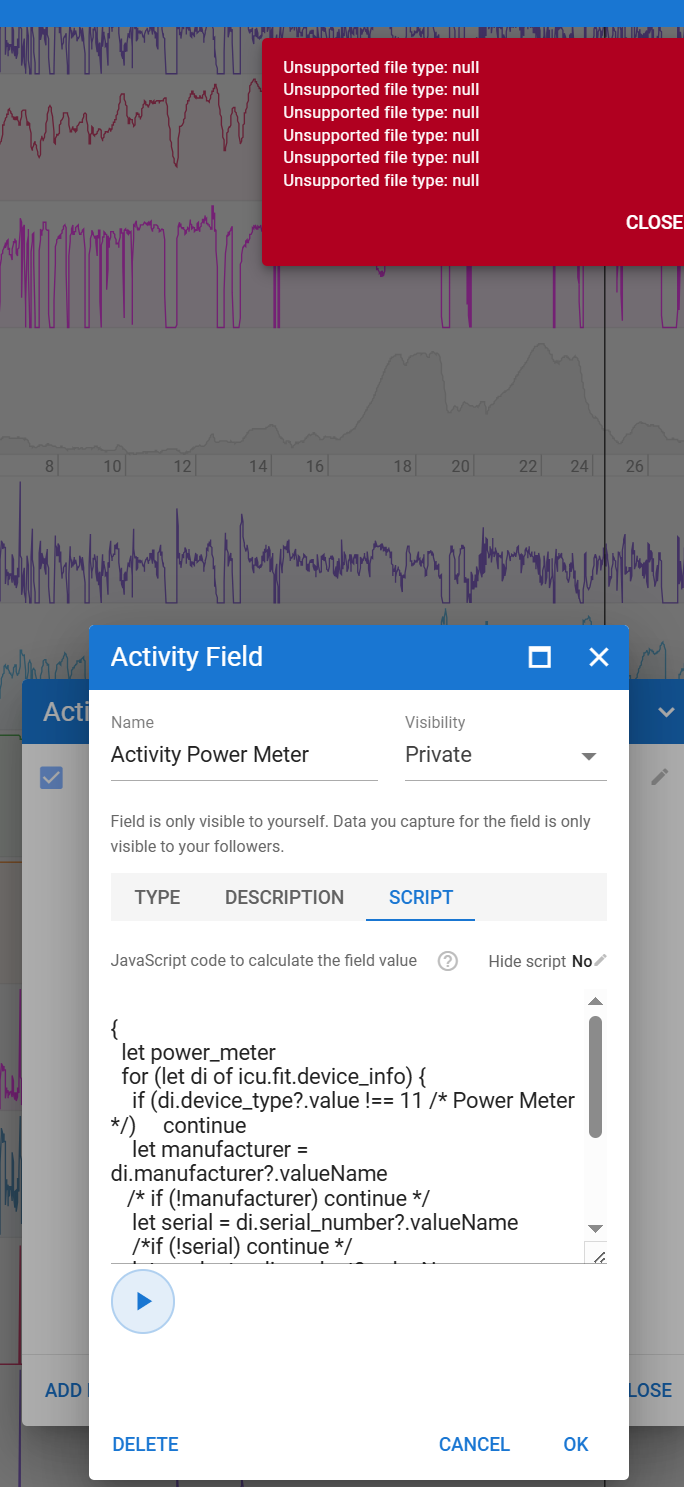
Your activities are from the Strava API and Strava doesn’t hand over the original files. So there is no fit file to process. We will fix that error message.
You should connect your Wahoo directly so Intervals.icu gets the fit file. Keep Strava connected so the two are linked. You can use the “Import All Strava data” button in the Strava box in /settings to get original files for all of your Strava stuff.
In order to monitor improvements in my running dynamics, I’m plotting ground contact time (GCT) on a custom fitness page (I guess I can because I have a GCT custom field set up for my running activities). However I think that it’s not very relevant to track changes in the average GCT of each running activity, as this average number is affected by slow phases (warmup, recovery, cooldown).
Actually, what would really make sense would be to calculate and show the GCT average taking into account only parts of the activity where the intensity is above a specified value (i.e : tracking GCT only for intervals where my pace is above XXmin/km). This way plotting this ‘custom’ GCT over time would really make sense to track progress.
I believe this should be possible to create a new custom stream that does this, but I really don’t know how to code it… If it’s to complicated, retrieving the max 5min value (as it’s done already for power) could also work I guess, although less practical.
Could someone please help me out with this? Thanks!
Thanks for that, exactly the piece of code I was looking for to get started!
I’ve been trying to set up any of the existing Z2runXX custom activity fields, but none work (they all give me the same TypeError: Cannot read property “data” from null message when I try to run a preview for the script page). @MedTechCD, any idea of what could be wrong? I tried out re-analysing the activity, using bigger ranges, lowering the minimum number of point threshold, and so on without success…).
I’m sure it’s the way to go, but I’m really struggling here!